

AI Subtitle Generator - iOS App


What is AI Subtitle Generator?
AI Subtitle Generator is a free Mac application that uses M1/M2 chip technology to quickly and efficiently generate subtitles for video and audio files with just one click, requiring no technical expertise.
How to use AI Subtitle Generator?
To use AI Subtitle Generator, simply download the app, open it on your Mac, and import your video or audio files. Click the subtitle generation button, and the app will process your files, providing you with accurate subtitles.
AI Subtitle Generator Pros and Cons
Pros
- Free Mac Application: The AI Subtitle Generator is a free application for Mac users, making it accessible to a wide audience.
- Fast Performance: Utilizes the hardware acceleration of M1/M2 chips for fast and efficient performance.
- User-Friendly Interface: The application features a user-friendly interface that allows for easy use, catering to users without technical expertise.
- One-Click Subtitle Generation: Offers a one-click solution to generate subtitles for both video and audio files.
- Offline Processing: Uses OpenAI's Whisper technology for local processing, which does not require an internet connection.
Cons
- Performance Issues: Some users reported slow performance compared to other applications and issues with inaccurate time measurements.
- Limited Functionality: Can only translate audio files up to 59 minutes, which may limit its usefulness for longer content.
AI Subtitle Generator Pricing
Free
TinyStudio is a free Mac application that leverages the power of M1/M2 chips to offer fast and efficient performance. It provides users with a one-click solution to generate subtitles for their video and audio files without any technical expertise required. - Free Mac app - Utilizes hardware acceleration of M1/M2 chips for fast performance - One-click subtitle generation for both video and audio files - OpenAI's Whisper technology used for local processing without internet access - Supports subtitle import and export - Rule-based correction system to ensure accuracy and reliability - User-friendly interface for easy use - Useful to increase efficiency for Vloggers, marketers, and social media enthusiasts. - Dark Mode It is a highly effective video editing tool suitable for Vloggers, marketers, and social media enthusiasts.
For the latest pricing, please visit this link: https://apps.apple.com/us/app/tinystudio/id6448954288
Prices are subject to change. Please visit the official website for the most up-to-date pricing information.
AI Subtitle Generator Compare
| Tool Name | Introduction | Pricing | Type | Rating | Launch Date | Learn more |
|---|---|---|---|---|---|---|
Introducing StudyCat - the ultimate learning app that allows you to turn any text into a fun and engaging quiz in just a few clicks!
With StudyCat, you can eas… | Free | -- | November 23, 2025 | Get deal | ||
Magic Stickers - AI Art on the App Store | Free | -- | January 9, 2025 | Get deal | ||
AI Song Generator, Cover & Rap on the App Store
| Free | December 31, 1984 | Get deal |


Info current as of post date. Offers and availability may vary by location and are subject to change.
AI Subtitle Generator Alternatives
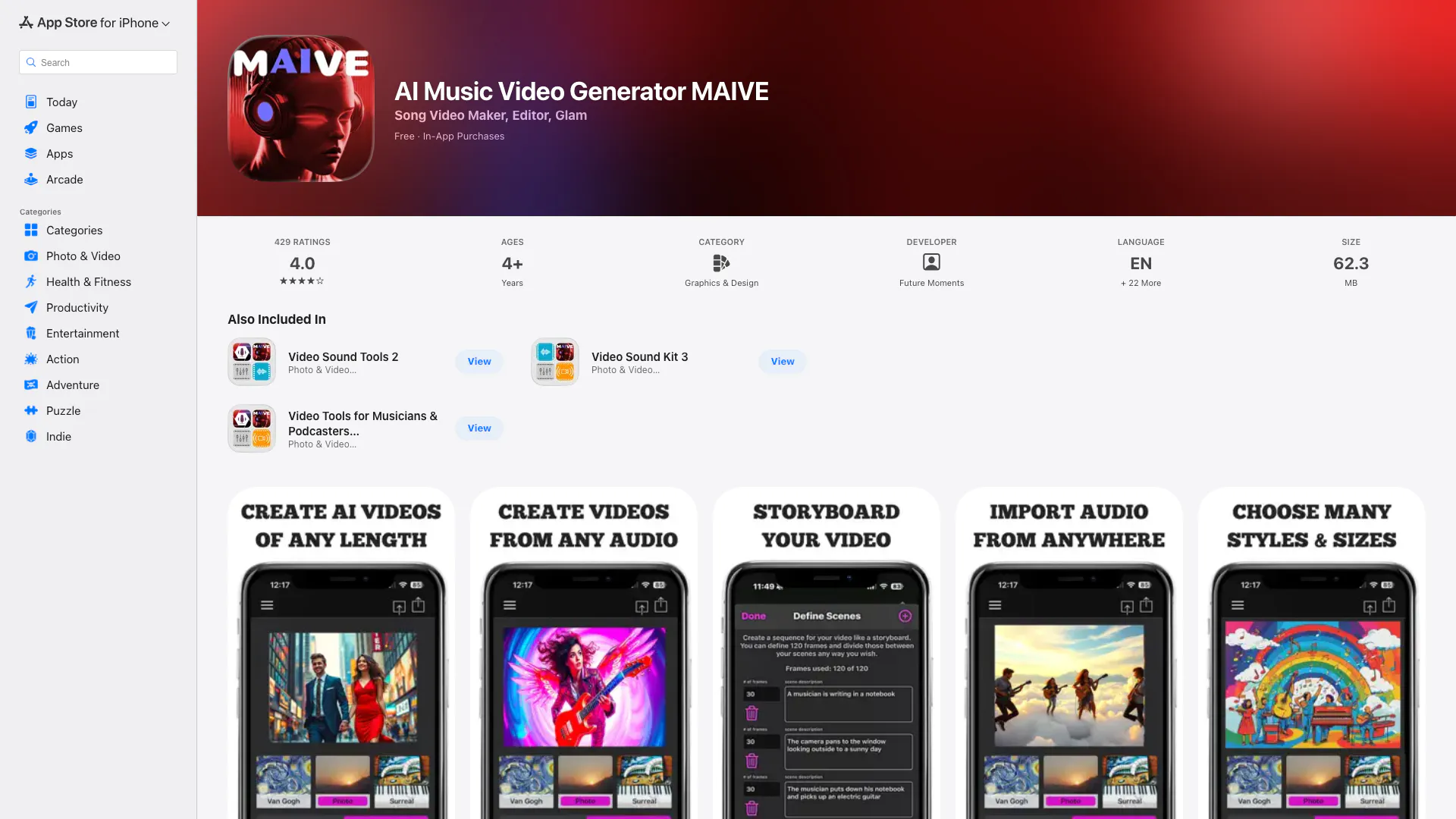
Turn words into AI Videos of any length. Also create AI Album Cover Art! Enter a text prompt, pick a style and let MAIVE do its magic and bring your ideas to l…
- Audio & Music
- AI Audio Editing
- AI Music Generator
- AI Video Editor
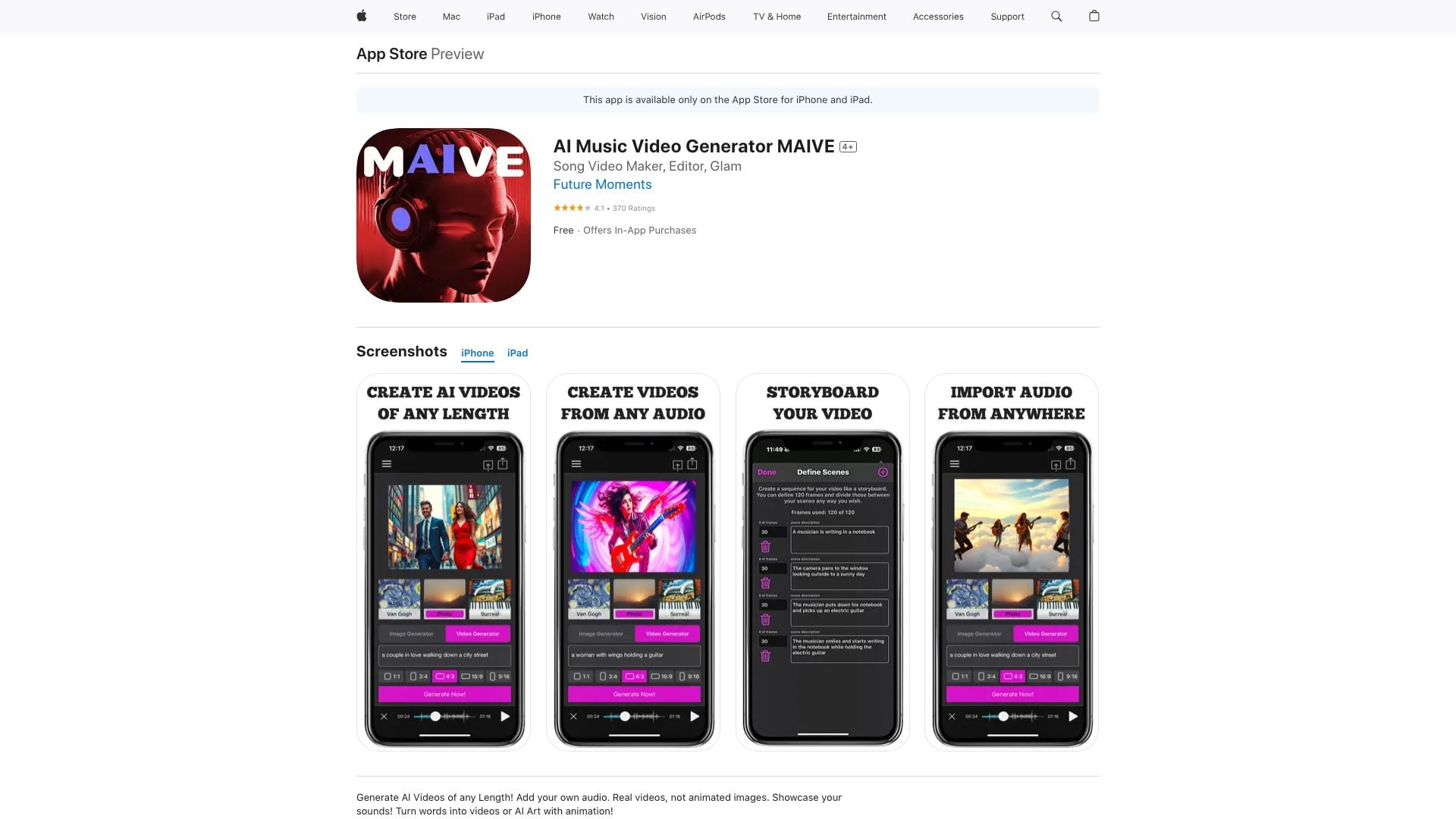
Turn words into AI Videos of any length. Also create AI Album Cover Art! Enter a text prompt, pick a style and let MAIVE do its magic and bring your ideas to l…
- Video & Animation
- AI Video Generator

Dual Camera Double Video on the App Store
- Video & Animation
- AI Video Generator