

Alokikai
What is Alokikai?
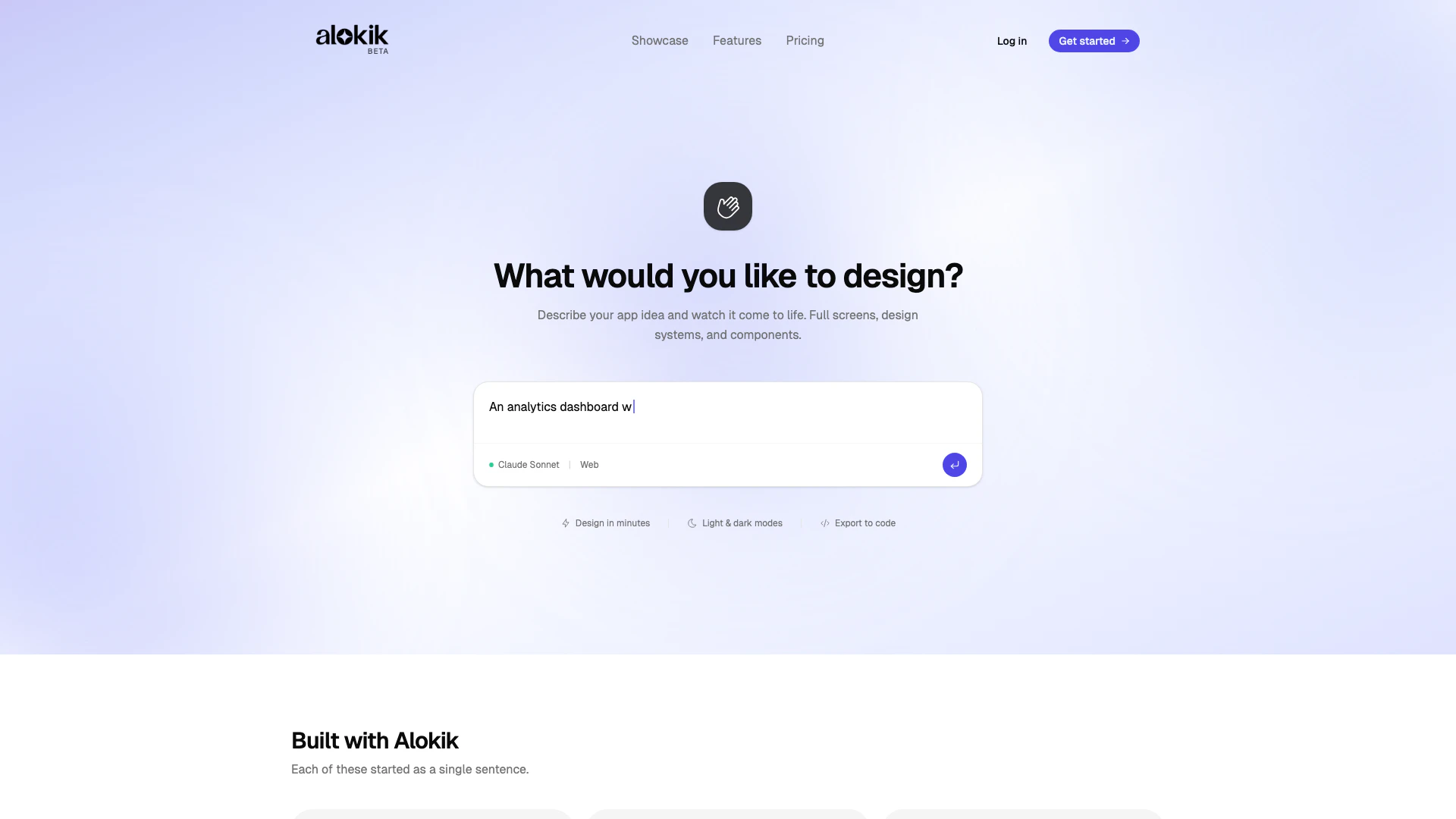
Alokikai is an innovative AI-powered tool designed to transform your app ideas into polished user interface (UI) screens within minutes. This versatile platform allows users to generate complete designs, including themes, components, and layouts, for both mobile and web applications. With Alokikai, you can easily export your designs to code or Figma, making it a valuable asset for designers and developers alike.
How to use Alokikai?
- Sign up for an account on the Alokikai website to get started.
- Describe your app idea in the provided input field, detailing the features and design elements you envision.
- Choose a design model based on your needs, such as Gemini Flash for speed or Gemini Pro for more detailed designs.
- Review the generated screens, and refine the designs by interacting with the tool, requesting changes like adjusting colors or layouts.
- Once satisfied with your designs, export them to code, Figma, or share a live preview link with your team.
What are the main features of Alokikai?
- AI-powered design generation that creates complete UI screens quickly.
- Multiple design models available, including Gemini Flash and Gemini Pro.
- Real design systems with customizable themes, typography, and components.
- Support for both mobile and web design, ensuring consistency across platforms.
- Easy export options to code, Figma, and AI code builders.
- Collaborative features that allow sharing of live previews and design feedback.
Who is Alokikai for?
Alokikai is ideal for a wide range of users including app developers, UI/UX designers, and entrepreneurs looking to prototype their app ideas. It caters to individuals and teams who require rapid design iterations without the need for extensive design expertise. Whether you are a startup founder needing to visualize your app concept or a designer seeking to streamline your workflow, Alokikai provides the tools necessary to create professional-grade UI screens efficiently.
What are the use cases of Alokikai?
- Rapid prototyping of mobile and web applications to visualize ideas before development.
- Designing user interfaces for startup pitches or investor presentations to showcase app concepts.
- Creating multiple design variations quickly for A/B testing to determine user preferences.
- Collaborating with teams by sharing live previews and receiving feedback on design elements.
- Streamlining the design process for established companies looking to enhance their existing applications.
Alokikai Pros and Cons
Pros
- Quick Design Generation: Alokik allows users to generate complete UI designs in minutes by simply describing their app idea, significantly speeding up the design process.
- Comprehensive Design Systems: The tool provides full design systems including themes, typography, and components, ensuring consistency across mobile and web platforms.
- Multiple Export Options: Users can export their designs to code, Figma, or share live preview links, facilitating easy collaboration and integration into development workflows.
Cons
No cons data detected for this tool
Alokikai Pricing
Basic
500 credits · ~45 screens/mo* - Gemini Flash, Unlimited projects, ~45 screens per month, AI image generation, Export to code, Figma & AI builders.
Growth
1,000 credits · ~90 screens/mo* - Gemini Flash + Gemini Pro, Up to ~90 screens per month, Unlimited projects, AI image generation, Export to code, Figma & AI builders, Shareable preview links.
Scale
2,500 credits · ~225 screens/mo* - Gemini & Claude Sonnet, Up to ~225 screens per month, Unlimited projects, AI image generation, Export to code, Figma & AI builders, Shareable preview links.
For the latest pricing, please visit this link: https://alokik.ai/#pricing
Prices are subject to change. Please visit the official website for the most up-to-date pricing information.
Alokikai Compare
| Tool Name | Introduction | Pricing | Type | Rating | Launch Date | Learn more |
|---|---|---|---|---|---|---|
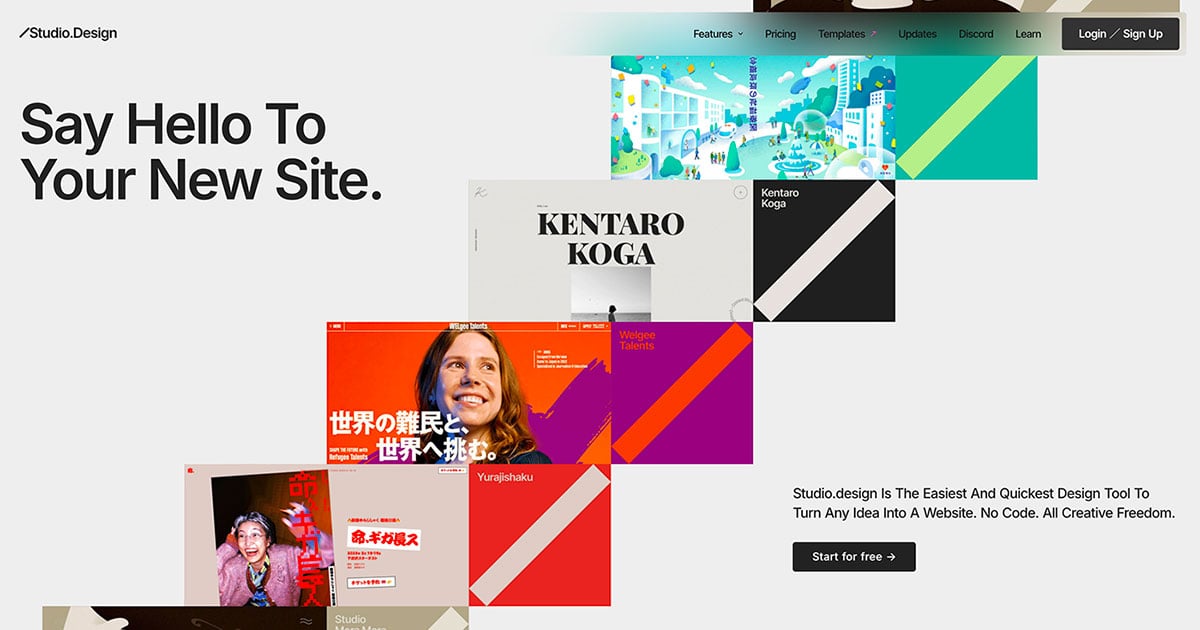 | The easiest and quickest way to build your beautiful portfolio website, landing page or anything. No code. All creative freedom. | Free | 💼Work🎨Creativity | July 6, 2017 | Get deal | |
 | Whisper as a Service (GUI and API with queuing for OpenAI Whisper) - schibsted/WAAS | Free | 💼Work🎨Creativity | October 8, 2007 | Get deal | |
 | Welcome to Kayyo, the world is your dojo with your team of AI MMA coaches! Are you looking to learn, train, and compete in mixed martial arts? Kayyo is here to… | Free | 🙋♂️Personal💼Work | December 31, 1984 | Get deal |
Info current as of post date. Offers and availability may vary by location and are subject to change.
Alokikai Q&A
Credits are the currency used within Alokik to access features and generate screens. Each plan provides a certain number of credits per month, which can be used to create designs.
Alokikai Alternatives
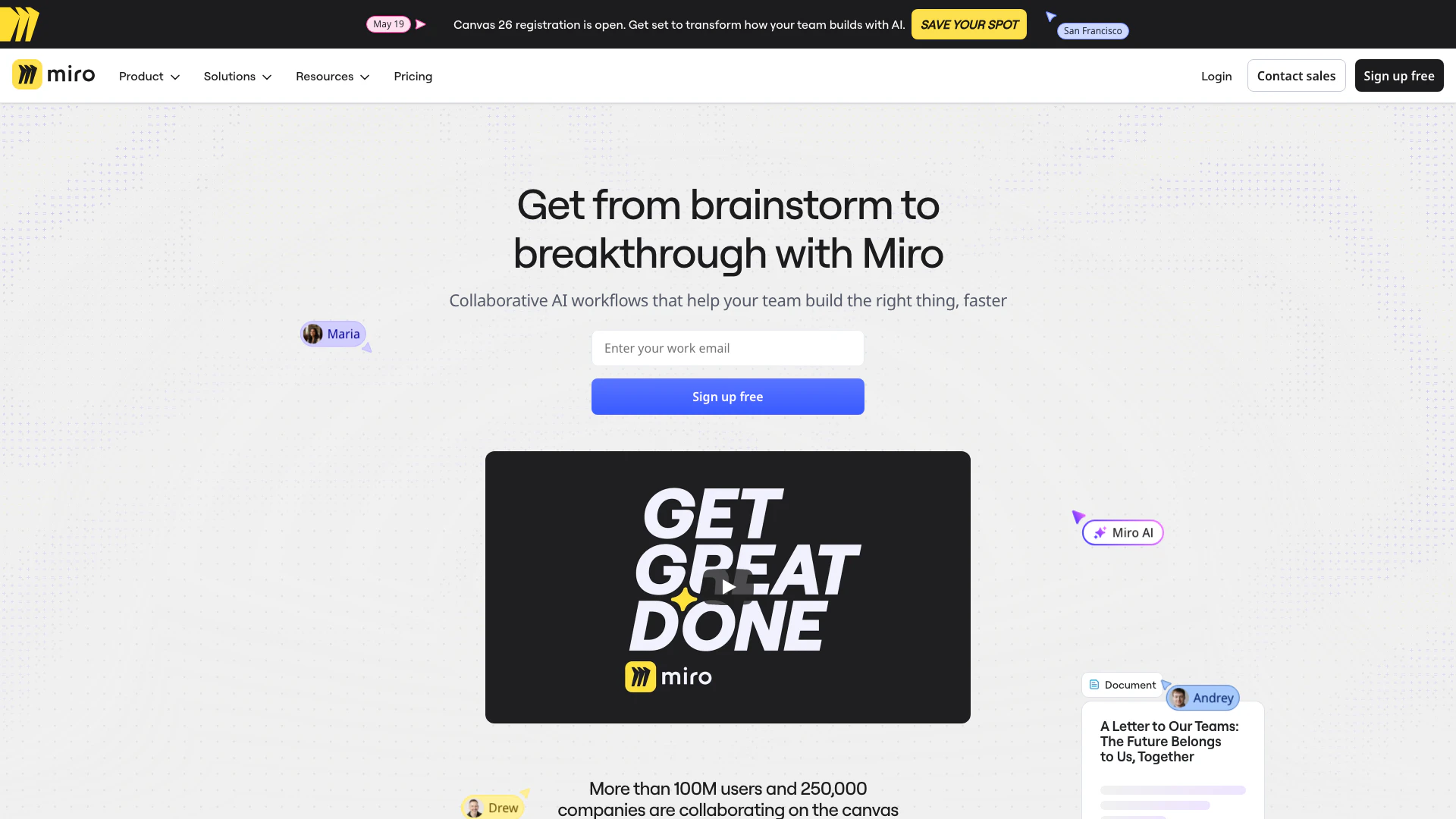
Speed up product development from ideation to launch. Align teams, break tool silos, and ship what customers need in one AI-powered visual platform.
- Art & Design
- AI Design Assistant
- AI UX/UI Design
- Ai Whiteboard

Framer: Create a professional website, free. No code website builder loved by designers.
- Art & Design
- AI Graphic Design Tools
- Ai Website Builder
- No Code Low Code

Adobe empowers users to create and optimize digital content.
- Art & Design
- AI Graphic Design Tools
- AI UX/UI Design
- AI Creative Suite