

Anylayr


What is Anylayr?
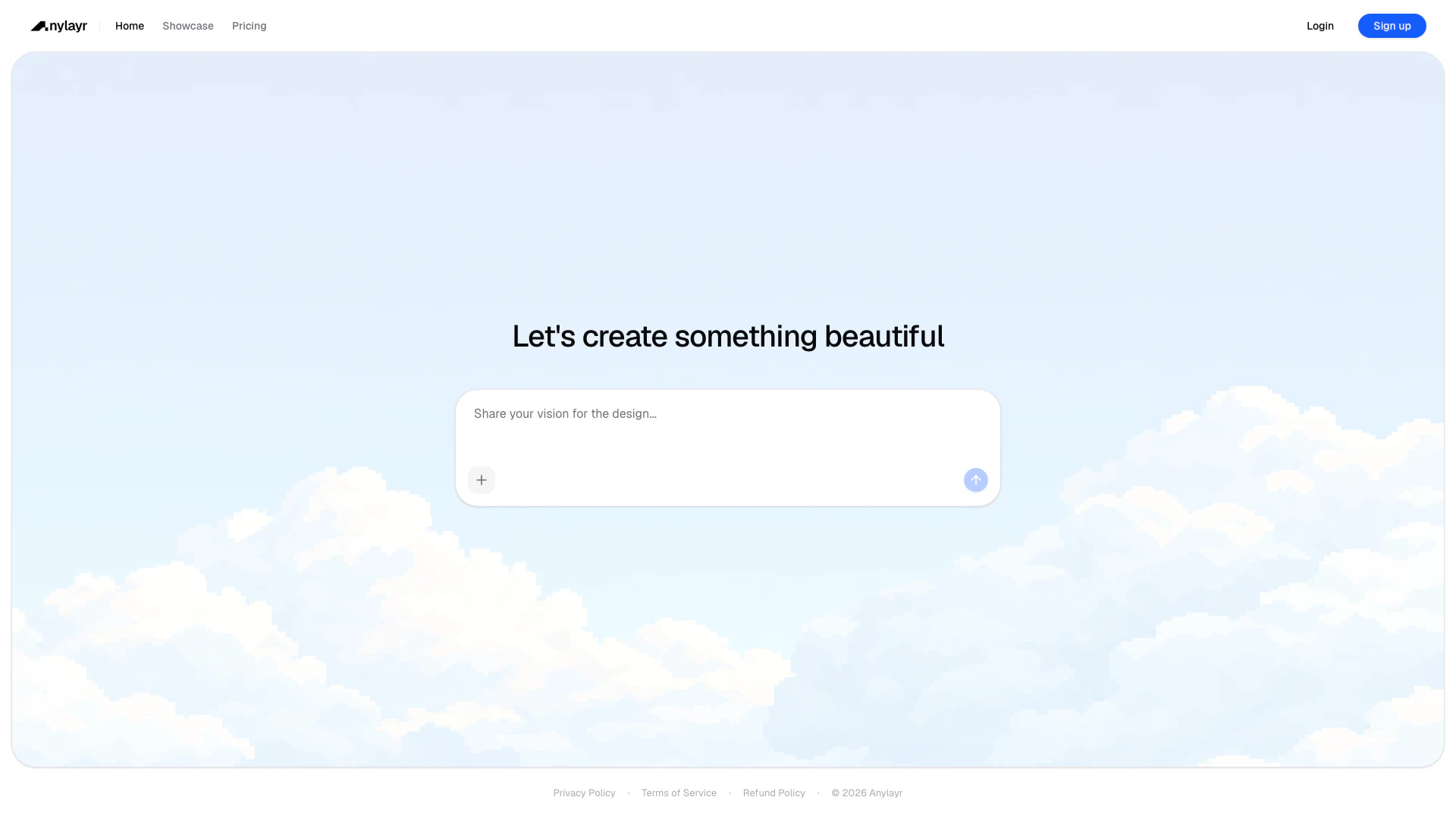
Anylayr is an innovative AI-powered UI design application that enables users to create stunning user interfaces for mobile and web applications effortlessly. With its advanced artificial intelligence capabilities, Anylayr allows designers and developers to generate, customize, and preview their designs in real-time, streamlining the design process and enhancing productivity. The tool is particularly beneficial for those looking to create visually appealing and user-friendly interfaces without the need for extensive coding knowledge.
How to use Anylayr?
- Visit the Anylayr website and sign up for an account.
- Once logged in, select the type of project you want to create (mobile or web app).
- Use the AI tools provided to generate design elements or customize existing templates.
- Preview your design in real-time to see how it looks on different devices.
- Save your design and export it as needed for further development.
What are the main features of Anylayr?
- AI-powered design generation for quick and easy UI creation.
- Real-time preview functionality for both mobile and web applications.
- User-friendly interface that simplifies the design process.
- Customization options to tailor designs to specific needs.
- Optimized for larger screens, enhancing usability on desktop.
Who is Anylayr for?
Anylayr is designed for UI/UX designers, web developers, and anyone involved in the creation of digital interfaces. It is particularly useful for those who may not have extensive coding skills but wish to produce high-quality, visually appealing user interfaces. Startups, small businesses, and design teams looking to streamline their design workflow will find Anylayr to be an invaluable tool.
What are the use cases of Anylayr?
- Designing user interfaces for mobile applications quickly and efficiently.
- Creating web app interfaces that are visually engaging and user-friendly.
- Rapid prototyping of UI designs for client presentations or stakeholder feedback.
- Collaborating with team members on design projects using the platform's features.
Product Images

Anylayr Pros and Cons
Pros
- AI-Powered Design Assistance: Anylayr utilizes AI technology to assist users in designing user interfaces, making the design process faster and more efficient.
- Instant Preview of Designs: Users can instantly create and preview mobile and web app designs, allowing for quick iterations and adjustments.
- Optimized for Larger Screens: The application is designed to provide a full experience on desktop, ensuring that all features are optimized for larger displays.
Cons
No cons data detected for this tool
Anylayr Compare
| Tool Name | Introduction | Pricing | Type | Rating | Launch Date | Learn more |
|---|---|---|---|---|---|---|
 | Seance AI - Commune with lost friends and family via AI | Free | 🙋♂️Personal🎨Creativity | April 10, 2023 | Get deal | |
 | Transform your expertise into professional content effortlessly. | Free | 💼Work🎨Creativity | October 29, 2025 | Get deal | |
 | Launch SEO-friendly directory websites effortlessly. | Free | 💼Work🎨Creativity | January 6, 2026 | Get deal |
Info current as of post date. Offers and availability may vary by location and are subject to change.
Anylayr Alternatives

Adobe empowers users to create and optimize digital content.
- Art & Design
- AI Graphic Design Tools
- AI UX/UI Design
- AI Creative Suite
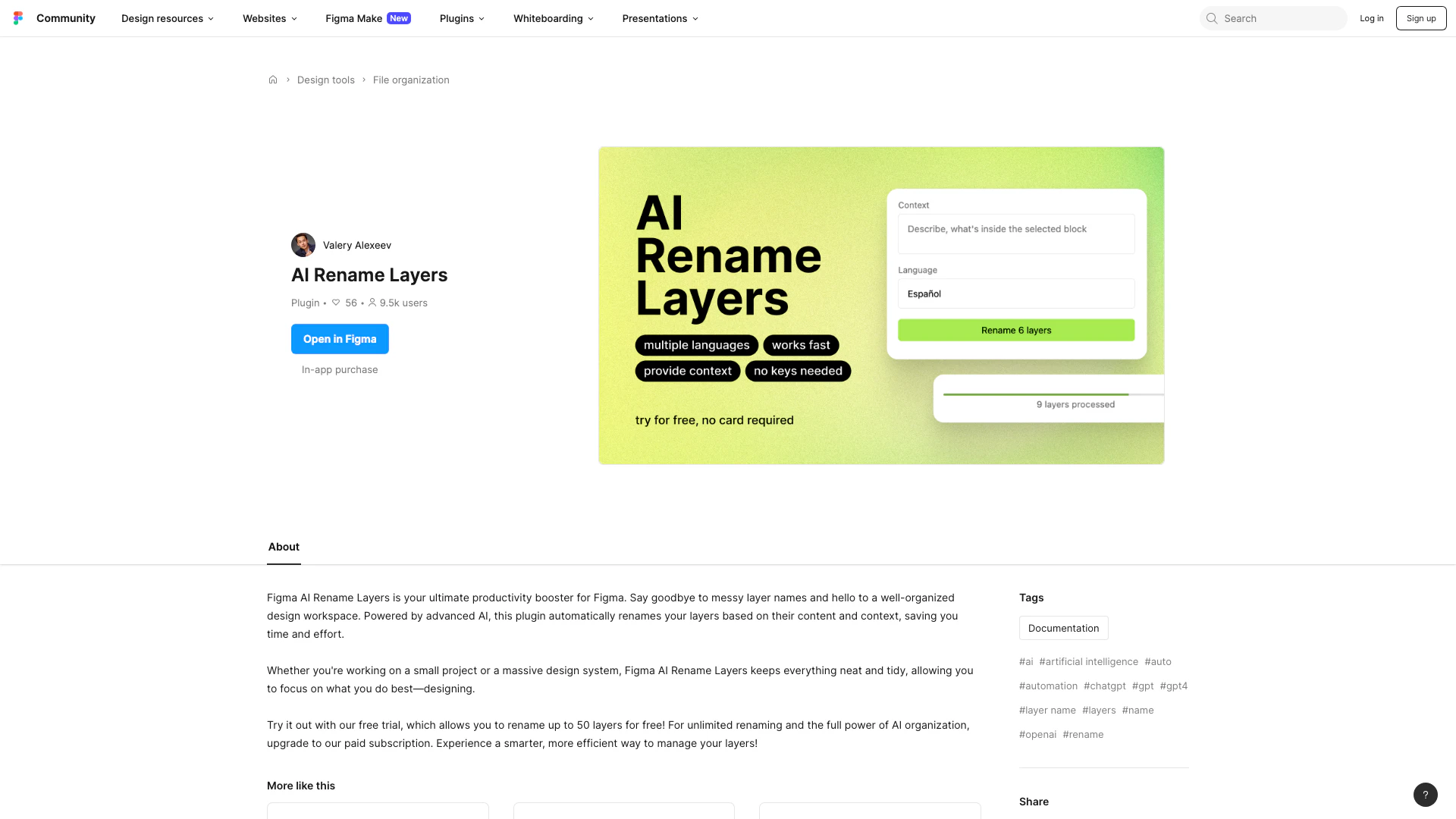
Automate layer renaming in Figma for better organization.
- Art & Design
- AI Design Assistant
- AI Graphic Design Tools
- AI UX/UI Design
Speed up product development from ideation to launch. Align teams, break tool silos, and ship what customers need in one AI-powered visual platform.
- Art & Design
- AI Design Assistant
- AI UX/UI Design
- Ai Whiteboard