

Autofile
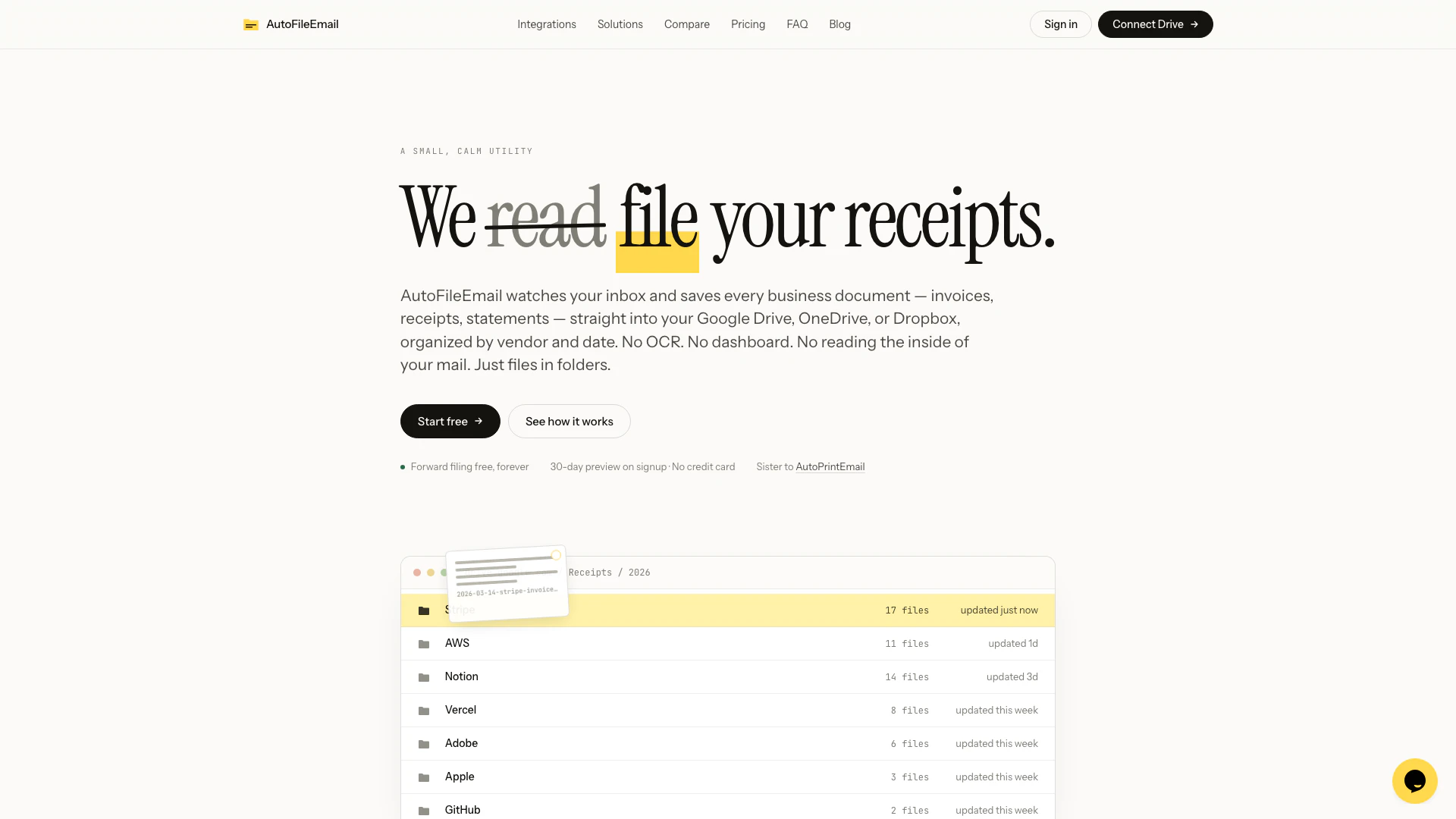





What is Autofile?
Autofile is an innovative email management tool designed to streamline the process of filing email attachments directly to your cloud storage. By connecting your inbox, Autofile automatically organizes and stores every new attachment, ensuring that your important documents are easily accessible and well-managed. With a free tier for basic use and a premium subscription for power users, Autofile caters to individuals and businesses looking to enhance their email organization without the hassle of manual filing.
How to use Autofile?
- Visit the Autofile website and sign up for a free account, which requires no credit card or trial timer.
- Connect your email inbox to Autofile by following the on-screen instructions to grant necessary permissions.
- Choose your preferred cloud storage option (Google Drive, Dropbox, or OneDrive) where your attachments will be filed.
- Start receiving real-time filing of new email attachments automatically, with the option to upgrade to a Pro account for more features.
- If you want to backfill past attachments, purchase a Backfill Pack that suits your needs.
What are the main features of Autofile?
- Real-time filing of new email attachments to your chosen cloud storage.
- Free forever for one inbox, with no credit card required.
- Backfill Packs available for scanning and filing past emails.
- Built-in vendor library with approximately 500 vendors for easy categorization.
- Read-only library dashboard to view filed documents.
- Advanced features for Pro users, including support for up to 5 inboxes, tagging, and notifications.
Who is Autofile for?
Autofile is ideal for anyone who frequently handles email attachments, including professionals, freelancers, and small business owners. It caters to those who seek a simple yet effective solution for managing their email files without the need for manual organization. Additionally, it benefits users who want to backfill their email history and have a centralized storage solution for their documents.
What are the use cases of Autofile?
- Professionals can use Autofile to manage client documents and contracts efficiently, ensuring they are stored in the right cloud location.
- Freelancers can keep track of project files and invoices by automatically filing them as they arrive in their inbox.
- Small businesses can utilize Autofile to maintain organized records of communications and attachments for tax purposes, especially with the year-end ZIP export feature.
Autofile Pros and Cons
Pros
- Affordable Pricing Options: Autofile offers a free tier for one inbox and affordable one-time purchase options for backfilling past emails, making it budget-friendly.
- Real-Time Filing: The tool automatically files new email attachments in real-time to your chosen cloud storage, enhancing efficiency.
- Simplicity and Focus: Autofile is designed to be straightforward, focusing solely on filing attachments without unnecessary features, which reduces complexity.
Cons
No cons data detected for this tool
Autofile Pricing
Free Plan
For one inbox, on the house. No credit card. No trial timer. Real-time filing as long as you have an account. 1 inbox · 1 cloud (Drive, Dropbox, or OneDrive). Real-time filing of new emails, forever. Built-in vendor library (~500 vendors). Read-only library dashboard. 30-day preview on signup — files your last 30 days as a sample, then stops.
Pro Plan
For up to 5 inboxes & power use. 2 months free. $12.42/mo equivalent billed annually at $149 save $30/yr. Up to 5 inboxes (fair use) · all clouds, multiple accounts. Real-time filing forever, no caps. Advanced vendor rules + business / personal tagging. Weekly digest · Slack & Teams notifications. Year-end ZIP export — tax-ready library. Full library dashboard · search · monthly summary. Priority email support. 20% off all Backfill Packs — loyalty perk. 14-day trial · no credit card required.
Lifetime Pro
One-time purchase for $149 — one-time, forever. First 50 customers only. Same as one year of annual, but you never pay again.
Tax Year Pack
Scan and file your past inbox for the last 12 months. One-time purchase.
3-Year Pack
Scan and file your past inbox for the last 3 years. One-time purchase.
Lifetime Pack
Scan and file your past inbox for all history (up to 50,000 emails; $0.005/email after). One-time purchase.
For the latest pricing, please visit this link: https://autofile.email/pricing
Prices are subject to change. Please visit the official website for the most up-to-date pricing information.
Autofile Compare
| Tool Name | Introduction | Pricing | Type | Rating | Launch Date | Learn more |
|---|---|---|---|---|---|---|
Lunit develops AI solutions that detect early-stage cancer and optimize cancer treatment for saving lives through technology. | Free | August 10, 2015 | Get deal | |||
Explore AI Lawyer for easy, quick, and budget-friendly legal help. Empowering consumers and lawyers with AI-driven solutions for all your legal needs. | Free | February 11, 2023 | Get deal | |||
AI-Based Cloud Cost Reduction Platform | Profisea Labs | Free | May 1, 2020 | Get deal |


Info current as of post date. Offers and availability may vary by location and are subject to change.
Autofile Alternatives
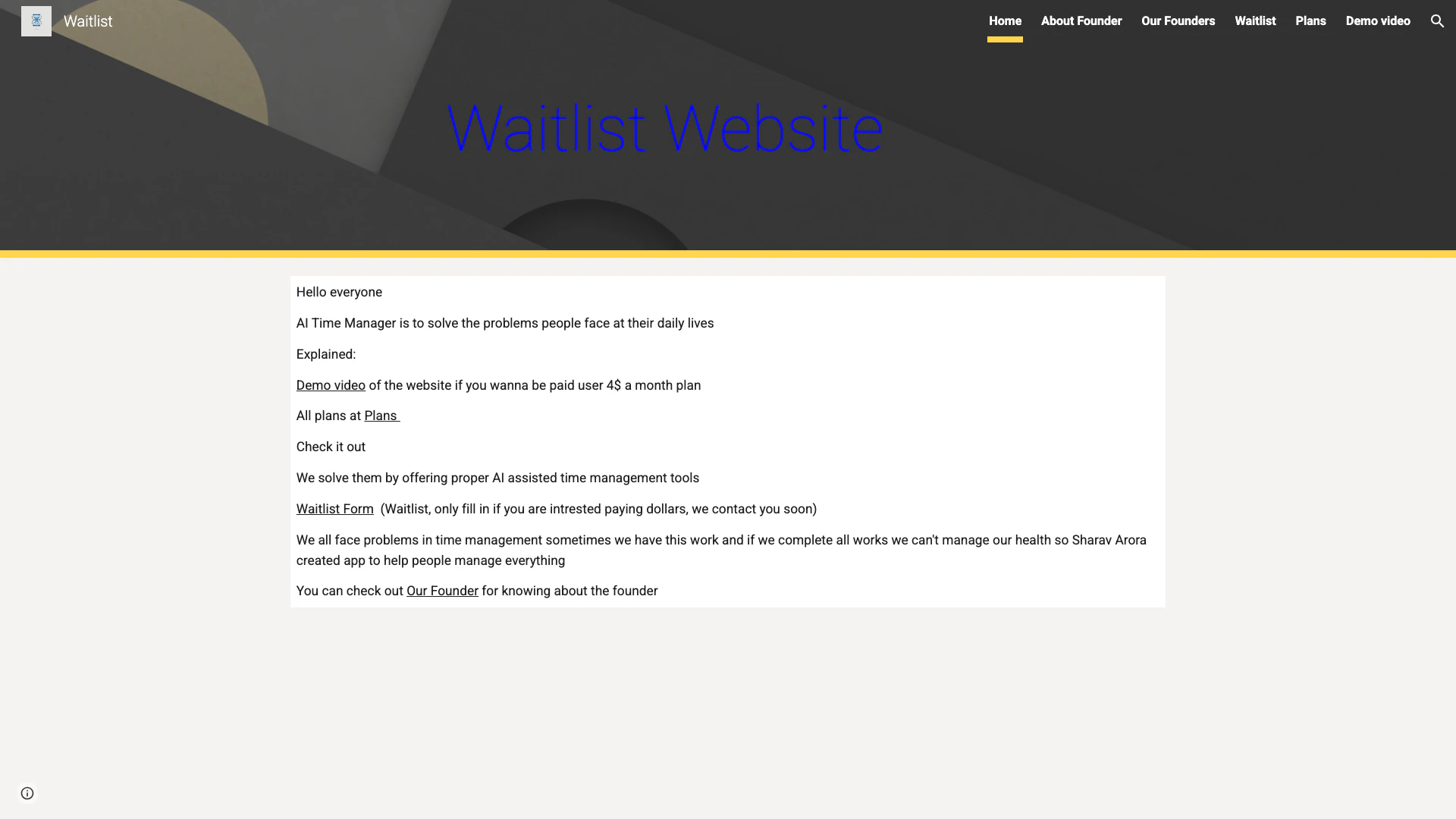
AI Time Manager offers AI-driven tools for better time management.
- Other
- AI Tools Directory
- Large Language Models (LLMs)
- Other AI Tools
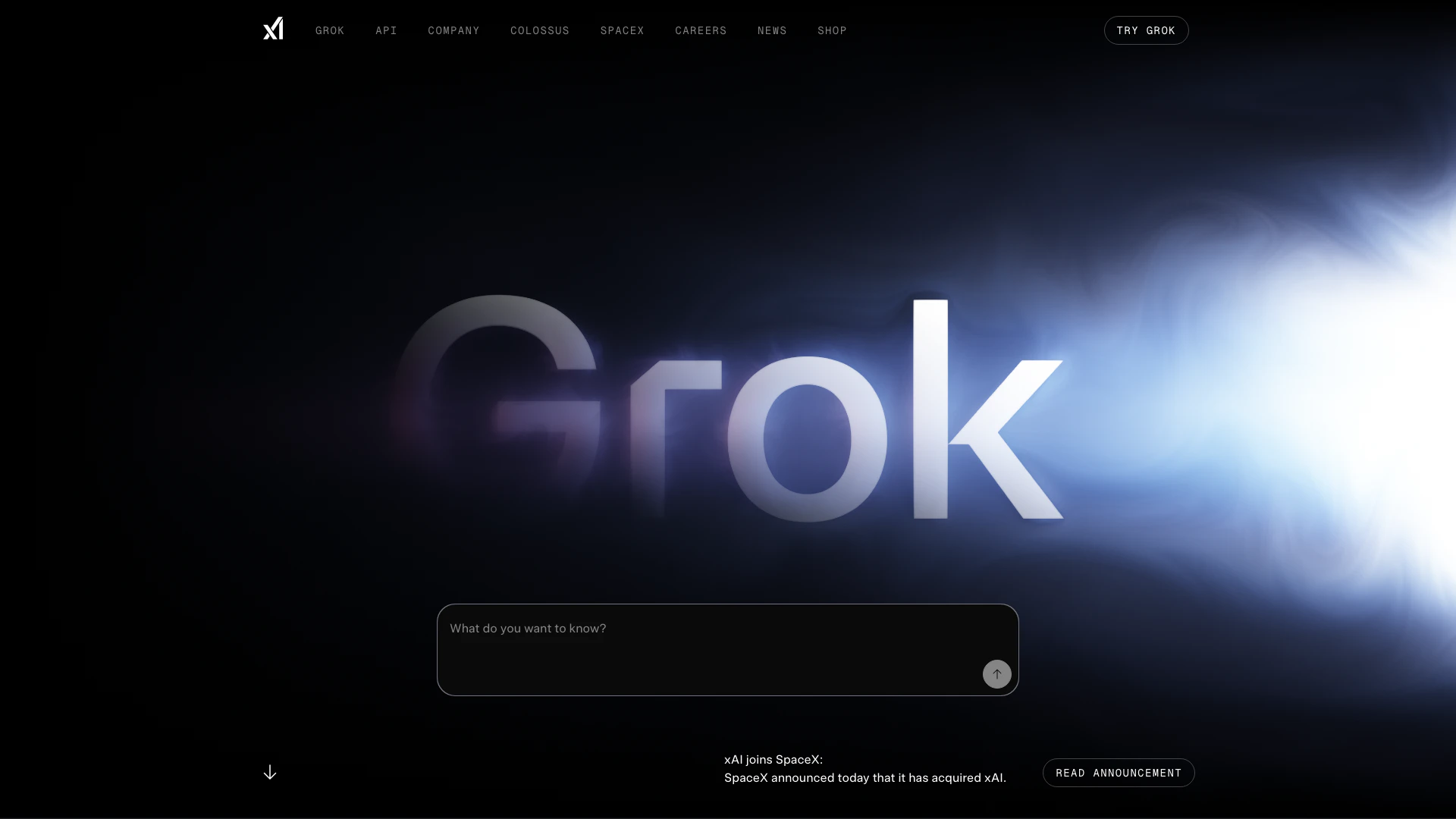
xAI advances scientific discovery using AI.
- Other
- Other AI Tools
- Scientific AI Tools
- Exploratory AI Tools
Gensparkai offers innovative AI solutions for various applications.
- Other
- Other AI Tools
- AI Prompt Tools
- AI Tool Discovery Platforms