

Autosubtitles
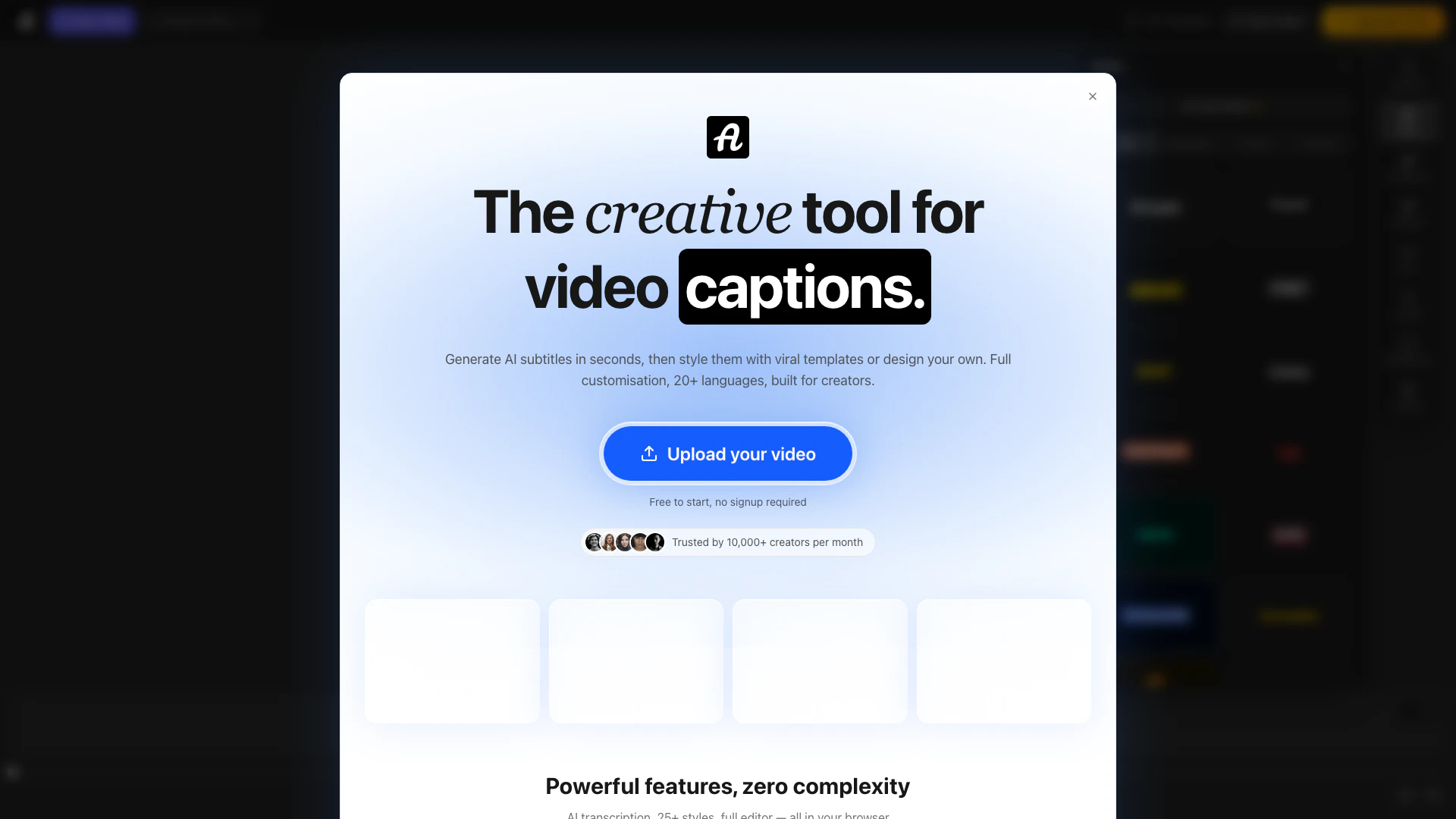





What is Autosubtitles?
Autosubtitles is an innovative online tool designed to generate accurate subtitles and animated captions for any video in seconds. Utilizing advanced AI technology, it provides users with the ability to create subtitles across 20+ languages, making it ideal for a global audience. With a focus on customization, Autosubtitles allows creators to apply viral-style templates or fully design their own captions, ensuring that the final product aligns perfectly with their branding. This tool is accessible for free, requiring no signup, making it an attractive option for content creators looking to enhance their videos effortlessly.
How to use Autosubtitles?
- Upload your video: Drag and drop any video file, such as MP4, MOV, or WebM, into the Autosubtitles interface.
- Auto-generate subtitles: The AI transcribes your audio in seconds, providing accurate subtitles across 20+ languages.
- Edit and style: Review the generated subtitles, fix any words as needed, adjust timing, and choose from 25+ style presets or fully customize your own.
- Export your video: Once satisfied with your subtitles, download your video with burned-in subtitles, ready for sharing on any platform.
What are the main features of Autosubtitles?
- AI-powered transcription for accurate subtitle generation in seconds.
- 25+ style presets including Classic, Neon, and Karaoke for easy styling.
- Support for 20+ languages with automatic language detection.
- Full customization options for font, size, color, and position of subtitles.
- Subtitle editor to fine-tune timing and text, allowing merging or splitting of segments.
Who is Autosubtitles for?
Autosubtitles is designed for a diverse range of users including content creators, marketers, educators, and anyone publishing videos online. YouTube creators can enhance their long-form videos with subtitles to improve accessibility and SEO. TikTok and Reels users benefit from the tool's ability to create clean captions for short-form content. Educators and coaches can make their lessons accessible across languages, while freelancers and agencies can deliver captioned videos without the need for expensive software. Additionally, social media managers and podcasters can create engaging captioned content for various platforms.
What are the use cases of Autosubtitles?
- YouTube creators can add subtitles to enhance viewer engagement and accessibility.
- TikTok and Instagram Reels users can produce captivating short videos with stylish captions that align with trending formats.
- Educators can generate multilingual subtitles for lessons, making educational content accessible to a wider audience.
- Freelancers can provide clients with professional captioned videos quickly and efficiently.
- Social media managers can ensure consistent styling across platforms, enhancing brand visibility.
Autosubtitles Pros and Cons
Pros
- AI-Powered Transcription: Generate accurate subtitles in seconds using advanced AI technology that effectively handles accents, background noise, and multiple speakers.
- Full Customization Options: Customize every aspect of your subtitles, including font, size, color, and position, to perfectly match your brand's style.
- Wide Language Support: Supports over 20 languages with automatic language detection, making it accessible for a global audience.
Cons
No cons data detected for this tool
Autosubtitles Pricing
Max
For longer videos and power users: Everything in Pro, videos up to 1 hour.
Pro
Remove the watermark and unlock the extras: No watermark, videos up to 30 minutes, save and reuse custom styles, upload your own fonts, priority support.
For the latest pricing, please visit this link: https://autosubtitles.com/free-subtitle-generator-no-watermark
Prices are subject to change. Please visit the official website for the most up-to-date pricing information.
Autosubtitles Compare


Info current as of post date. Offers and availability may vary by location and are subject to change.
Autosubtitles Q&A
Yes. You can generate subtitles, edit them, and export your video for free. Free exports include a small AutoSubtitles.com watermark — upgrade to Pro to remove it.
Autosubtitles Alternatives
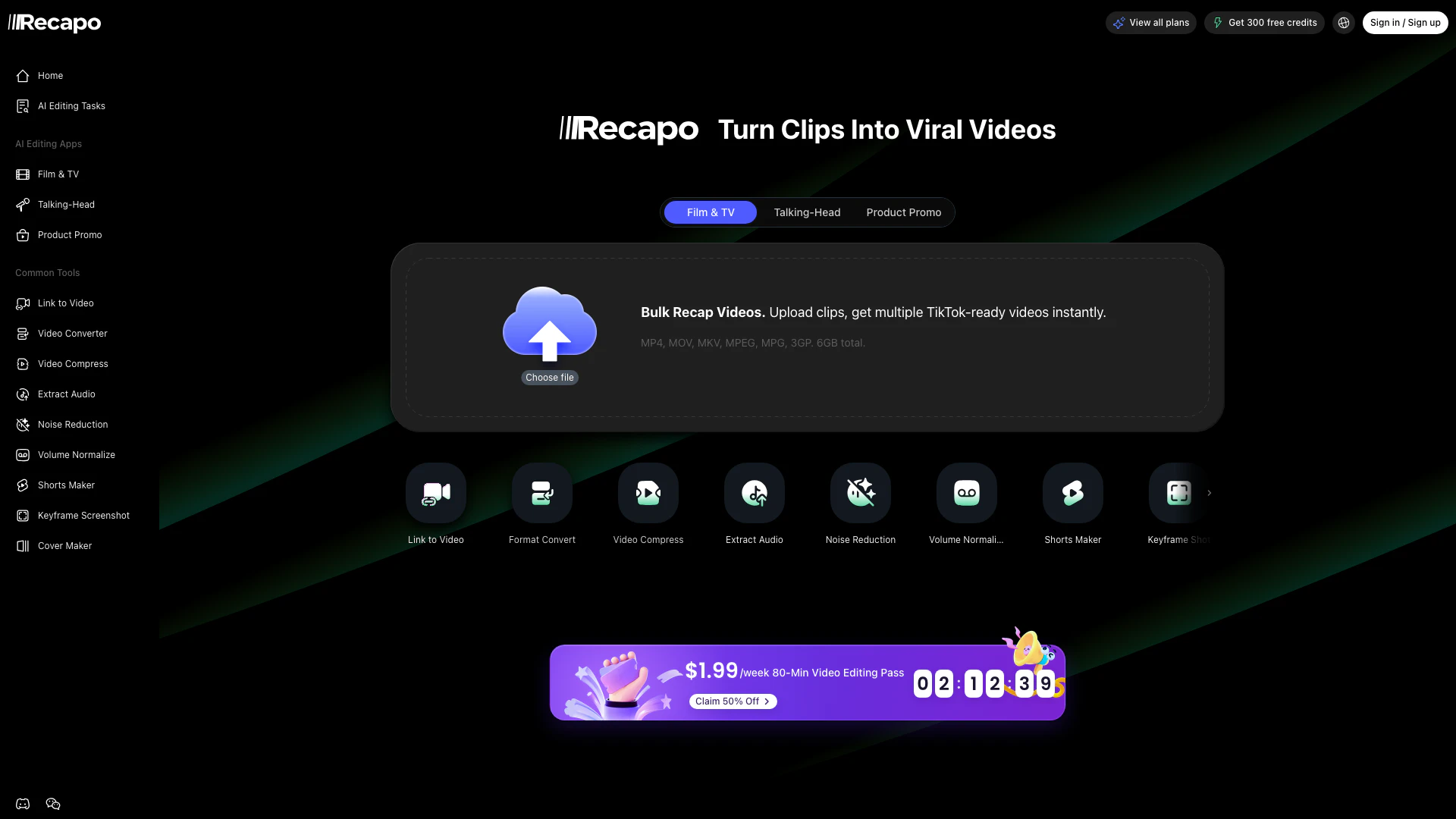
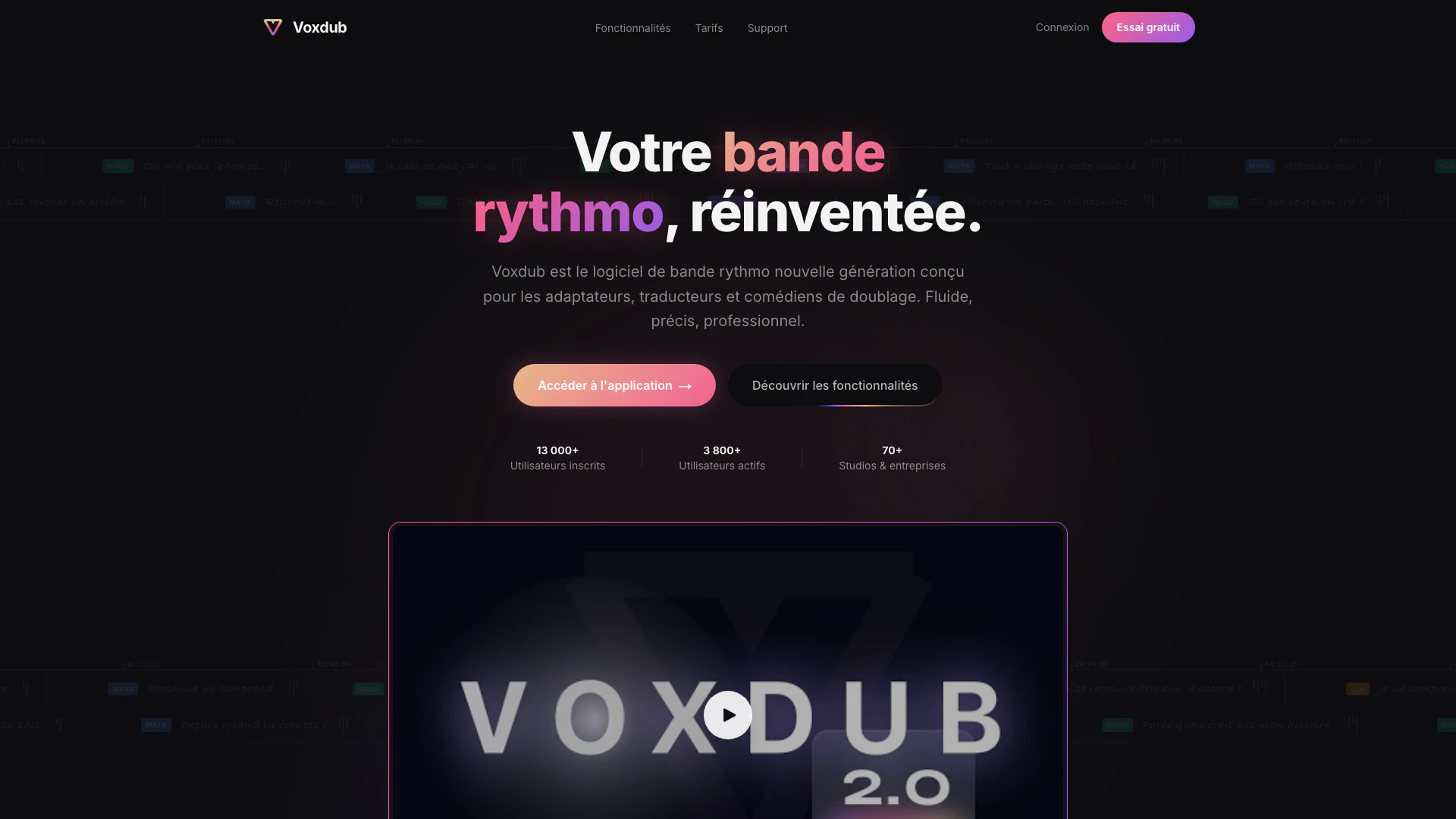
Voxdub is the leading online software for creating synchronized rhythm tracks with your videos, perfect for dubbing, post-synchronization, and professional studios.
- Video & Animation
- AI Video Dubbing Tool
- AI Video Localization Tool
- AI Multilingual Video Enhancement Tool
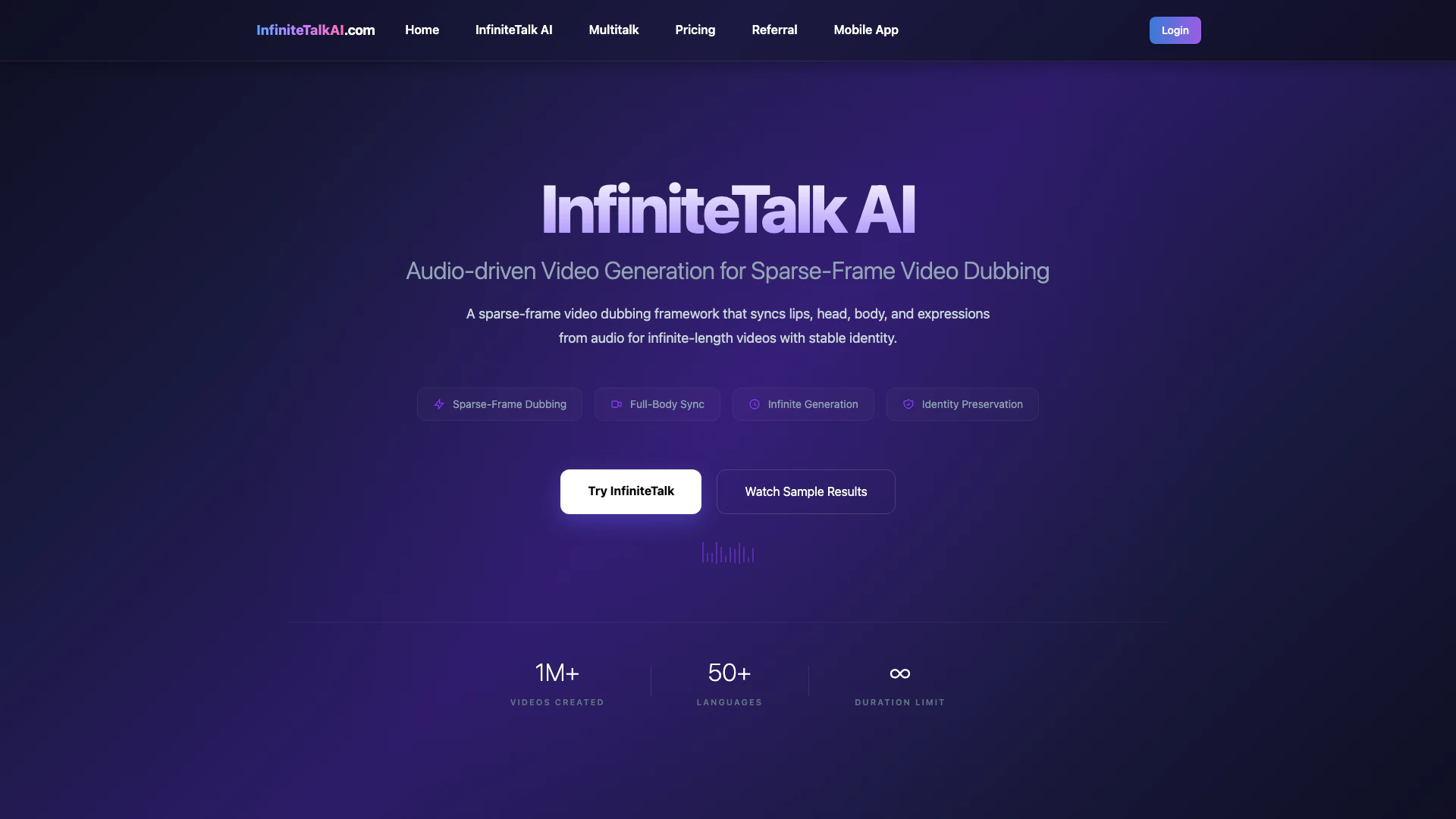
InfinitetalkaiClaimed
Create lifelike, audio-driven videos with InfiniteTalk AI, synchronizing lips, head, body, and expressions for seamless dubbing.
- Video & Animation
- Ai Lip Sync Generator
- AI Video Dubbing Tool
- AI Video Localization Tool