

Boltai





What is BoltAI?
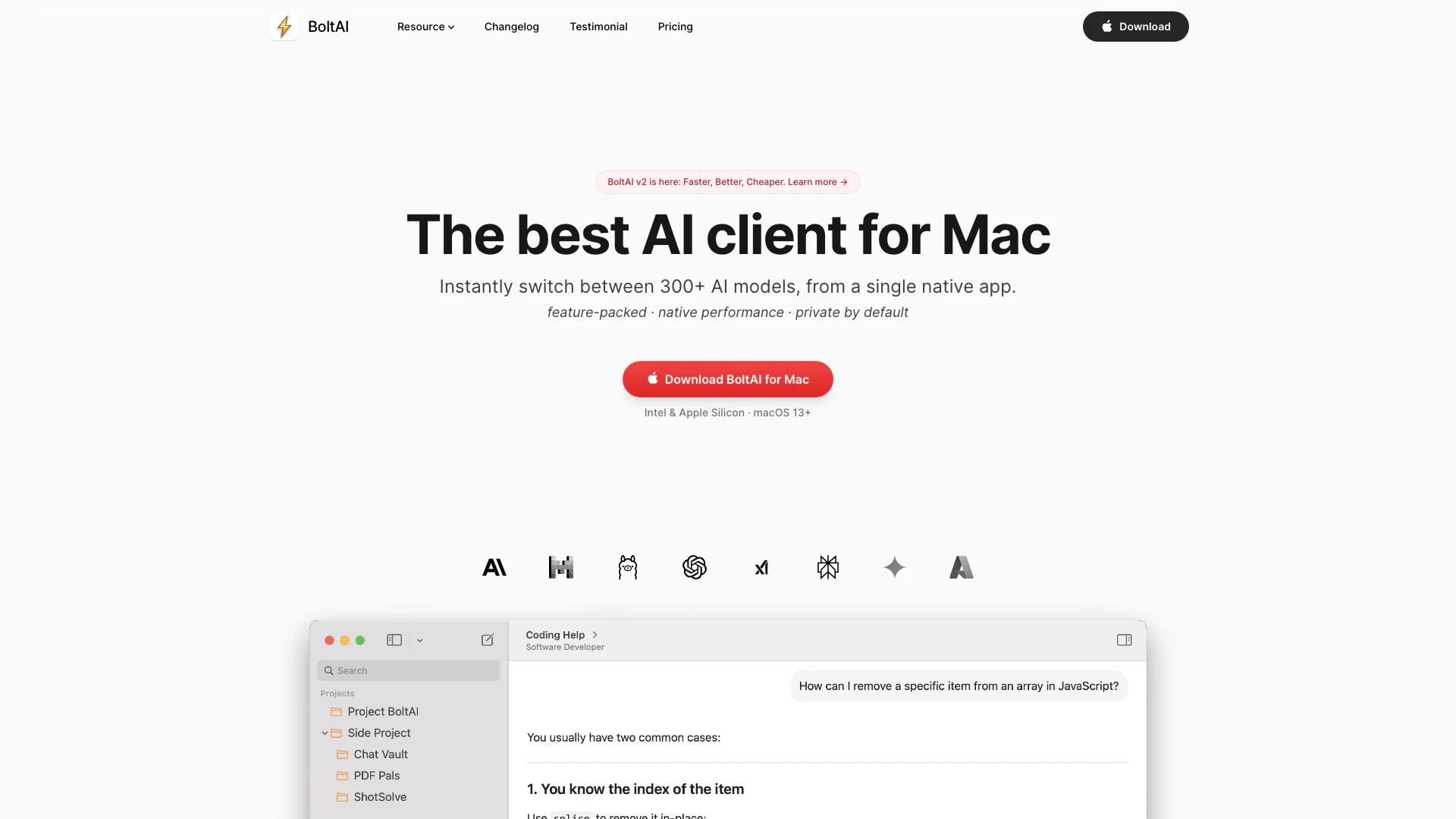
BoltAI is a native, high-performance[3] AI application[1] designed specifically for Mac[2] users. This innovative tool integrates various AI models into a single, seamless workspace, allowing users to enhance their productivity by utilizing AI assistance in their daily tasks. With its native performance built on SwiftUI[4] and AppKit[5], BoltAI is optimized for speed and efficiency, making it an ideal solution for anyone looking to leverage AI technology for various applications.
How to use BoltAI?
- Download and install BoltAI from the official website.
- Set up your API keys within the application to connect to your preferred AI models.
- Open BoltAI and use the shortcut key to activate it over any application.
- Input your queries or commands directly into BoltAI to receive instant AI assistance.
What are the main features of BoltAI?
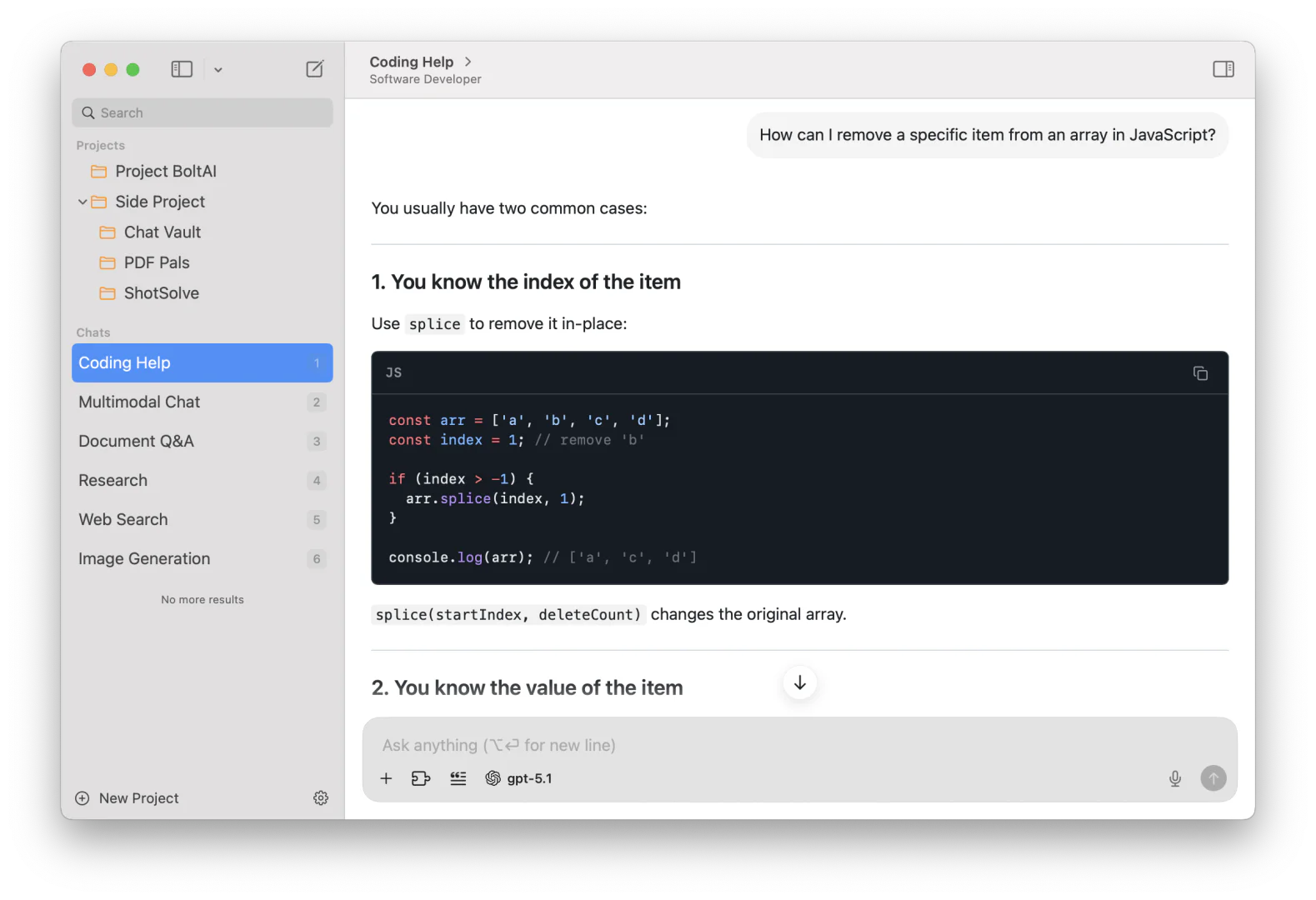
- Supports 300+ AI models from various providers, including OpenAI and Anthropic.
- Local model execution for zero latency and enhanced privacy.
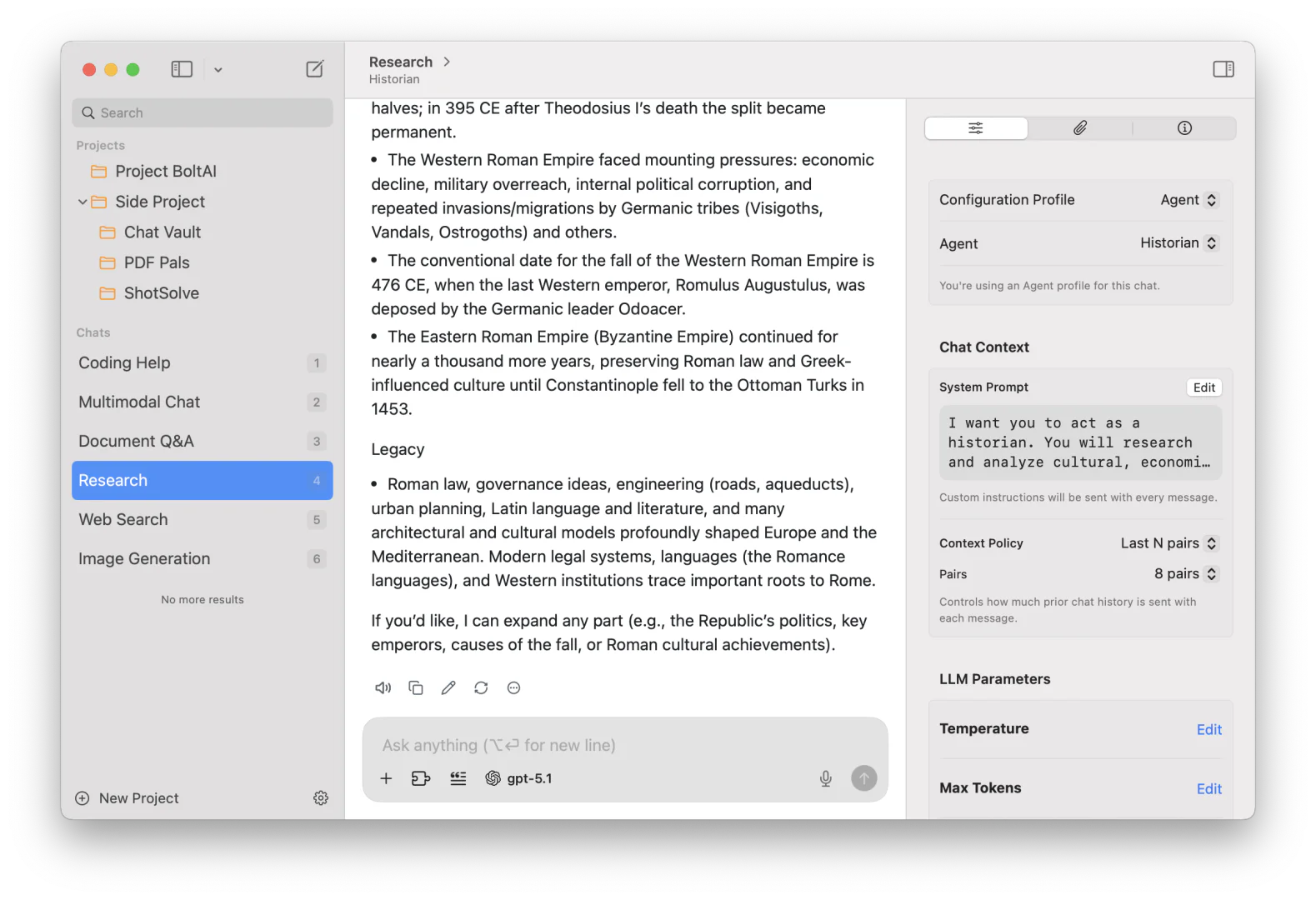
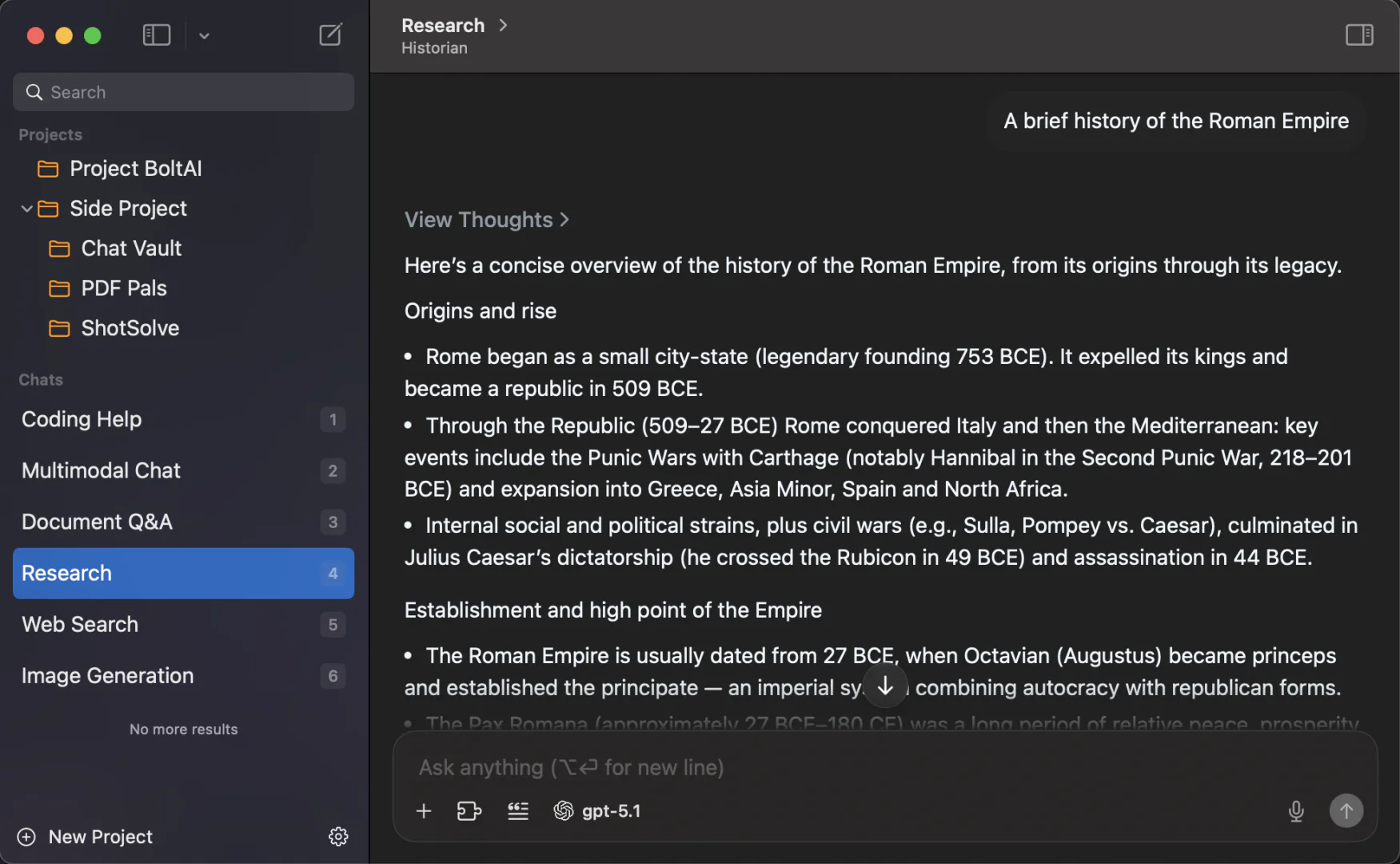
- Multi-chat threads and project management for organized workflows.
- Vision-enabled models to analyze and summarize documents and images.
- Customizable settings for fine-tuning AI responses, such as temperature and token limits.
- Secure local storage of chats and encrypted API keys to ensure user privacy.
Who is BoltAI for?
BoltAI is tailored for professionals and organizations that require advanced AI capabilities integrated into their workflows. This includes software developers, researchers, writers, and businesses looking to automate tasks and enhance productivity. Its user-friendly interface and high-performance features make it suitable for both individual users and teams seeking to leverage AI technology effectively.
What are the use cases of BoltAI?
- Automating routine tasks such as document generation and data extraction.
- Assisting in software development by providing code explanations and suggestions.
- Analyzing research papers or documents to summarize key points and insights.
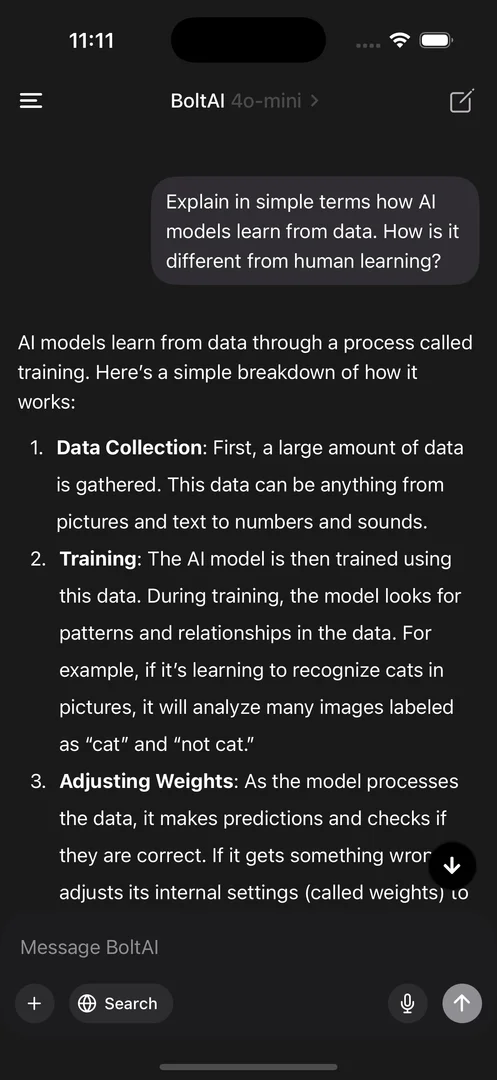
Product Images

Boltai Pros and Cons
Pros
- High Performance on Mac: BoltAI is designed specifically for Mac, utilizing native performance features to ensure fast and efficient operation.
- Multiple AI Models Integration: Users can seamlessly switch between over 300 AI models from various providers within a single app, enhancing versatility.
- Privacy and Security Features: BoltAI stores chats locally and encrypts API keys, ensuring user data remains private and secure.
Cons
No cons data detected for this tool
Boltai Pricing
Essential
For students and hobbyists. Can activate on 1 Mac/Windows device (Windows coming soon). One-time payment gives you lifetime access to the software with no recurring fees. Includes bug fixes, new features, Cloud Sync, and software maintenance for macOS and mobile for 1 year. 512MB Cloud Storage.
Pro
For freelancers & professionals. Can activate on 2 Mac/Windows devices (Windows coming soon). One-time payment gives you lifetime access to the software with no recurring fees. Includes bug fixes, new features, Cloud Sync, and software maintenance for macOS and mobile for 1 year. 1GB Cloud Storage included.
Lifetime
For freelancers & professionals. Can activate on 5 Mac/Windows devices (Windows coming soon). One-time payment gives you lifetime access to the software with no recurring fees. Lifetime product updates. 5GB Cloud Storage included.
For the latest pricing, please visit this link: https://boltai.com/pricing
Prices are subject to change. Please visit the official website for the most up-to-date pricing information.
Analytics of Boltai
Boltai Reviews
My company provides critical software services for customers such as Spotify, Google, Coinbase, Binance, and many others. We use AI in our workflows (custom developed as well as LLMs) but there was no tool before BoltAI that tightly integrated LLMs into my workflow. I always had to click out, leave my current task, go to ChatGPT or similar and come back which broke my flow. BoltAI makes everything effortless. It's a superpower.
BoltAI has revolutionized the way I approach my daily tasks. The integration of AI tools into my workflow is seamless, and the performance is outstanding. I can easily switch between different AI models without any hassle, which has significantly improved my productivity.
For more reviews, visit this link: https://boltai.com#review
Boltai Compare

Info current as of post date. Offers and availability may vary by location and are subject to change.
Boltai Q&A
BoltAI is a native AI application designed for Mac that integrates various AI models into a single workspace, allowing users to perform tasks seamlessly without switching between different applications.
For more FAQs, please visit this link: https://boltai.com/help
Boltai Alternatives

Discover Gemini, Google's versatile AI assistant for writing and planning.
- Productivity & Office
- AI Productivity Tools
- AI Business Planning Tools
- AI Prompt Management Tools

Notion AI enhances productivity by integrating AI tools directly into your workspace.
- Productivity & Office
- AI Productivity Tools
- AI Information Management Tools
- Content Management Tools

Notion is an AI-powered workspace that automates tasks and enhances team collaboration.
- Productivity & Office
- AI Productivity Tools
- AI Information Management Tools
- AI Task Management Tools