

Canvasvid


What is Canvasvid?
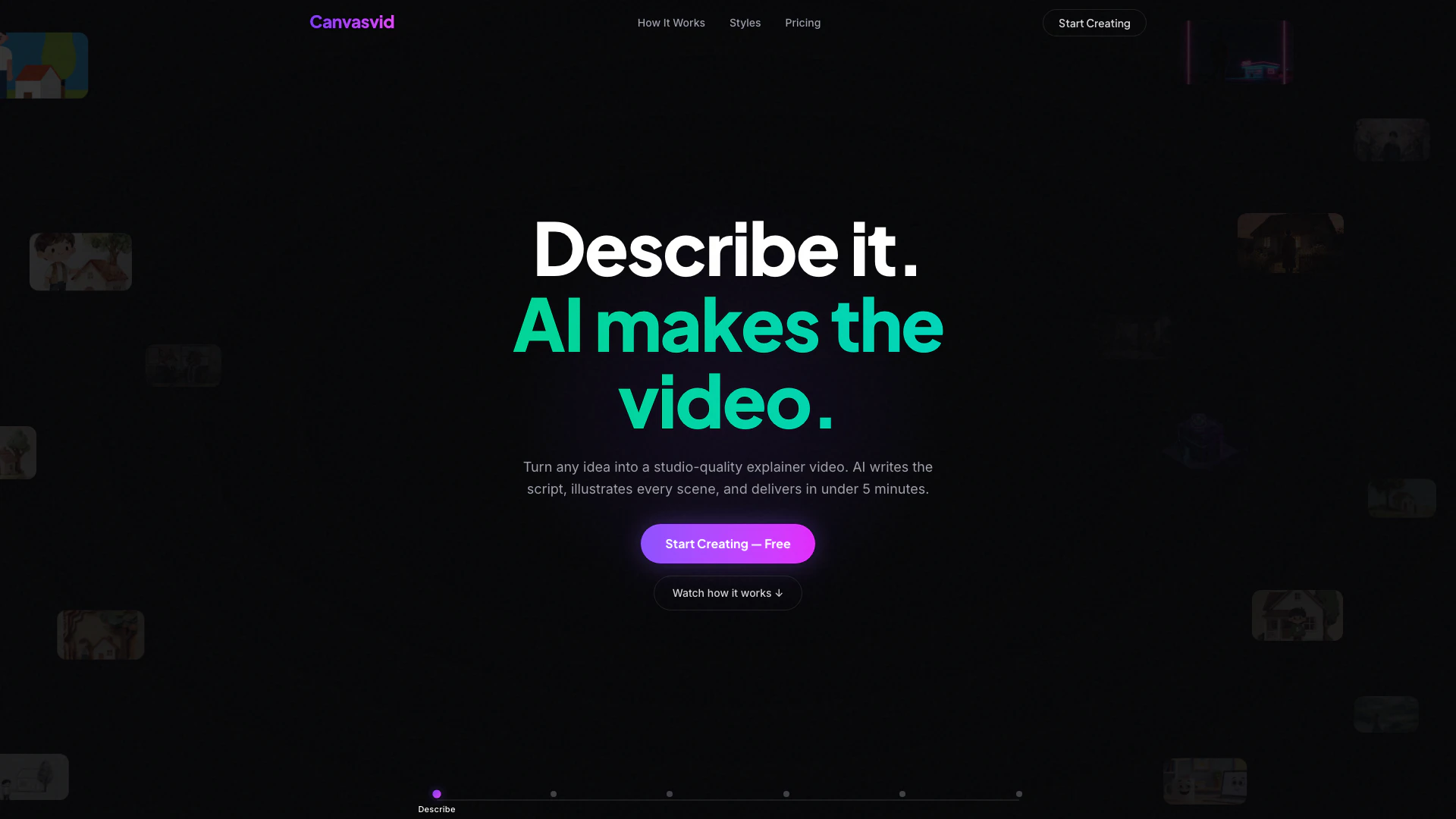
Canvasvid is an innovative AI-powered platform designed to create explainer videos in under five minutes. It simplifies the video production process by automating script writing, scene illustration, and voiceover generation, making it accessible for users without any design skills. With over 18 visual styles and a variety of AI-generated voices and background music, Canvasvid offers a comprehensive solution for anyone looking to produce engaging video content quickly and efficiently.
How to use Canvasvid?
- Describe Your Video: Start by entering a topic or pasting a reference for your video. Canvasvid will automatically analyze this information to create a brief.
- AI Writes Your Script: The platform generates a professional narration script, which can be edited if needed, or you can let the AI handle it entirely.
- Choose a Voice: Select from over 100 AI voices, ranging from calm narrators to energetic presenters, to find the perfect match for your video's tone.
- Illustrate Scenes: Canvasvid uses AI to illustrate every scene in your chosen style, with options that include watercolor, cyberpunk, and more.
- Animate Your Video: Once the scenes are illustrated, the AI adds motion to bring them to life.
- Download and Share: Finally, download your finished video without any watermarks (on paid plans) and share it across various platforms.
What are the main features of Canvasvid?
- AI-Powered Scriptwriting: Automatically generates narration scripts based on your input.
- Diverse Voice Options: Over 100 AI-generated voices available in 19 languages to suit different tones and styles.
- Multiple Visual Styles: Choose from 18 cinematic styles, ensuring your video matches your brand's aesthetic.
- Animation Capabilities: AI brings illustrations to life with motion effects, enhancing viewer engagement.
- Customizable Formats: Videos can be created in various formats (landscape, portrait, square) to fit different platforms.
- Auto-Generated Music: Background music is generated to match the mood of your video, adding an extra layer of professionalism.
Who is Canvasvid for?
Canvasvid is ideal for marketers, educators, small business owners, and content creators who need to produce high-quality explainer videos quickly and without the need for extensive video editing skills. It caters to individuals and teams looking to create engaging content for social media, websites, or presentations, making it a versatile tool for anyone in need of visual storytelling.
What are the use cases of Canvasvid?
- Marketing Campaigns: Create promotional videos to explain products or services in a concise and visually appealing manner.
- Educational Content: Develop instructional videos that simplify complex topics for students or training sessions.
- Social Media Engagement: Produce eye-catching explainer videos for social media platforms to increase audience engagement and shareability.
Canvasvid Pros and Cons
Pros
- Fast Video Creation: Create explainer videos in under 5 minutes, significantly reducing production time compared to traditional methods.
- Variety of Visual Styles: Choose from 18 different visual styles to match your brand and message, enhancing the creative options available.
- AI-Powered Features: Utilize AI for scriptwriting, voiceovers, and music, making video creation accessible without design skills.
Cons
No cons data detected for this tool
Canvasvid Pricing
Credit Pack
One-time purchase of 50 credits for generating video, approximately 50 seconds of generated video. Includes watermark on downloads, Full HD (1080p), re-edit published projects, embed analytics, and API access.
Pro
Monthly subscription plan that provides 50 credits per month for generating video, approximately 50 seconds of video every month. Save 23% per credit compared to one-time purchases.
For the latest pricing, please visit this link: https://canvasvid.app/
Prices are subject to change. Please visit the official website for the most up-to-date pricing information.
Canvasvid Compare
| Tool Name | Introduction | Pricing | Type | Rating | Launch Date | Learn more |
|---|---|---|---|---|---|---|
Home - Soccer Result & Sports News | Free | -- | November 7, 2022 | Get deal | ||
Scrape and Monitor Data from Any Website with No Code - Browse AI | Free | -- | February 15, 1995 | Get deal | ||
Typeface | Personalized Marketing AI Platform for Enterprises | Free | -- | May 13, 2021 | Get deal |


Info current as of post date. Offers and availability may vary by location and are subject to change.
Canvasvid Q&A
Every new account receives 20 free credits — no credit card required. 1 credit = 1 second of generated video, and credits work across all your projects.
Canvasvid Alternatives

Create stunning AI-generated videos and images with ease.
- Video & Animation
- AI Video Generator
- AI Video and Image Creator
- AI Creative Video and Image Generation

Kling AI empowers creators to generate stunning images and videos using advanced generative AI techniques.
- Image Generation & Editing
- AI Image Generator
- AI Video Generator
- AI Image and Video Synthesis

Kling AiClaimed
Create stunning videos and images effortlessly with Kling AI's advanced generative AI platform.
- Video & Animation
- AI Video Generator
- AI Video and Image Creator
- AI Creative Video and Image Generation