

Canvoraai




What is Canvoraai?
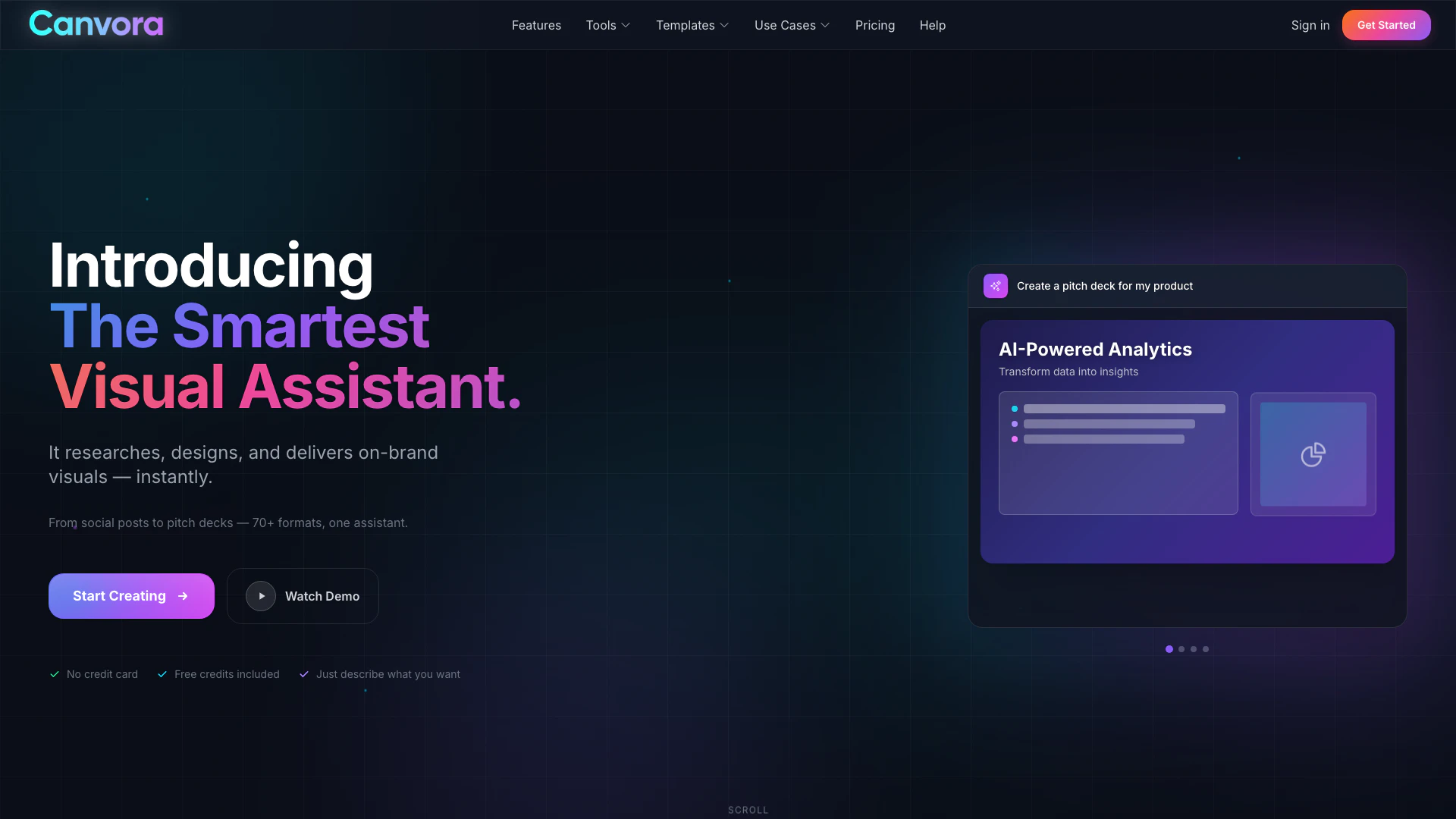
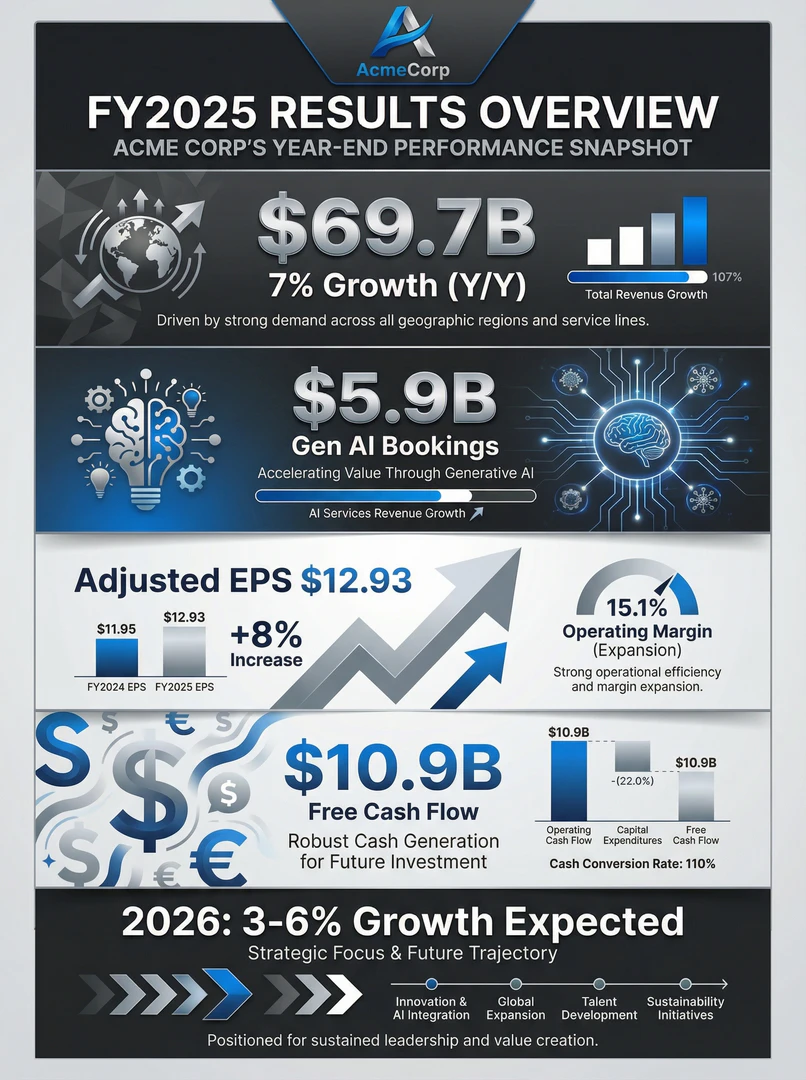
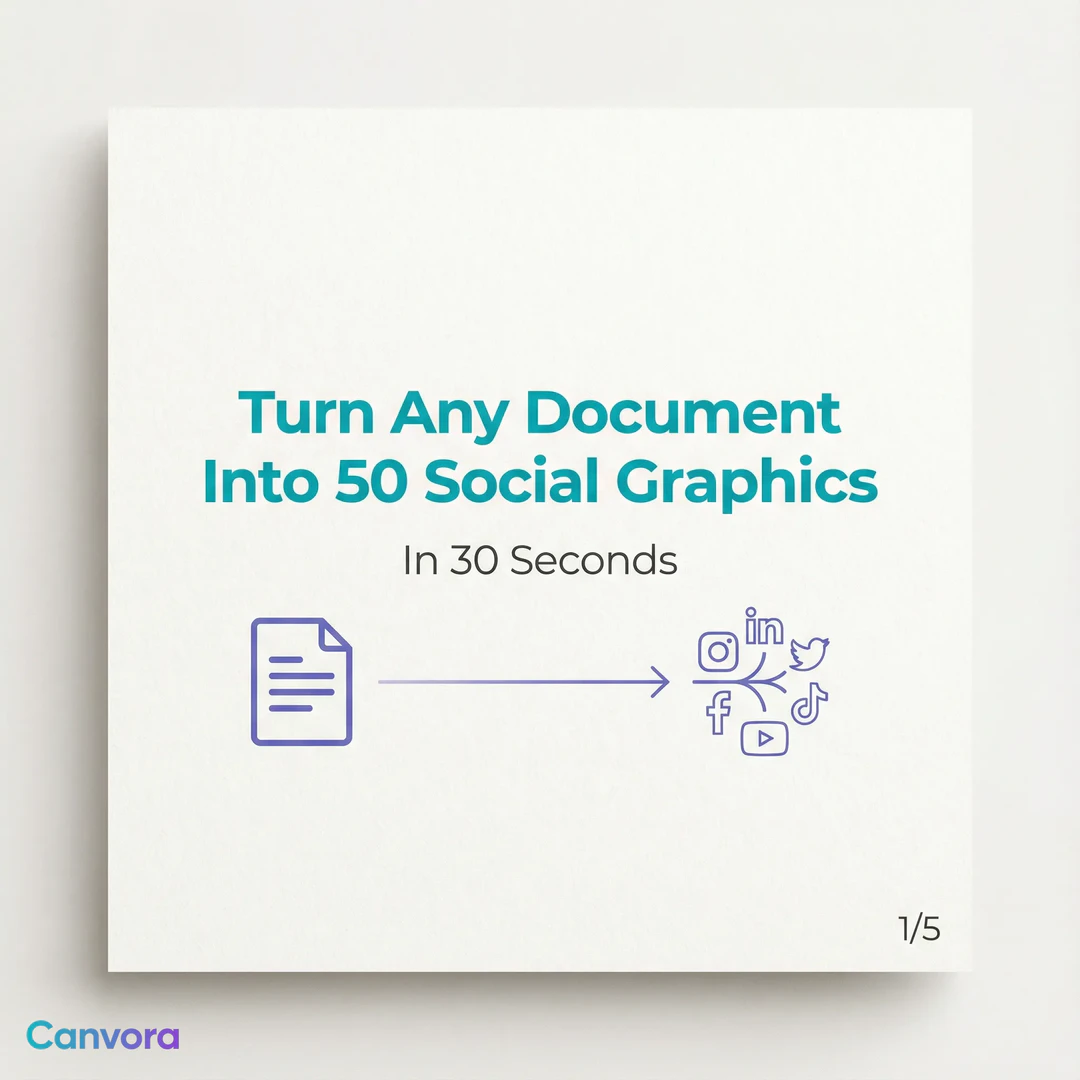
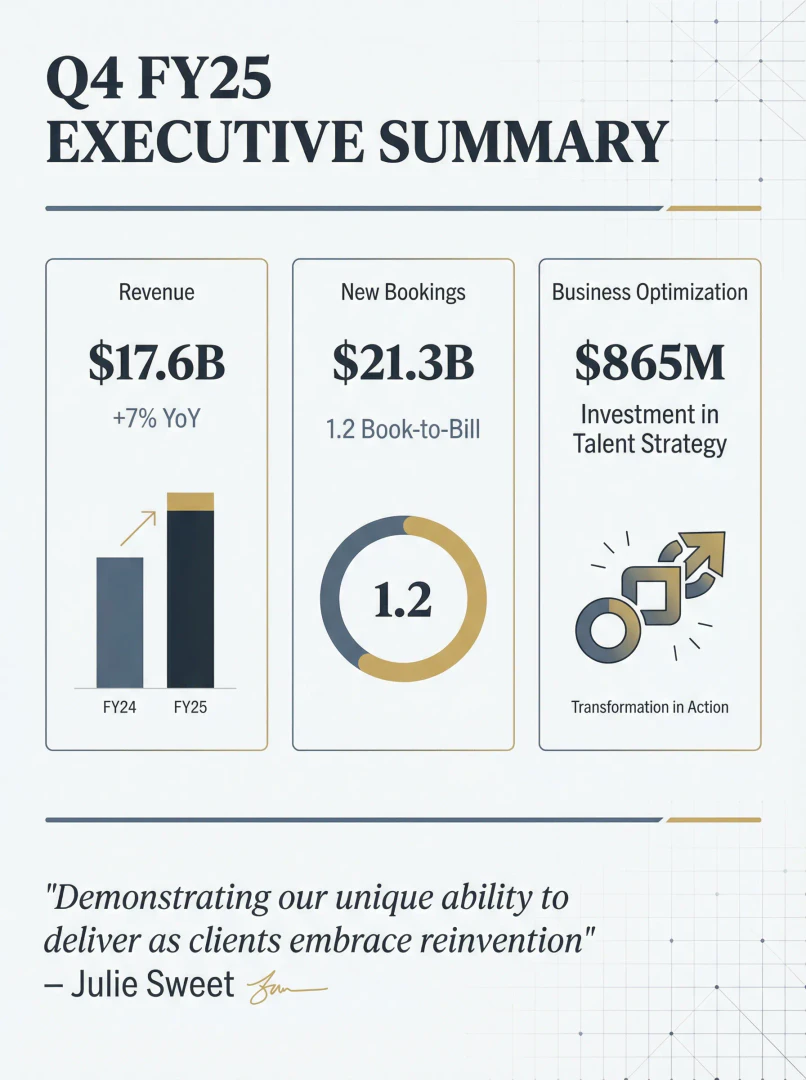
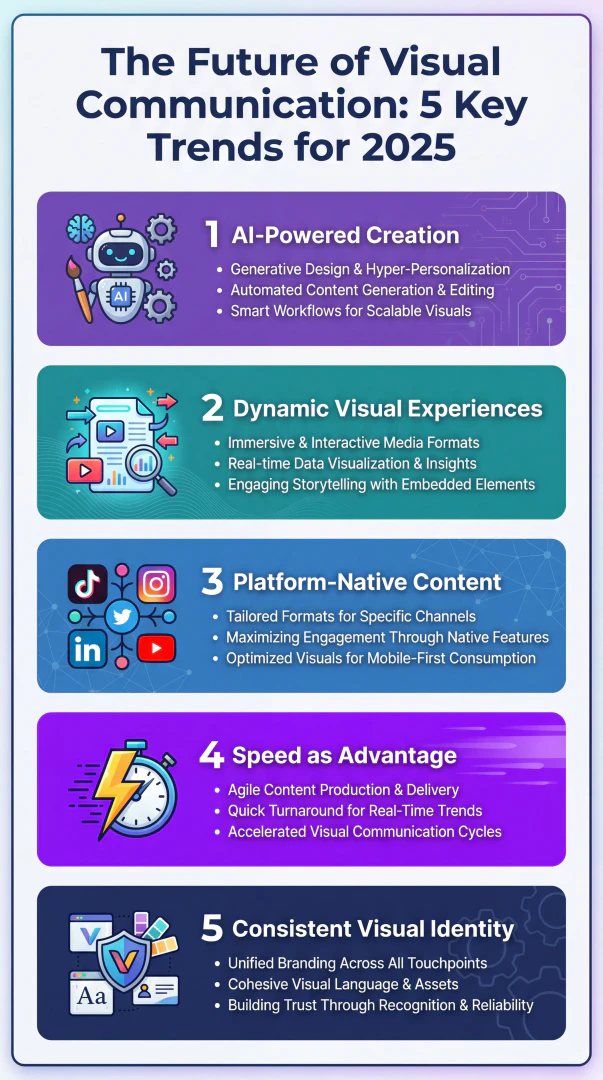
Canvoraai is an innovative AI-powered[1] visual assistant[2] designed to streamline the creation of various visual content formats. Users can easily upload files, paste URLs, or drop content into the platform, and in return, Canvoraai instantly generates social media posts, carousels, presentations, infographics, sales decks, ads, and over 70 additional visual formats. This tool eliminates the need for any design skills, making it accessible for everyone from content marketers to small business owners.
How to use Canvoraai?
- Start by describing the visual you want to create in plain language, such as 'Create a LinkedIn carousel about productivity tips.' 2. If you have existing content, you can upload it directly by pasting a URL, uploading a PDF or document, or dropping in text. 3. If you don't have content, simply provide a topic, and the AI will research, write, and create stunning visuals for you. 4. Once the visuals are generated, you can download them in various formats such as PNG, JPG, PDF, PPTX, or WebP.
What are the main features of Canvoraai?
- Instant generation[4] of over 70 visual formats including social posts, presentations, infographics, and more.
- AI-driven content creation[3] that requires no design skills.
- Ability to upload various content types including URLs, PDFs, and text for visual transformation.
- Customization options allowing users to edit visuals by simply typing commands.
- Brand consistency features that automatically apply your brand's colors, fonts, and logos to all visuals.
Who is Canvoraai for?
Canvoraai is designed for a diverse range of users including content marketers who want to transform blog posts into social media content, social media managers looking to maintain multiple channels efficiently, startups and founders needing professional visuals without hiring designers, coaches and consultants who wish to repurpose their expertise into shareable content, and e-commerce businesses that require product visuals for various marketplaces.
What are the use cases of Canvoraai?
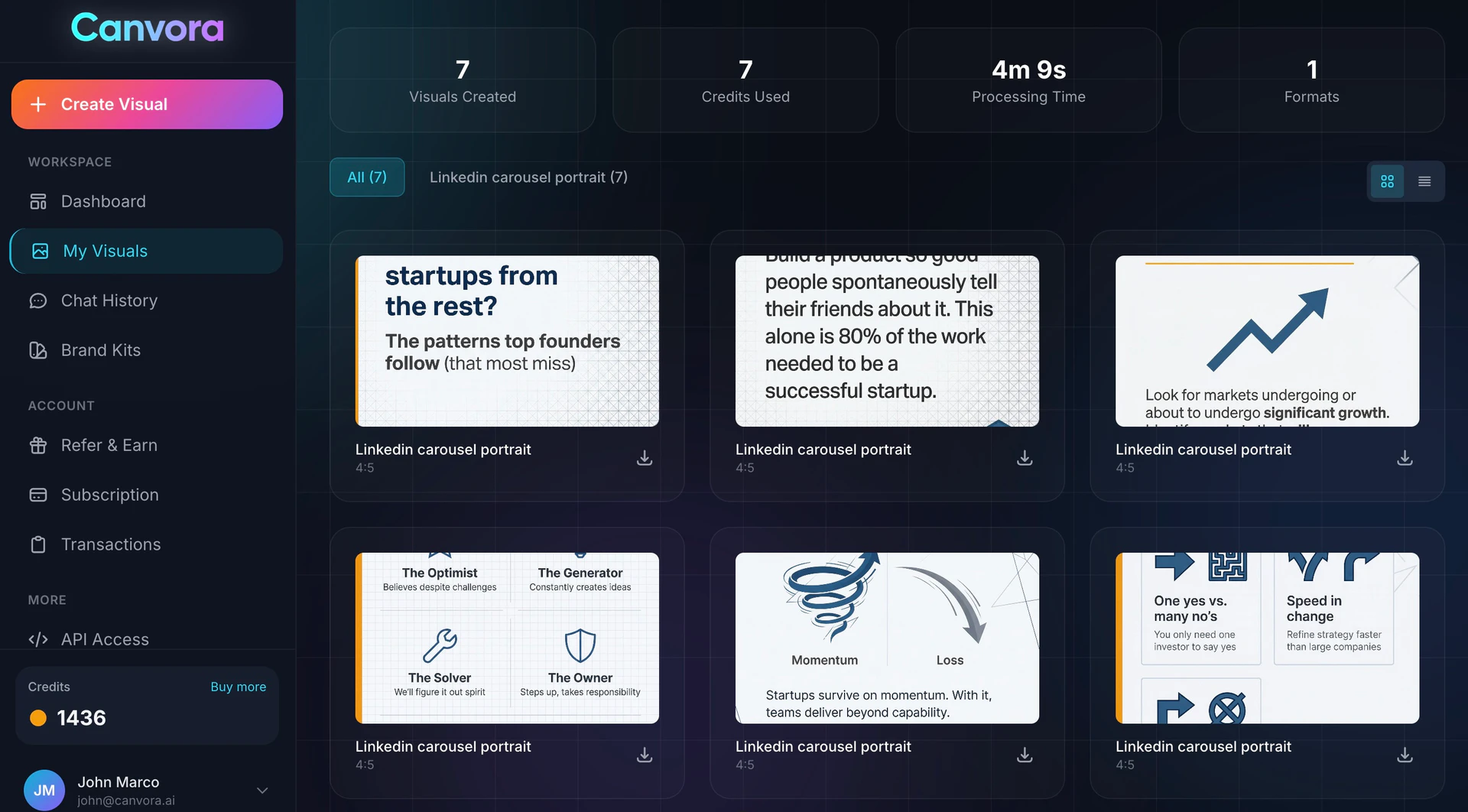
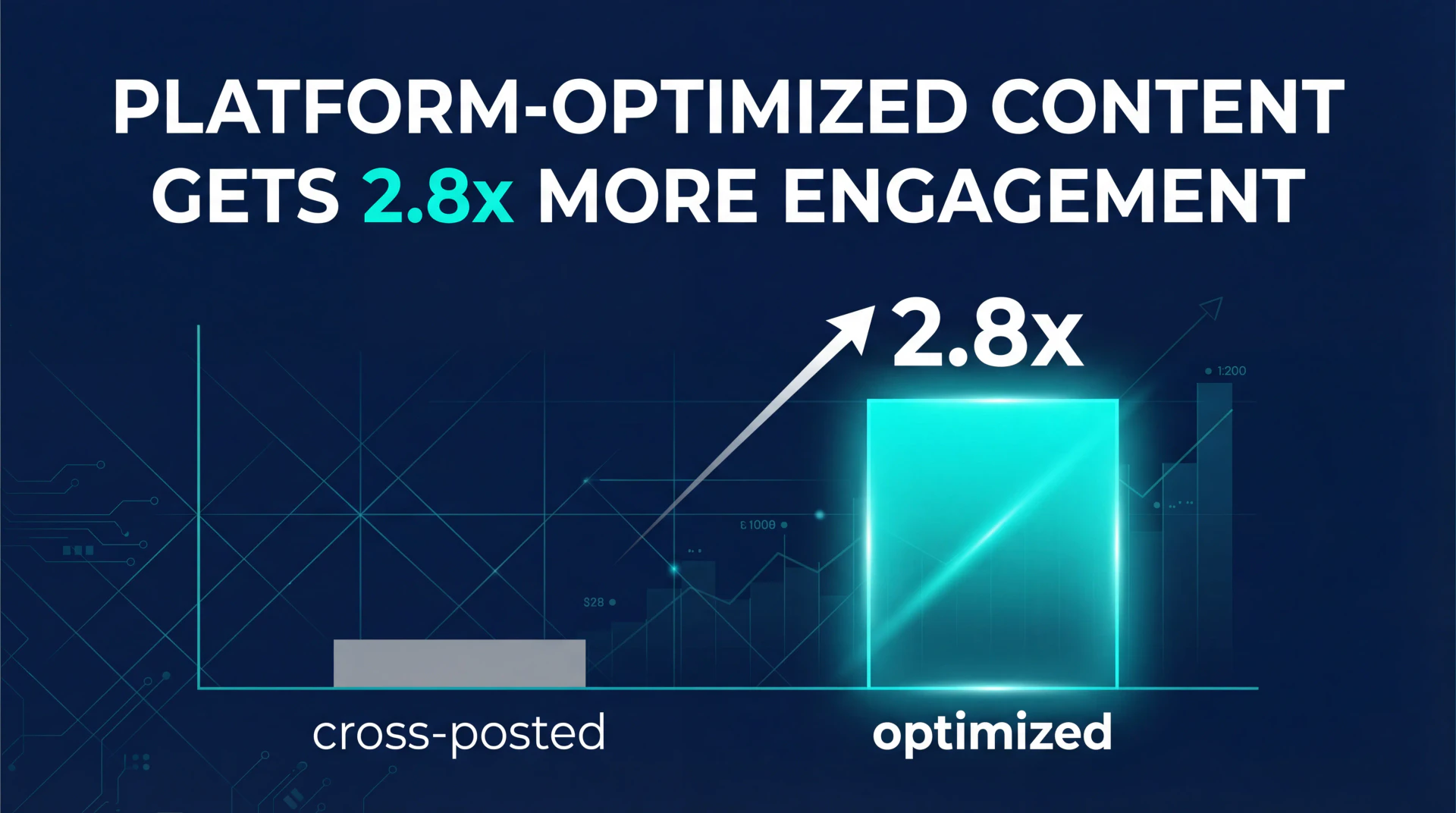
- Content marketers can convert a single blog post into a week's worth of social media posts across various platforms. 2. Social media managers can generate engaging visuals quickly, reducing burnout and enhancing productivity. 3. Startups can create pitch decks and marketing materials that look professional without the need for a dedicated design team.
Product Images


Canvoraai Pros and Cons
Pros
- Instant Visual Generation: Canvoraai allows users to create over 70 visual formats instantly by simply uploading content or describing what they want, eliminating the need for design skills.
- AI-Powered Insights: The tool can transform data into insights, generating professional visuals from URLs, PDFs, and other content types, making it versatile for various users.
- User-Friendly Experience: No design experience is required; users can create professional visuals by just describing their needs in plain English, making it accessible to everyone.
Cons
No cons data detected for this tool
Canvoraai Pricing
Free
Perfect for trying out. Free credits to start.
Starter
For individuals. 100 credits/month.
Pro
For growing creators. 300 credits/month.
Business
For teams & agencies. 750 credits/month. (Coming Soon)
For the latest pricing, please visit this link: https://canvora.ai/pricing
Prices are subject to change. Please visit the official website for the most up-to-date pricing information.
Canvoraai Reviews
We used to spend 3-4 hours creating LinkedIn carousels. Now it takes under 5 minutes. Our engagement is up 40% because we can actually post consistently.
I was skeptical about AI design tools. But this is different — it actually understands context. I paste a blog URL and get scroll-stopping visuals that match my brand.
Finally retired Canva. The AI just gets it. I describe what I want, and boom — professional carousels that look like I hired a designer. My DMs are full of 'who made this?'
For more reviews, visit this link: https://canvora.ai#reviews
Canvoraai Compare
| Tool Name | Introduction | Pricing | Type | Rating | Launch Date | Learn more |
|---|---|---|---|---|---|---|
 | Explore AI Lawyer for easy, quick, and budget-friendly legal help. Empowering consumers and lawyers with AI-driven solutions for all your legal needs. | Free | 💼Work | February 11, 2023 | Get deal | |
 | AiSofiya offers AI-powered tools, chatbots, and automation to help websites and businesses work smarter, faster, and 24/7. | Free | 💼Work🎨Creativity | January 10, 2023 | Get deal | |
 | Rewind | Free | 🙋♂️Personal💼Work | February 2, 2018 | Get deal |
Info current as of post date. Offers and availability may vary by location and are subject to change.
Canvoraai Q&A
Yes! Edit directly in the canvas — change text, colors, images, and layouts. Or just chat with the AI: say 'make it more professional' or 'use blue tones' and it regenerates instantly. Iterate unlimited times until it's perfect.
For more FAQs, please visit this link: https://canvora.ai/help
Canvoraai Alternatives
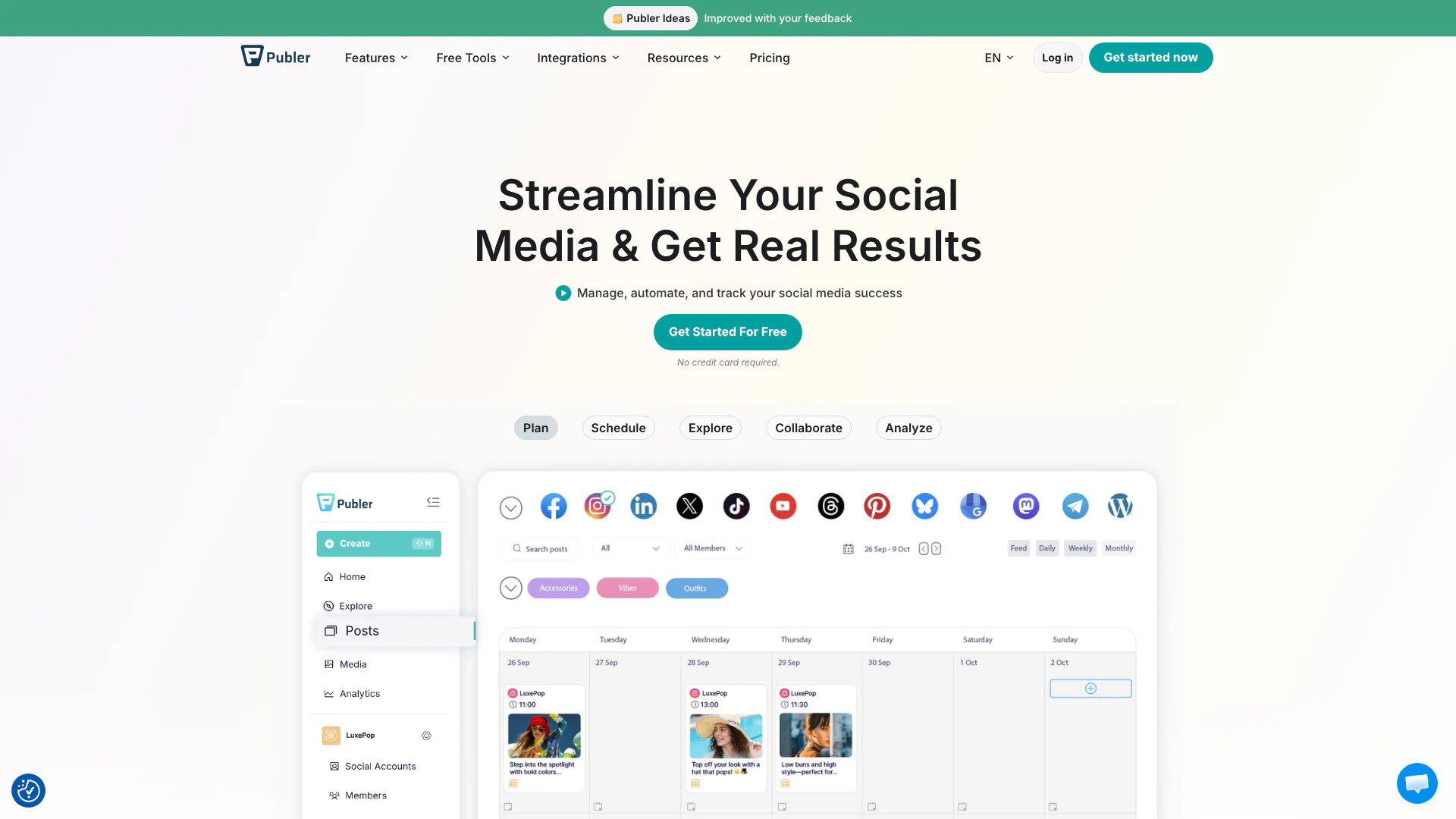
Boost your social media strategy with Publer’s suite of tools. Manage multiple accounts, schedule posts, collaborate with your team, and analyze performance—all in one place.
- Social Media Tools
- AI Social Media Tools

OpusClip turns long videos into high-quality viral clips for you to share on TikTok, YouTube Shorts, and Reels to increase social media reach.
- Writing & Editing
- AI Content Repurposing
- AI Text Generator
- AI Social Media Tools

WarnerBros.com | Barbie | Movies
- Image Generation & Editing
- AI Image Generator
- AI Design Generator
- AI Social Media Tools