
Cdanceai
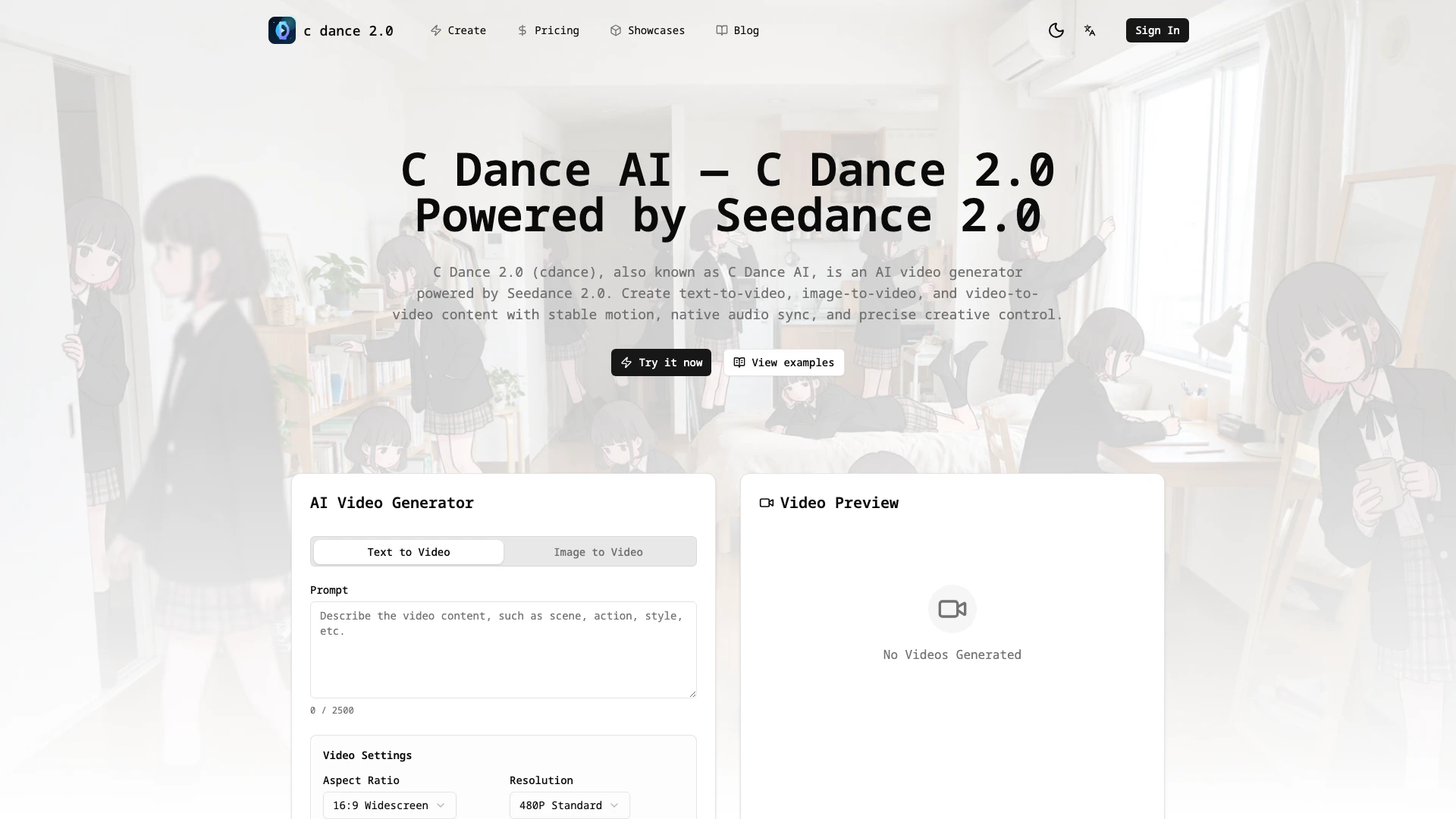



What is C Dance AI[1]?
C Dance AI, also known as C Dance 2.0, is an advanced AI video generator powered by Seedance 2.0[2]. This innovative tool allows users to create stunning video content from text, images, and existing videos, making it a versatile solution for various creative needs. With capabilities in text-to-video[3], image-to-video[4], and video-to-video generation, C Dance AI provides stable motion, native audio synchronization, and precise creative control. It is designed to cater to a broad audience, including marketers, educators, and content creators, enabling them to produce high-quality videos efficiently and effectively.
How to use C Dance AI?
- Visit the C Dance AI website and click on the 'Create' button to start a new project.
- Choose your video generation type: text-to-video, image-to-video, or video-to-video.
- Input your desired prompt or upload your image/video as needed.
- Adjust video settings such as aspect ratio, resolution, and duration according to your requirements.
- Optionally, enable audio generation to add sound effects to your video.
- Click on 'Generate' to create your video, and wait for the processing to complete.
What are the main features of C Dance AI?
- Text-to-Video Generation: Transform written prompts into engaging video content.
- Image-to-Video Creation: Convert images into dynamic videos with smooth transitions.
- Video-to-Video Functionality: Edit and enhance existing videos seamlessly.
- Native Audio Sync: Ensure that audio matches perfectly with visual elements for immersive experiences.
- Aspect Ratio Control: Select from various presets like 1:1, 16:9, or 4:5 for optimal video framing.
- Instant Variations: Quickly generate multiple variations of a video to explore different styles and compositions.
Who is C Dance AI for?
C Dance AI is ideal for a diverse range of users, including marketers, educators, content creators, and filmmakers. Marketers can use the tool to create professional-grade video ads quickly, while educators can produce engaging instructional videos that enhance learning experiences. Content creators benefit from the ability to generate high-quality videos in a fraction of the time it would typically take, allowing them to focus more on creativity and less on production. Additionally, independent filmmakers can validate their ideas through AI-generated previews, saving time and resources during the filming process.
What are the use cases of C Dance AI?
- Creating promotional videos for marketing campaigns that attract customer attention.
- Developing educational content that enhances student engagement and understanding.
- Producing social media videos that are visually appealing and shareable.
- Generating quick previews for film projects to visualize scenes before filming.
- Crafting product showcase videos for e-commerce platforms to boost sales.
Cdanceai Pros and Cons
Pros
- Versatile Video Generation: C Dance AI allows users to create text-to-video, image-to-video, and video-to-video content, providing a wide range of creative possibilities.
- High-Quality Output: The tool offers smooth motion, high visual aesthetics, and native audio sync, ensuring professional-grade video quality.
- User-Friendly Interface: C Dance AI features an intuitive interface that simplifies the video creation process, making it accessible for users with varying skill levels.
Cons
No cons data detected for this tool
Cdanceai Pricing
Starter Plan
Auto renew monthly to get credits. Includes access to text-to-video and image-to-video generation.
For the latest pricing, please visit this link: https://cdance.ai/pricing
Prices are subject to change. Please visit the official website for the most up-to-date pricing information.
Cdanceai Reviews
c dance 2.0 completely transformed my creative workflow. Videos that used to take a full day now take just minutes. The quality is exceptional, and my followers love it!
As a marketer, I need to produce high-quality video ads quickly. c dance 2.0 enables me to create professional-grade marketing content even with limited budgets.
Creating educational videos with c dance 2.0 is so convenient! Student feedback has been incredibly positive, and course completion rates increased by 40%.
For more reviews, visit this link: https://cdance.ai#reviews
Cdanceai Compare
| Tool Name | Introduction | Pricing | Type | Rating | Launch Date | Learn more |
|---|---|---|---|---|---|---|
 | Rewind | Free | 🙋♂️Personal💼Work | February 2, 2018 | Get deal | |
 | Generate AI lesson plans, PowerPoints, and more with Copilot! Use Copilot to breeze through your unit planning and material creation! | Free | 💼Work | November 13, 2022 | Get deal | |
 | Civitai: The Home of Open-Source Generative AI | Free | 🎨Creativity | November 2, 2022 | Get deal |
Info current as of post date. Offers and availability may vary by location and are subject to change.
Cdanceai Q&A
Yes, c dance 2.0 is powered by Seedance 2.0.
For more FAQs, please visit this link: https://cdance.ai/cdance-2-0-faq
Cdanceai Alternatives
Narrativ.ai on the App Store
- Writing & Editing
- AI Writing Assistants
- AI Video Generator
- AI Text to Video

Ask Youtube
- Video & Animation
- AI Video Generator
- AI Text to Video
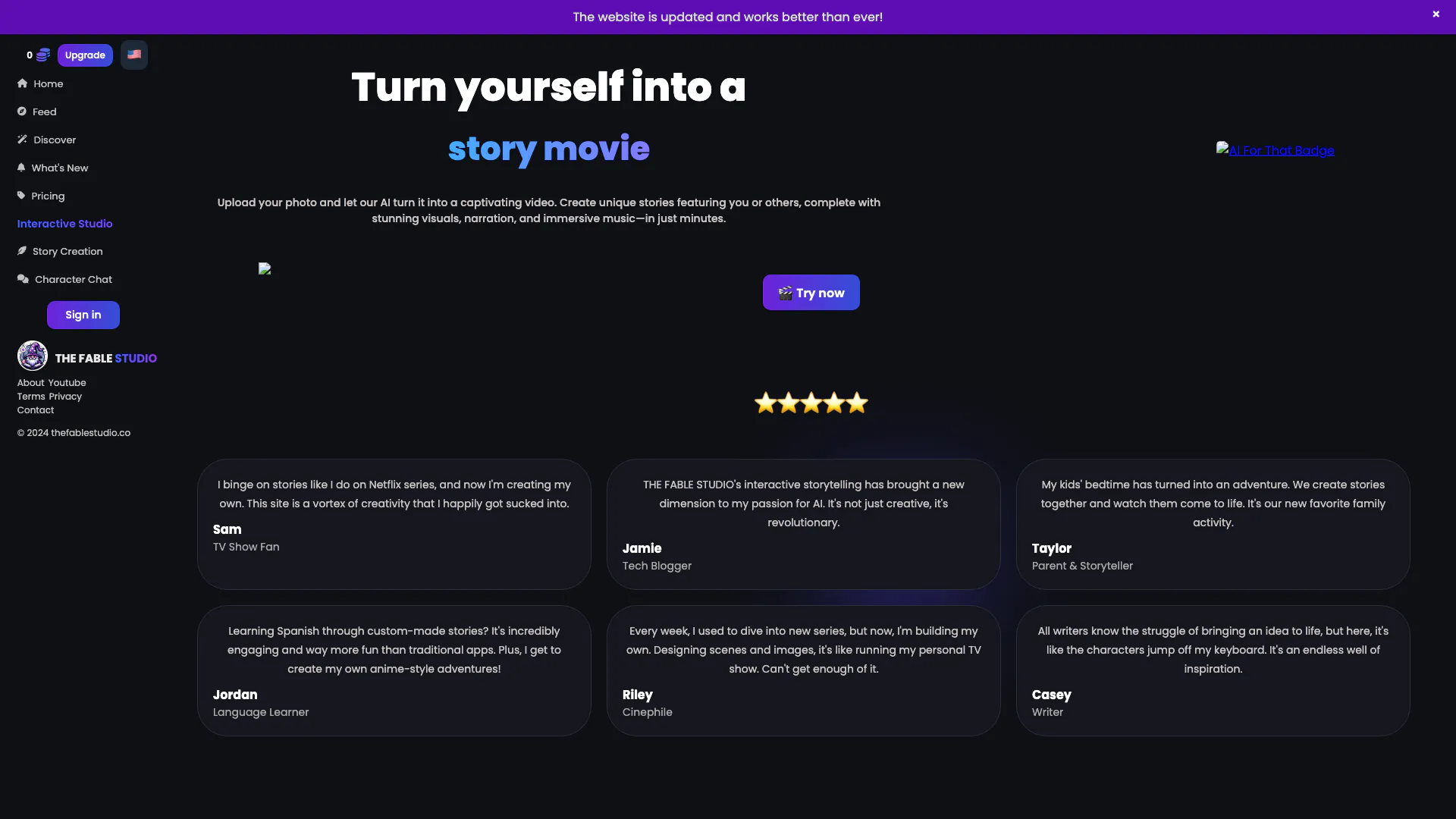
Stories that bring magic | THE FABLE STUDIO
- Writing & Editing
- AI Story Generator
- AI Design Generator
- AI Video Generator