

Chatmocks




What is Chatmocks?
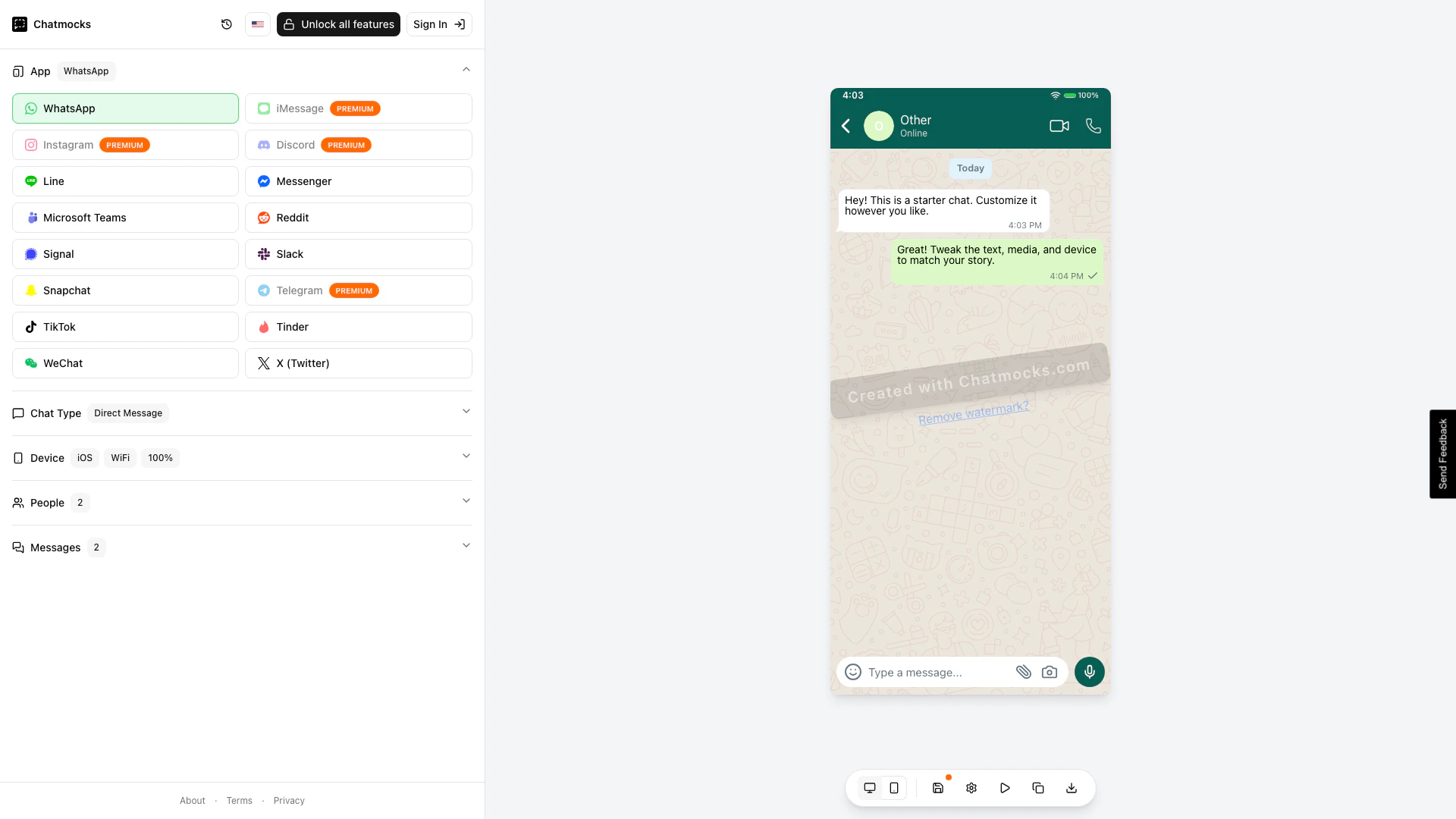
Chatmocks is an innovative tool designed for creating realistic, pixel-perfect fake chat conversation mockups across various messaging platforms, including WhatsApp, iMessage, and Instagram. With the capability to simulate conversations in over 15 messaging apps, Chatmocks caters specifically to marketers, content creators, and anyone looking to visually represent chat interactions in a professional manner. This tool enhances presentations, marketing materials, and social media content by providing a visually appealing way to showcase chat dialogues.
How to use Chatmocks?
- Visit the Chatmocks website at https://chatmocks.com/.
- Select the chat type you want to create, such as WhatsApp or iMessage.
- Choose the device you want the mockup to be displayed on.
- Customize the conversation by adding participants and typing in the messages you want to display.
- Preview your chat mockup in the preview panel.
- Once satisfied, you can download the mockup or share it directly from the platform.
What are the main features of Chatmocks?
- Create mockups for over 15 messaging apps, including WhatsApp and Instagram.
- User-friendly configuration panel for easy customization of chat types, devices, and messages.
- High-quality, pixel-perfect designs that mimic real chat interfaces.
- Preview panel to visualize the final mockup before downloading.
- Ideal for marketers and creators looking to enhance their visual content.
Who is Chatmocks for?
Chatmocks is primarily targeted at marketers, social media managers, and content creators who need to produce visually engaging chat mockups for promotional materials, advertisements, or social media posts. It is also beneficial for designers and developers who require realistic chat simulations for app development or user experience testing.
What are the use cases of Chatmocks?
- Creating marketing materials that showcase customer service interactions via chat.
- Designing social media posts that highlight user testimonials in chat format.
- Developing app prototypes that require realistic chat interfaces for user testing.
- Producing educational content that demonstrates how to use messaging apps effectively.
Chatmocks Pros and Cons
Pros
- Realistic Mockups: Chatmocks allows users to create realistic pixel-perfect mockups of chat conversations for various messaging apps, enhancing visual presentations.
- Multiple App Support: Supports over 15 messaging apps including WhatsApp, iMessage, and Instagram, providing versatility for different marketing needs.
- User-Friendly Interface: The configuration panel is intuitive, making it easy for marketers and creators to customize chat mockups without technical skills.
Cons
No cons data detected for this tool
Chatmocks Compare
| Tool Name | Introduction | Pricing | Type | Rating | Launch Date | Learn more |
|---|---|---|---|---|---|---|
 | Enhance your study sessions with AI-driven tools. | Free | 💼Work🎨Creativity | March 14, 2025 | Get deal | |
 | Create stunning visuals from text effortlessly. | Free | 🎨Creativity | August 19, 2024 | Get deal | |
 | Create stunning AI artwork effortlessly. | Free Trial | 🎨Creativity | June 9, 2024 | Get deal |
Info current as of post date. Offers and availability may vary by location and are subject to change.
Chatmocks Alternatives

Optimize your website's performance with AI-driven A/B testing and personalization.
- Marketing & Advertising
- AI Digital Marketing Tools
- AI Marketing Tools
- AI Landing Page Optimization Tools
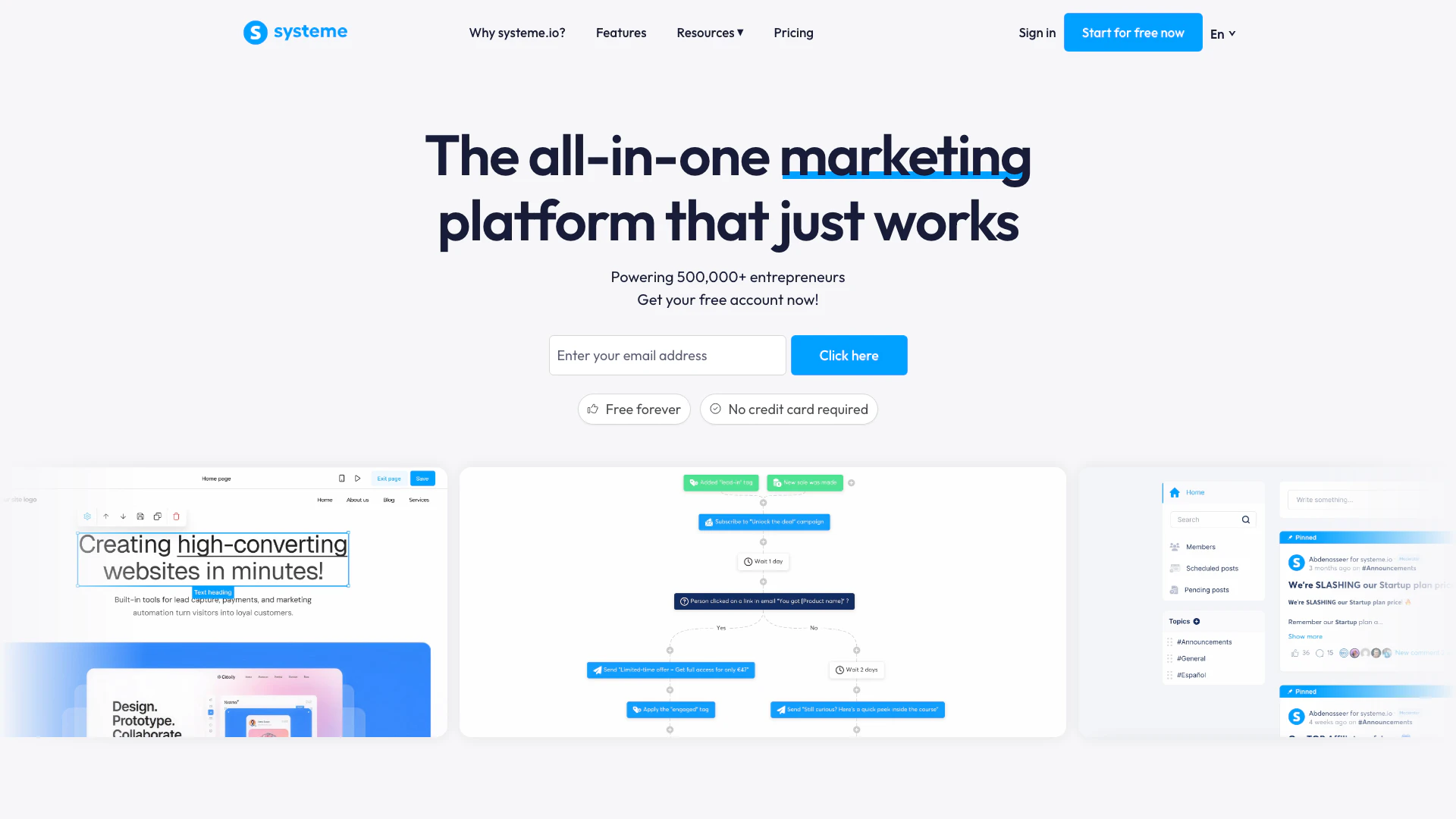
Systeme.io provides essential tools for online business growth.
- Marketing & Advertising
- AI Digital Marketing Tools
- AI Email Marketing Tools
- AI Lead Generation Tools

OpusClip turns long videos into high-quality viral clips for you to share on TikTok, YouTube Shorts, and Reels to increase social media reach.
- Writing & Editing
- AI Content Repurposing
- AI Text Generator
- AI Social Media Tools