

Chonky




What is Chonky?
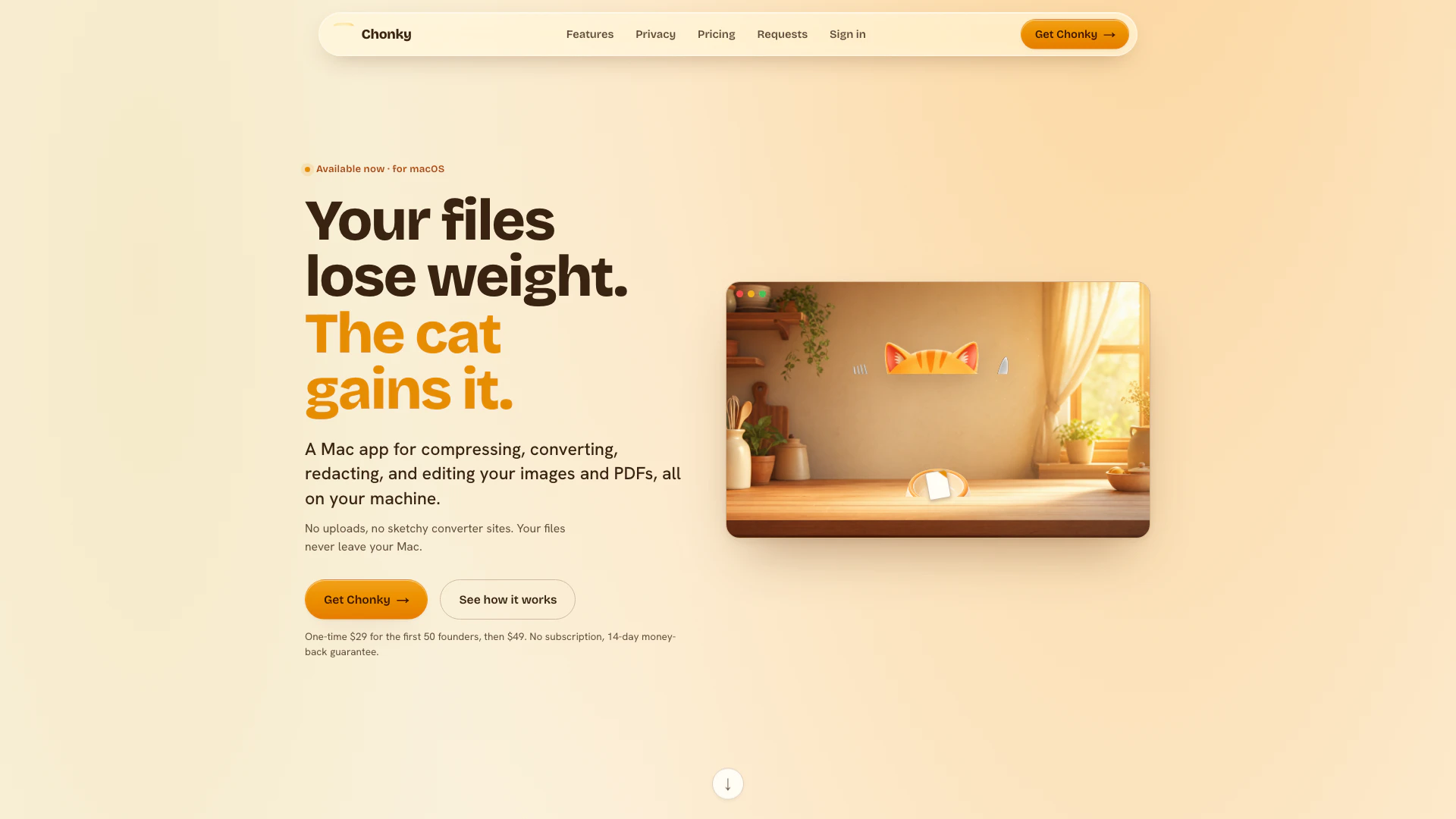
Chonky is a versatile Mac application designed for compressing, converting, redacting, and cleaning images and PDFs directly on your computer. Unlike many online tools that require file uploads, Chonky operates entirely offline, ensuring that your files never leave your Mac. This tool is ideal for users who prioritize privacy and security, as it handles all tasks locally without any network calls. With a one-time purchase model, Chonky offers an efficient solution for managing your digital files without the hassle of subscriptions.
How to use Chonky?
- Download and install Chonky from the official website.
- Open the application and drag your image or PDF file into the Chonky window.
- Select the desired action: compress, convert, redact, or clean your file.
- If compressing, specify the target size if necessary. For conversion, choose the output format.
- Once the processing is complete, drag the resulting file back to your desired location on your Mac.
What are the main features of Chonky?
- Offline Processing: All operations are performed on your Mac without any uploads.
- File Compression: Reduce file sizes for images and PDFs.
- Format Conversion: Easily convert between formats such as HEIC, JPG, PNG, and WebP.
- Redaction Tools: Permanently black out sensitive information in documents.
- PDF Toolkit: Merge, split, reorder, and password-protect PDFs.
- Vectorization: Convert raster images into scalable SVG paths.
- Privacy Features: Remove EXIF data and other hidden information before sharing.
Who is Chonky for?
Chonky is designed for anyone who needs to manage images and PDFs securely and efficiently on their Mac. It is particularly suitable for professionals in fields such as legal, development, and support, where privacy is paramount. Users who frequently handle sensitive files and prefer not to upload them to online services will find Chonky an invaluable tool. Additionally, casual users looking for a straightforward solution for file management will appreciate its user-friendly interface.
What are the use cases of Chonky?
- Compressing Images for Email: Reduce the size of photos before sending them via email, ensuring they meet size limits without sacrificing quality.
- Converting File Formats: Change HEIC images to JPG or PNG for compatibility with various platforms and applications.
- Redacting Sensitive Information: Permanently black out confidential details in documents before sharing them with others.
- Managing PDFs: Merge multiple PDF files into one, split large documents, or reorder pages as needed.
- Creating Scalable Graphics: Transform logos or sketches into SVG format for easy editing and scalability.
Chonky Pros and Cons
Pros
- Complete Offline Functionality: Chonky operates entirely offline, ensuring that your files never leave your Mac, which enhances privacy and security.
- One-Time Purchase: Chonky requires a one-time payment, eliminating the need for ongoing subscriptions and providing lifetime access to all features and updates.
- Versatile File Handling: The tool supports a wide range of functions including compression, conversion, redaction, and editing of images and PDFs, making it a comprehensive solution.
Cons
No cons data detected for this tool
Chonky Pricing
Founder Plan
One-time purchase for the first 50 founders. Includes every feature and future updates.
Standard Plan
One-time purchase after the founder plan. Includes every feature and future updates.
For the latest pricing, please visit this link: https://chonky.one/#pricing
Prices are subject to change. Please visit the official website for the most up-to-date pricing information.
Chonky Compare
| Tool Name | Introduction | Pricing | Type | Rating | Launch Date | Learn more |
|---|---|---|---|---|---|---|
Configure it once and automate your images forever without intervention—no need to review. Photos are ready to publish. Adjust backgrounds, lighting, banners, and more to fit your company branding. | Free | October 5, 2021 | Get deal | |||
Explore Prompt Vibes to create unique prompts with our ChatGPT Prompt generator. Discover a collection of the best prompts designed for various uses. | Free | February 25, 2023 | Get deal | |||
2Mn+ readymade ChatGPT prompt ideas built by prompt engineers, using insights from eCommerce experts - that really work! | Free | February 6, 2023 | Get deal |


Info current as of post date. Offers and availability may vary by location and are subject to change.
Chonky Alternatives

Adobe Firefly is an AI-driven tool for creating unique images, videos, and audio.
- Image Generation & Editing
- AI Image Generator
- AI Photo Editor
- AI Realistic Image Generator

Picsart is a versatile platform for creating stunning visual content using AI tools.
- Image Generation & Editing
- AI Image Generator
- AI Photo Editor
- Gallery Creation Tool

Pixelbin.io is free online photo editor. Use PixelBin to edit, crop, enhance, or add background to your images. A mobile app is also available for editing.
- Image Generation & Editing
- AI Smart Crop
- AI Image Enhancer
- AI Photo Editor