

Clawoneclick





What is Clawoneclick?
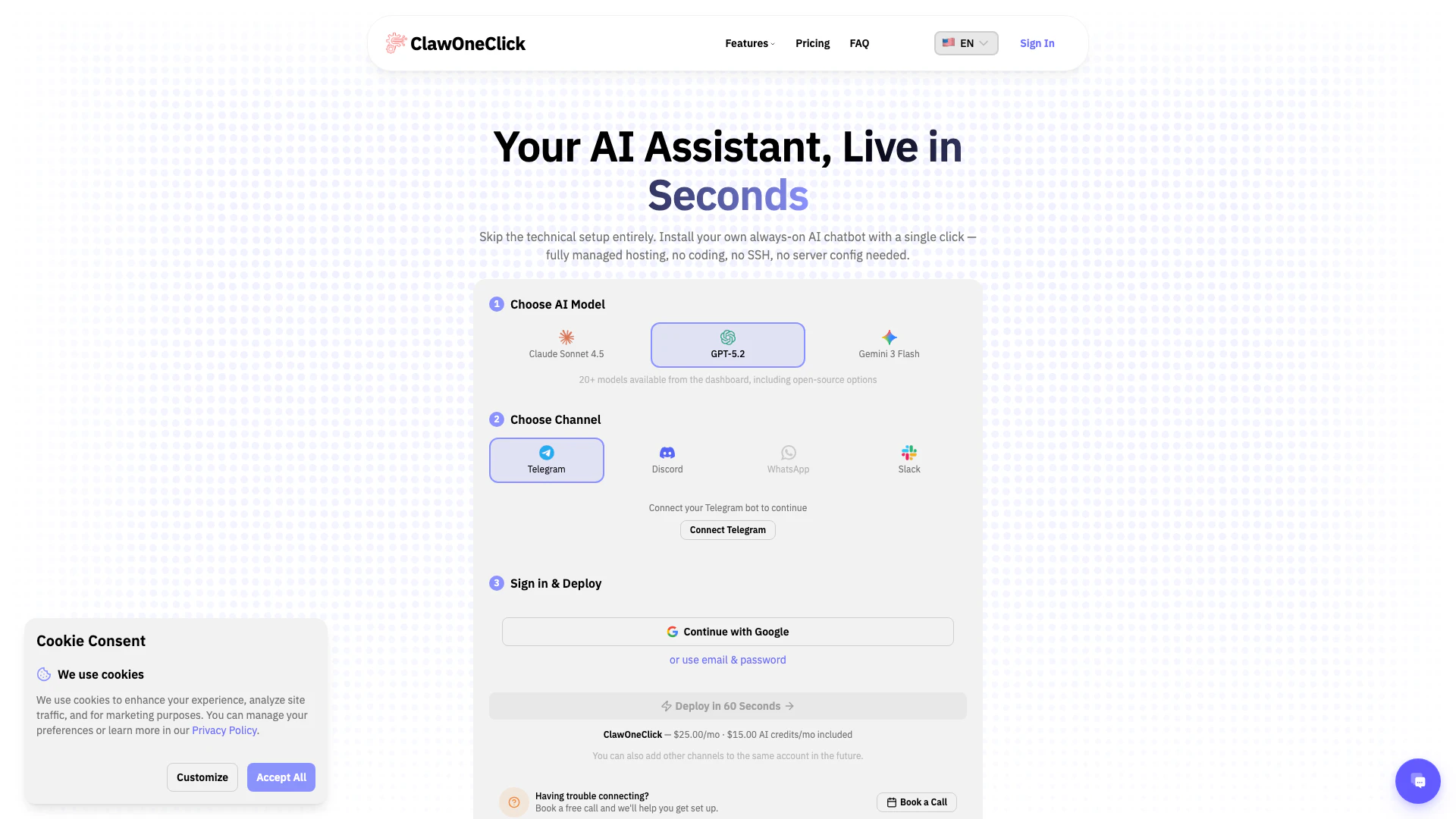
Clawoneclick is an innovative AI tool that enables users to install their own 24/7 AI assistant in under 60 seconds. It offers fully managed OpenClaw hosting, which eliminates the need for complex setup processes, making it accessible to users without coding skills. With features like zero-code setup and support for Bring Your Own Key (BYOK), Clawoneclick simplifies the deployment of AI models, allowing individuals and teams to enhance their workflows seamlessly.
How to use Clawoneclick?
- Visit the Clawoneclick website and sign up for an account.
- Choose your preferred AI model that suits your needs.
- Select your messaging channel, such as Telegram or Discord.
- Click on the deploy button to set up your AI assistant instantly.
- Start interacting with your AI assistant to streamline your tasks and improve productivity.
What are the main features of Clawoneclick?
- Fully managed hosting for 24/7 AI assistant availability.
- Zero-code setup, allowing users to deploy without technical knowledge.
- Support for Bring Your Own Key (BYOK) for enhanced security.
- Integration with various messaging channels like Telegram and Discord.
- Persistent memory feature for improved contextual understanding.
- Enterprise-grade security measures to protect user data.
- AI SEO/GEO agent capabilities for optimizing content.
Who is Clawoneclick for?
Clawoneclick is designed for developers, creators, and teams looking to enhance their productivity through AI assistance. It caters to individuals who may lack technical expertise but want to leverage AI technology in their workflows. Whether you are a software engineer, UI/UX designer, content creator, or a team lead, Clawoneclick provides a user-friendly platform to deploy and manage AI assistants effectively.
What are the use cases of Clawoneclick?
- Automating PR drafts and debugging processes for software engineers.
- Assisting designers in iterating on designs and managing SEO for portfolio sites.
- Streamlining social media management by planning content rollouts based on user ideas.
- Monitoring system logs and triggering deployments for tech leads.
- Managing team tasks, creating Jira tickets, and handling research through conversational interactions.