

Cleanclip





What is CleanClip?
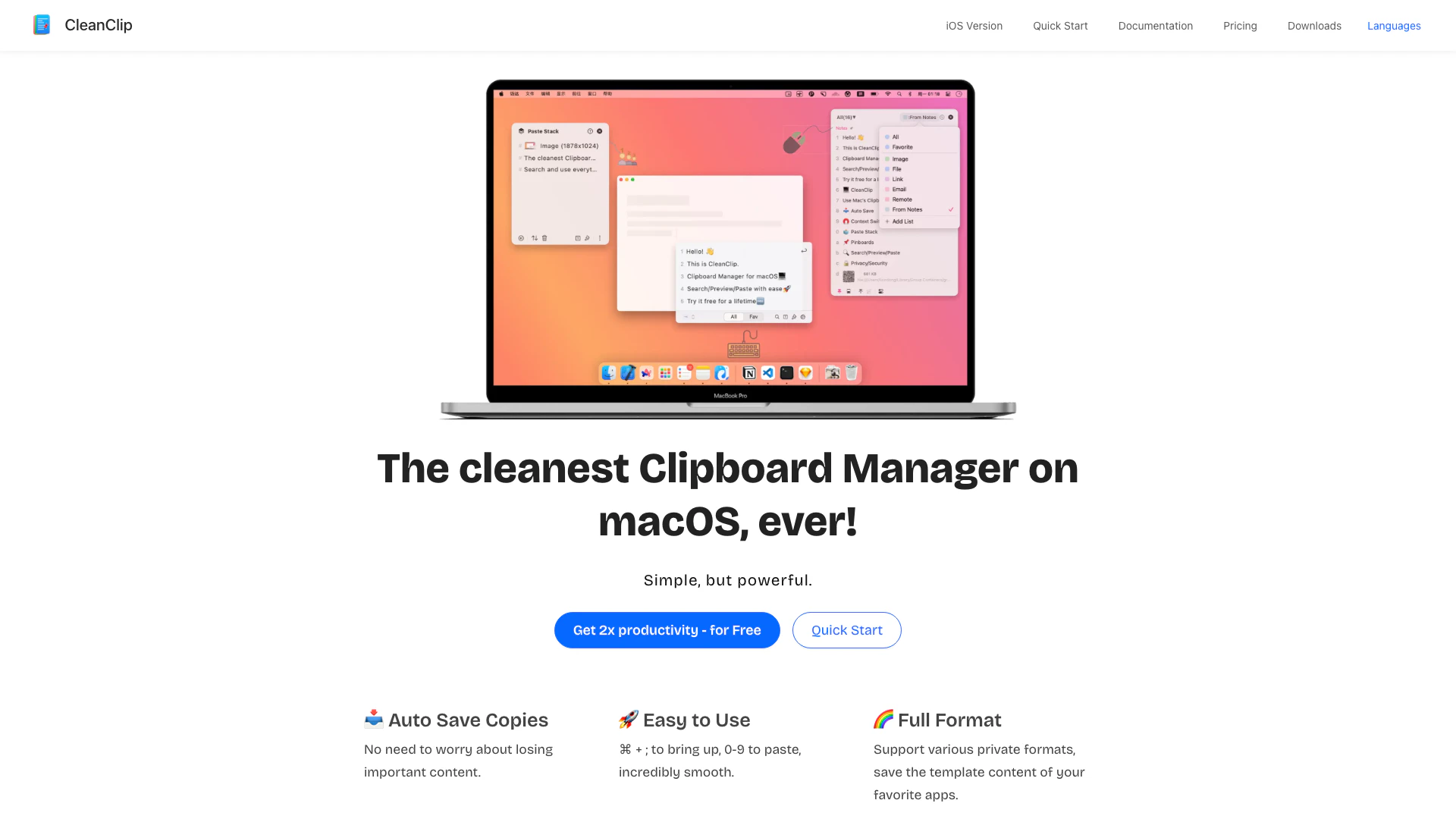
CleanClip is a powerful and user-friendly clipboard manager[1] designed specifically for macOS[2]. It automatically saves copies of your clipboard, ensuring that you never lose important content. With its clean and minimalist interface, CleanClip allows users to manage their clipboard history efficiently, find copied items in seconds, and utilize advanced features such as content filtering[4], bookmarking, and organizing capabilities. This tool enhances productivity by streamlining clipboard management, making it an essential application for anyone who frequently copies and pastes text, images, and other content on their Mac.
How to use CleanClip?
- Download and Install CleanClip: Visit the CleanClip website and download the application. Follow the installation instructions to set it up on your macOS device.
- Open CleanClip: Launch the application. You can access it using the shortcut ⌘ + ; to bring up the clipboard manager.
- Copy Content: As you copy text or images, CleanClip will automatically save these items to its history.
- Access Clipboard History: Use the keyboard shortcut ⌘ + ; to quickly view your clipboard history. You can use the number keys (0-9) to paste specific items.
- Manage and Organize: Utilize features like bookmarks and smart lists to organize your copied content for easy access. You can create unlimited collection lists for different types of content.
What are the main features of CleanClip?
- Auto Save[3] Copies: Automatically saves all copied content to prevent data loss.
- Easy Management: Offers infinite bookmark lists and smart lists for efficient content organization.
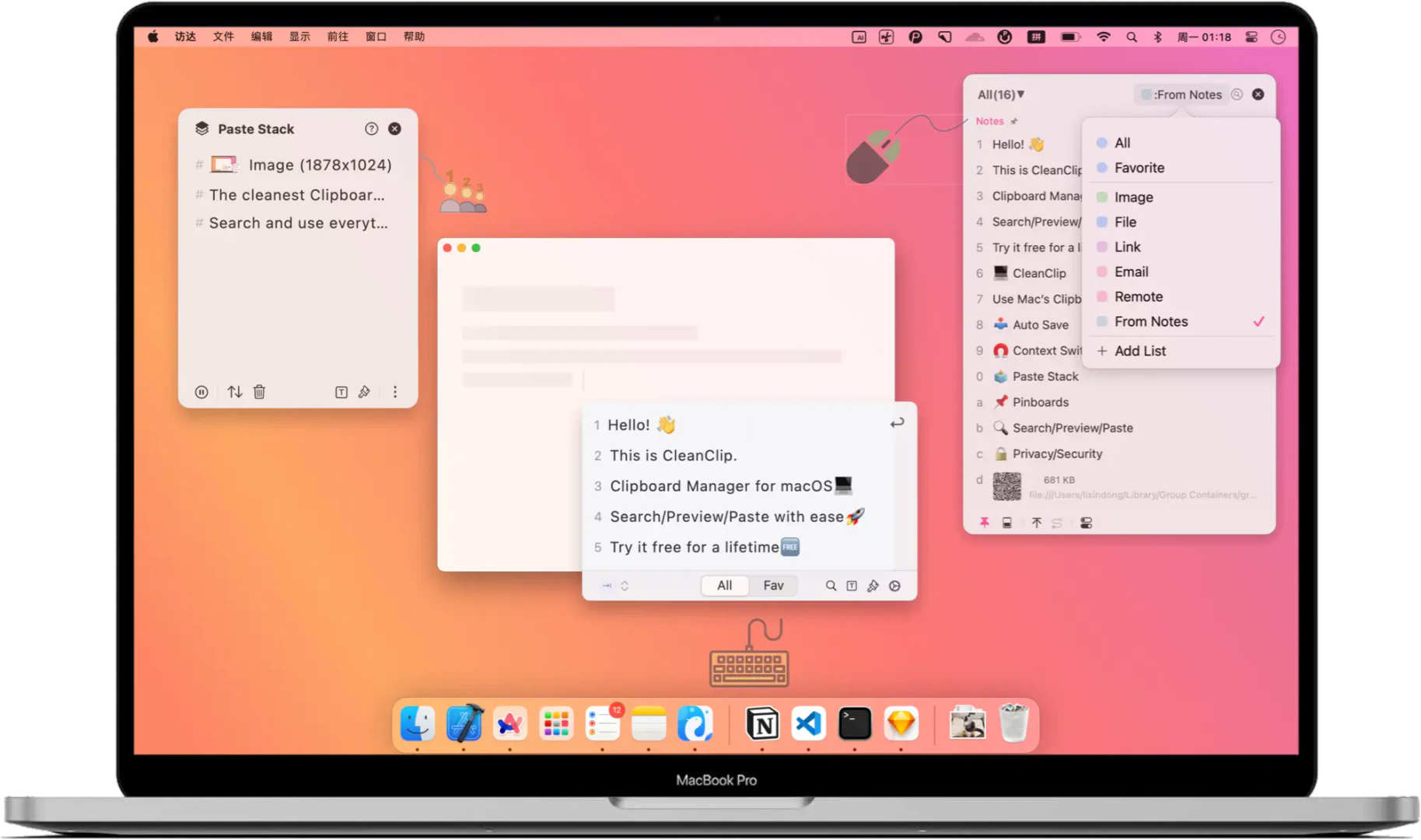
- Quick Menu: Allows users to find and paste records in just one second without leaving the keyboard.
- Paste in Sequence: Facilitates pasting multiple items in order using the Paste Stack feature.
- Follow Frontend App Mode: Automatically displays copied content relevant to the current application in use.
- Powerful Smart Lists: Provides intelligent filtering methods to help users quickly find specific content.
- Localization: Supports multiple languages, making it accessible to a wider audience.
Who is CleanClip for?
CleanClip is designed for macOS users who require efficient clipboard management. It is particularly beneficial for professionals such as marketers, designers, and content creators who frequently copy and paste various types of content. Additionally, students and anyone who engages in extensive text editing or data entry will find CleanClip's features invaluable for enhancing productivity and streamlining their workflow.
What are the use cases of CleanClip?
- Collecting Design Inspiration: Designers can copy images and ideas from various sources and paste them all at once into their design applications.
- Email Template Management: Marketers can store and retrieve various email templates quickly, saving time during outreach campaigns.
- Project Information Submission: Users can copy project details once and paste them across multiple websites without repetitive back-and-forth navigation.
- Command Parameter Retrieval: Developers can easily search and use previously copied command parameters, enhancing efficiency in coding tasks.
Product Images
Cleanclip Pros and Cons
Pros
- Auto Save Copies: CleanClip automatically saves copies of your clipboard content, ensuring that important information is never lost.
- Easy Management: With infinite bookmark lists and smart lists, managing your clipboard content becomes effortless and organized.
- Quick Access and Use: The quick menu allows you to find and use clipboard records in just one second, enhancing your workflow efficiency.
- Minimalist UI Design: CleanClip features a true minimalist UI that only displays necessary information, reducing distractions and improving focus.
Cons
No cons data detected for this tool
Cleanclip Pricing
Standard
3 Devices Mac/iPad/iPhone App Lifetime Updates Unlimited Storage Smart Lists Multiple Filters Paste Queue Cloud Sync Batch Processing
Pro
5 Devices Mac/iPad/iPhone App Lifetime Updates Unlimited Storage Smart Lists Multiple Filters Paste Queue Cloud Sync Batch Processing Email Support
Family
12 Devices Mac/iPad/iPhone App Lifetime Updates Unlimited Storage Smart Lists Multiple Filters Paste Queue Cloud Sync Batch Processing Priority Email Support
For the latest pricing, please visit this link: https://clip-purchase.macaify.com/
Prices are subject to change. Please visit the official website for the most up-to-date pricing information.
Analytics of Cleanclip
Cleanclip Reviews
With CleanClip, I can seamlessly find design inspiration without the need to constantly switch between apps. Just copy the images you like and paste them all at once when you return to the app.
As a marketer, I need to send different types of emails to various clients. CleanClip has been a great tool for me as it stores all the email templates I have used, enabling me to retrieve them whenever needed.
When promoting an app, it is often required to submit project information to multiple websites. With CleanClip, I can save time and effort by copying the information once and using it multiple times without having to go back and forth between project documents and different websites. This convenience makes CleanClip truly remarkable.
For more reviews, visit this link: https://cleanclip.cc#how-people-use-cleanclip
Cleanclip Compare
| Tool Name | Introduction | Pricing | Type | Rating | Launch Date | Learn more |
|---|---|---|---|---|---|---|
 |
PureStretch on the App Store
| Free | 🙋♂️Personal💼Work | December 31, 1984 | Get deal | |
 | Rowy is a low-code CMS for Firestore that simplifies backend management. | Free | 💼Work🎨Creativity | October 22, 2020 | Get deal | |
 | Transform AI text into human-like content for free. | Free | 🙋♂️Personal💼Work | January 12, 2024 | Get deal |
Info current as of post date. Offers and availability may vary by location and are subject to change.
Cleanclip Q&A
You can find your license in the License Manager section on the CleanClip website.
For more FAQs, please visit this link: https://cleanclip.cc/#%F0%9F%91%A9%E2%80%8D%F0%9F%92%BB-how-people-use-cleanclip
Cleanclip Alternatives

Notion is an AI-powered workspace that automates tasks and enhances team collaboration.
- Productivity & Office
- AI Productivity Tools
- AI Information Management Tools
- AI Task Management Tools

Monday is an AI-powered work platform that enhances team productivity.
- Productivity & Office
- AI Productivity Tools
- AI Task Management Tools
- AI Collaboration Tools for Preparation
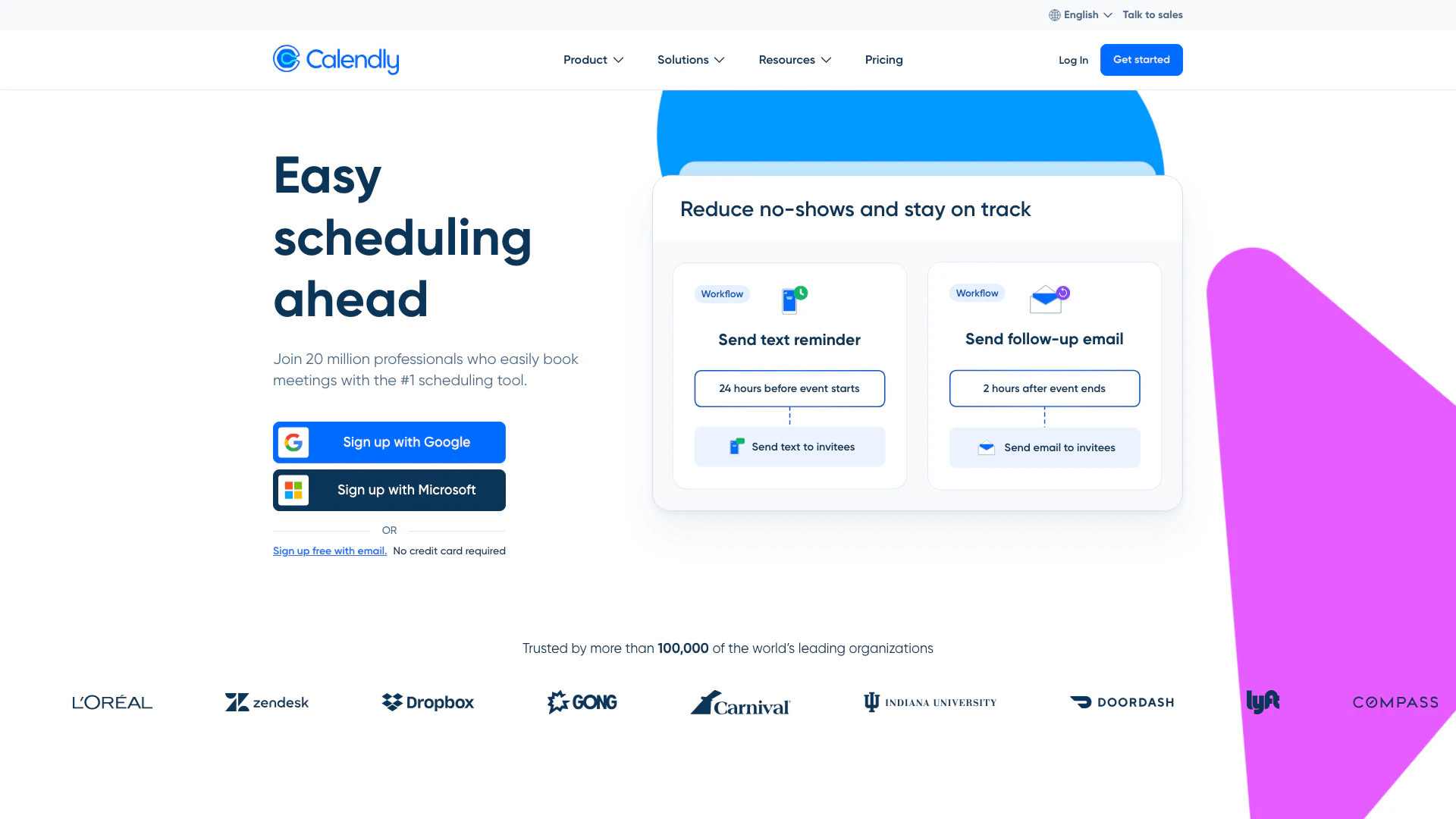
Calendly simplifies scheduling for teams and individuals.
- Productivity & Office
- Secure Productivity Tools
- AI Task Management Tools
- AI Collaboration Tools for Preparation