

Clearcut: Media Converter - iOS App




What is ClearCut: Media Converter?
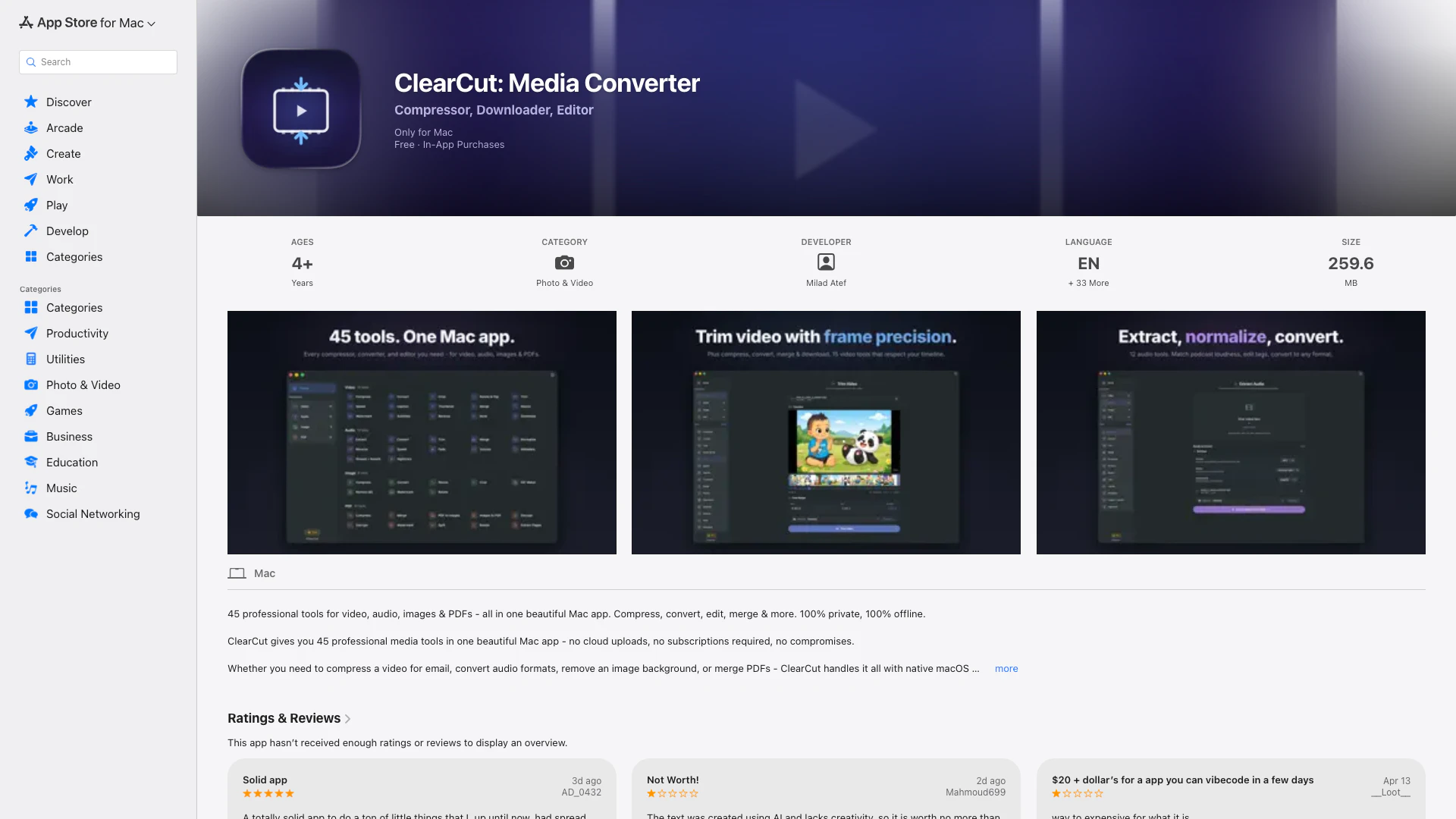
ClearCut: Media Converter is an all-in-one professional media tool designed exclusively for macOS users. This versatile application combines 45 powerful media tools seamlessly into one beautiful interface, removing the need for cloud uploads and subscriptions, thus ensuring your media editing remains private and straightforward. ClearCut excels in various media processing tasks, whether you’re compressing videos, converting audio formats, removing backgrounds from images, or merging PDF documents. Its native macOS performance ensures efficient operation without any bloat or slowdowns, making it an essential tool for users looking to handle multimedia files effectively.
How to use ClearCut: Media Converter?
- Download and install ClearCut: Media Converter from the App Store.
- Launch the application on your Mac.
- Select the specific tool you need from the 45 options listed (e.g., video compression, audio conversion, image editing).
- Drag and drop your media files into the selected tool or use the file browser to choose your files.
- Adjust any specific settings or parameters as needed (like file format, quality, or dimensions).
- Click "Process" or the relevant button to execute your desired action.
- Once completed, retrieve your processed files directly from your Mac.
What are the main features of ClearCut: Media Converter?
- 45 professional media tools covering video, audio, image, and PDF processing.
- Video features include compression, conversion, trimming, cropping, merging, and resizing.
- Audio tools allow format conversion, extraction, trimming, merging, normalization, and adding effects like fade.
- Image features include compression, converting formats, cropping, background removal, and GIF creation.
- PDF functionality allows for compression, merging, splitting, extracting pages, and adding security features like encryption.
- Native Mac application ensuring optimal performance without the need for an internet connection.
- All tools support drag and drop functionality for ease of use.
Who is ClearCut: Media Converter for?
ClearCut: Media Converter is tailored for a wide range of users who require efficient multimedia processing capabilities on their Mac systems. It's ideal for content creators, social media managers, and digital marketers who need to edit and optimize videos, audio, and images quickly. Additionally, it serves graphic designers and multimedia enthusiasts searching for a comprehensive suite of editing tools within a single application. The straightforward, user-friendly interface is designed to cater both to professionals who demand powerful features and to novices striving to accomplish multimedia tasks with ease.
What are the use cases of ClearCut: Media Converter?
- Compress videos for quicker uploading and sharing via email or social media without sacrificing quality.
- Convert audio files between various formats like MP3, WAV, and FLAC to ensure compatibility with different devices.
- Remove backgrounds from images to create transparent or layered graphics for design projects.
- Merge multiple PDF documents into a single file for streamlined presentation or sharing.
- Edit video clips by trimming and adding captions, watermarks, or effects for polished content before publishing.
Clearcut: Media Converter Pros and Cons
Pros
- Comprehensive Media Tools: ClearCut offers 45 professional media tools in one app, allowing users to perform a variety of tasks such as video compression, audio conversion, and image editing.
- Native macOS Performance: The app is built specifically for macOS, ensuring optimal performance without the bloat of Electron-based applications.
- Offline Functionality: ClearCut processes all files locally on your Mac, ensuring privacy and eliminating the need for internet connectivity.
Cons
No cons data detected for this tool
Clearcut: Media Converter Pricing
ClearCut Pro - Lifetime
One-time purchase for lifetime access to ClearCut Pro.
ClearCut Pro - Monthly
Monthly subscription for access to ClearCut Pro.
For the latest pricing, please visit this link: https://clearcut.pro/about
Prices are subject to change. Please visit the official website for the most up-to-date pricing information.
Clearcut: Media Converter Compare
| Tool Name | Introduction | Pricing | Type | Rating | Launch Date | Learn more |
|---|---|---|---|---|---|---|
Mobile Print & Smart Printer allows you to effortlessly print and scan documents from your smartphone or tablet to any wireless printer. | Free | May 30, 2026 | Get deal | |||
BriteSky on the App Store | Free | December 31, 1984 | Get deal | |||
Use for AI Chatbot on the App Store | Free | December 31, 1984 | Get deal |


Info current as of post date. Offers and availability may vary by location and are subject to change.
Clearcut: Media Converter Q&A
ClearCut offers 45 professional media tools including video, audio, image, and PDF processing capabilities such as compressing, converting, trimming, merging, and more.
Clearcut: Media Converter Alternatives
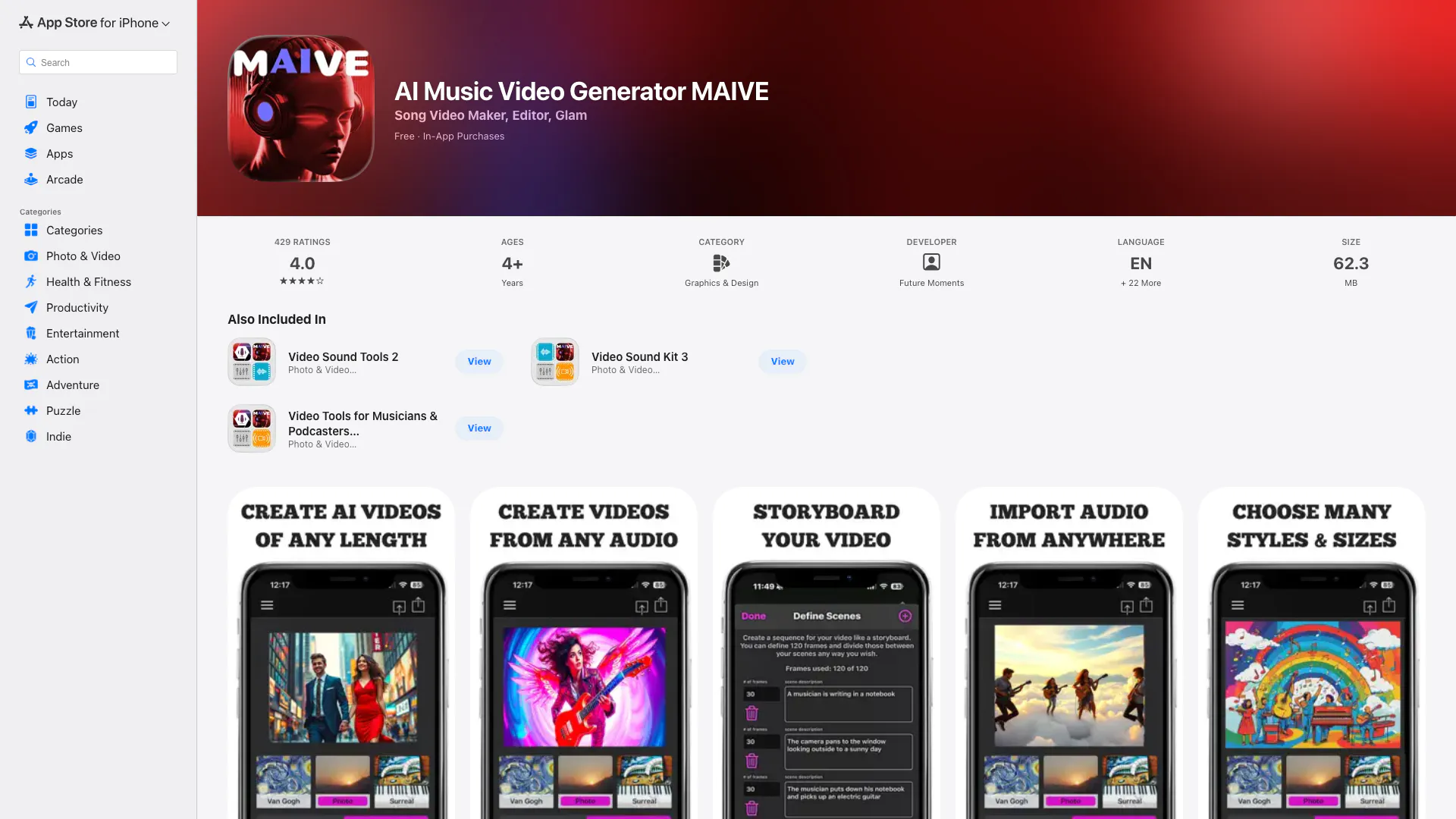
Turn words into AI Videos of any length. Also create AI Album Cover Art! Enter a text prompt, pick a style and let MAIVE do its magic and bring your ideas to l…
- Audio & Music
- AI Audio Editing
- AI Music Generator
- AI Video Editor
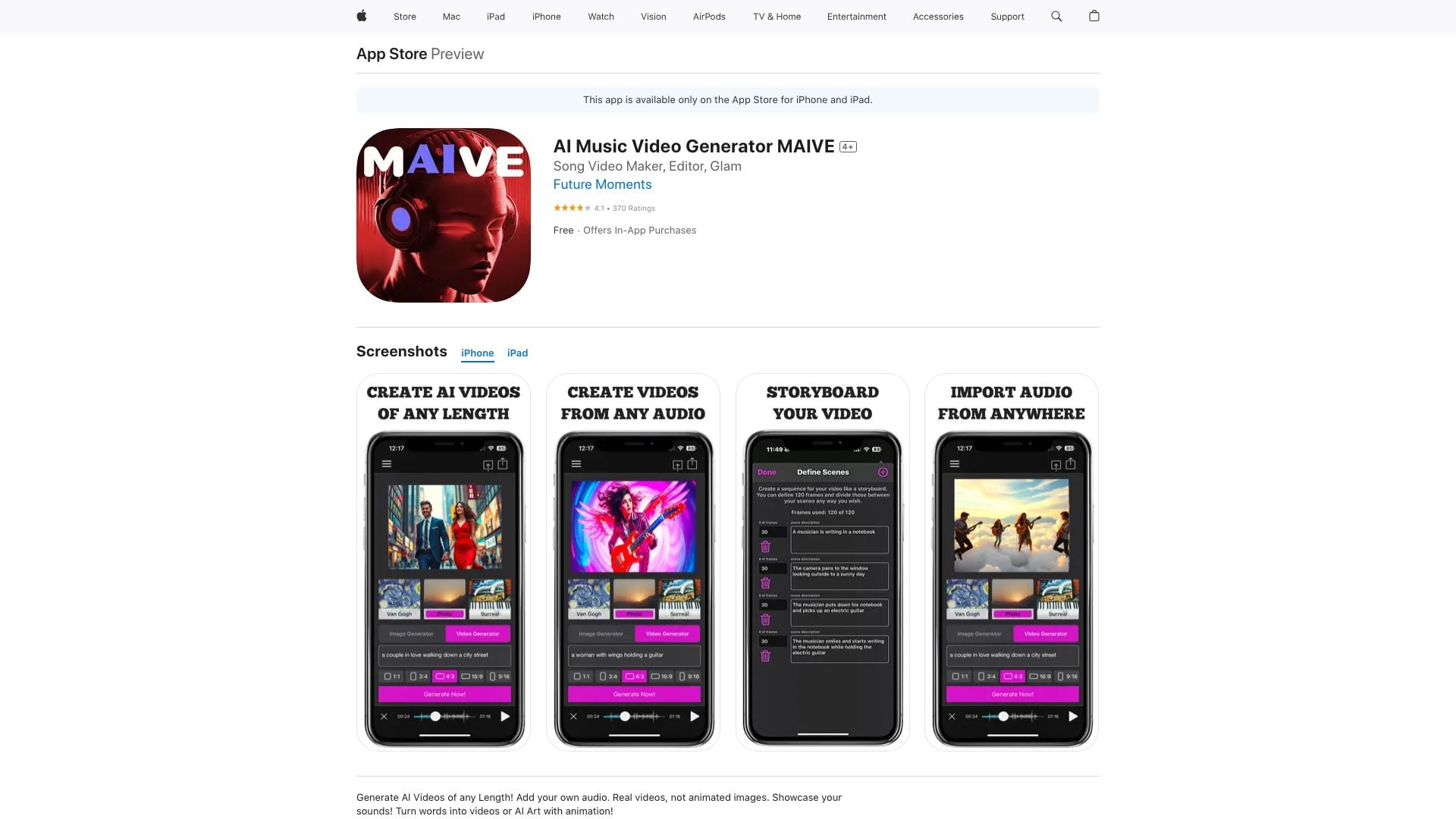
Turn words into AI Videos of any length. Also create AI Album Cover Art! Enter a text prompt, pick a style and let MAIVE do its magic and bring your ideas to l…
- Video & Animation
- AI Video Generator

Dual Camera Double Video on the App Store
- Video & Animation
- AI Video Generator