

Clipboard-ai




What is Clipboard-ai?
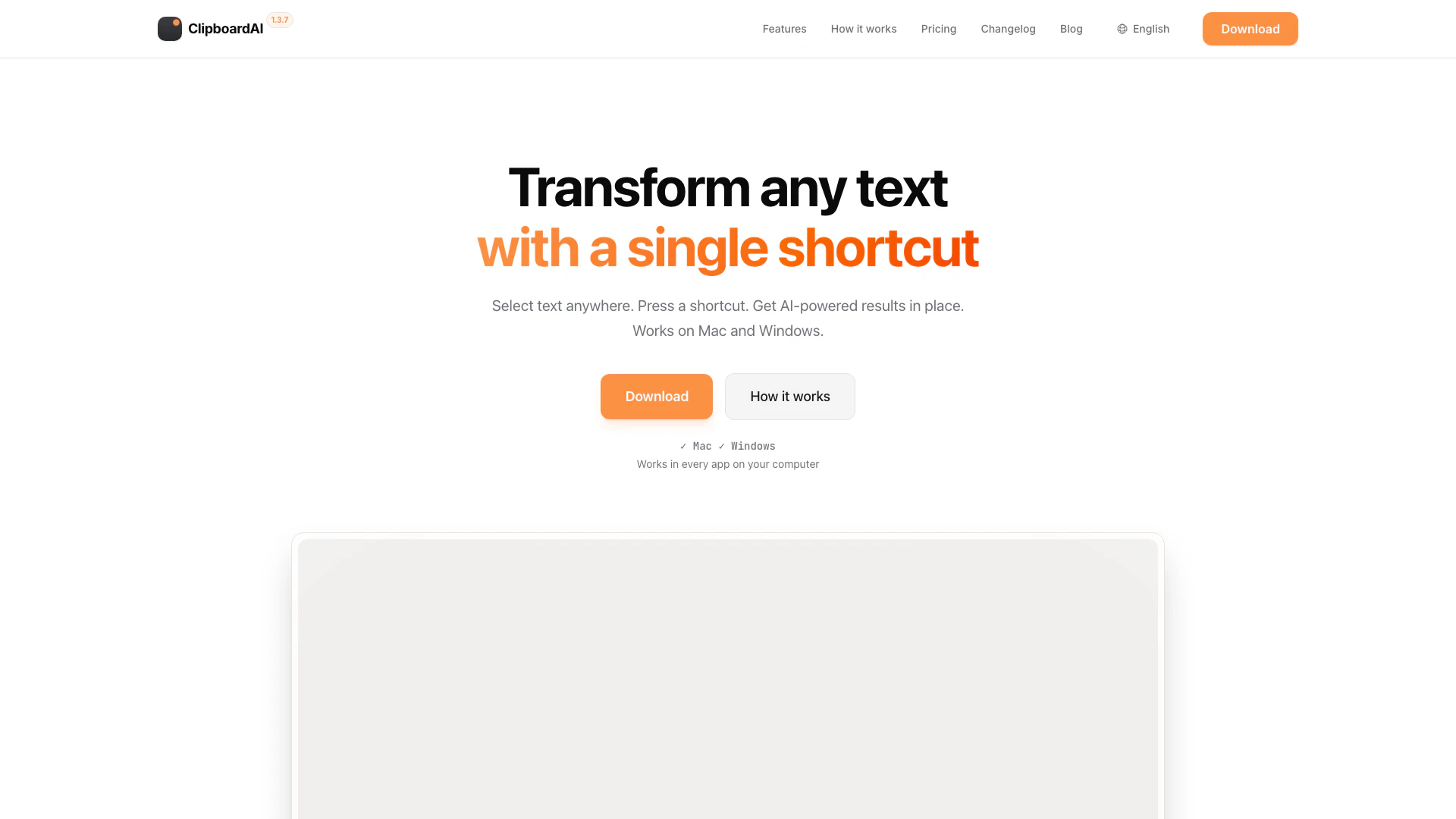
Clipboard-ai is an innovative AI tool designed to enhance productivity by allowing users to run AI prompts[1] with a simple keyboard shortcut[2], eliminating the need for app-switching and copy-pasting. This tool is compatible with both Mac and Windows operating systems and works seamlessly across all applications on your computer. By selecting text anywhere and pressing a designated shortcut, users can receive instant AI-powered results, making it an essential tool for anyone looking to streamline their workflow and increase efficiency.
How to use Clipboard-ai?
- Create Your Prompts: Define specific AI instructions for your daily tasks, such as 'Fix grammar', 'Translate to French', or 'Summarize'.
- Assign Shortcuts: Map each prompt to a keystroke that feels natural to you, like Option+G or Option+T. You can also define a global shortcut if preferred.
- Get Your Result: Highlight text anywhere, press your assigned shortcut, and watch the AI-generated result appear instantly.
What are the main features of Clipboard-ai?
- Universal Compatibility[3]: Works in any application on your Mac or PC, including Notion, Slack, and VS Code.
- Bring Your Own API Key: Users can utilize their existing OpenAI or OpenRouter API keys without any middleman fees.
- Support for Multiple Models: Choose from various AI models, including OpenAI's and Claude, allowing flexibility in AI capabilities.
- Custom Prompts[4]: Users can create personalized shortcuts for specific tasks, such as grammar fixing[7], code optimization, or summarization.
- Fast Performance[5]: Designed for minimal latency, ensuring quick responses to user prompts.
- Private by Design[6]: Clipboard-ai does not store user data; requests go directly to the AI provider.
Who is Clipboard-ai for?
Clipboard-ai is tailored for a diverse range of users, including writers, editors, developers, and support teams. It is particularly beneficial for those who frequently handle text and need to enhance their writing quality, streamline coding tasks, or improve customer communication. Whether you are looking to fix grammar, generate documentation, or respond to client inquiries more effectively, Clipboard-ai is designed to integrate seamlessly into your workflow, making it an ideal tool for anyone seeking to increase productivity.
What are the use cases of Clipboard-ai?
- For Writers & Editors: Instantly fix grammar, adjust tone, and translate content on the fly.
- For Developers: Explain complex code snippets, generate documentation comments, and refactor code efficiently.
- For Support Teams: Polish responses, summarize long threads, and generate empathetic replies to customer messages.
Clipboard-ai Pros and Cons
Pros
- Instant AI Results Anywhere: ClipboardAI allows users to run AI prompts instantly from any application on Mac and Windows, eliminating the need for app-switching.
- Customizable Shortcuts: Users can create their own shortcuts for specific tasks, enhancing productivity and streamlining workflows.
- Supports Multiple AI Models: ClipboardAI works with various AI models, including OpenAI's and Claude, allowing users to switch models without changing their workflow.
- Private and Secure: The tool does not store user data, ensuring privacy as requests go directly to the AI provider.
Cons
No cons data detected for this tool
Clipboard-ai Pricing
Free 7-Day Trial
Start with a free 7-day trial.
Lifetime Access
Unlock lifetime access for just $29 after the trial.
For the latest pricing, please visit this link: https://www.clipboard-ai.com/
Prices are subject to change. Please visit the official website for the most up-to-date pricing information.
Analytics of Clipboard-ai
Clipboard-ai Website Traffic Analysis
Visits Over Time
Traffic Sources
Nov 2025 - Jan 2026 Worldwide Desktop Only
- Direct: 52.09%
- Search: 31.80%
- Referrals: 10.89%
- Social: 2.86%
- Paid Referrals: 1.65%
- Mail: 0.13%
Top Regions
| Region | Percentage |
|---|---|
🇮🇳 India | 77.99% |
🇺🇸 United States | 22.01% |
- India: 77.99%
- United States: 22.01%
Top Keywords
| Keyword | Volume | CPC | Estimated Value |
|---|---|---|---|
| rewrite shorter in one paragraph | 260 | $0.00 | $0.00 |
| uipath clipboard ai | 160 | $0.00 | $0.00 |
| copy to ai clipboard | 100 | $0.00 | $100.00 |
| clipboard ai | 30 | $0.00 | $20.00 |
| clipboardai | 10 | $0.00 | $0.00 |
Clipboard-ai Reviews
I used to open ChatGPT several times a day just to polish my emails. Now I hit Option+I in Outlook and ClipboardAI does it instantly. I write in English and German, and since English isn't my first language, it saves me a ton of time.
As a consultant moving between briefings, proposals, and client communication, ClipboardAI genuinely simplifies my day. Copy any draft, trigger a shortcut, get a polished version—without switching windows. It cuts out unnecessary steps and helps me deliver clearer writing in less time. Easy 5/5.
ClipboardAI saves me countless steps. I copy text snippets back and forth all day—emails, LinkedIn posts, you name it. ClipboardAI handles most of the in-between work at the press of a button, so I can focus on what actually matters.
For more reviews, visit this link: https://www.clipboard-ai.com/#reviews
Clipboard-ai Compare

Info current as of post date. Offers and availability may vary by location and are subject to change.
Clipboard-ai Q&A
ClipboardAI works in every app on your Mac or PC where you can select text, including Notion, Slack, VS Code, and many others.
For more FAQs, please visit this link: https://www.clipboard-ai.com/#faq
Clipboard-ai Alternatives

Discover Gemini, Google's versatile AI assistant for writing and planning.
- Productivity & Office
- AI Productivity Tools
- AI Business Planning Tools
- AI Prompt Management Tools

Notion AI enhances productivity by integrating AI tools directly into your workspace.
- Productivity & Office
- AI Productivity Tools
- AI Information Management Tools
- Content Management Tools

Notion is an AI-powered workspace that automates tasks and enhances team collaboration.
- Productivity & Office
- AI Productivity Tools
- AI Information Management Tools
- AI Task Management Tools