

Compresso




What is Compresso?
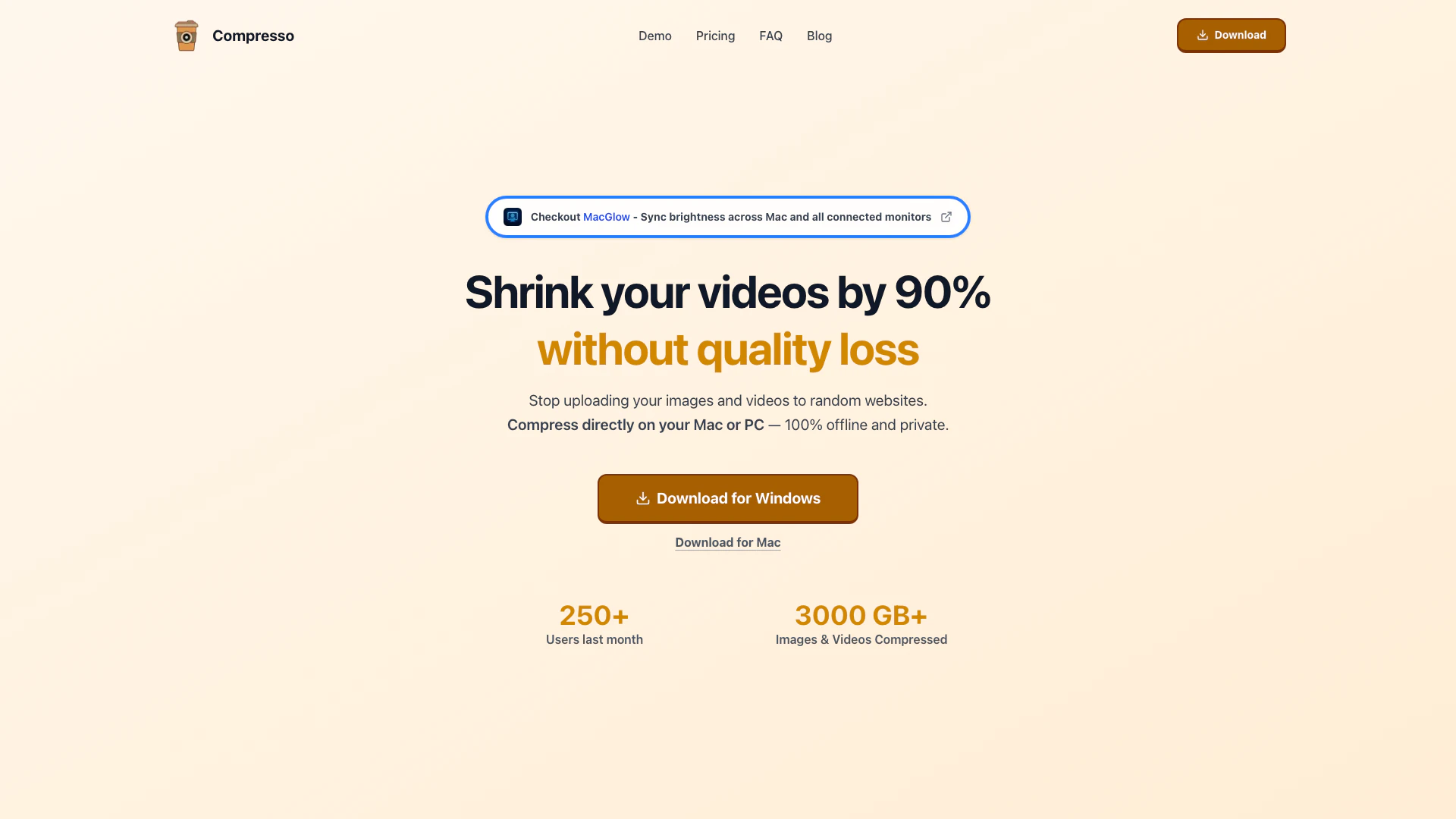
Compresso is a powerful bulk image and video compression application designed for both Mac and Windows users. It allows you to compress media files effortlessly while maintaining their quality, ensuring that your storage space is optimized without sacrificing visual integrity. With advanced compression technology, Compresso enables users to reduce file sizes significantly, making it an essential tool for anyone dealing with large media files.
How to use Compresso?
- Download and install Compresso on your Mac or Windows computer.
- Open Compresso and drag and drop the files or folders you want to compress into the application.
- Optionally, adjust the compression settings according to your preferences.
- Click on the 'Compress' button and wait for the process to complete while you enjoy a coffee!
What are the main features of Compresso?
- Bulk Compression[1]: Compress multiple images and videos simultaneously, saving time and effort.
- Quality Preservation[2]: Maintain the quality of your media files even after compression.
- Offline Functionality[3]: Operate without the need for an internet connection, ensuring privacy and security.
- User-Friendly Interface[4]: Simple drag-and-drop functionality for ease of use.
- Adjustable Compression Settings: Customize compression levels to suit your needs.
Who is Compresso for?
Compresso is ideal for a wide range of users, including photographers who need to manage large volumes of images, content creators looking to upload videos without the hassle of oversized files, and students wanting to free up storage space on their laptops. Anyone dealing with large media files will find Compresso a valuable tool for efficient file management.
What are the use cases of Compresso?
- Photographers: Compress wedding photo folders from 100GB to 15GB, allowing for new project storage.
- Content Creators: Reduce video file sizes from 2GB to 200MB for easier uploads to social media platforms.
- Students: Free up significant storage space by compressing lecture recordings and study materials.
Product Images

Compresso Pros and Cons
Pros
- High Compression Efficiency: Compresso can reduce file sizes by up to 90% without compromising quality, making it ideal for users needing to save storage space.
- User-Friendly Interface: The drag-and-drop functionality allows users to easily select files or folders for compression, enhancing the overall user experience.
- Offline and Private Compression: Compresso operates 100% offline, ensuring that users' media files remain private and secure during the compression process.
Cons
No cons data detected for this tool
Compresso Pricing
Pro Trial
1 week trial license Unlimited compressions Works 100% offline Auto Skip compressed files Free feature requests
Pro Personal
Everything in Trial, plus: 1 device license Upto 50GB folder Upto 200 files at once Priority support
Pro Standard
Everything in Personal, plus: 5 device license Advanced compression algos Early access to new features Priority support
For the latest pricing, please visit this link: https://compresso.xyz/
Prices are subject to change. Please visit the official website for the most up-to-date pricing information.
Analytics of Compresso
Compresso Website Traffic Analysis
Visits Over Time
Traffic Sources
Nov 2025 - Jan 2026 Worldwide Desktop Only
- Search: 41.26%
- Direct: 36.96%
- Referrals: 12.83%
- Social: 6.36%
- Paid Referrals: 1.51%
- Mail: 0.42%
Top Regions
| Region | Percentage |
|---|---|
🇺🇸 United States | 48.42% |
🇷🇺 Russia | 47.46% |
🇩🇪 Germany | 2.18% |
🇹🇷 Türkiye | 1.94% |
- United States: 48.42%
- Russia: 47.46%
- Germany: 2.18%
- Türkiye: 1.94%
Top Keywords
| Keyword | Volume | CPC | Estimated Value |
|---|---|---|---|
| compresso | 1.54K | $1.59 | $120.00 |
| compresso pro | 330 | $0.00 | $160.00 |
Compresso Compare
| Tool Name | Introduction | Pricing | Type | Rating | Launch Date | Learn more |
|---|---|---|---|---|---|---|
Tutor AI - Your personal AI tutor to learn anything | Free | September 23, 2007 | Get deal | |||
Explore Prompt Vibes to create unique prompts with our ChatGPT Prompt generator. Discover a collection of the best prompts designed for various uses. | Free | February 25, 2023 | Get deal | |||
Rewind | Free | February 2, 2018 | Get deal |


Info current as of post date. Offers and availability may vary by location and are subject to change.
Compresso Q&A
Compresso is a desktop application that helps you compress images and videos without any visible quality loss. It's perfect for reducing file sizes for websites, emails, social media or simply save space on your computer while maintaining visual quality.
For more FAQs, please visit this link: https://compresso.xyz/faq
Compresso Alternatives

Adobe Firefly is an AI-driven tool for creating unique images, videos, and audio.
- Image Generation & Editing
- AI Image Generator
- AI Photo Editor
- AI Realistic Image Generator

Picsart is a versatile platform for creating stunning visual content using AI tools.
- Image Generation & Editing
- AI Image Generator
- AI Photo Editor
- Gallery Creation Tool

Pixelbin.io is free online photo editor. Use PixelBin to edit, crop, enhance, or add background to your images. A mobile app is also available for editing.
- Image Generation & Editing
- AI Smart Crop
- AI Image Enhancer
- AI Photo Editor