

Coveai





What is Coveai?
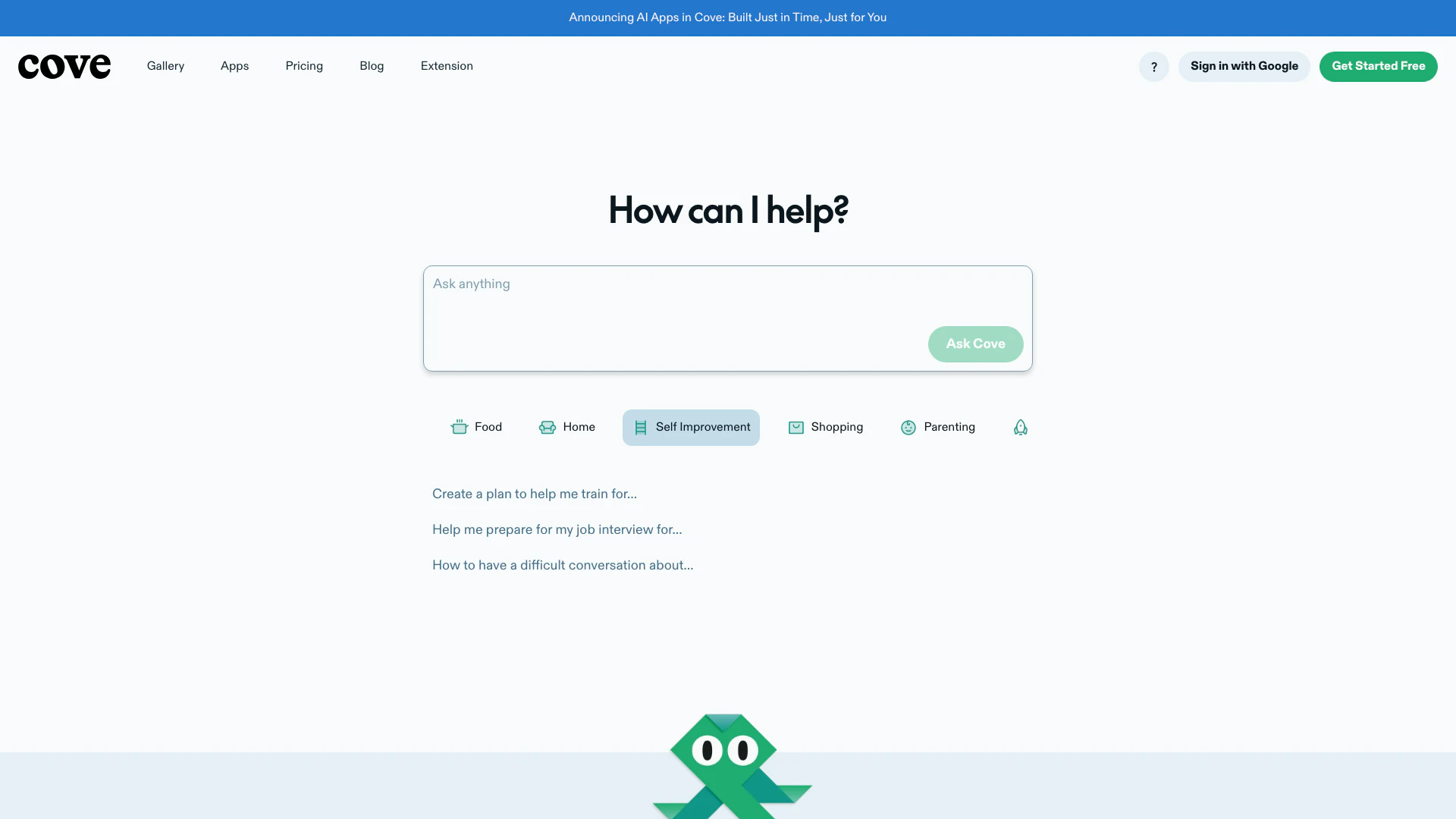
Coveai is a visual workspace[1] designed to enhance collaborative thinking[2] through the integration of artificial intelligence. Unlike traditional chatbots, Coveai functions as an AI collaborator[3] that facilitates real-time interaction[4] and shared workspace[5] experiences. Users can explore, plan, and work together with AI, leveraging its capabilities to enhance productivity and creativity. Coveai is built to help users brainstorm ideas, edit content collaboratively, and make data-driven decisions by utilizing the latest AI technologies.
How to use Coveai?
- Sign up for a free account on the Coveai website.
- Create a new workspace or join an existing one to start collaborating.
- Invite team members to your workspace for real-time collaboration.
- Begin interacting with Coveai by asking questions or providing prompts related to your project.
- Use Coveai's features to edit content, add images, tables, and more within the shared workspace.
- Explore suggested directions and insights provided by Coveai to enhance your brainstorming sessions.
What are the main features of Coveai?
- Shared Workspace: Collaborate with team members in a shared environment where ideas can be built upon.
- Real-time Collaboration: Work together with AI in real-time, similar to multiplayer editing.
- Content Editing: Coveai can edit content directly with users, making precise adjustments as needed.
- Learning from Context: The AI learns from the information added to the workspace, enhancing its responses.
- Research Acceleration: Coveai performs parallel searches to provide the freshest data from the web.
- Personalized Apps: Create interactive experiences tailored to user needs, providing just-in-time solutions.
Who is Coveai for?
Coveai is designed for a diverse range of users including professionals, teams, and individuals who seek to enhance their collaborative efforts with AI. It is particularly beneficial for those in fields such as education, marketing, startups, and project management, where brainstorming and real-time collaboration are essential. Whether you are working on a group project, conducting research, or simply looking to improve your productivity, Coveai offers tools that cater to your needs.
What are the use cases of Coveai?
- Team Brainstorming: Use Coveai to generate and refine ideas during team meetings, enhancing group creativity.
- Project Management: Collaborate on project plans and timelines, making real-time edits and updates.
- Research and Development: Accelerate web research for projects by utilizing Coveai's parallel search capabilities to gather information quickly.
Product Images



Coveai Pros and Cons
Pros
- Collaborative Workspace: Cove provides a shared workspace for users and AI to collaborate in real-time, enhancing teamwork and idea generation.
- Interactive AI Applications: Cove creates personalized interactive applications tailored to user needs, offering a unique experience beyond text-based responses.
- Real-time Editing: Cove allows users to edit content collaboratively with AI, enabling precise modifications without needing to reprocess entire responses.
Cons
No cons data detected for this tool
Coveai Pricing
Starter
For individuals just getting started—no credit card needed. Powered by the best models from Anthropic, OpenAI, and more. Unlimited spaces, Unlimited viewers for your space, Unlimited editors for your space, 100 AI credits to get you started creating apps and cards, Upload images up to 5 MB and files up to 10 MB.
Plus
Unlock the full capabilities of Cove. Powered by the best models from Anthropic, OpenAI, and more. Unlimited spaces, Unlimited viewers for your space, Unlimited editors for your space, Unlimited AI credits for creating apps and cards, Upload images up to 20 MB and files up to 35 MB, Priority customer support, Early access to new features.
For the latest pricing, please visit this link: https://cove.ai/pricing
Prices are subject to change. Please visit the official website for the most up-to-date pricing information.
Analytics of Coveai
Coveai Compare
| Tool Name | Introduction | Pricing | Type | Rating | Launch Date | Learn more |
|---|---|---|---|---|---|---|
 | Generate stunning photos instantly with AI. | Free | 🎨Creativity | September 18, 2023 | Get deal | |
 | Slack profile | Free | 💼Work | May 22, 2023 | Get deal | |
 | Generate professional AI headshots quickly and affordably. | Free | 💼Work🎨Creativity | July 16, 2023 | Get deal |
Info current as of post date. Offers and availability may vary by location and are subject to change.
Coveai Q&A
You can find detailed articles on how to use Cove in the Cove Help Center, which provides guidance on various features and functionalities.
For more FAQs, please visit this link: https://help.cove.ai
Coveai Alternatives

Discover Gemini, Google's versatile AI assistant for writing and planning.
- Productivity & Office
- AI Productivity Tools
- AI Business Planning Tools
- AI Prompt Management Tools

Notion AI enhances productivity by integrating AI tools directly into your workspace.
- Productivity & Office
- AI Productivity Tools
- AI Information Management Tools
- Content Management Tools

Notion is an AI-powered workspace that automates tasks and enhances team collaboration.
- Productivity & Office
- AI Productivity Tools
- AI Information Management Tools
- AI Task Management Tools