

Coworkerai
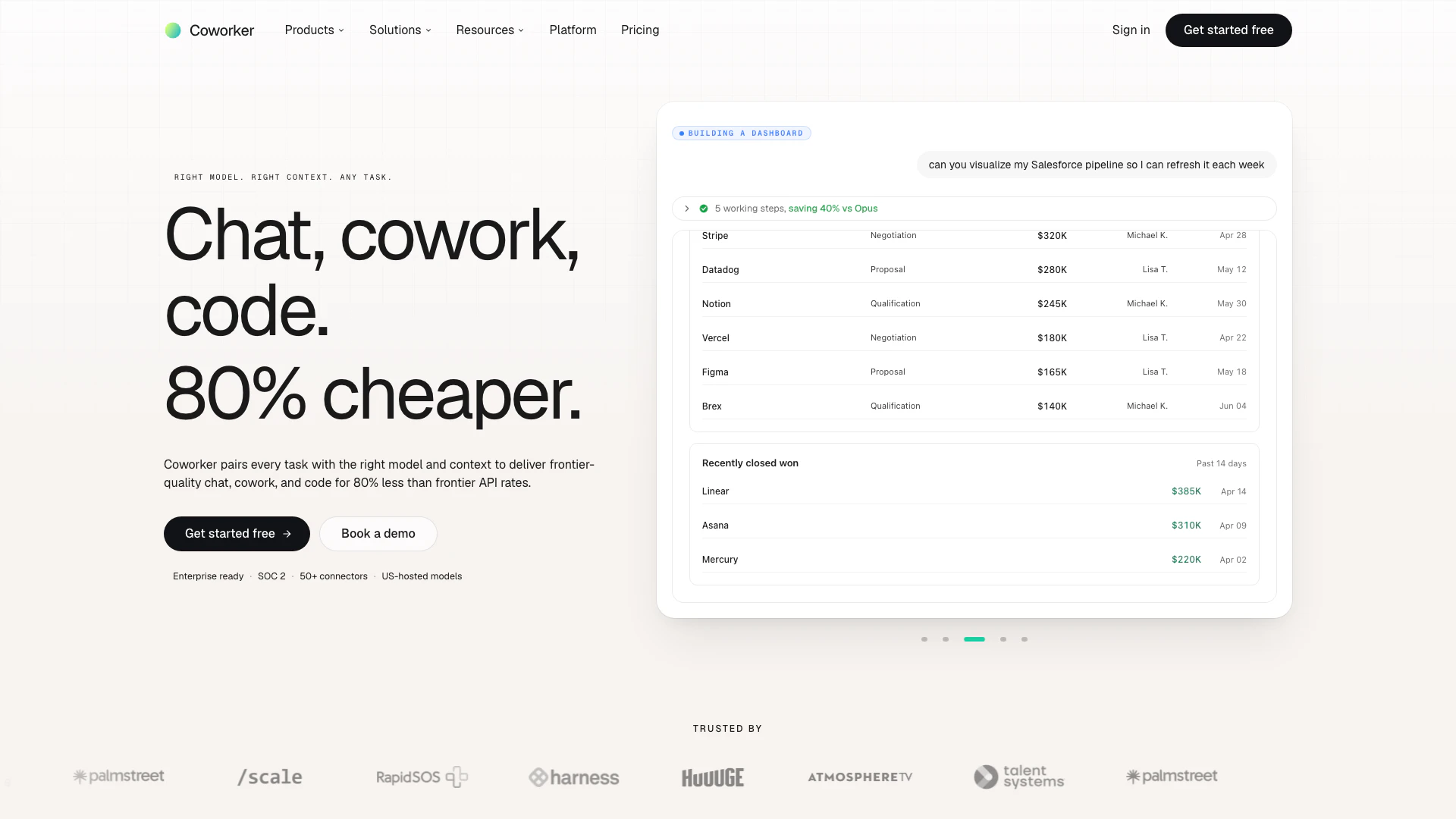



What is Coworkerai?
Coworker AI is an innovative enterprise AI agent platform designed to enhance productivity and streamline workflows within organizations. It enables users to chat, collaborate, and code effectively, utilizing the appropriate AI models tailored for specific tasks. With over 50 connectors, Coworker AI integrates seamlessly with existing tools and systems, providing a comprehensive company context that enhances decision-making and operational efficiency. This platform combines high-quality AI capabilities with cost-effectiveness, making it a valuable asset for businesses looking to leverage artificial intelligence in their operations.
How to use Coworkerai?
- Sign up for a Coworker AI account on their website and log in to the platform.
- Integrate your existing tools and systems by connecting them through the available 50+ connectors, such as Slack, CRM, and Google Workspace.
- Utilize the chat feature to ask questions or request information across all connected systems, allowing the AI to pull relevant data and insights.
- Create and collaborate on documents, presentations, and other artifacts using the coworking tools available on the platform.
- Leverage the coding capabilities to execute scripts and manage code repositories within the cloud sandbox environment.
- Set up long-running agents that automate repetitive tasks and provide real-time updates based on triggers from your systems.
What are the main features of Coworkerai?
- Comprehensive Integration: Connects with over 50 applications, including Salesforce, Slack, and Jira, allowing seamless data exchange.
- Conversational AI: Engages users through natural language processing, enabling them to ask questions and receive instant answers across connected systems.
- Collaboration Tools: Facilitates the creation of polished documents, presentations, and dashboards on demand.
- Coding Environment: Offers a cloud-based sandbox for coding with multi-file edits and execution capabilities.
- Automated Agents: Enables users to build agents that automate tasks and workflows across various functions, reducing manual effort.
Who is Coworkerai for?
Coworker AI is designed for enterprises and organizations seeking to enhance their operational efficiency through artificial intelligence. It is particularly beneficial for teams in sales, customer success, engineering, marketing, and operations that require seamless collaboration and automation. Businesses looking to streamline their workflows, reduce costs, and improve decision-making will find Coworker AI to be an essential tool. The platform is suitable for both small and large organizations aiming to leverage AI technology without the need for extensive coding knowledge.
What are the use cases of Coworkerai?
- Sales Automation: Automate lead follow-ups, manage pipeline hygiene, and generate sales reports to improve sales team efficiency.
- Customer Support: Use AI agents to handle ticket routing, monitor customer sentiment, and draft responses, enhancing customer service quality.
- Project Management: Streamline project workflows by automating updates, tracking progress, and generating reports for stakeholders.
- Document Management: Create and manage business documents, presentations, and reports collaboratively, saving time and resources.
- Data Analysis: Leverage AI to analyze data trends, generate insights, and prepare reports for informed decision-making.
Coworkerai Pros and Cons
Pros
- Comprehensive Integration with 50+ Tools: Coworker AI offers seamless integration with over 50 tools, allowing users to connect and interact with various platforms like Slack, Salesforce, and Google Workspace without needing new logins.
- Cost-Effective AI Solutions: The platform provides enterprise-level AI capabilities at a fraction of the cost, optimizing resource usage and delivering high-quality outputs efficiently.
- Customizable Agents for Various Functions: Users can create tailored agents for specific tasks across departments, enhancing productivity by automating routine processes and ensuring consistency.
Cons
No cons data detected for this tool
Coworkerai Compare
| Tool Name | Introduction | Pricing | Type | Rating | Launch Date | Learn more |
|---|---|---|---|---|---|---|
Explore Prompt Vibes to create unique prompts with our ChatGPT Prompt generator. Discover a collection of the best prompts designed for various uses. | Free | February 25, 2023 | Get deal | |||
Rewind | Free | February 2, 2018 | Get deal | |||
Explore AI Lawyer for easy, quick, and budget-friendly legal help. Empowering consumers and lawyers with AI-driven solutions for all your legal needs. | Free | February 11, 2023 | Get deal |


Info current as of post date. Offers and availability may vary by location and are subject to change.
Coworkerai Alternatives
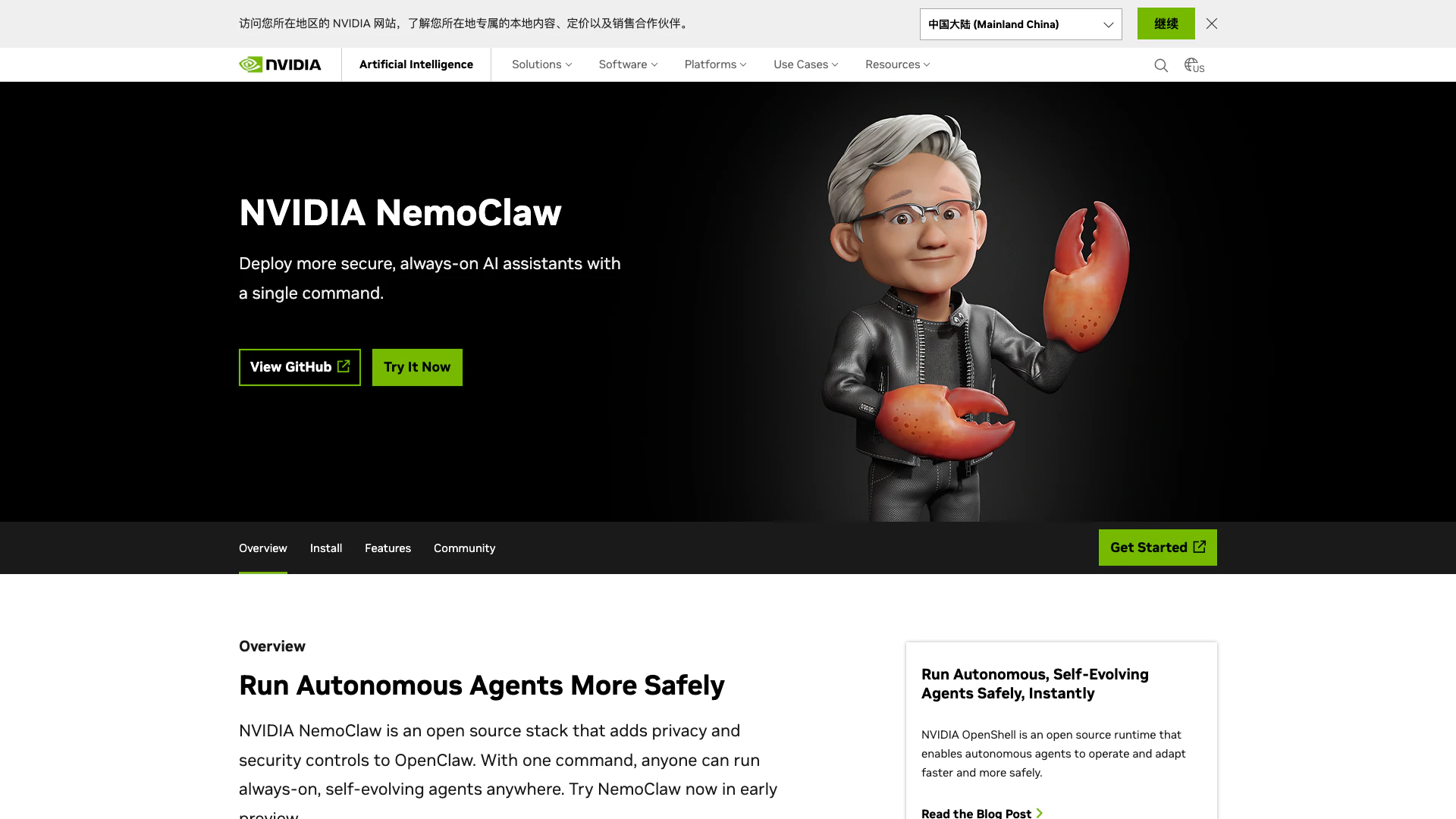
Run secure AI agents effortlessly with NVIDIA NemoClaw.
- Developer Tools
- AI Development Tools
- Production Deployment Tools
- AI Agent Orchestration Tools

AI Detector - Trusted AI Checker for ChatGPT, GPT4 & Gemini
- AI Content Detection
- AI Detection Bypass
- Ai Apis
- Ai Developer Tools
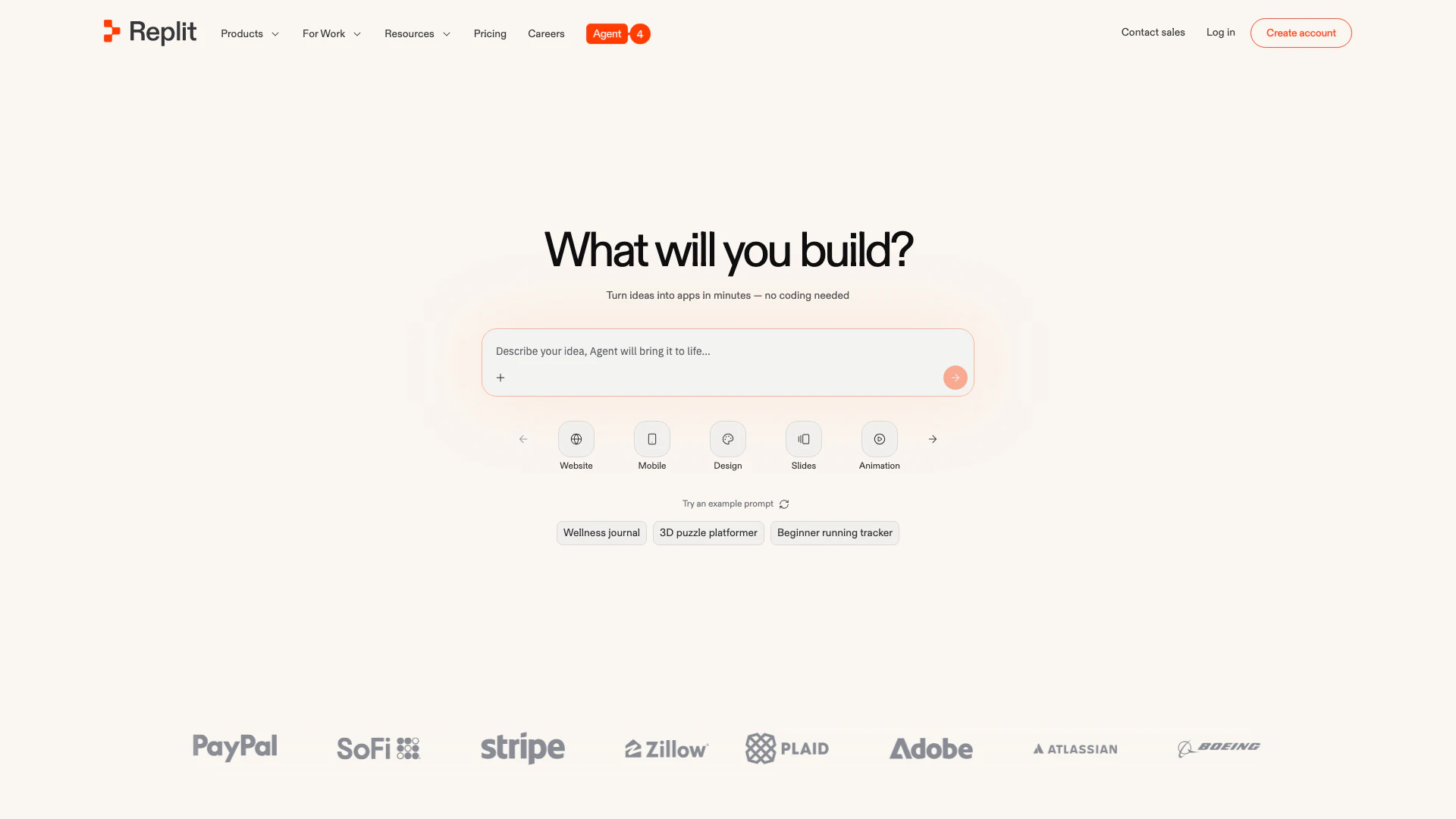
Collaborate to build and deploy software effortlessly with AI.
- Developer Tools
- Ai Developer Tools
- AI Development Tools
- SaaS Development Tools