

Cutback




What is Cutback?
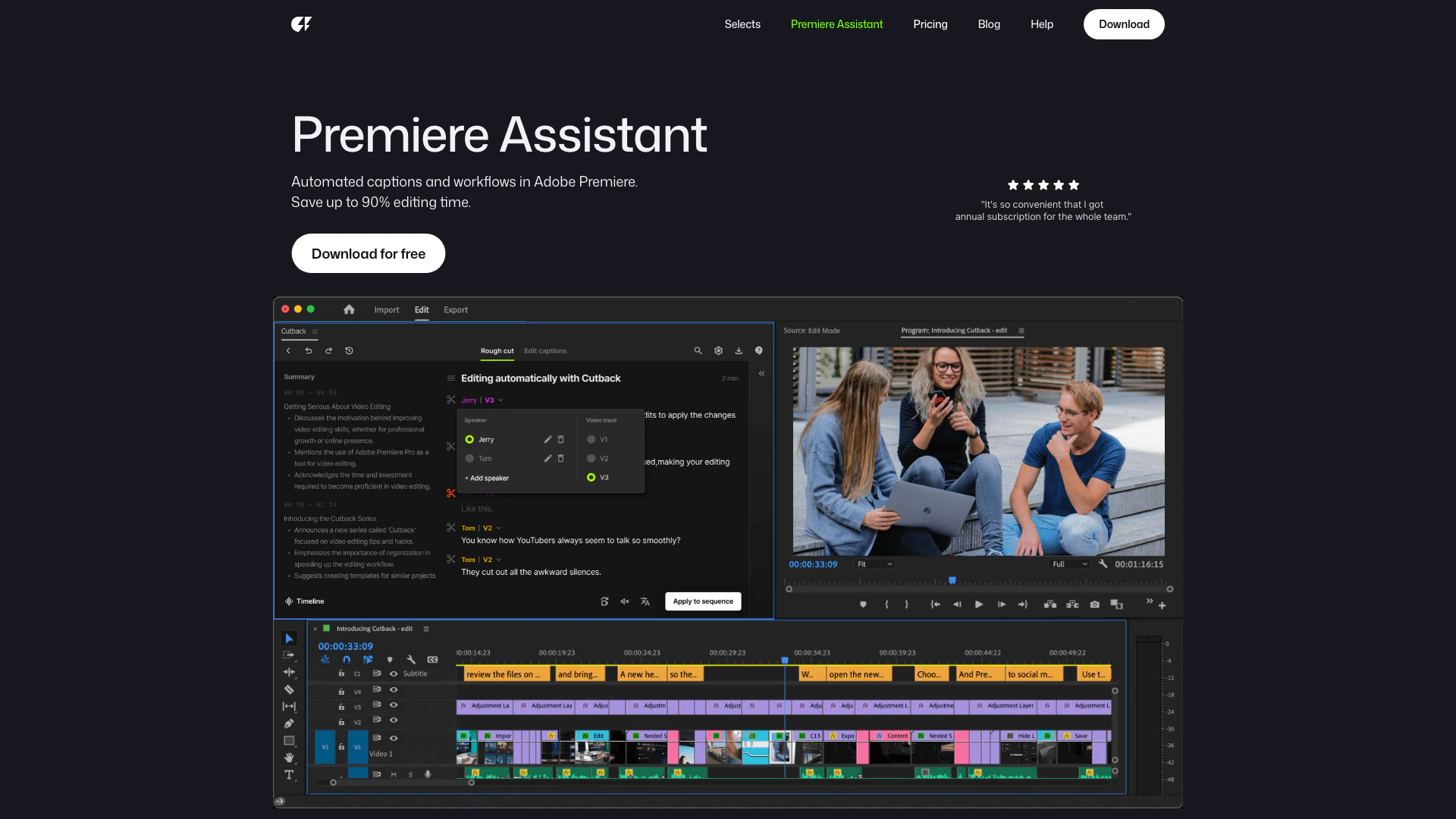
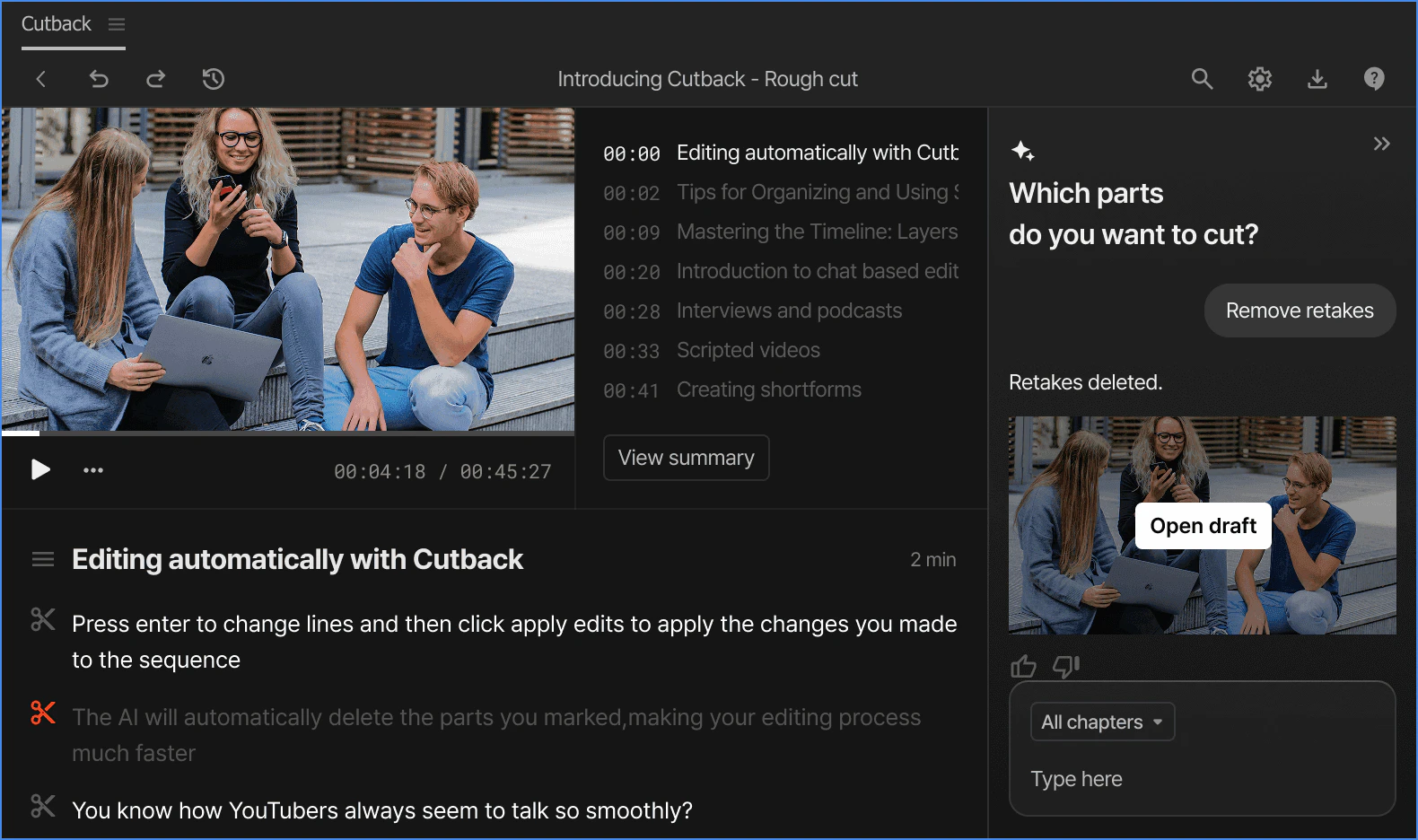
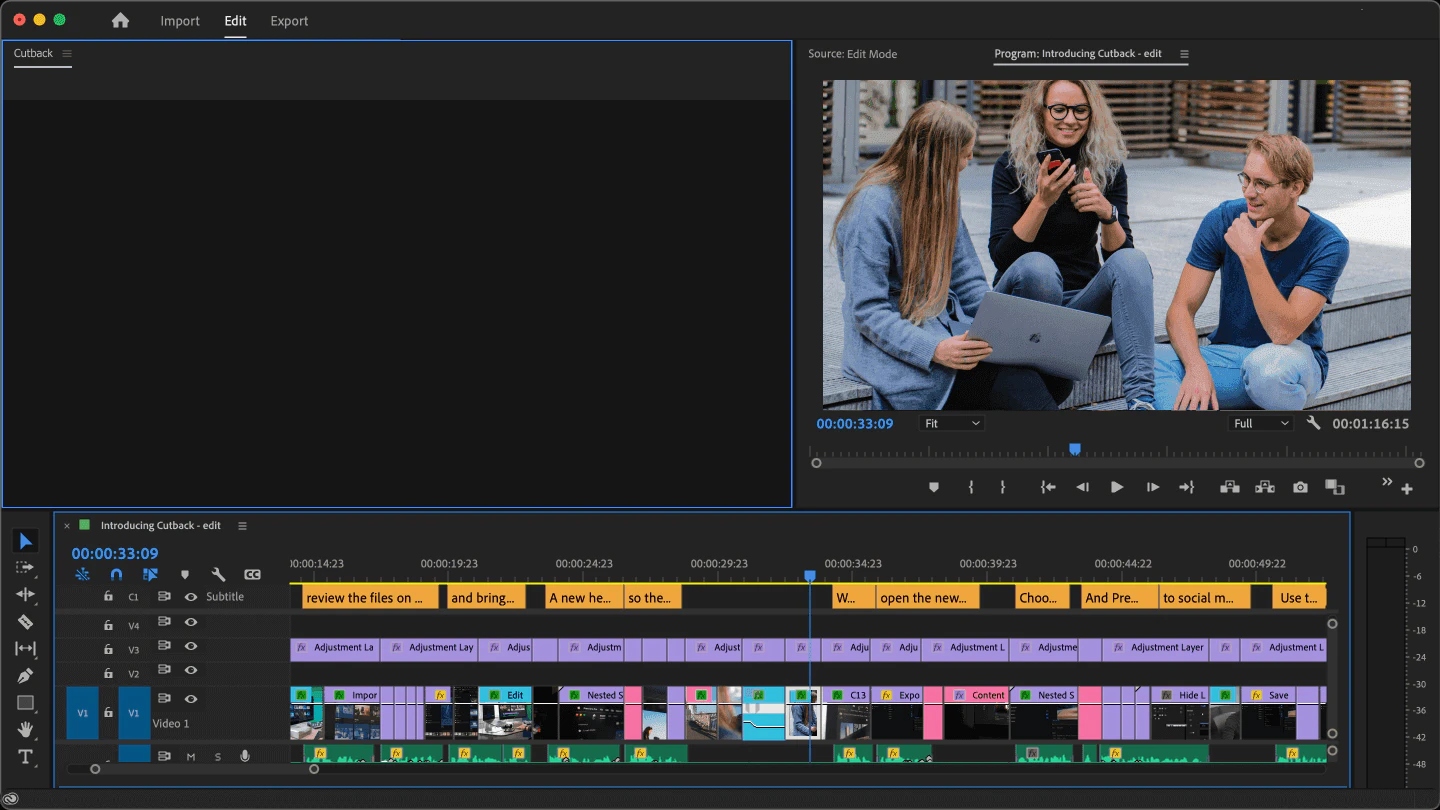
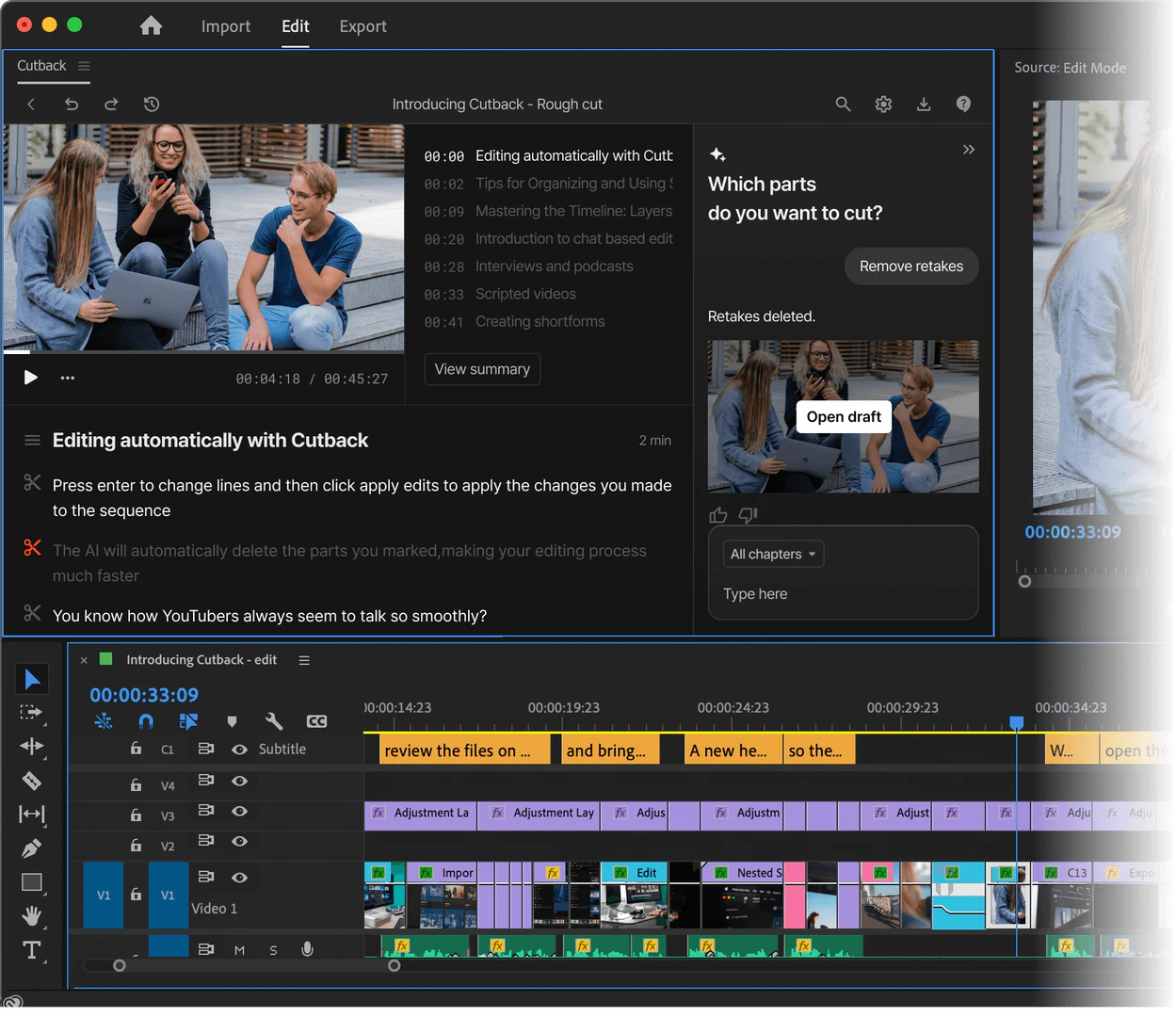
Cutback is an innovative video editing[1] tool designed to significantly enhance productivity in Adobe Premiere Pro[2]. Dubbed the Premiere Assistant, it automates repetitive video editing tasks, allowing users to boost their productivity by up to 300%. This tool is capable of auto-editing[4] raw footage, managing multi-camera setups[5], transcribing and translating content, removing silences, and adding animations, among other features. By streamlining the editing process, Cutback empowers video editors to focus more on creativity and storytelling.
How to use Cutback?
- Download and install Cutback Premiere Assistant from the official website.
- Open Adobe Premiere Pro and load your project.
- Utilize the Premiere Assistant features by selecting the desired task, such as auto-editing, transcription, or multi-cam switching.
- Follow the prompts to let Cutback handle repetitive tasks, adjusting settings as necessary for your specific editing needs.
- Review the edited footage and make any final adjustments before exporting your project.
What are the main features of Cutback?
- Automated editing[3] tasks to streamline workflows in Adobe Premiere Pro.
- Auto-edit raw footage and multi-cam setups effortlessly.
- Accurate transcription and translation capabilities for 29 languages.
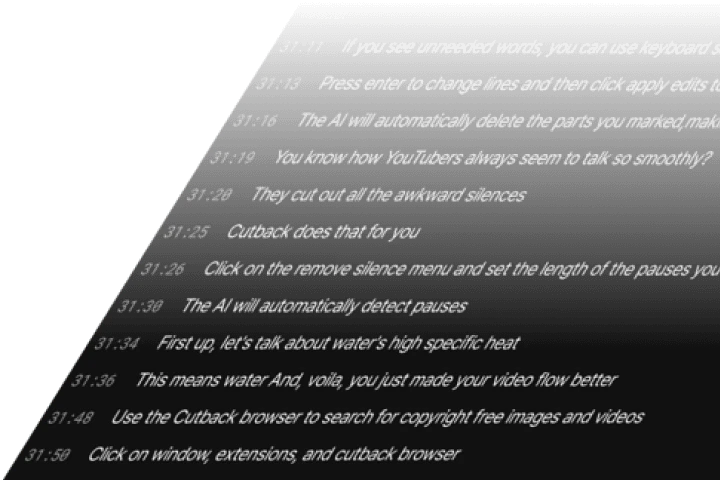
- Removal of silent parts in videos for cleaner edits.
- Easy addition of animated captions and visual effects.
- Background removal tool for images and videos.
Who is Cutback for?
Cutback is designed for a wide range of users, including professional video editors, content creators, YouTubers, and agencies. It is particularly beneficial for those who frequently work with video editing in Adobe Premiere Pro and seek to enhance their productivity by automating repetitive tasks. Whether you are a freelancer or part of a larger studio team, Cutback offers tools that can help you save time and improve the quality of your video projects.
What are the use cases of Cutback?
- Automatically creating rough cuts from extensive raw footage, significantly reducing editing time.
- Switching between multiple camera angles during a recording seamlessly without manual intervention.
- Generating accurate transcriptions for video content, making it easier to create subtitles or captions.
Product Images
Cutback Pros and Cons
Pros
- Boosts Productivity Significantly: Cutback claims to boost productivity by 300%, allowing users to focus on creative tasks while it handles repetitive editing tasks.
- Automated Video Editing Features: The tool automates various video editing processes such as auto-editing raw footage, multi-cam switching, and adding animations, making the editing process faster and easier.
- High Accuracy Transcription: Cutback offers 100% accurate transcription services, which can be used to edit videos like a document directly in Adobe Premiere Pro.
Cons
No cons data detected for this tool
Cutback Pricing
Starter
Transcribe video, max 3 /mo, Animated captions, Remove silences, max 3 /mo, Edit video with text, Animate object, max 5 /mo, AI image edit, max 10 /mo.
Lite
For small projects and shortform videos. Auto rough cut, Beta, Transcribe video 3 hr, Remove silences 10 uses, Animated captions, Animate object, AI image edit, Image · video search, Import / Export captions.
Basic
For daily video editing creators and individuals. Auto rough cut, Beta, Transcribe video 20 hr, Auto multi-cam up to 3 cams, Remove silences 30 uses, Animated captions, Translate caption 10 uses, Animate object, AI image edit, Image · video search, Remove BG 10 mins, Import / Export captions.
Pro
For heavy editing professionals and small teams. Auto rough cut, Beta, Transcribe video 30 hr, Auto multi-cam, Remove silences Unlimited, Animated captions, Translate caption Unlimited, Animate object, AI image edit, Image · video search, Remove BG 30 mins, Import / Export captions, Multi device per account, Supports corporate cards.
Enterprise
For organizations that require control and advanced features. All Pro features, Billed to admin account, Account management, Feature customization.
For the latest pricing, please visit this link: https://cutback.video/premiere-assistant/pricing
Prices are subject to change. Please visit the official website for the most up-to-date pricing information.
Analytics of Cutback
Cutback Website Traffic Analysis
Visits Over Time
Traffic Sources
Nov 2025 - Jan 2026 Worldwide Desktop Only
- Search: 44.77%
- Direct: 38.26%
- Referrals: 9.44%
- Social: 6.52%
- Paid Referrals: 0.91%
- Mail: 0.09%
Top Keywords
| Keyword | Volume | CPC | Estimated Value |
|---|---|---|---|
| autopod | 11.68K | $2.90 | $200.00 |
| 컷백 | 5.14K | $1.09 | $5850.00 |
| cutback | 2.87K | $2.92 | $2020.00 |
| .cutback | 220 | $0.00 | $200.00 |
| cutback video | 180 | $0.00 | $190.00 |
Cutback Reviews
My workload has decreased by 90%. I want to keep this to myself.
It's so convenient that I got annual subscription for the whole team.
Video editing has become a breeze with Cutback.
For more reviews, visit this link: https://cutback.video/premiere-assistant#reviews
Cutback Compare
| Tool Name | Introduction | Pricing | Type | Rating | Launch Date | Learn more |
|---|---|---|---|---|---|---|
 | Incite AI - Live Intelligence (AI) built on real-time data—evolved for decisions. Stocks, Crypto and more. | Free | 💼Work | August 7, 2019 | Get deal | |
 | Track your health and focus effectively with Workdeep. | Free | 🙋♂️Personal💼Work | April 27, 2025 | Get deal | |
 | Pillar is an open-source copilot that automates user actions within your app. | Free Trial | 💼Work🎨Creativity | June 9, 2024 | Get deal |
Info current as of post date. Offers and availability may vary by location and are subject to change.
Cutback Q&A
Premiere Assistant is a tool designed to automate repetitive video editing tasks in Adobe Premiere Pro, boosting productivity by handling tasks such as auto-editing raw footage, transcribing, translating, and adding animations.
For more FAQs, please visit this link: https://help.cutback.video/
Cutback Alternatives
- Video & Animation
- AI Video Editor
- AI Video Generator
Animaker is an online AI animation generator and video maker that brings studio quality video content within everyone's reach. Animated Videos, Done Right!
- Video & Animation
- AI Video Editor
- AI Video Generator
Introducing NUI the Natural User Interface, aimed at revolutionizing how people interact with anything digital leveraging the power of AI
- Image Generation & Editing
- AI Image Generator
- AI Image Recognition
- AI Design Generator