

Diagram
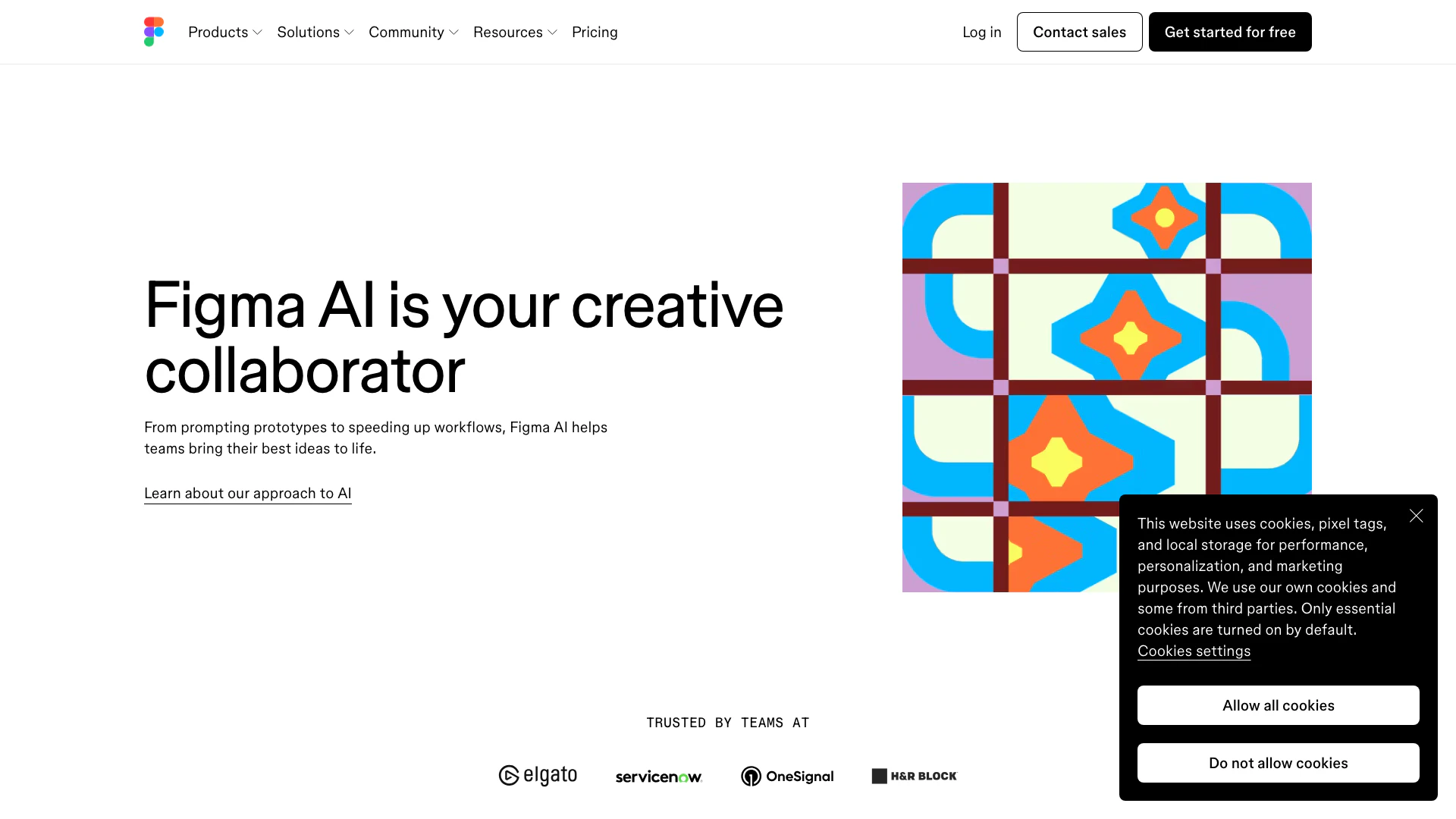


What is Diagram?
Diagram is an innovative tool by Figma designed to enhance design workflows through AI-powered features. It allows users to streamline their design processes, from prototyping to final product delivery, by leveraging intelligent automation and contextual insights. With Diagram, teams can explore creative possibilities, automate routine tasks, and improve collaboration, making it an essential asset for designers and product teams.
How to use Diagram?
- Sign Up: Visit the Figma website and sign up for a free account to access Diagram and its features.
- Explore Features: Familiarize yourself with the various AI tools available in Diagram, such as Figma Make for prototyping and Code Layers for adding interactions.
- Create Your Design: Start a new project by using the intuitive interface to create designs. Use AI features to automate tasks like renaming layers or generating content.
- Collaborate: Share your designs with team members for real-time collaboration and feedback.
- Publish: Once satisfied with your design, utilize Figma's publishing features to share or deploy your project.
What are the main features of Diagram?
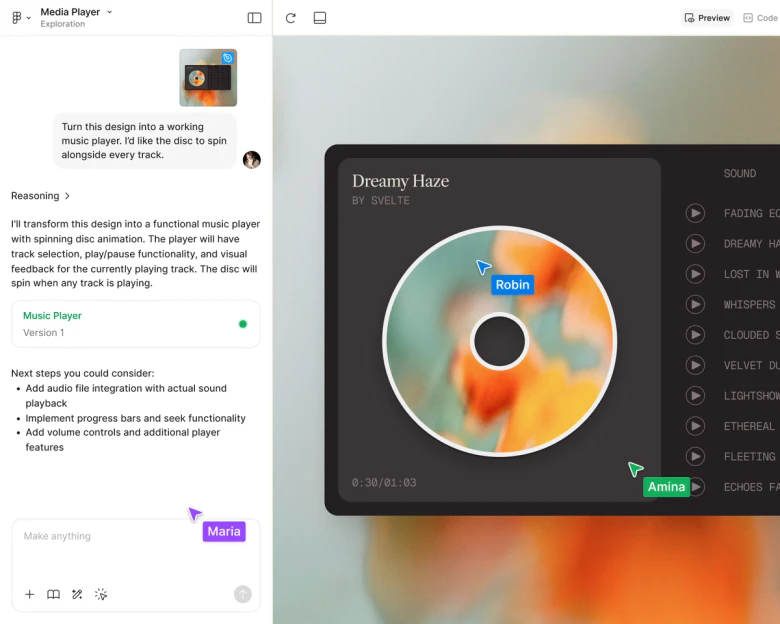
- AI-Powered Prototyping: Quickly create prototypes using Figma Make, which generates designs based on prompts.
- Interactive Elements: Add animations and interactive features without needing coding skills using Code Layers.
- Contextual Layer Management: Automatically rename and organize layers to improve workflow efficiency.
- Content Generation: Generate realistic text content and images directly within your design projects.
- Background Removal: Instantly remove backgrounds from images to streamline design processes.
Who is Diagram for?
Diagram is tailored for designers, product managers, and development teams who seek to enhance their design processes with AI capabilities. It is particularly beneficial for those working in collaborative environments where quick iterations and feedback are essential. Additionally, organizations looking to streamline their workflows and improve productivity will find Diagram's features invaluable.
What are the use cases of Diagram?
- Design Systems: Create and manage design systems efficiently with automated tools.
- Prototyping: Use AI to generate rapid prototypes that can be tested and iterated upon quickly.
- Content Creation: Automate the generation of text and imagery for mockups, reducing the reliance on placeholder content.
Product Images



Analytics of Diagram
Diagram Website Traffic Analysis
Visits Over Time
Traffic Sources
Oct 2025 - Dec 2025 Worldwide Desktop Only
- Direct: 74.75%
- Search: 18.21%
- Referrals: 6.10%
- Social: 0.46%
- Paid Referrals: 0.42%
- Mail: 0.05%
Top Regions
| Region | Percentage |
|---|---|
🇺🇸 United States | 15.15% |
🇮🇳 India | 11.60% |
🇷🇺 Russia | 8.39% |
🇨🇳 China | 4.53% |
🇯🇵 Japan | 3.85% |
- United States: 15.15%
- India: 11.60%
- Russia: 8.39%
- China: 4.53%
- Japan: 3.85%
Top Keywords
| Keyword | Volume | CPC | Estimated Value |
|---|---|---|---|
| figma | 4.20M | $0.54 | $1000000.00 |
| figma make | 246.31K | $0.95 | $203360.00 |
| фигма | 177.85K | $0.36 | $224800.00 |
| 피그마 | 153.63K | $0.00 | $167280.00 |
| figma download | 135.02K | $0.86 | $125400.00 |
Diagram Compare


Info current as of post date. Offers and availability may vary by location and are subject to change.
Diagram Q&A
You can find Figma's AI features on the Figma AI page, which provides an overview of all the AI tools available.
Diagram Alternatives
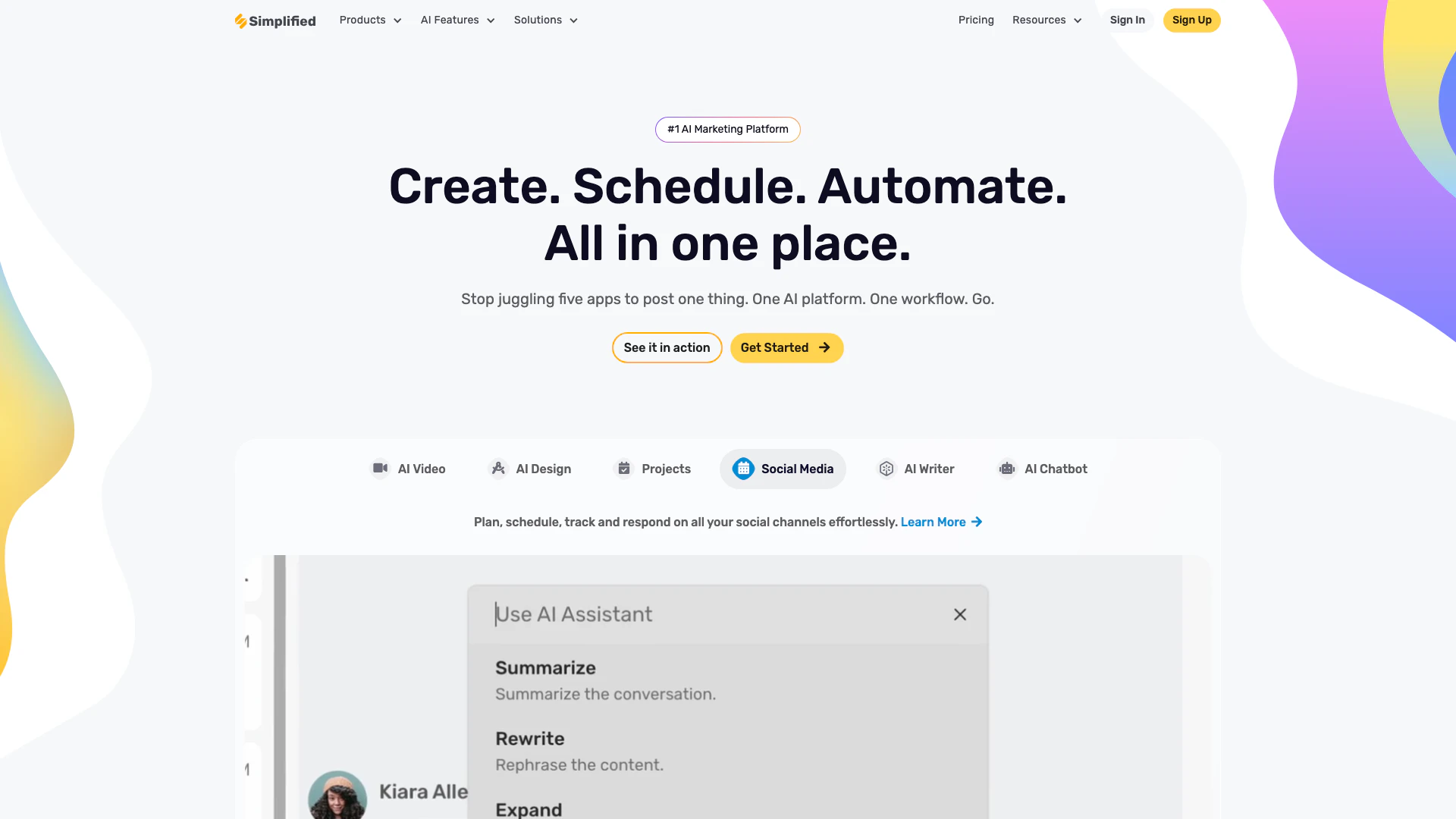
Simplified is an all-in-one AI marketing tool for teams to write, design, collaborate, and publish—all without switching tools.
- Art & Design
- AI Design Generator

AI QR Code Generator - Create Free QR in 2025
- Writing & Editing
- Ai Design Generator

Mermaid Chart - Create complex, visual diagrams with text. A smarter way of creating diagrams.
- Art & Design
- AI Design Assistant
- AI Design Generator
- AI Graphic Design Tools