

Docsium
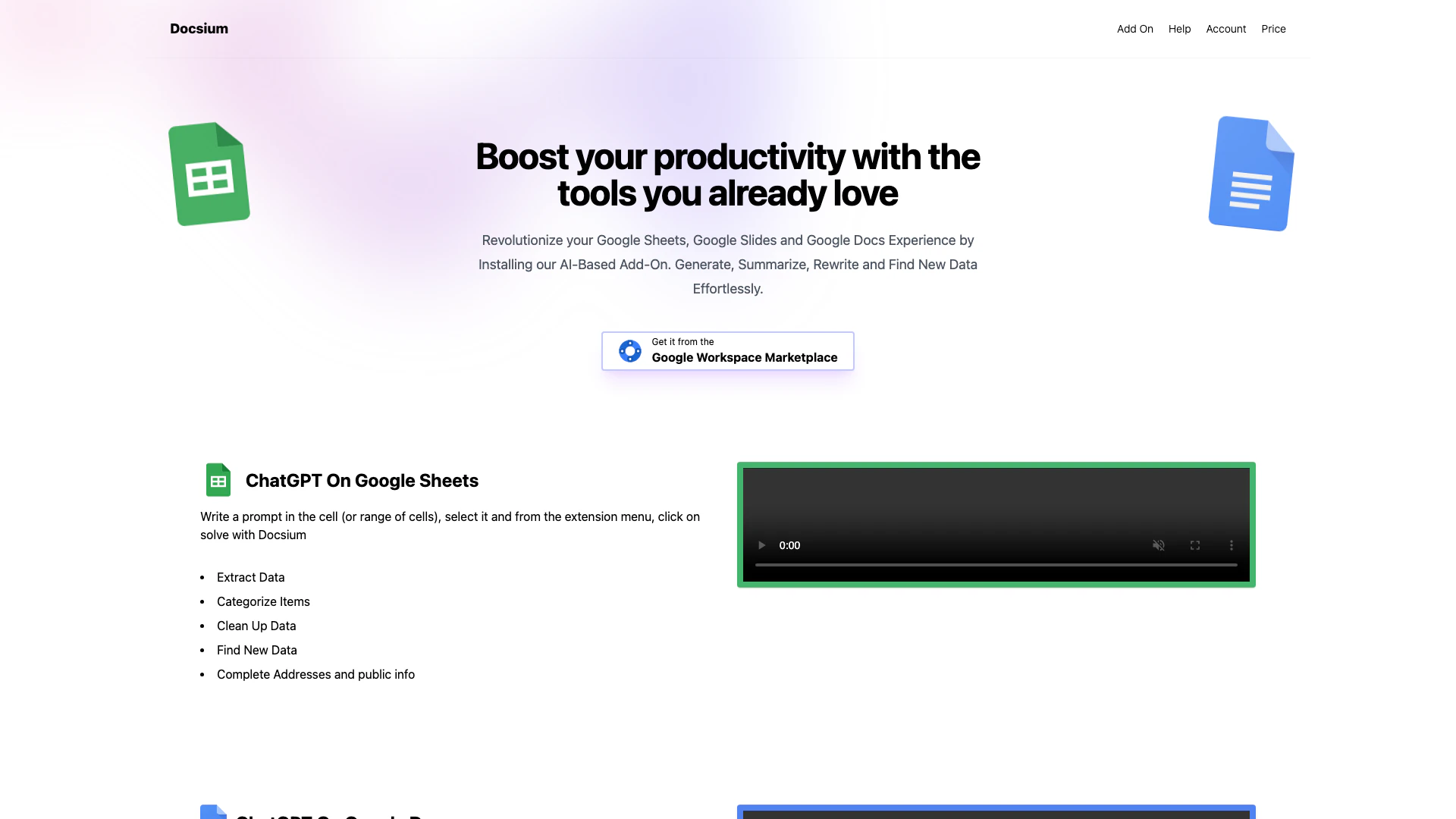



What is Docsium?
Docsium is a powerful add-on designed to enhance your productivity within Google Sheets[6], Google Docs[7], and Google Slides by integrating OpenAI[2]'s ChatGPT[3]. This tool allows users to leverage AI capabilities directly within their favorite Google applications, enabling them to generate, summarize, rewrite, and find new data effortlessly. With a few simple clicks, you can install Docsium and start utilizing its features to revolutionize your document and spreadsheet management.
How to use Docsium?
- Install the Docsium add-on from the Google Workspace Marketplace.
- Open Google Sheets, Docs, or Slides where you want to use Docsium.
- Write a prompt in a cell (for Sheets) or directly in the document (for Docs and Slides).
- Select the prompt text.
- From the extension menu, click on 'Solve with Docsium' to generate the desired output.
What are the main features of Docsium?
- AI-Powered[1] Content Generation[4]: Utilize OpenAI's ChatGPT to create text, summarize information, and generate ideas.
- Data Management[5] in Sheets: Extract, categorize, clean up data, and find new information seamlessly.
- Content Creation in Docs: Write blog posts, bullet points, and meeting notes or summarize existing content with ease.
- Slide Enhancement in Slides: Auto-generate slide titles, bullet points, and format text efficiently.
Who is Docsium for?
Docsium is ideal for professionals, students, and anyone who frequently uses Google Sheets, Docs, or Slides. It caters to users looking to enhance their productivity through AI assistance in writing, data management, and presentation creation. Whether you are a content creator, data analyst, or educator, Docsium provides valuable tools to streamline your work processes.
What are the use cases of Docsium?
- Content Creation: Use Docsium to write and refine blog posts or articles directly in Google Docs.
- Data Analysis: Employ the add-on in Google Sheets to clean up datasets or categorize items quickly.
- Presentation Preparation: Generate engaging slide content and summaries in Google Slides, making it easier to prepare for meetings and presentations.
Product Images


Docsium Pros and Cons
Pros
- AI Integration with Google Apps: Docsium seamlessly integrates OpenAI's ChatGPT into Google Sheets, Docs, and Slides, enhancing productivity with AI-driven features.
- Versatile Functionality: The addon offers a variety of functions such as data extraction, content summarization, and auto-generating slide titles, making it suitable for diverse tasks.
- User-Friendly Installation: Docsium can be installed easily in just a few clicks, allowing users to start utilizing its features quickly.
Cons
No cons data detected for this tool
Docsium Pricing
Free
Start with some free credits. No credit card required.
Starter
Monthly Credits: 10000. Cost Per Credit: 0.0010.
Premium
Monthly Credits: 20000. Cost Per Credit: 0.0008.
For the latest pricing, please visit this link: https://docsium.com/
Prices are subject to change. Please visit the official website for the most up-to-date pricing information.
Docsium Compare
| Tool Name | Introduction | Pricing | Type | Rating | Launch Date | Learn more |
|---|---|---|---|---|---|---|
Paraphrasing Tool (Ad-Free and No Sign-up Required) - QuillBot AI | Free | December 31, 1984 | Get deal | |||
Tutor AI - Your personal AI tutor to learn anything | Free | September 23, 2007 | Get deal | |||
Edit your selfies to get the results you want with powerful and easy-to-use tools. Give your selfies the VIP treatment. Touch up, reshape & apply digital makeup. | Free | December 1, 2012 | Get deal |


Info current as of post date. Offers and availability may vary by location and are subject to change.
Docsium Q&A
The better the prompts (instructions) the better the results. Be as specific as possible and you will get great results.
For more FAQs, please visit this link: https://docsium.com/help
Docsium Alternatives

Gemini is Google’s AI assistant for writing and brainstorming.
- Writing & Editing
- AI Writing Assistants
- AI Chatbot
- AI Creativity and Productivity Enhancer

QuillBot enhances your writing with AI tools for paraphrasing, grammar checking, and more.
- Writing & Editing
- AI Grammar Checker
- AI Paraphraser & Rewriter
- AI Writing Assistants

Play and create AI-generated adventures with infinite possibilities.
- Writing & Editing
- AI Text Generator
- AI Writing Assistants