

Donkey




What is Donkey?
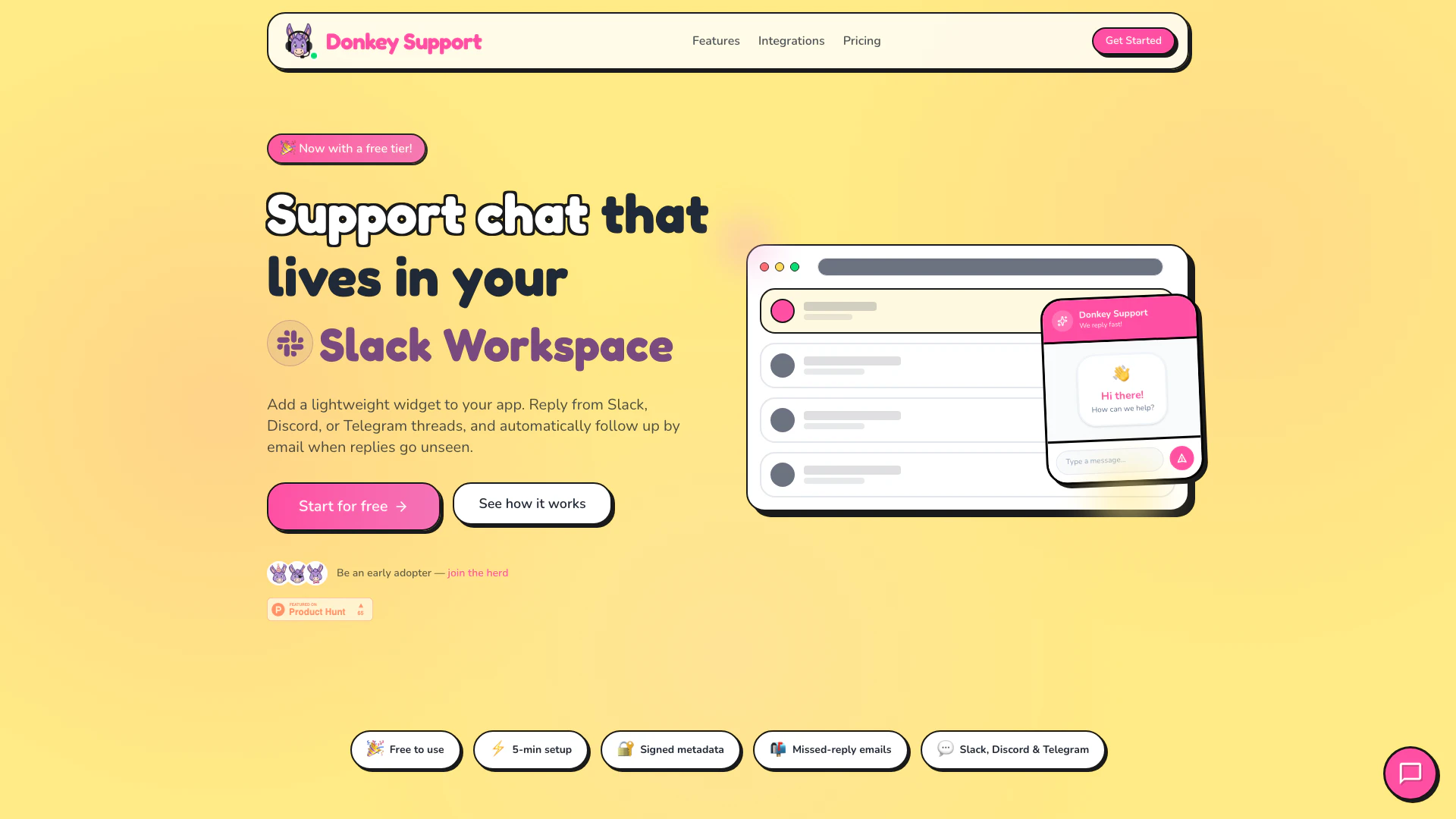
Donkey is a versatile support chat[1] tool designed to integrate seamlessly into your Discord server, allowing you to manage customer interactions directly from popular messaging platforms like Slack, Discord, or Telegram. It provides a lightweight widget that can be embedded into your application, enabling real-time communication with users and automatic follow-ups[4] via email if replies are missed. This tool is particularly beneficial for solo builders and small teams, offering a straightforward solution to customer support without the complexities of traditional ticketing systems.
How to use Donkey?
To use Donkey, follow these steps: 1. Embed the Widget: Add a simple script tag or React component to your application to integrate the Donkey widget. Customize it to match your branding. 2. Connect Your Platform: Link your preferred messaging platform (Slack, Discord, or Telegram) within minutes. Choose your support channel where new tickets will automatically become threads. 3. Reply from Threads: Respond to customer inquiries directly from the connected messaging platform. Your replies will sync back to the widget in real-time, ensuring seamless communication.
What are the main features of Donkey?
Donkey boasts several key features that enhance the customer support experience: - Multi-Platform Integration[2]: Connect with Slack, Discord, or Telegram to manage support from your preferred platform. - Real-Time Sync[3]: Replies sent from your messaging platform are instantly synced back to the Donkey widget. - Automatic Follow-Ups: If a reply goes unseen, Donkey automatically sends a follow-up email to ensure customer inquiries are addressed. - Widget Customization[5]: Tailor the widget’s appearance to align with your brand by adjusting colors, greetings, and profile images. - Simple Setup[6]: Get started quickly with minimal configuration required, allowing you to focus on customer interactions.
Who is Donkey for?
Donkey is primarily designed for solo entrepreneurs, small teams, and indie builders who are looking for a straightforward and efficient way to manage customer support. It caters to those who prefer to handle support themselves without the complexities of larger helpdesk solutions. Ideal for users who frequently utilize Slack, Discord, or Telegram for communication, Donkey allows them to maintain customer engagement within the platforms they already use.
What are the use cases of Donkey?
Donkey can be utilized in various scenarios, including: 1. Real-Time Customer Support: Engage with users instantly through messaging platforms, enhancing customer satisfaction and response times. 2. Community Management: Manage inquiries within Discord or Telegram communities, providing support directly in the channels where users are active. 3. Follow-Up Automation: Ensure no customer inquiry goes unanswered by automatically sending follow-up emails when replies are missed.
Donkey Pros and Cons
Pros
- Quick Setup: Donkey Support can be set up in just 5 minutes, allowing users to start providing support without lengthy configurations.
- Multi-Platform Integration: Integrates seamlessly with Slack, Discord, and Telegram, enabling replies directly from these platforms without switching apps.
- Affordable Pricing: Offers a free tier with essential features, and a low-cost Pro plan, making it accessible for solo builders and small teams.
Cons
No cons data detected for this tool
Donkey Pricing
Freemium
A seriously capable start, at exactly $0. Includes full ticketing workflow (tickets, replies, and inbox views), connect Slack, Discord, or Telegram, widget setup + appearance controls (name, greeting, colors), office hours and signed widget metadata support, use up to 3 domains, 10 email notifications per month, and Donkey branding stays visible.
Pro Monthly
For teams that want full control (and zero limits). Includes everything in Freemium, unlimited domains, unlimited email notifications, remove Donkey branding from widget and emails, upload your own email logo and widget avatar, and webhooks unlocked for automations.
Pro Yearly
Best value for committed builders. Includes everything in Pro Monthly, same unlimited setup, billed yearly, and save 42% compared to monthly.
For the latest pricing, please visit this link: https://www.donkey.support/#pricing
Prices are subject to change. Please visit the official website for the most up-to-date pricing information.
Donkey Compare
| Tool Name | Introduction | Pricing | Type | Rating | Launch Date | Learn more |
|---|---|---|---|---|---|---|
 | Mayo Studio - AI Headshot on the App Store | Free | 🎨Creativity | December 31, 1984 | Get deal | |
 | Let AI do the work for you - AI Perfect Assistant | Free | 💼Work🎨Creativity | October 21, 2023 | Get deal | |
 | Syntonym provides advanced privacy-first AI solutions with lossless anonymization technology for visual data. | Free | 💼Work🎨Creativity | February 29, 2020 | Get deal |
Info current as of post date. Offers and availability may vary by location and are subject to change.
Donkey Q&A
To install the widget, you can add a simple script tag or use a React component in your app. Customize the colors and branding to match your style.
For more FAQs, please visit this link: https://www.donkey.support/#faq
Donkey Alternatives

Gemini is Google’s AI assistant for writing and brainstorming.
- Writing & Editing
- AI Writing Assistants
- AI Chatbot
- AI Creativity and Productivity Enhancer
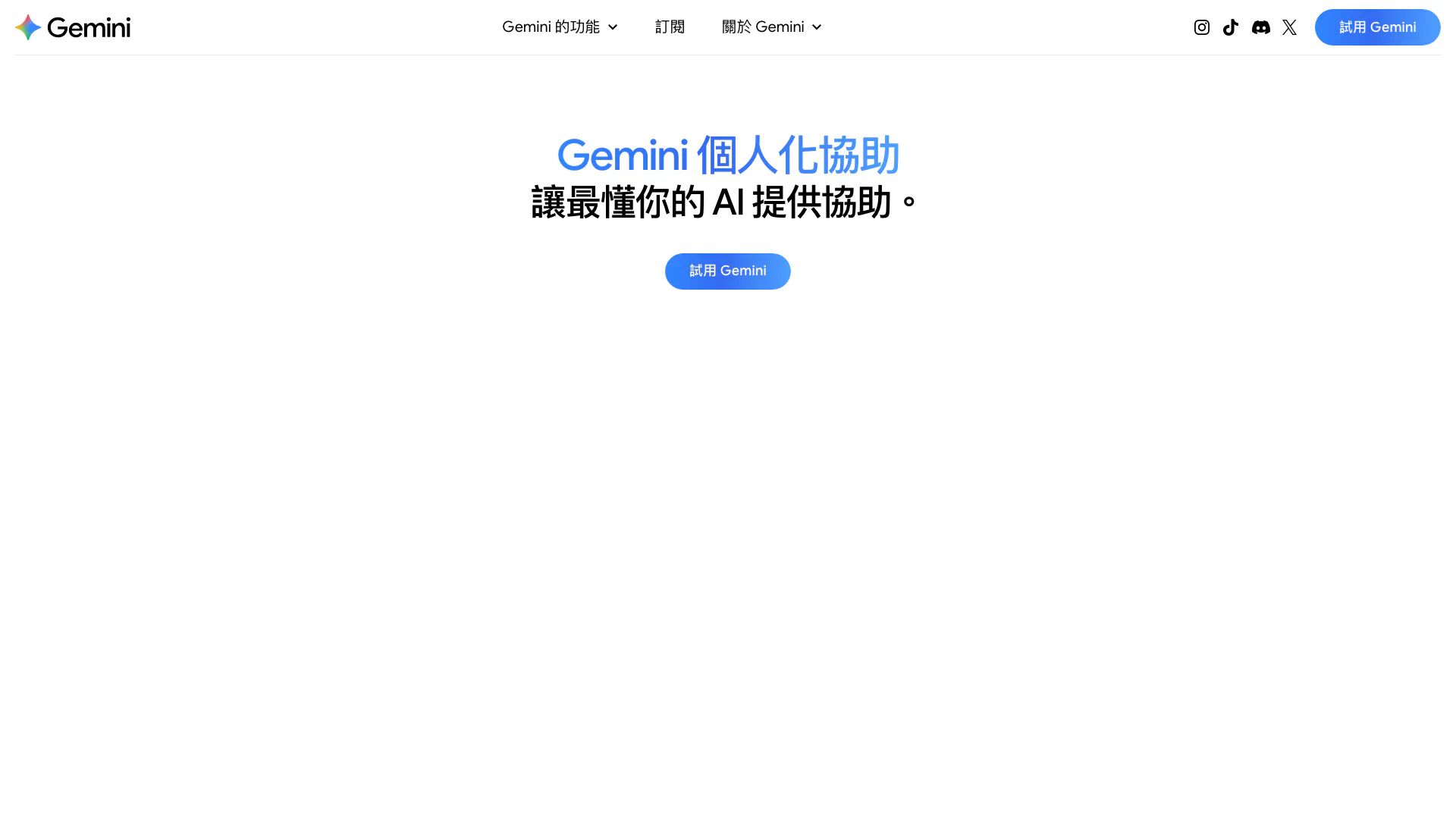
Gemini offers personalized AI assistance based on user-shared data.
- Chatbots & AI Companions
- AI Chatbot
- AI Dating Assistant
- AI Roleplay Chat
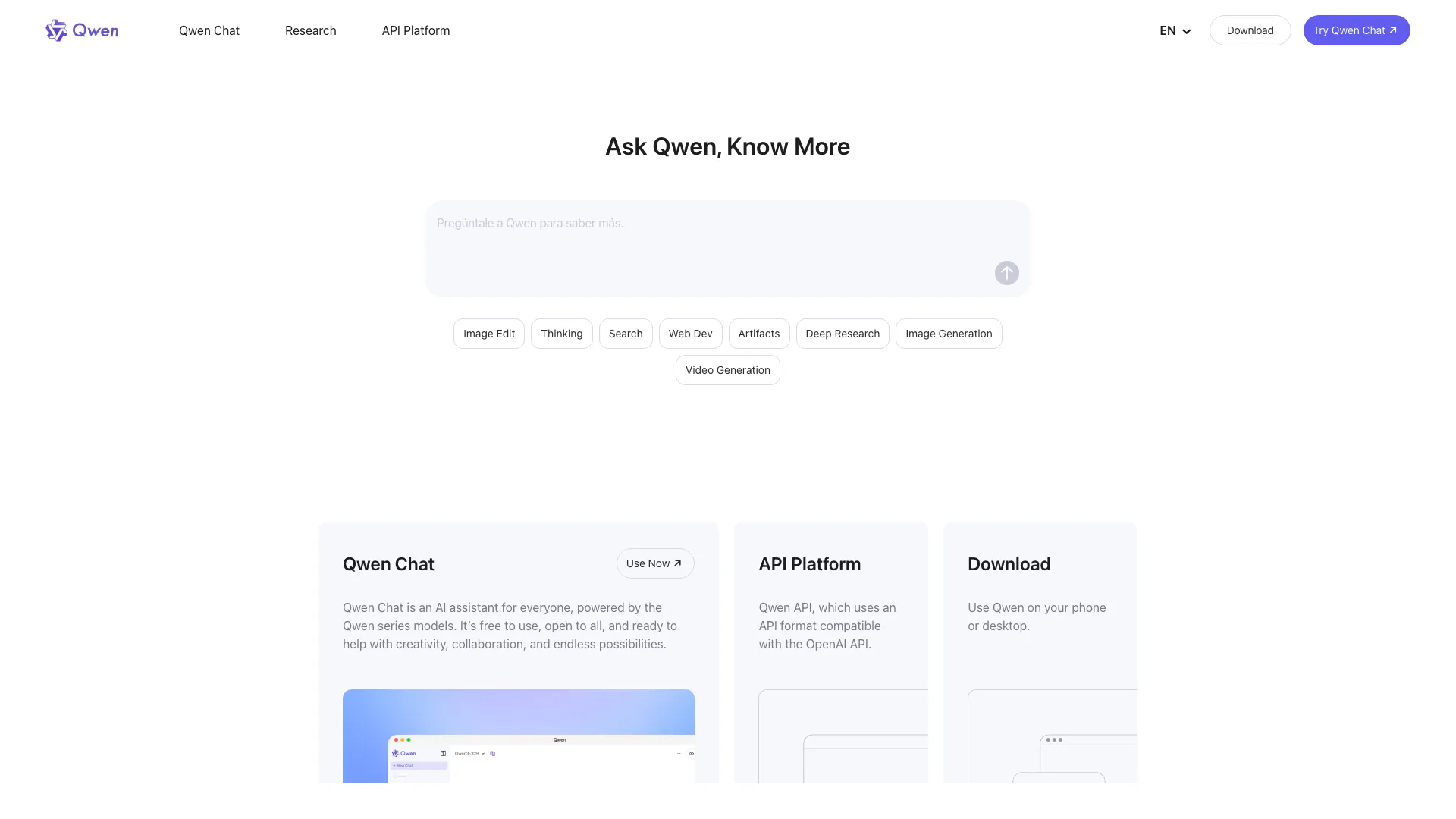
Qwen Chat is a versatile AI assistant designed for creativity and collaboration.
- Chatbots & AI Companions
- AI Chatbot
- Website Integration Chatbot
- AI Creativity and Productivity Enhancer