

Expenselizer



What is Expenselizer?
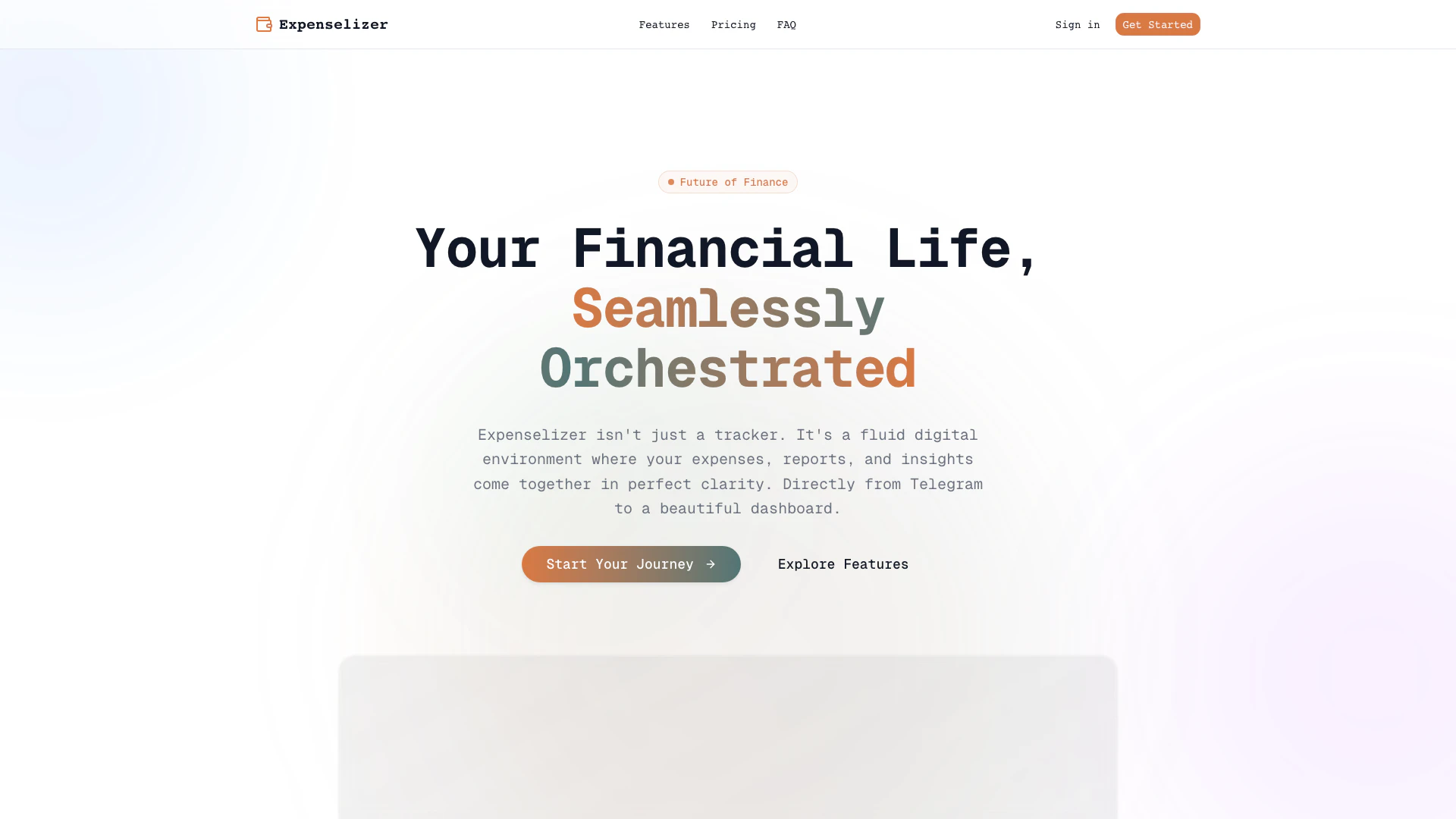
Expenselizer is a comprehensive expense management[1] tool designed to help users track, manage, and analyze their financial expenditures efficiently. By integrating seamlessly with Telegram, Expenselizer allows users to log expenses on the go, transforming the often tedious task of expense tracking into a simple, conversational experience. With its user-friendly dashboard[6], Expenselizer provides clarity in financial reporting and insights, making it a vital resource for anyone looking to maintain control over their finances.
How to use Expenselizer?
- Sign Up: Visit the Expenselizer website and create an account to get started.
- Connect Telegram: Integrate your Telegram account with Expenselizer to enable instant expense logging.
- Log Expenses: Use the Telegram bot to log your expenses by simply sending a message, making it as easy as chatting with a friend.
- View Dashboard: Access your dashboard to visualize your spending patterns and gain insights into your financial habits.
- Generate Reports: Utilize the reporting feature to analyze your monthly expenses and categorize them effectively.
What are the main features of Expenselizer?
- Telegram Integration[2]: Effortlessly log expenses through a dedicated Telegram bot.
- Unlimited Transaction Logging: Track an unlimited number of expenses with the Pro plan.
- Smart Categorization[4]: Organize expenses into up to 10 different categories for better management.
- Crystal Clear Insights: Visualize spending patterns with beautiful data gradients.
- Instant Sync: Receive real-time updates[3] across all your devices, ensuring your financial data is always current.
- Monthly Reports[5]: Generate monthly overviews of your spending habits to stay informed.
Who is Expenselizer for?
Expenselizer is designed for individuals and businesses who need a straightforward solution for expense management. It is particularly beneficial for freelancers, small business owners, and anyone who wants to maintain a clear overview of their financial transactions. The tool is ideal for users who prefer a mobile-friendly approach to logging expenses, as it leverages Telegram for easy access and usability. Whether you're looking to improve your budgeting skills or gain insights into your spending habits, Expenselizer caters to various financial needs.
What are the use cases of Expenselizer?
- Freelancers Tracking Expenses: Freelancers can log their business expenses on-the-go, ensuring they keep accurate records for tax purposes.
- Monthly Budget Management: Users can categorize their expenses to manage their monthly budgets effectively, identifying areas where they can cut back.
- Financial Reporting for Small Businesses: Small business owners can utilize Expenselizer to generate detailed financial reports, aiding in business analysis and planning.
Expenselizer Pros and Cons
Pros
- Telegram Integration: Easily log expenses through Telegram, making expense tracking as simple as sending a message.
- Real-Time Updates: Enjoy instant synchronization across all devices, ensuring your financial data is always current.
- Visual Insights: Analyze spending patterns with visually appealing gradients that enhance data comprehension.
Cons
No cons data detected for this tool
Expenselizer Pricing
Basic
7-day free trial Telegram Expense Logging Log expenses instantly using the Expenselizer Telegram bot. Expenses / Month Track up to 250 expenses every month. Expense History Get a monthly overview of your spending habits. Expense Categories Organize your expenses into up to 10 different categories.
Pro
7-day free trial Telegram Expense Logging Log expenses instantly using the Expenselizer Telegram bot. Expenses / Month Log and track an unlimited number of expenses. Advanced Analytics Gain deeper insights with detailed reports and trends. Full Expense History Access your complete expense history without limits. Expense Categories Organize your expenses into up to 10 different categories.
For the latest pricing, please visit this link: https://www.expenselizer.com/
Prices are subject to change. Please visit the official website for the most up-to-date pricing information.
Expenselizer Compare
| Tool Name | Introduction | Pricing | Type | Rating | Launch Date | Learn more |
|---|---|---|---|---|---|---|
Configure it once and automate your images forever without intervention—no need to review. Photos are ready to publish. Adjust backgrounds, lighting, banners, and more to fit your company branding. | Free | October 5, 2021 | Get deal | |||
Tutor AI - Your personal AI tutor to learn anything | Free | September 23, 2007 | Get deal | |||
Build, scale, and monitor AI Agents. | Free | September 13, 1996 | Get deal |



Info current as of post date. Offers and availability may vary by location and are subject to change.
Expenselizer Q&A
Expenselizer offers a free trial, allowing users to explore its features before committing to a paid plan.
For more FAQs, please visit this link: https://www.expenselizer.com/#faq
Expenselizer Alternatives
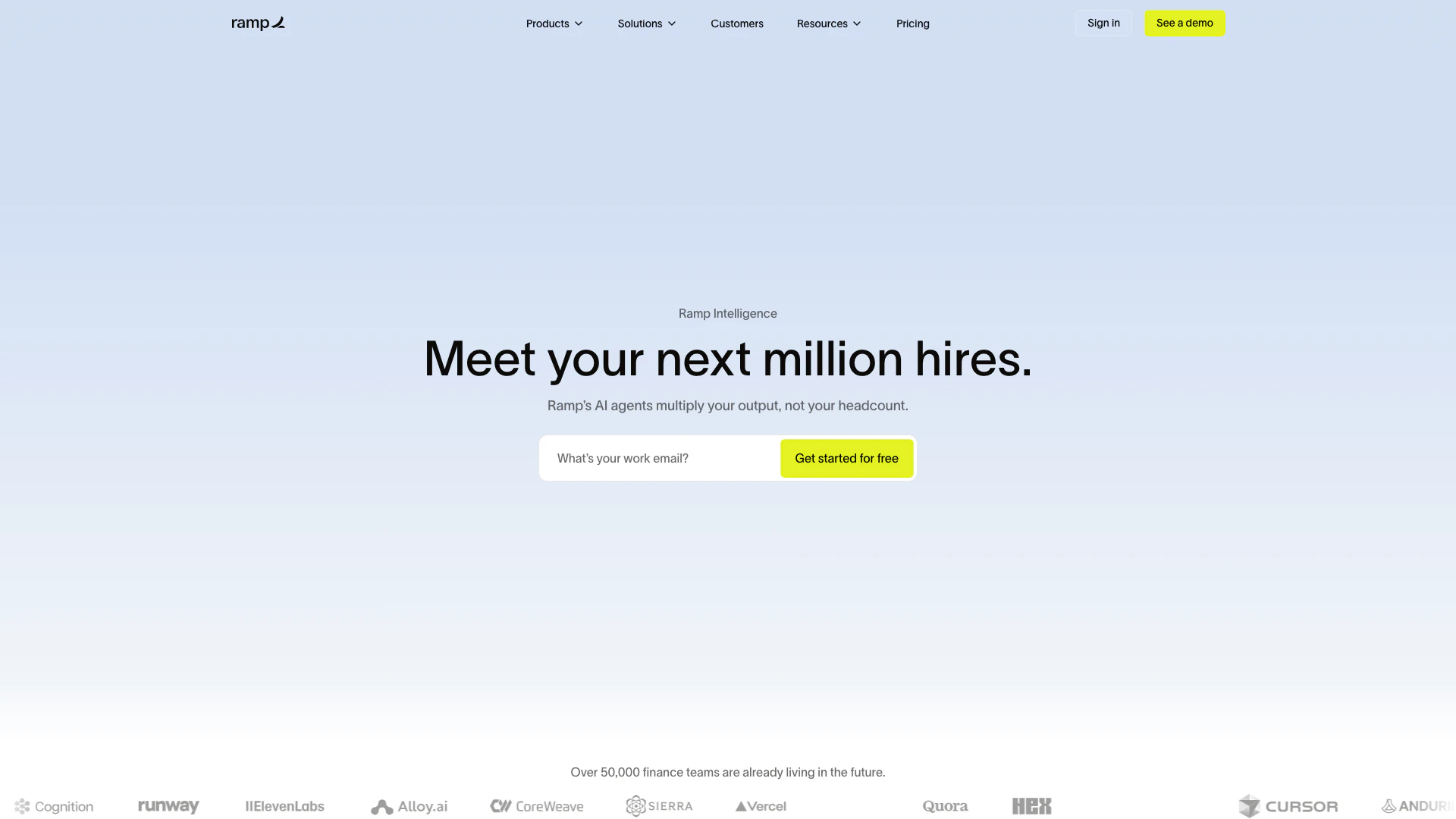
Automate finance tasks with Ramp's AI software.
- Finance
- AI Accounting Automation for SMEs
- Mobile Expense Tracking Solutions
- Smart Receipt Management
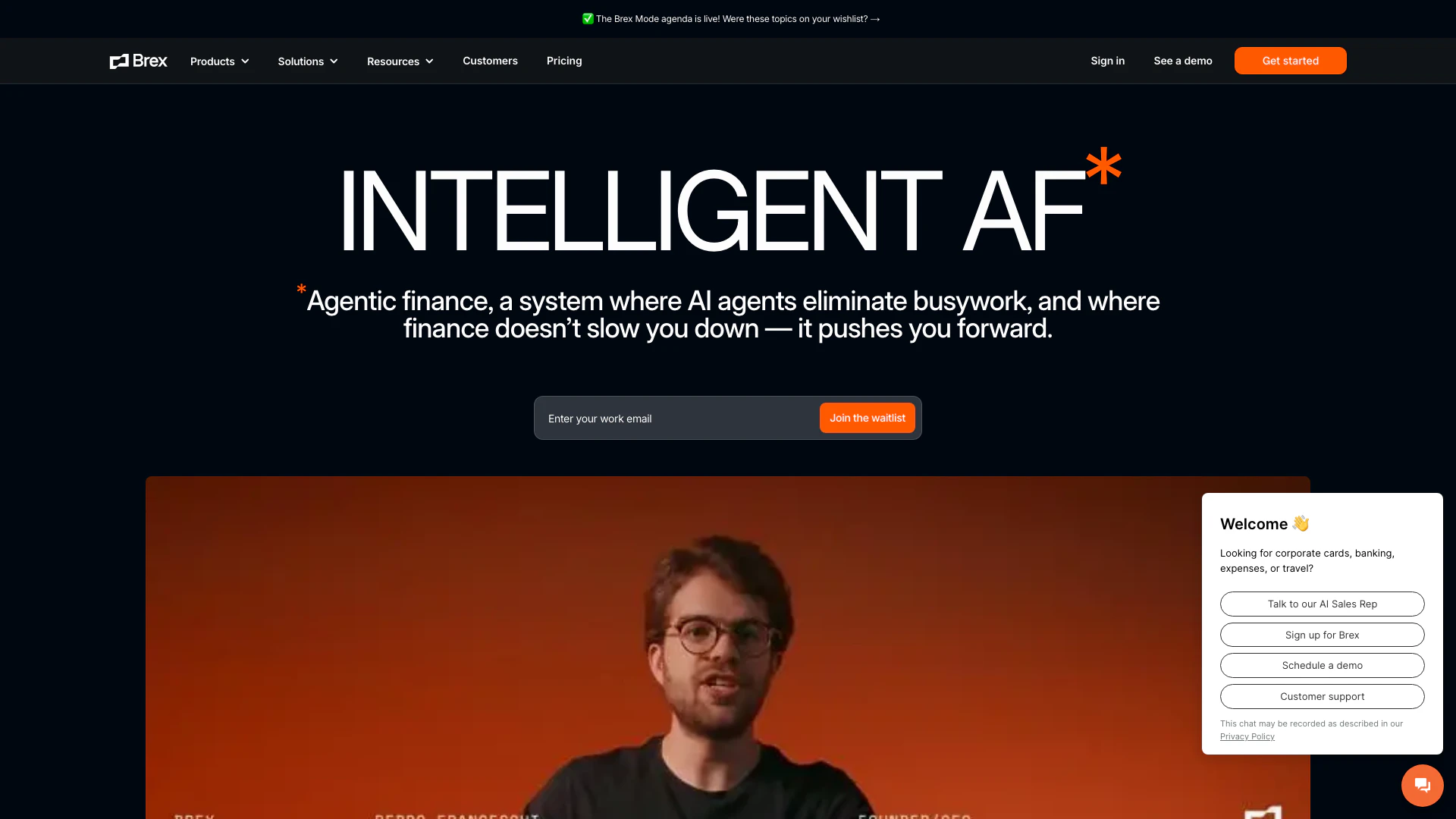
Brex automates finance tasks with AI agents for efficiency.
- Finance
- AI Accounting Automation for SMEs
- Integrated Payment and Financial Management
- Mobile Expense Tracking Solutions
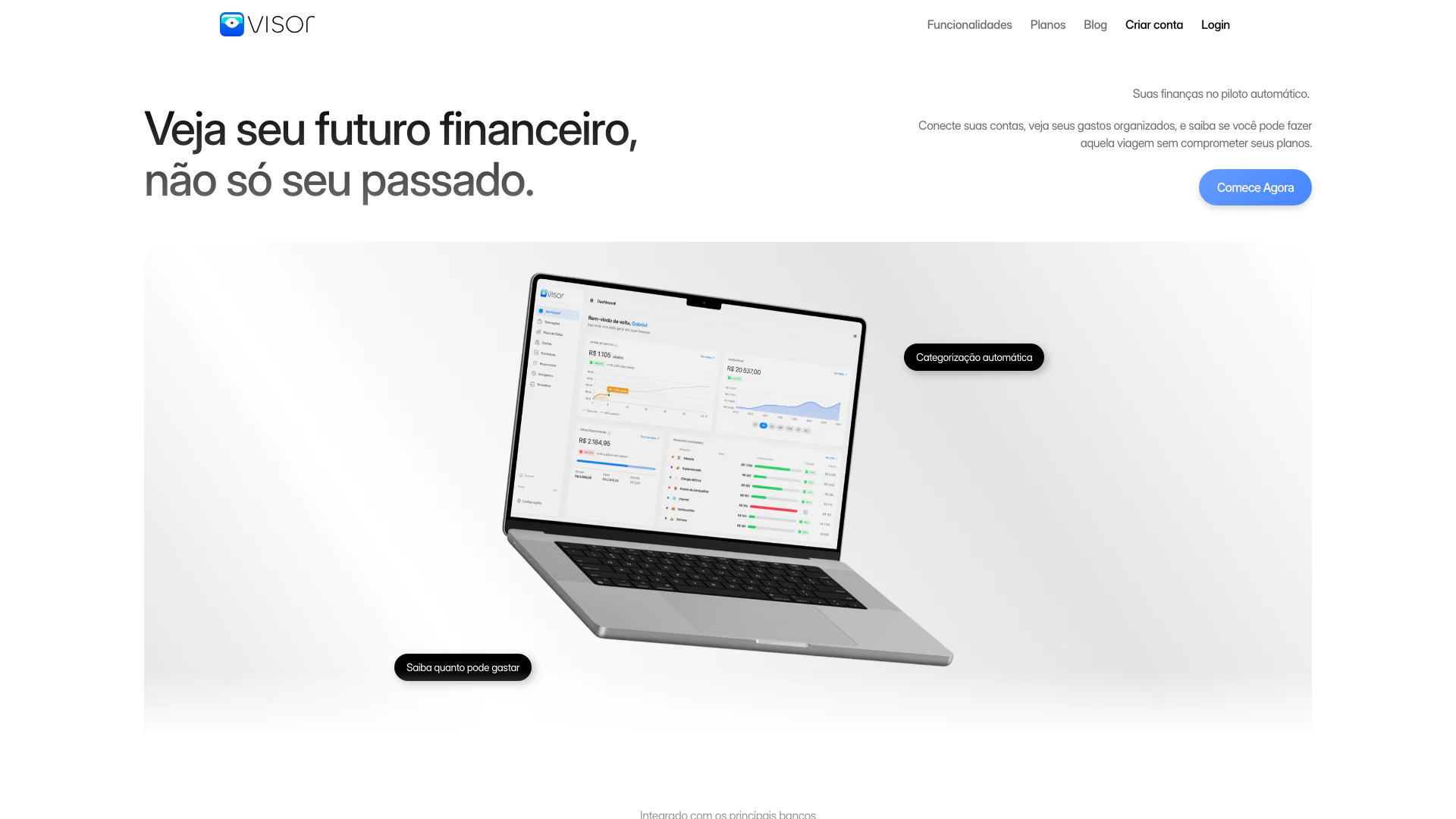
Automate your finances with AI insights.
- Finance
- Financial Analysis Tools
- Integrated Payment and Financial Management
- Mobile Expense Tracking Solutions