

Flowovaai





What is Flowova?
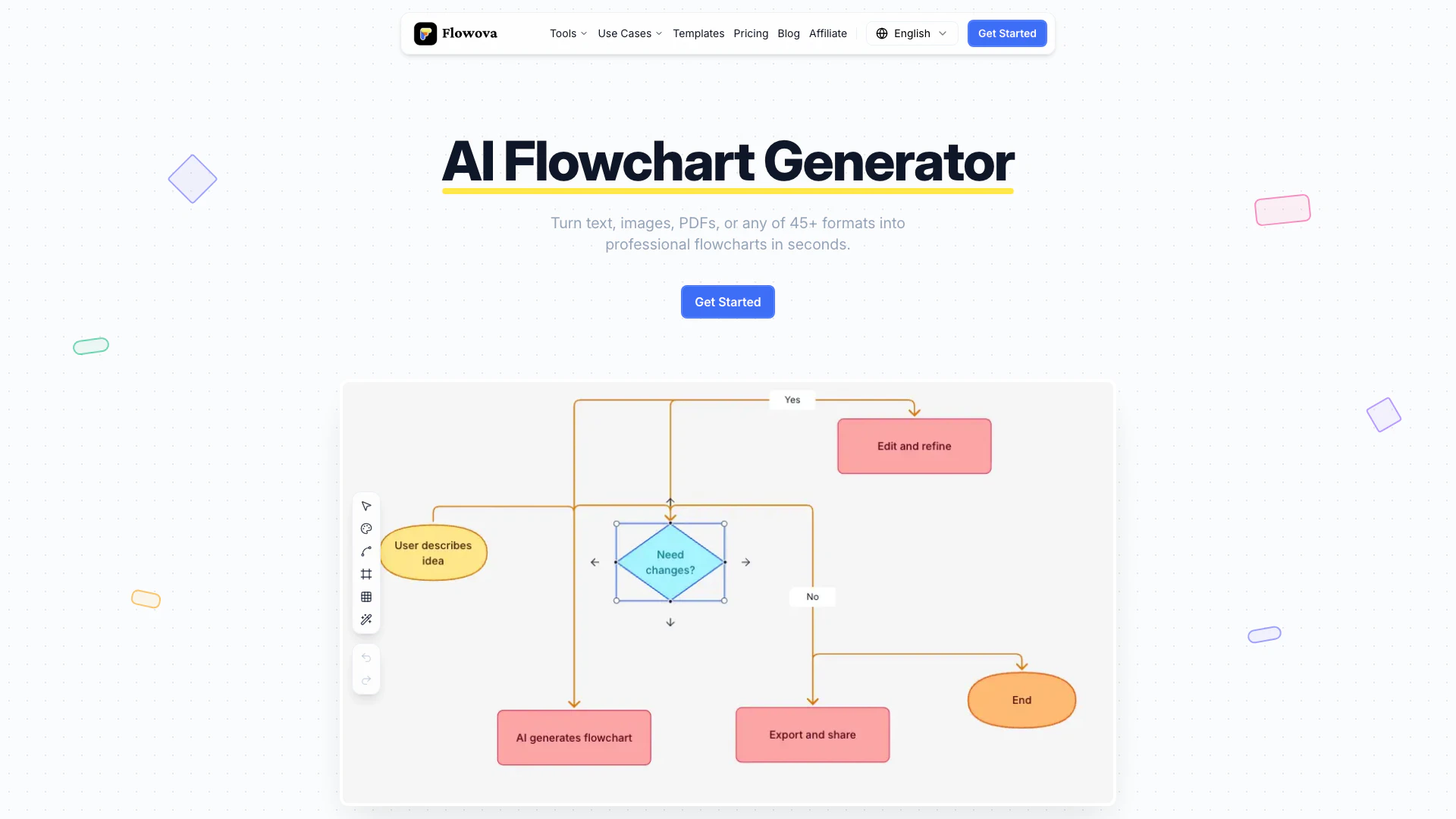
Flowova is an AI-powered[2] flowchart generator[1] that allows users to transform over 45 different formats into professional flowcharts in an instant. With its intuitive interface, users can upload images, PDFs, Word documents, Excel spreadsheets, code snippets, and even URLs to create visually appealing flowcharts effortlessly. The tool boasts advanced features such as AI-powered auto-layout[3], over 40 customizable themes, and the ability to export flowcharts in various formats including PNG, SVG, and Mermaid code. Flowova is designed to simplify the flowchart creation process, making it accessible for users with no design skills.
How to use Flowova?
- Describe: Start by inputting any format—text, files, or URLs. You can type naturally, paste code, or upload files, as Flowova supports over 45 formats including images, PDFs, and documents.
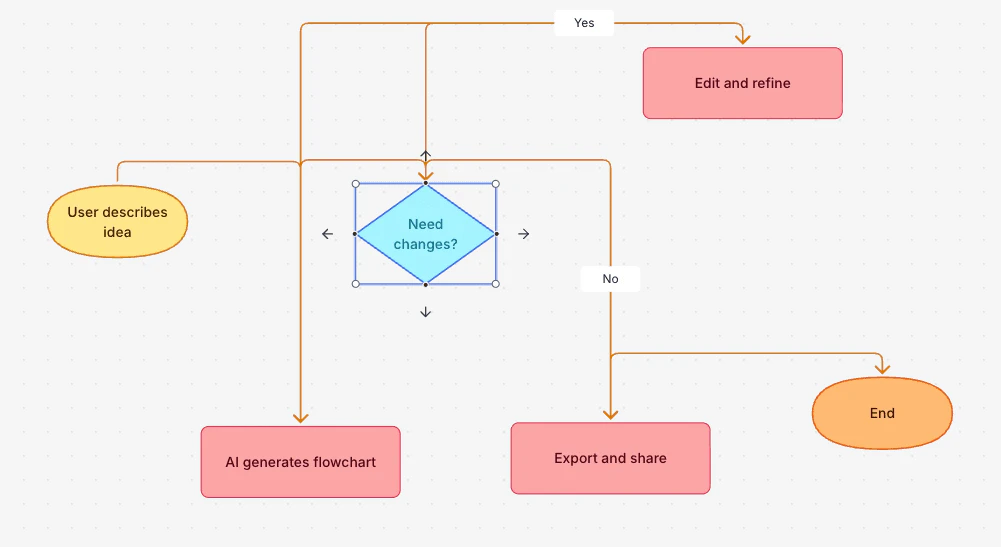
- Generate: The AI flowchart generator will instantly create your flowchart, structuring it with appropriate shapes and logical connections while providing a real-time preview[5] of the layout.
- Customize: Fine-tune your flowchart using drag-and-drop editing, choose from 40+ themes, and export your final product in PNG, SVG, or Mermaid code.
What are the main features of Flowova?
- Supports 45+ Formats[4]: Upload images, PDFs, Word, Excel, code, JSON, and URLs.
- AI-Powered Auto-Layout: Automatically arranges flowchart elements for a clean look.
- Real-Time Preview: See changes as you make them during the flowchart creation process.
- 40+ Themes: Choose from a variety of professional color themes to match your brand.
- Export Options: Download your flowcharts as PNG, SVG, or Mermaid code for easy sharing and integration.
Who is Flowova for?
Flowova is ideal for professionals, educators, and teams who need to visualize complex information quickly and effectively. It caters to users across various industries, including business, education, software development, and project management. Whether you are a teacher looking to create educational flowcharts, a business analyst mapping out processes, or a developer visualizing code logic, Flowova provides the tools necessary for creating high-quality flowcharts without requiring any design expertise.
What are the use cases of Flowova?
- Education Flowcharts: Create visual aids for teaching concepts and processes.
- Business Process Flowcharts: Streamline operations and enhance efficiency by mapping workflows.
- Software Development Flowcharts: Visualize coding structures and algorithms to improve understanding.
- Project Management Flowcharts: Track project progress and manage tasks visually.
- Decision-Making Flowcharts: Help teams make informed decisions by outlining options and outcomes.
Product Images

Flowovaai Pros and Cons
Pros
- Supports 45+ Input Formats: Flowovaai can transform a wide variety of formats including images, PDFs, Word, Excel, and more into flowcharts, making it versatile for different user needs.
- AI-Powered Auto-Layout: The tool features AI-driven auto-layout that organizes flowchart elements automatically, ensuring a clean and professional appearance without manual adjustments.
- Customizable Themes and Export Options: Users can choose from over 40 themes and export flowcharts in multiple formats such as PNG, SVG, or Mermaid code, allowing for flexibility in presentation.
Cons
No cons data detected for this tool
Flowovaai Pricing
Free
AI flowchart generation, 45+ input formats supported, Rich shapes & 40+ themes, One-click auto layout, PNG export included, No credit card required.
Pro
Everything in Free, plus Unlimited AI generations, Unlimited AI chat & editing, Unlimited text to flowchart, Unlimited PDF to flowchart, Unlimited image to flowchart, Unlimited Word & Excel to flowchart, Unlimited Mermaid code import, Unlimited flowchart storage, 30MB file support, Longer text for complex diagrams, Upload 20 files at once, PNG, SVG & Mermaid exports, No watermarks on exports, Expert Mode for detailed flowcharts, Faster AI processing, Priority support, Early access to new features.
For the latest pricing, please visit this link: https://flowova.ai/pricing
Prices are subject to change. Please visit the official website for the most up-to-date pricing information.
Flowovaai Compare
| Tool Name | Introduction | Pricing | Type | Rating | Launch Date | Learn more |
|---|---|---|---|---|---|---|
AutoDraw | Free | January 2, 1998 | Get deal | |||
Configure it once and automate your images forever without intervention—no need to review. Photos are ready to publish. Adjust backgrounds, lighting, banners, and more to fit your company branding. | Free | October 5, 2021 | Get deal | |||
Rewind | Free | February 2, 2018 | Get deal |



Info current as of post date. Offers and availability may vary by location and are subject to change.
Flowovaai Q&A
Flowova is an AI-powered flowchart generator that transforms over 45 formats, including text, images, PDFs, and more, into professional flowcharts instantly.
For more FAQs, please visit this link: https://flowova.ai/faq
Flowovaai Alternatives

Discover Gemini, Google's versatile AI assistant for writing and planning.
- Productivity & Office
- AI Productivity Tools
- AI Business Planning Tools
- AI Prompt Management Tools

Notion AI enhances productivity by integrating AI tools directly into your workspace.
- Productivity & Office
- AI Productivity Tools
- AI Information Management Tools
- Content Management Tools

Notion is an AI-powered workspace that automates tasks and enhances team collaboration.
- Productivity & Office
- AI Productivity Tools
- AI Information Management Tools
- AI Task Management Tools