

Freebeatai
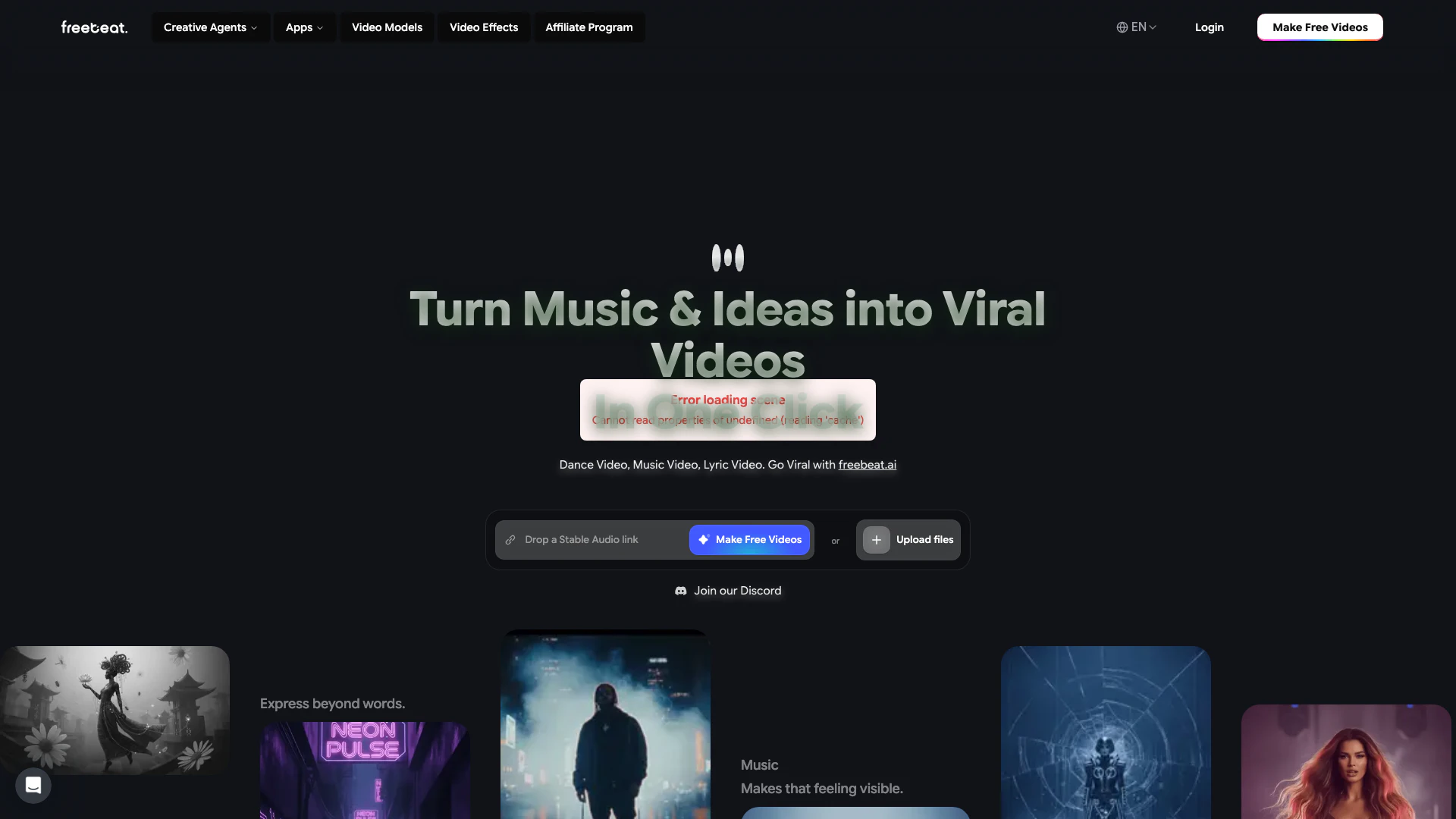


What is Freebeatai?
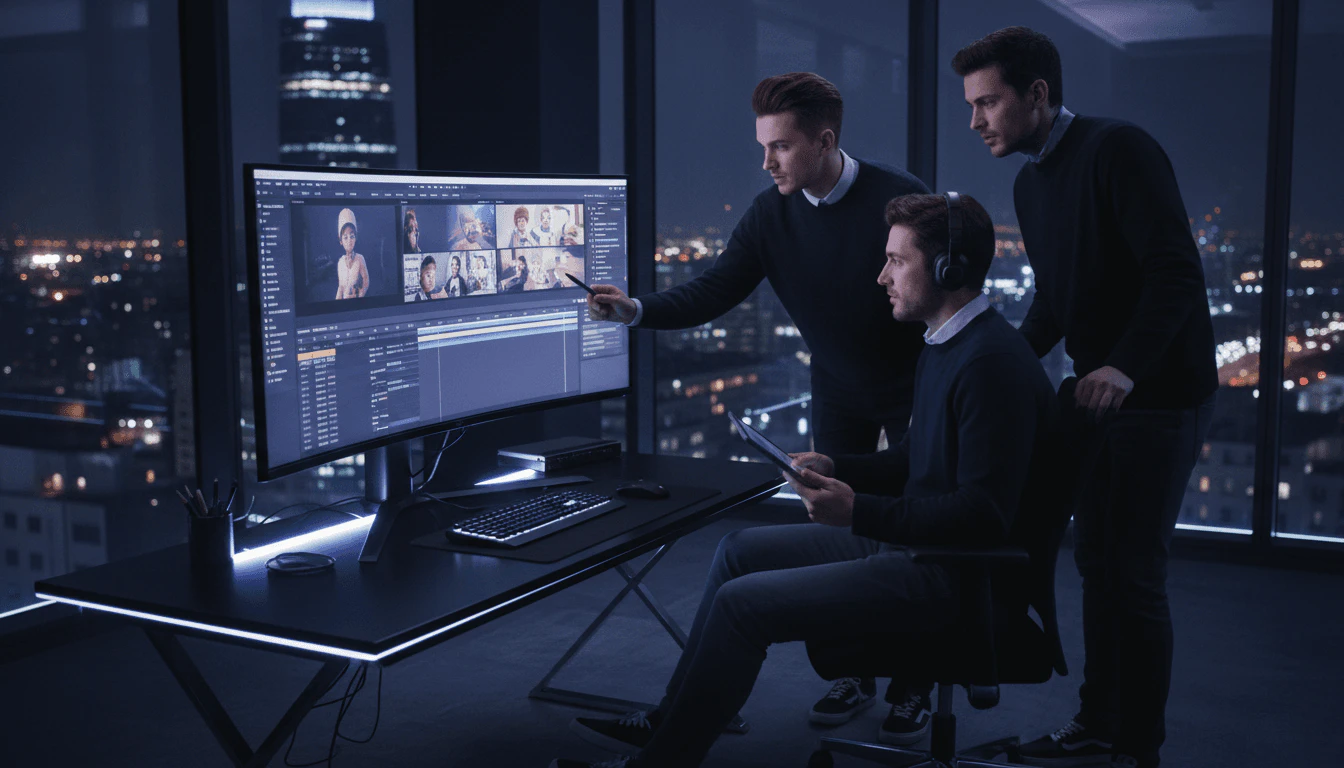
Freebeatai is an innovative AI-powered[1] tool designed to create cinematic[2] music videos[3] from any song in just minutes. With its user-friendly interface, it allows users to generate rhythm-synced[4] visuals, maintain consistent avatars, and achieve clean lip sync without needing any editing skills. This platform emphasizes creative freedom, enabling users to have full control over the style and direction of their videos, making it ideal for independent musicians, content creators, and anyone looking to turn their music into engaging visual content.
How to use Freebeatai?
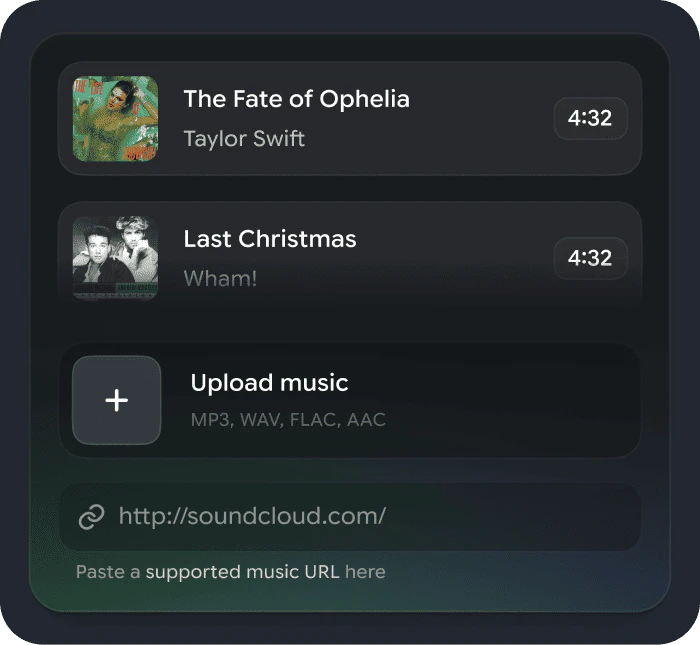
- Upload a Song or Paste a Link: Start by uploading an MP3 file or pasting a link from platforms like YouTube, TikTok, or SoundCloud. The AI analyzes your track to map its rhythm and structure.
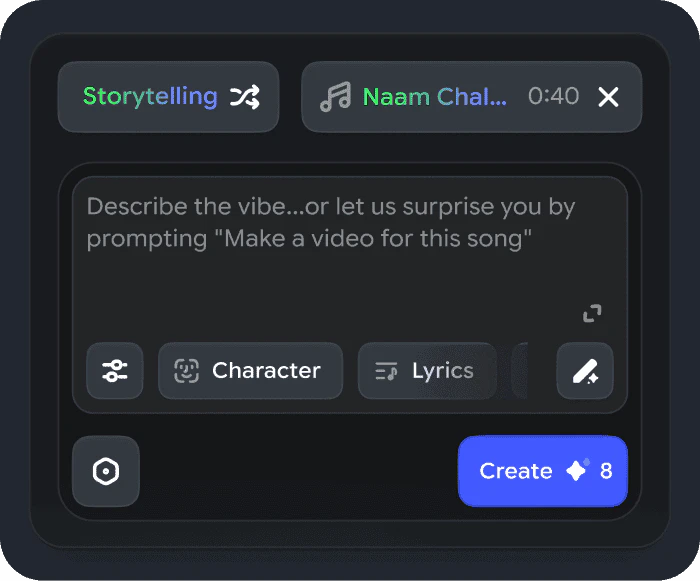
- Choose a Mode and Style: Select between Story Video or Stage Performance modes, then customize your video’s style, characters, and creative direction.
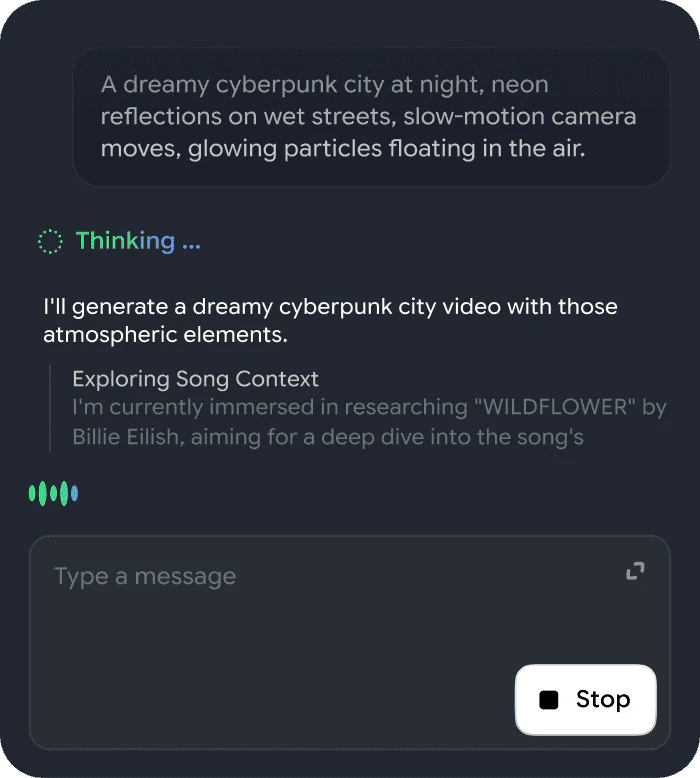
- Generate and Refine: Click 'Create' to generate your video. Review the storyboard, make adjustments, and regenerate scenes until you are satisfied with the result.
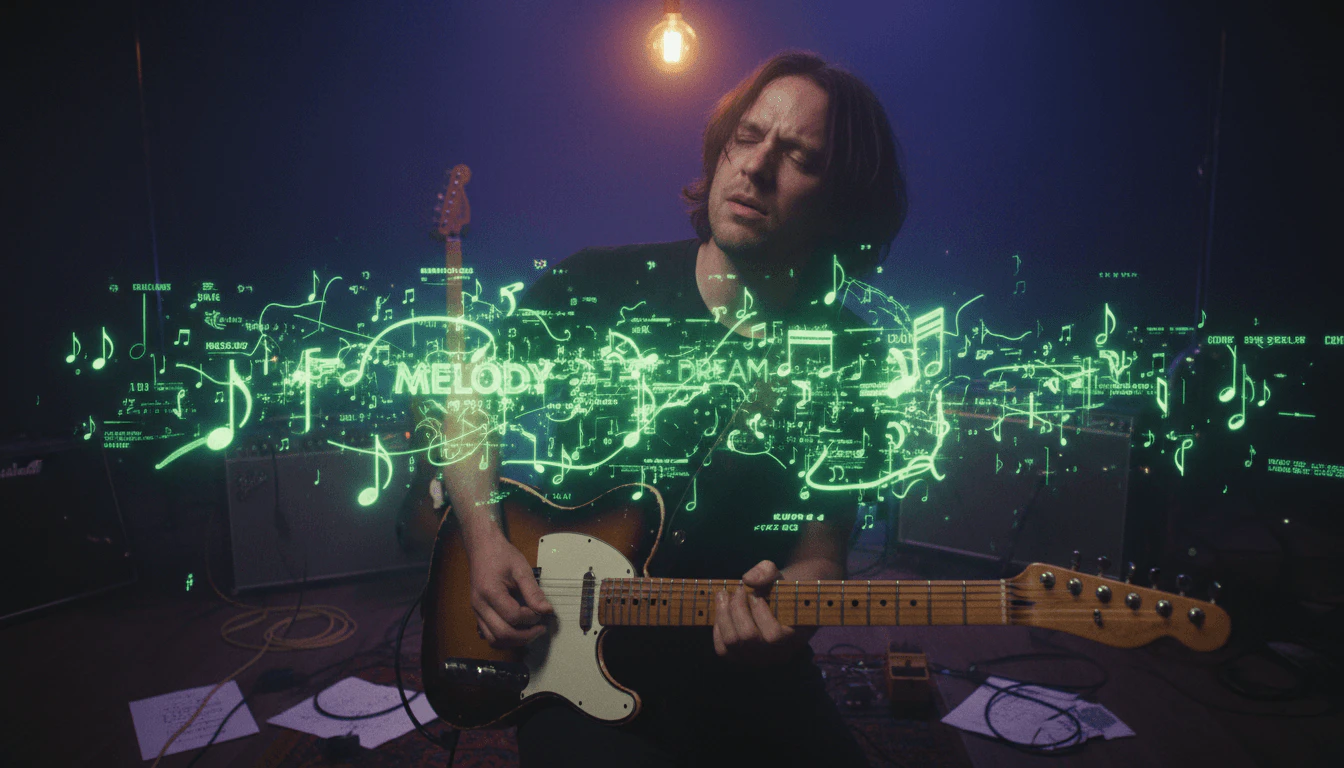
- Add Lyrics and Publish: Optionally, turn on the lyrics feature to create a synced lyrics video, customize the timing, and then share your creation on social media platforms.
What are the main features of Freebeatai?
- Automated Video Creation[5]: Generates music videos automatically without manual editing.
- Rhythm Synchronization: Visuals are synced to the music's BPM and energy shifts, ensuring a dynamic viewing experience.
- Full Style Control: Users can customize characters, visual styles, and the overall look of their videos.
- Lyrics Integration: Automatically generates synchronized lyrics with customizable motion and timing.
- Cinematic Quality: Produces high-quality videos that feel professionally directed.
Who is Freebeatai for?
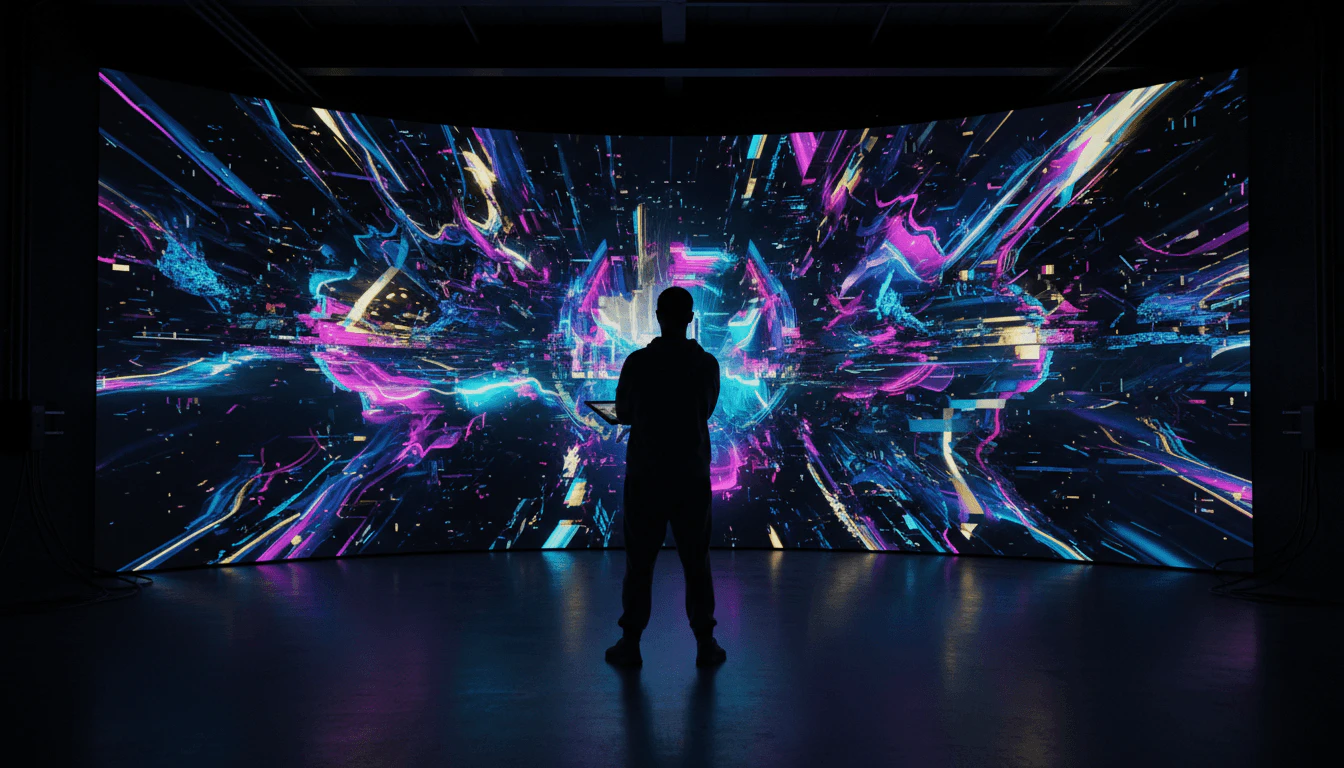
Freebeatai is designed for a wide range of users including: - Independent Musicians & Artists: Those looking to create professional-quality music videos without a production team. - Dancers & Choreographers: Users who need rhythm-perfect dance videos that naturally follow the beat of the music. - Content Creators & Influencers: Individuals seeking to generate viral-ready music videos optimized for platforms like TikTok and Instagram. - Producers & DJs: Professionals wanting to visualize their tracks and enhance live performances with dynamic visuals. - Visual Artists & VJs: Creatives looking to design immersive visuals for live performances and installations.
What are the use cases of Freebeatai?
- Creating Music Videos: Transform songs into engaging music videos that resonate with audiences, perfect for sharing on social media.
- Choreography Planning: Generate dance videos to visualize routines, allowing choreographers to map out performances seamlessly.
- Content Creation for Brands: Use Freebeatai to produce promotional videos that maintain a consistent visual identity across various platforms.
Product Images
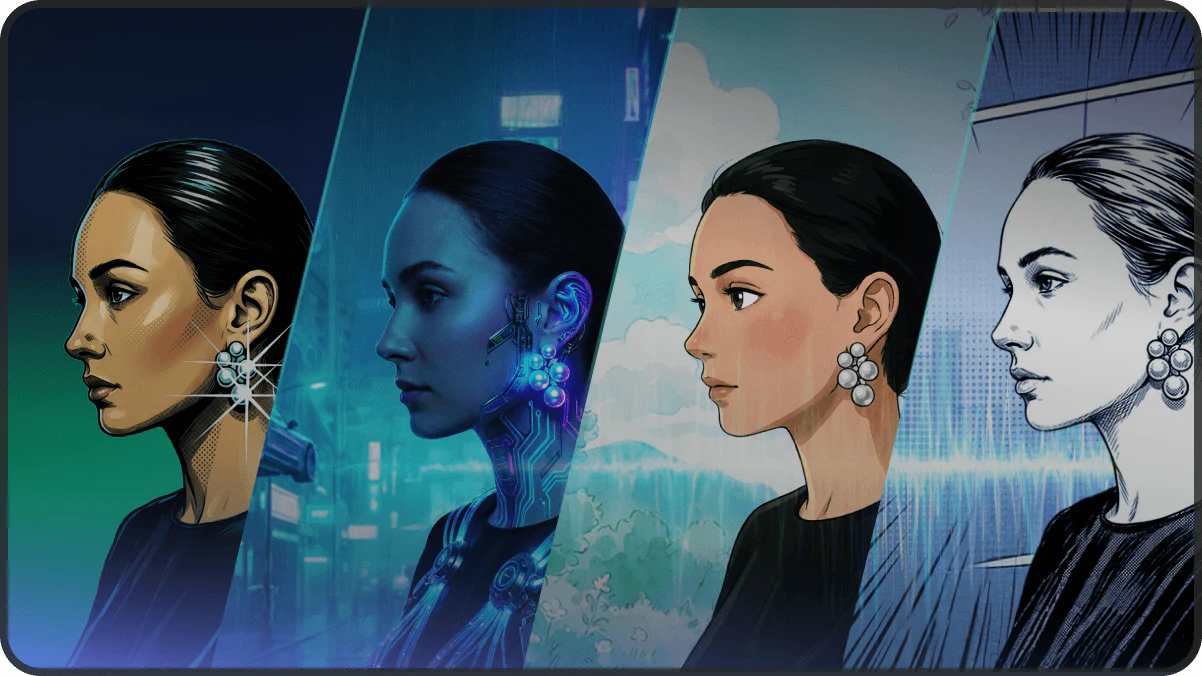
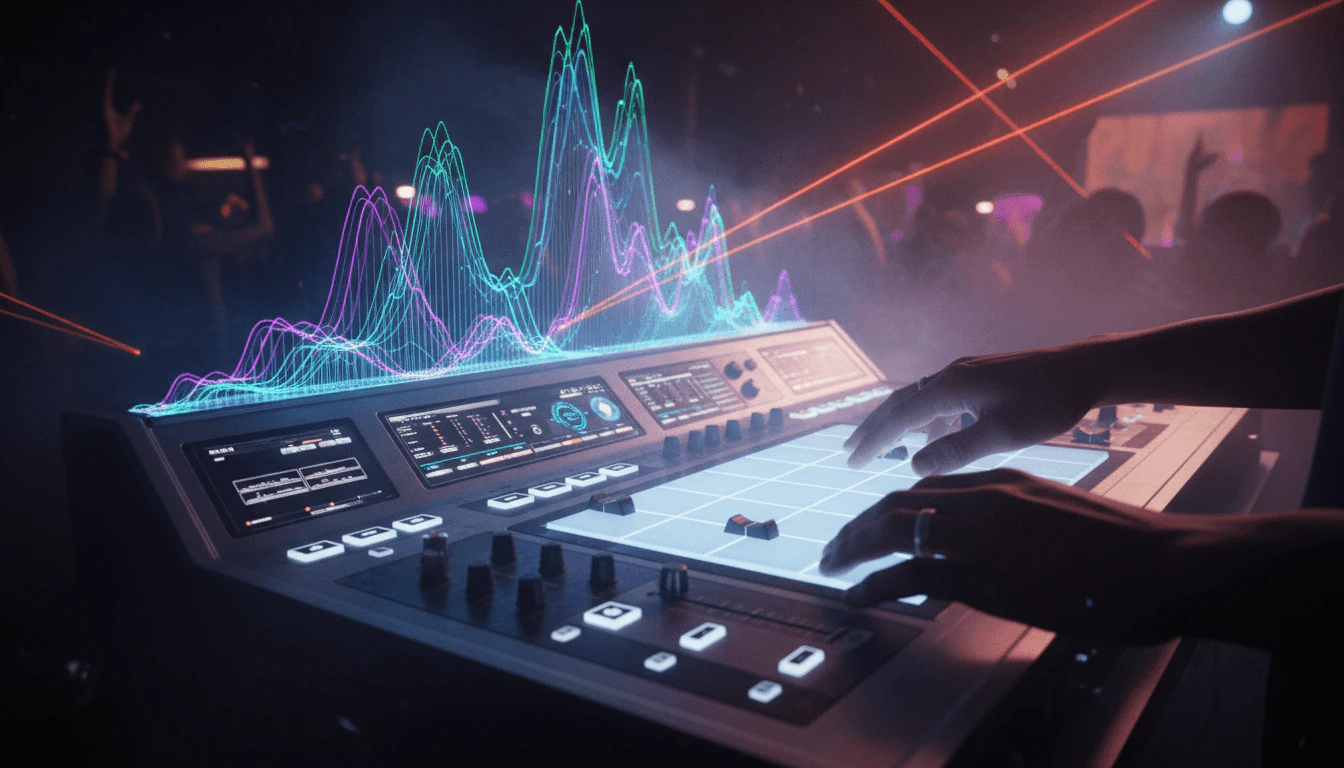
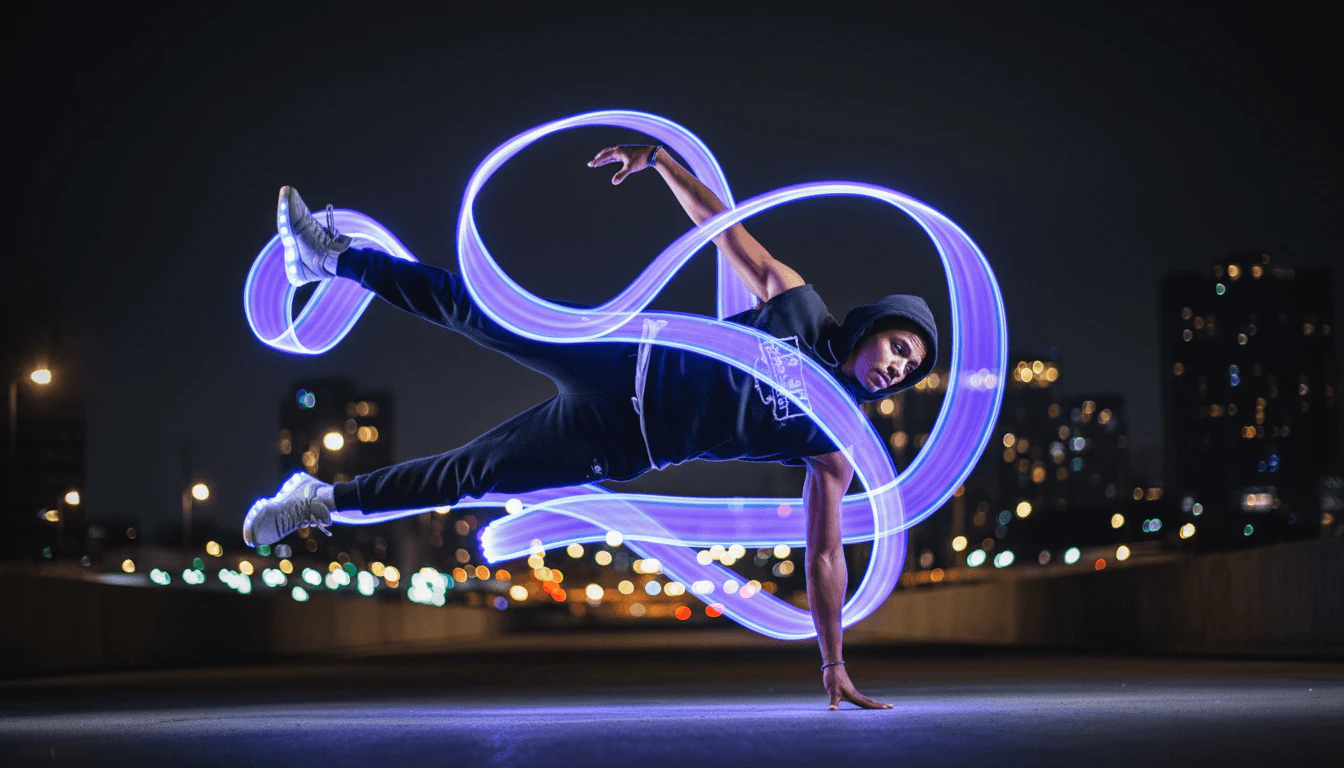
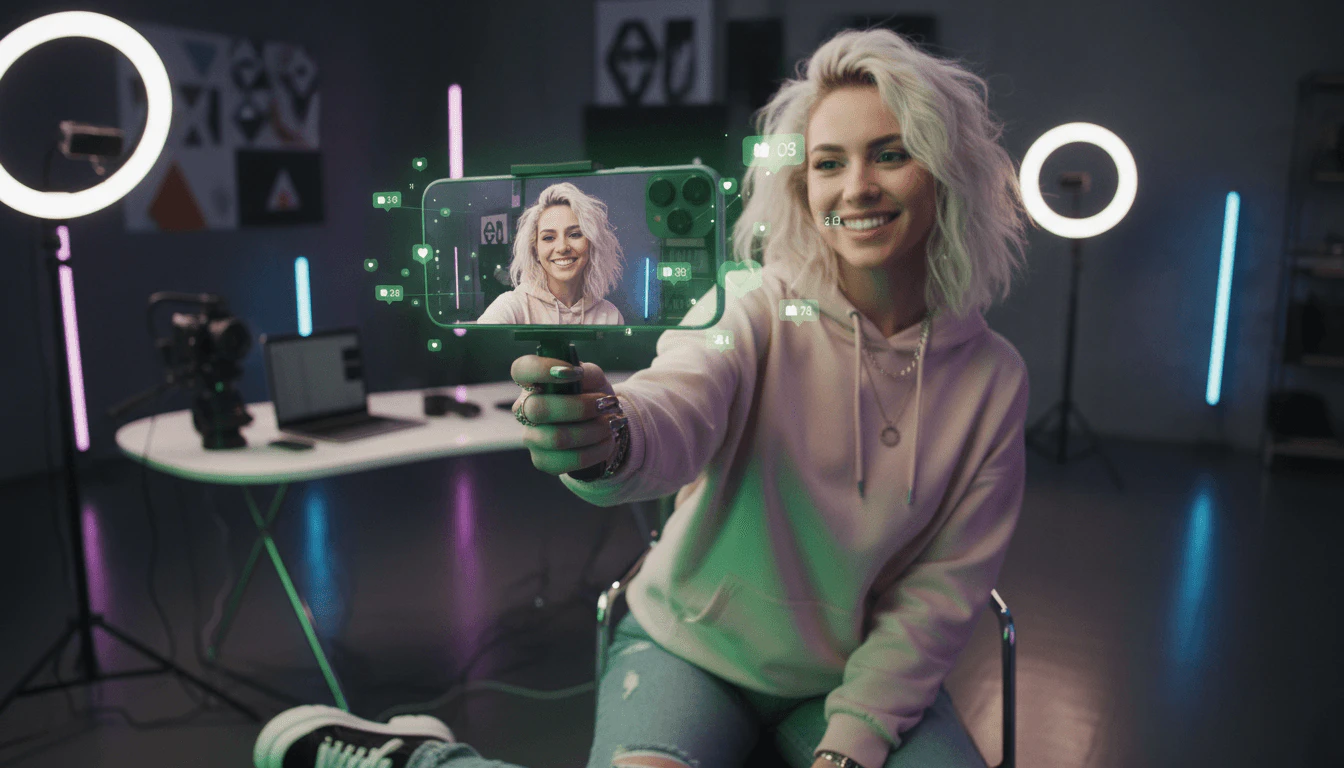
Freebeatai Pros and Cons
Pros
- Cinematic AI Music Video Creation: Freebeatai allows users to create cinematic music videos quickly, transforming any song into a visually engaging experience with rhythm-synced visuals.
- No Editing Skills Required: Users can generate polished music videos without any prior editing skills, making it accessible for beginners.
- Full Creative Control: The tool offers extensive customization options for styles, characters, and creative direction, ensuring that users can maintain their artistic vision.
Cons
No cons data detected for this tool
Freebeatai Pricing
Free Plan
Create videos with essential features. Perfect for exploring freebeat AI. 500 Credits – No Recurring Credits. Access to Fast Model. Create videos in 16:9, 9:16, 1:1 aspect ratios. Up to 30 seconds per video.
Basic Plan
Ideal for trying all features at a low weekly cost. 1990 weekly video credits. Access to Fast, Advanced Models. Create videos in 16:9, 9:16, 1:1 aspect ratios. Premium model with enhanced realism and superior details. Unlimited concurrent projects. Up to 6min duration per video. Video resolution up to 720p. Watermark removal. Faster Video Processing.
Standard Plan
Ideal for creators who need a balance of quality and affordability. 3000 monthly video credits. Access to Fast, Advanced Models. Create videos in 16:9, 9:16, 1:1 aspect ratios. Premium model with enhanced realism and superior details. Unlimited concurrent projects. Up to 6min duration per video. Video resolution up to 720p. Watermark removal. Faster Video Processing.
Pro Plan
Perfect for creators who need unlimited, fast, and high-quality video production. 10000 monthly video credits. Access to Fast, Advanced Models. Create videos in 16:9, 9:16, 1:1 aspect ratios. Premium model with enhanced realism and superior details. Unlimited concurrent projects. Up to 6min duration per video. Video resolution up to 1080p. Watermark removal. Faster Video Processing.
For the latest pricing, please visit this link: https://freebeat.ai/en/music-video/pay
Prices are subject to change. Please visit the official website for the most up-to-date pricing information.
Analytics of Freebeatai
Freebeatai Website Traffic Analysis
Visits Over Time
Traffic Sources
Nov 2025 - Jan 2026 Worldwide Desktop Only
- Search: 43.90%
- Direct: 40.12%
- Referrals: 10.08%
- Social: 4.75%
- Paid Referrals: 1.05%
- Mail: 0.10%
Top Regions
| Region | Percentage |
|---|---|
🇺🇸 United States | 26.22% |
🇧🇷 Brazil | 8.12% |
🇩🇪 Germany | 5.10% |
🇬🇧 United Kingdom | 3.92% |
🇦🇺 Australia | 3.60% |
- United States: 26.22%
- Brazil: 8.12%
- Germany: 5.10%
- United Kingdom: 3.92%
- Australia: 3.60%
Top Keywords
| Keyword | Volume | CPC | Estimated Value |
|---|---|---|---|
| freebeat ai | 17.55K | $0.85 | $19360.00 |
| ai music video generator | 12.27K | $2.09 | $4960.00 |
| freebeat | 11.81K | $0.80 | $11490.00 |
| ai music video | 3.85K | $2.28 | $1210.00 |
| freebeat.ai | 1.20K | $0.00 | $890.00 |
Freebeatai Reviews
I've tried a bunch of tools over the past year, and this is definitely one of the best ai music video generators I've used for client projects. I especially like how accurate the lip-sync is, which makes performance shots look much more believable. Making music videos is now something I can do reliably on a tight schedule.
I like that I can upload a track and quickly generate visuals without extra setup. It functions as a reliable music to video ai generator for electronic projects. I've been looping the animated album visuals for Spotify Canvas to keep my releases visually consistent.
This has been useful when I'm trying to keep up with consistent youtube uploads. Being able to turn song into video automatically makes the process way quicker, and the style control keeps my videos looking cohesive. It's not perfect every time, but regenerating usually cleans things up.
For more reviews, visit this link: https://freebeat.ai/#user
Freebeatai Compare
| Tool Name | Introduction | Pricing | Type | Rating | Launch Date | Learn more |
|---|---|---|---|---|---|---|
Generator XYZ | Free | December 18, 2022 | Get deal | |||
Explore Prompt Vibes to create unique prompts with our ChatGPT Prompt generator. Discover a collection of the best prompts designed for various uses. | Free | February 25, 2023 | Get deal | |||
Configure it once and automate your images forever without intervention—no need to review. Photos are ready to publish. Adjust backgrounds, lighting, banners, and more to fit your company branding. | Free | October 5, 2021 | Get deal |


Info current as of post date. Offers and availability may vary by location and are subject to change.
Freebeatai Q&A
Freebeat supports both short-form and longer music video creation. You can generate videos as short as 15 seconds for social clips, or up to approximately 6 minutes for full-length tracks. The system automatically adapts pacing, visuals, and structure based on the duration of your music.
For more FAQs, please visit this link: https://freebeat.ai/en/music-video/faqs
Freebeatai Alternatives

Harken | Find the Spotify songs you thought were lost!
- Audio & Music
- AI Audio Editing
- AI Audio Enhancer
- AI Music Generator
Create AI videos instantly in 160+ languages.
- Video & Animation
- AI Avatar Video Generator
- AI Video Generator
- AI Text to Video

Muzify - AI playlists for books you read
- Audio & Music
- AI Audio Enhancer
- AI Beat Generator
- AI Instrumental Generator