
Freepik



What is Freepik?
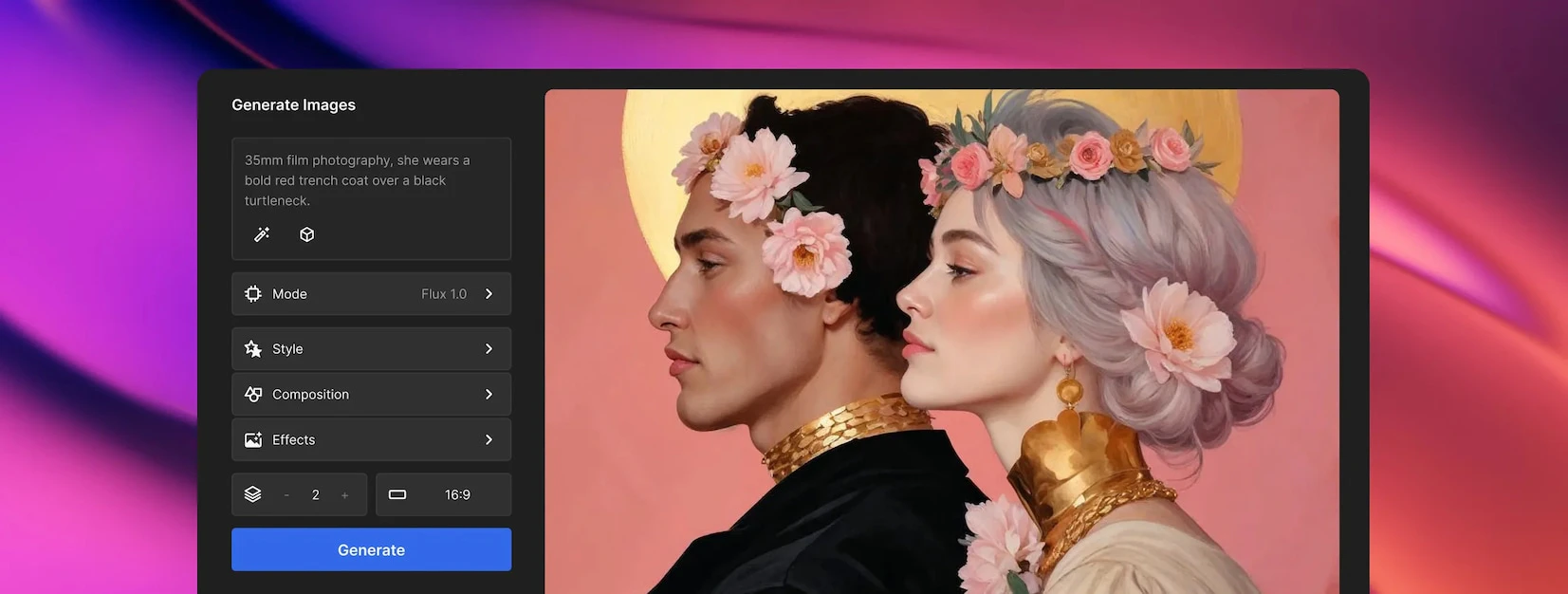
Freepik is an all-in-one creative suite that combines AI tools[1], intelligent features, and a vast library of high-quality visual assets, allowing users to design and create without leaving the platform. It caters to a wide range of creative needs, providing tools for image generation[2], video creation[3], audio production[4], and graphic design[5], making it an essential resource for professionals and enthusiasts alike.
How to use Freepik?
- Visit the Freepik website and create an account or log in.
- Choose the desired AI tool from the menu, such as the AI image generator or video editor.
- Follow the on-screen instructions to generate images or edit videos as needed.
- Utilize the vast library of assets to enhance your projects, adjusting elements to fit your creative vision.
- Download your creations or save them within the platform for future use.
What are the main features of Freepik?
- AI Image Generator: Create unique images based on your prompts.
- Video Generator: Produce videos from images and text.
- Image Editor: Edit and enhance images with various tools.
- Background Remover: Easily remove backgrounds from images.
- Audio Tools: Generate and edit sound effects and music.
- Design Templates: Access a wide range of templates for different projects.
Who is Freepik for?
Freepik is designed for a diverse range of users, including graphic designers, marketers, content creators, and small business owners. It is ideal for anyone looking to enhance their creative projects with high-quality visuals and advanced AI tools. Whether you are a professional seeking to streamline your workflow or a hobbyist exploring design, Freepik offers resources that cater to various creative needs.
What are the use cases of Freepik?
- Creating social media graphics and posts tailored for various platforms.
- Producing promotional videos from static images for advertising campaigns.
- Designing marketing materials such as brochures, flyers, and banners.
- Enhancing photographs and illustrations for personal or professional projects.
- Generating unique content for blogs and websites using AI-driven tools.
Product Images




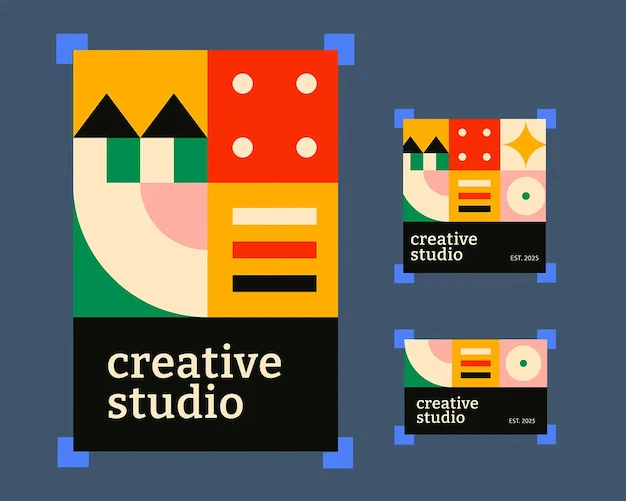

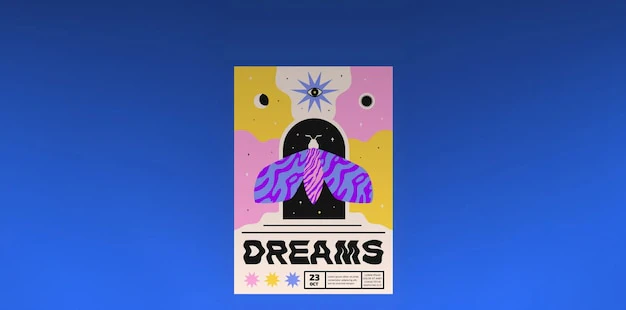

Freepik Pros and Cons
Pros
- Comprehensive Creative Suite: Freepik offers a wide range of AI tools and high-quality stock resources, allowing users to design and create without leaving the platform.
- High-Quality Image Generation: The AI image generator can create high-resolution images, enhancing the quality of visual content for various projects.
- User-Friendly Interface: The platform is designed for ease of use, enabling users to quickly navigate and utilize tools effectively.
Cons
No cons data detected for this tool
Analytics of Freepik
Freepik Website Traffic Analysis
Visits Over Time
Traffic Sources
Nov 2025 - Jan 2026 Worldwide Desktop Only
- Search: 48.96%
- Direct: 39.07%
- Referrals: 10.43%
- Social: 1.18%
- Paid Referrals: 0.30%
- Mail: 0.04%
Freepik Compare
| Tool Name | Introduction | Pricing | Type | Rating | Launch Date | Learn more |
|---|---|---|---|---|---|---|
 | Top AI Tools Directory & Review AI Tools - ReviewTools.AI | Free | 💼Work | October 9, 2024 | Get deal | |
 | Connecting to Apple Music | Free | 🙋♂️Personal🎨Creativity | December 31, 1984 | Get deal | |
 | Streamline your hiring with Jobspage's intuitive platform. | Free | 💼Work | December 23, 1991 | Get deal |
Info current as of post date. Offers and availability may vary by location and are subject to change.
Freepik Q&A
Your content is private and secure. By default, all content you create is private and only accessible to you. We have strict protocols in place to protect your data and ensure the safety of your work. Freepik will not use any content you create or upload to train our AI tools, nor will our third-party vendors. Your input and output content will never be used for training or shared with others.
For more FAQs, please visit this link: https://zh.freepik.com/ai/faq
Freepik Alternatives

Adobe empowers users to create and optimize digital content.
- Art & Design
- AI Graphic Design Tools
- AI UX/UI Design
- AI Creative Suite
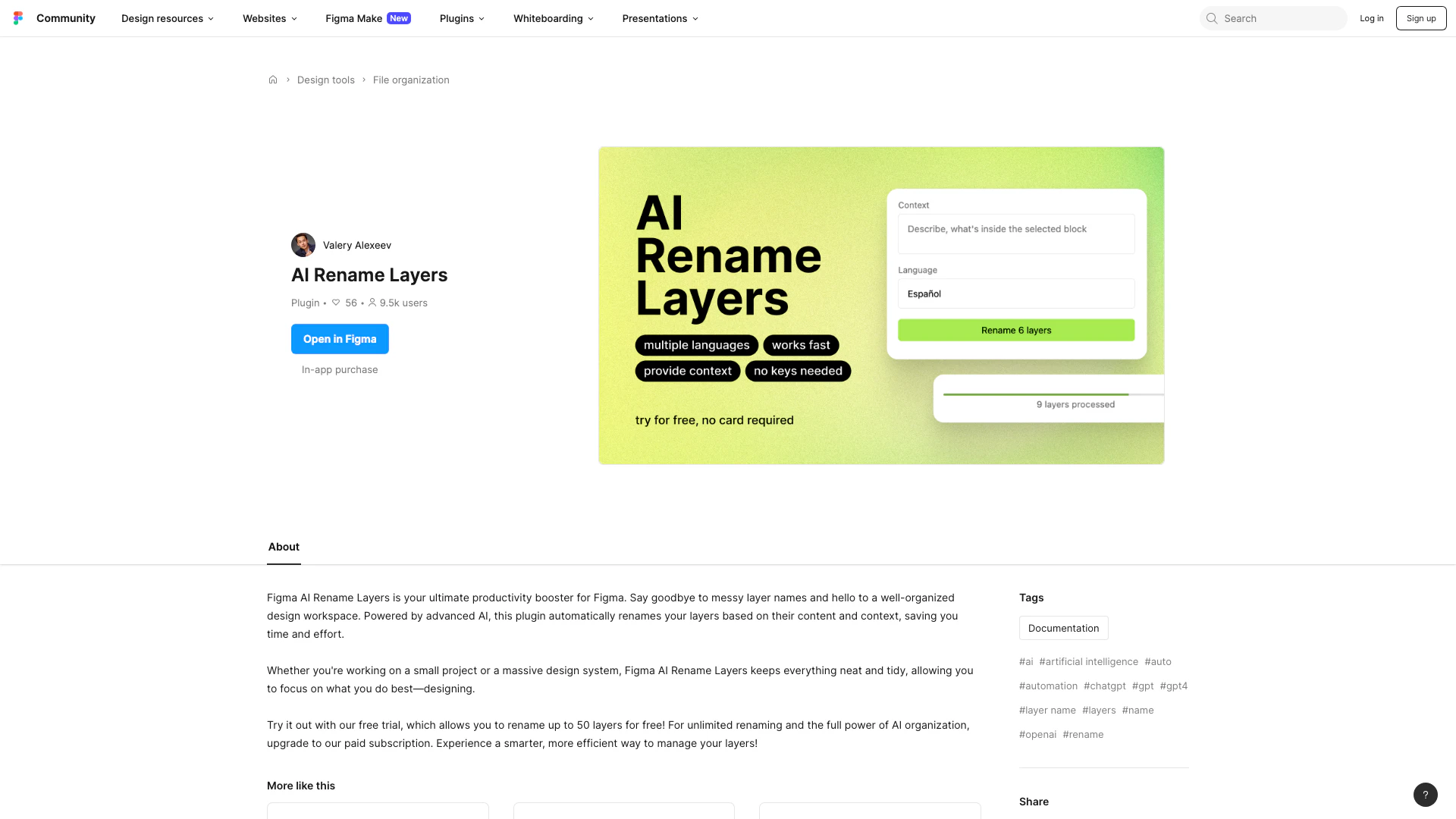
Automate layer renaming in Figma for better organization.
- Art & Design
- AI Design Assistant
- AI Graphic Design Tools
- AI UX/UI Design
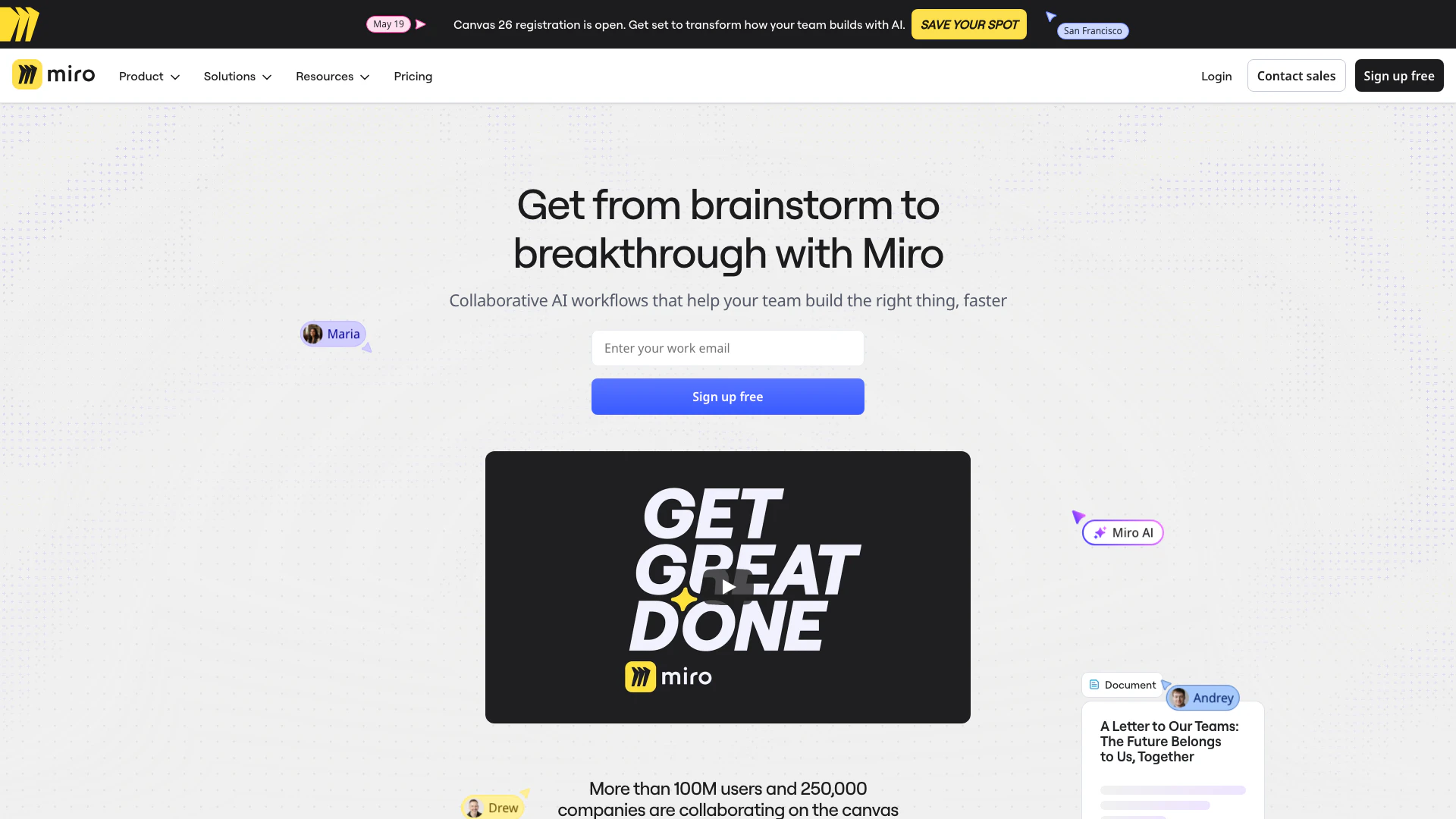
Speed up product development from ideation to launch. Align teams, break tool silos, and ship what customers need in one AI-powered visual platform.
- Art & Design
- AI Design Assistant
- AI UX/UI Design
- Ai Whiteboard