

Getautoposter





What is Getautoposter?
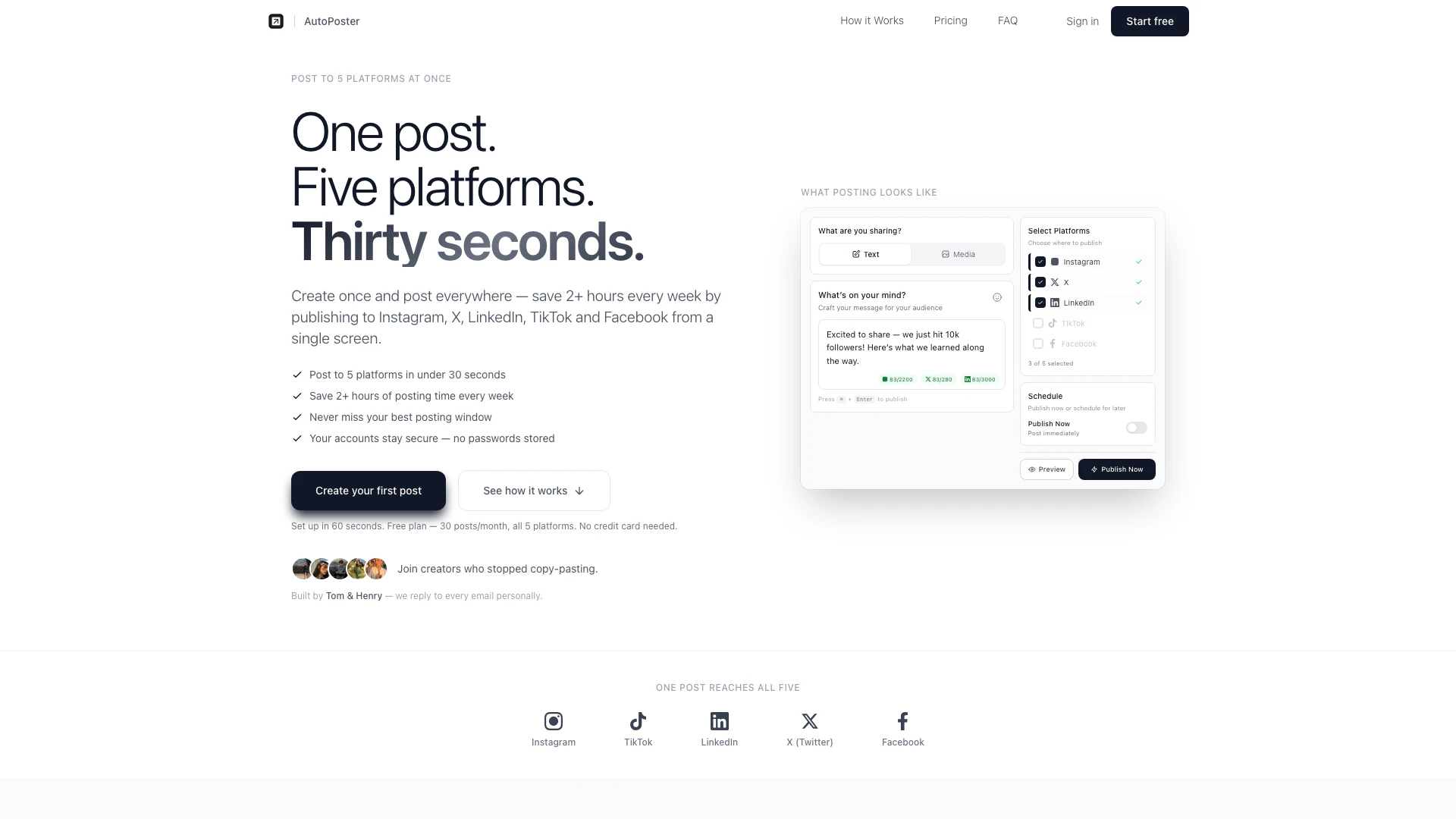
Getautoposter is a social media scheduling[1] tool that allows users to post simultaneously to multiple platforms, including Instagram, Twitter (X), LinkedIn, TikTok, and Facebook. Designed for creators and small businesses, Getautoposter simplifies the posting process by enabling users to create a single post and share it across all selected platforms in under 30 seconds. This efficient tool helps users save over two hours each week, making social media management more straightforward and less time-consuming.
How to use Getautoposter?
- Sign Up: Go to the Getautoposter website and create an account. You can start with a free plan that allows up to 30 posts per month.
- Connect Your Accounts: Link your social media accounts by following the secure OAuth authentication process. This ensures that your passwords are never stored by Getautoposter.
- Create a Post: Write your message, attach any media, and select the platforms where you want to publish your post.
- Publish or Schedule: Choose to publish your post immediately or schedule it for a later time. You can drag and drop posts in the visual calendar for easy scheduling.
What are the main features of Getautoposter?
- Multi-Platform Posting[2]: Publish to Instagram, Twitter, LinkedIn, TikTok, and Facebook simultaneously.
- Time-Saving: Create one post and share it across all platforms in under 30 seconds, saving over two hours a week.
- Secure Authentication: Connect your accounts using OAuth without storing passwords.
- Drag-and-Drop Scheduling: Easily reschedule posts using a visual calendar interface.
- Customizable Posts: Option to customize posts for each platform, including platform-specific hashtags and formats.
- Instant Publishing: Publish posts immediately or schedule them for later.
Who is Getautoposter for?
Getautoposter is ideal for social media managers, content creators, small business owners, and marketers who need to manage multiple social media accounts efficiently. It is especially beneficial for those who want to streamline their posting process and save time on repetitive tasks, making it a perfect tool for anyone looking to enhance their social media presence without the hassle of manual posting.
What are the use cases of Getautoposter?
- Content Creation: Create and schedule promotional posts for product launches across multiple platforms simultaneously.
- Event Promotion: Use Getautoposter to announce and promote events, ensuring consistent messaging on all social media channels.
- Brand Awareness: Regularly post engaging content to increase brand visibility and audience engagement on various platforms.
Product Images

Getautoposter Pros and Cons
Pros
- Multi-Platform Posting: Post to five platforms simultaneously, including Instagram, Twitter, LinkedIn, TikTok, and Facebook, saving time and effort.
- Time Efficiency: Save over 2 hours each week by scheduling posts in under 30 seconds instead of manually posting on each platform.
- User-Friendly Interface: Simple drag-and-drop scheduling and a visual calendar make it easy to manage posts without unnecessary complexity.
Cons
No cons data detected for this tool
Getautoposter Pricing
Monthly Plan
5 platforms included: Instagram, TikTok, LinkedIn, X (Twitter), Facebook. Unlimited posts. Post as much as you want, no limits. Text, image & video support. Upload once, deliver to every platform. Personal support from the founders.
Yearly Plan
5 platforms included: Instagram, TikTok, LinkedIn, X (Twitter), Facebook. Unlimited posts. Post as much as you want, no limits. Text, image & video support. Upload once, deliver to every platform. Personal support from the founders. Save $44 per year.
For the latest pricing, please visit this link: https://www.getautoposter.com/pricing
Prices are subject to change. Please visit the official website for the most up-to-date pricing information.
Getautoposter Reviews
I used to spend 20 minutes every morning posting the same thing to five accounts. Now it takes me 30 seconds. AutoPoster just works.
Finally, a social media tool that doesn't cost $70/month for features I'll never use. $12 for exactly what I need.
The drag-and-drop scheduling is a game changer. I plan my whole week on Sunday and don't think about social media until next weekend.
For more reviews, visit this link: https://www.getautoposter.com/#reviews
Getautoposter Compare
| Tool Name | Introduction | Pricing | Type | Rating | Launch Date | Learn more |
|---|---|---|---|---|---|---|
2Mn+ readymade ChatGPT prompt ideas built by prompt engineers, using insights from eCommerce experts - that really work! | Free | February 6, 2023 | Get deal | |||
Civitai: The Home of Open-Source Generative AI | Free | November 2, 2022 | Get deal | |||
🧠 AI-powered image resizer for social media | Free | June 8, 2021 | Get deal |


Info current as of post date. Offers and availability may vary by location and are subject to change.
Getautoposter Q&A
Same core features, 90% cheaper. We do one thing well: let you post to multiple platforms at once. No analytics dashboards you'll never use, no team collaboration features you don't need. Just simple, reliable posting for $12/month instead of $70.
For more FAQs, please visit this link: https://www.getautoposter.com/faq
Getautoposter Alternatives
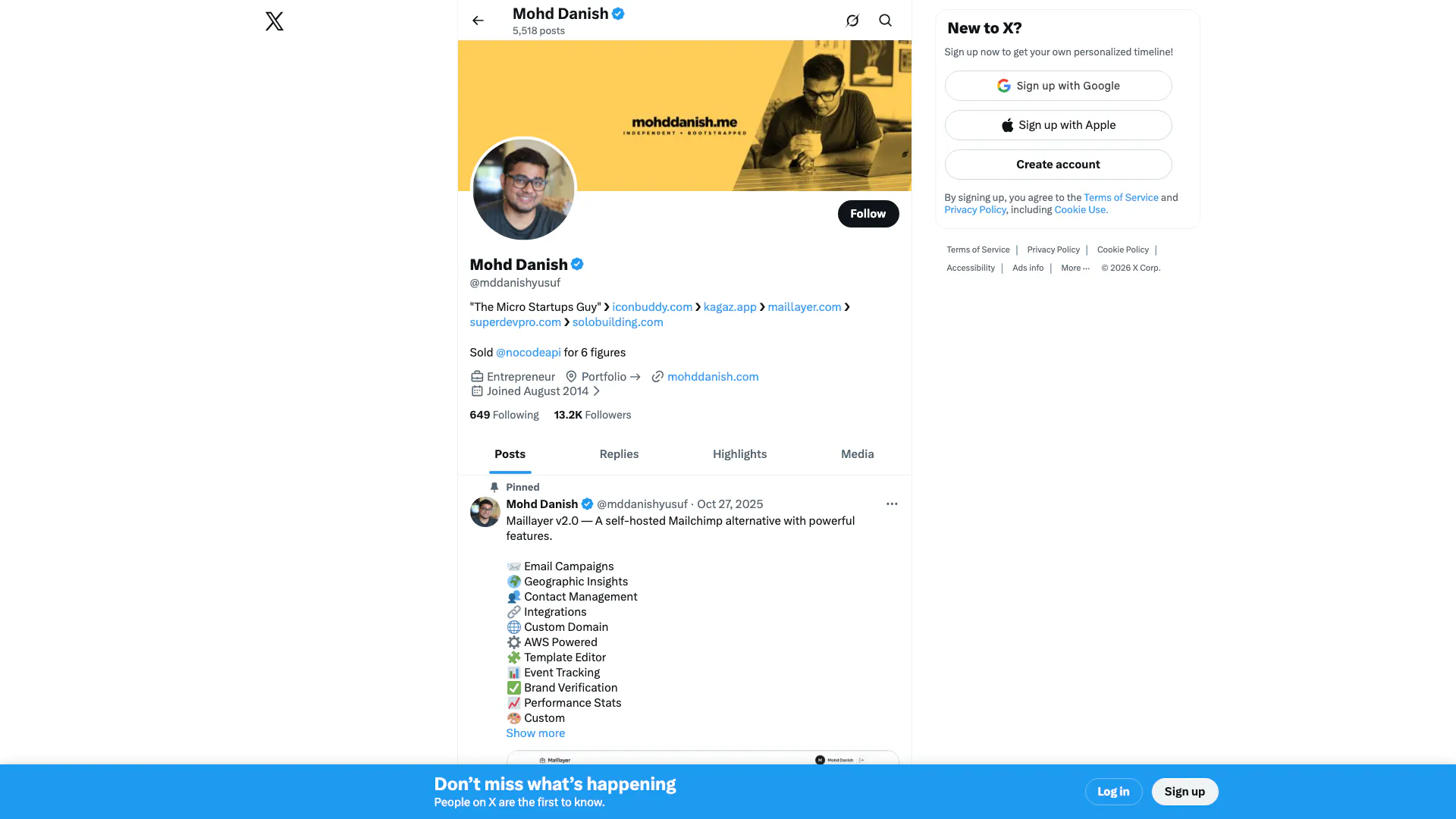
Connect and share ideas on Twitter.
- Social Media Tools
- AI Social Media Tools
- AI Tweet Generator
- AI X/Twitter Tools
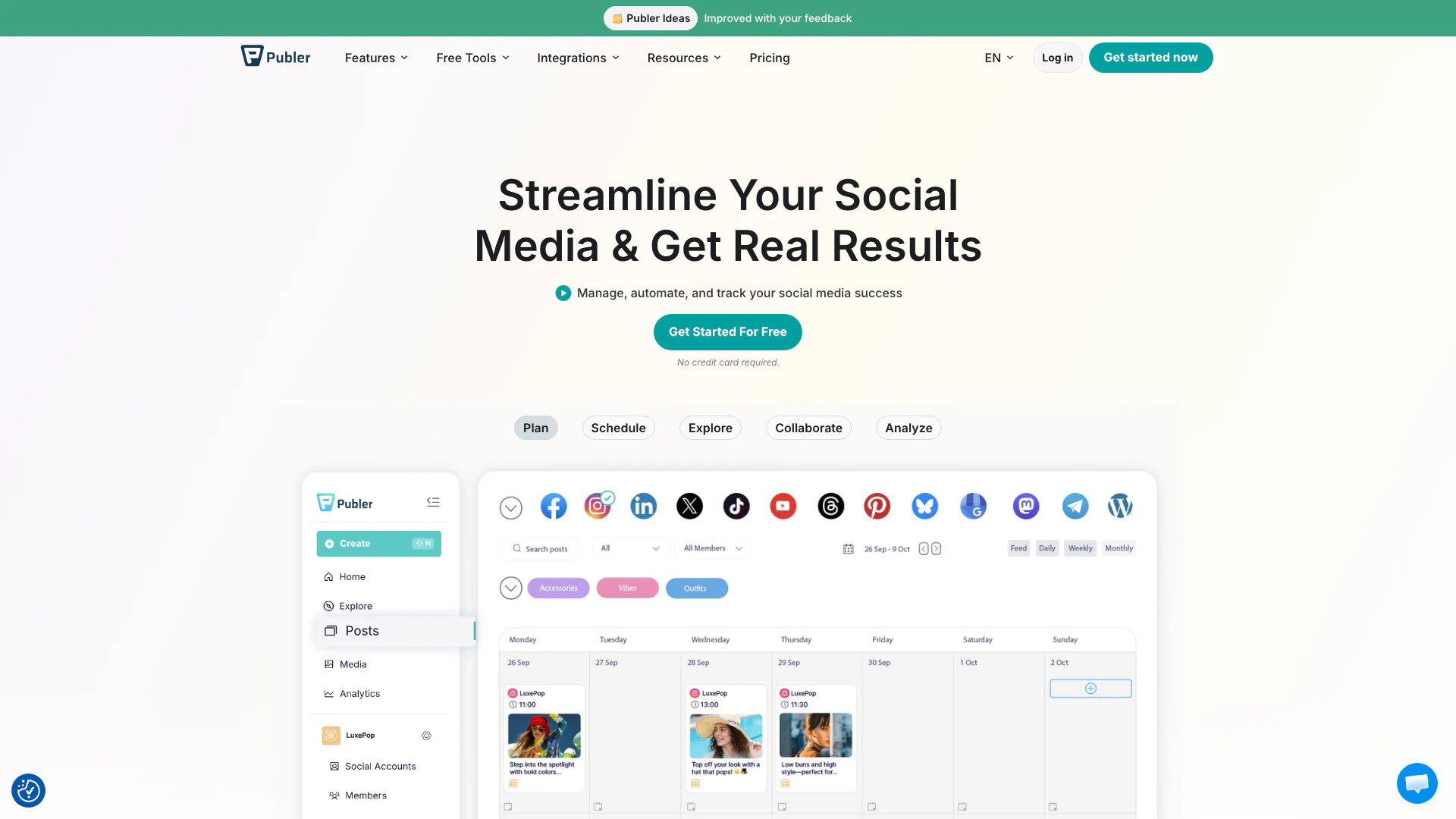
Boost your social media strategy with Publer’s suite of tools. Manage multiple accounts, schedule posts, collaborate with your team, and analyze performance—all in one place.
- Social Media Tools
- AI Social Media Tools

OpusClip turns long videos into high-quality viral clips for you to share on TikTok, YouTube Shorts, and Reels to increase social media reach.
- Writing & Editing
- AI Content Repurposing
- AI Text Generator
- AI Social Media Tools