

Getprod





What is Getprod?
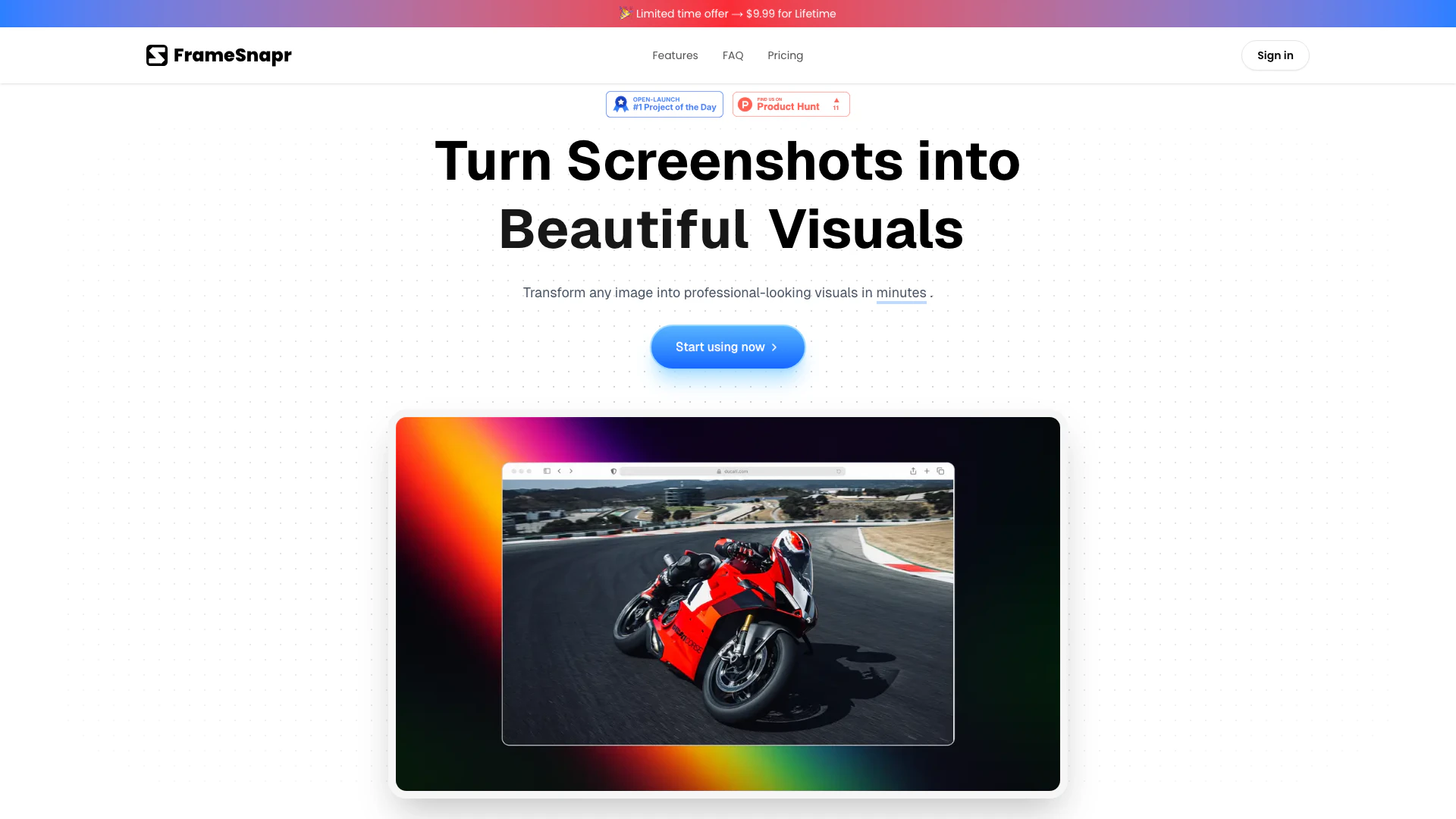
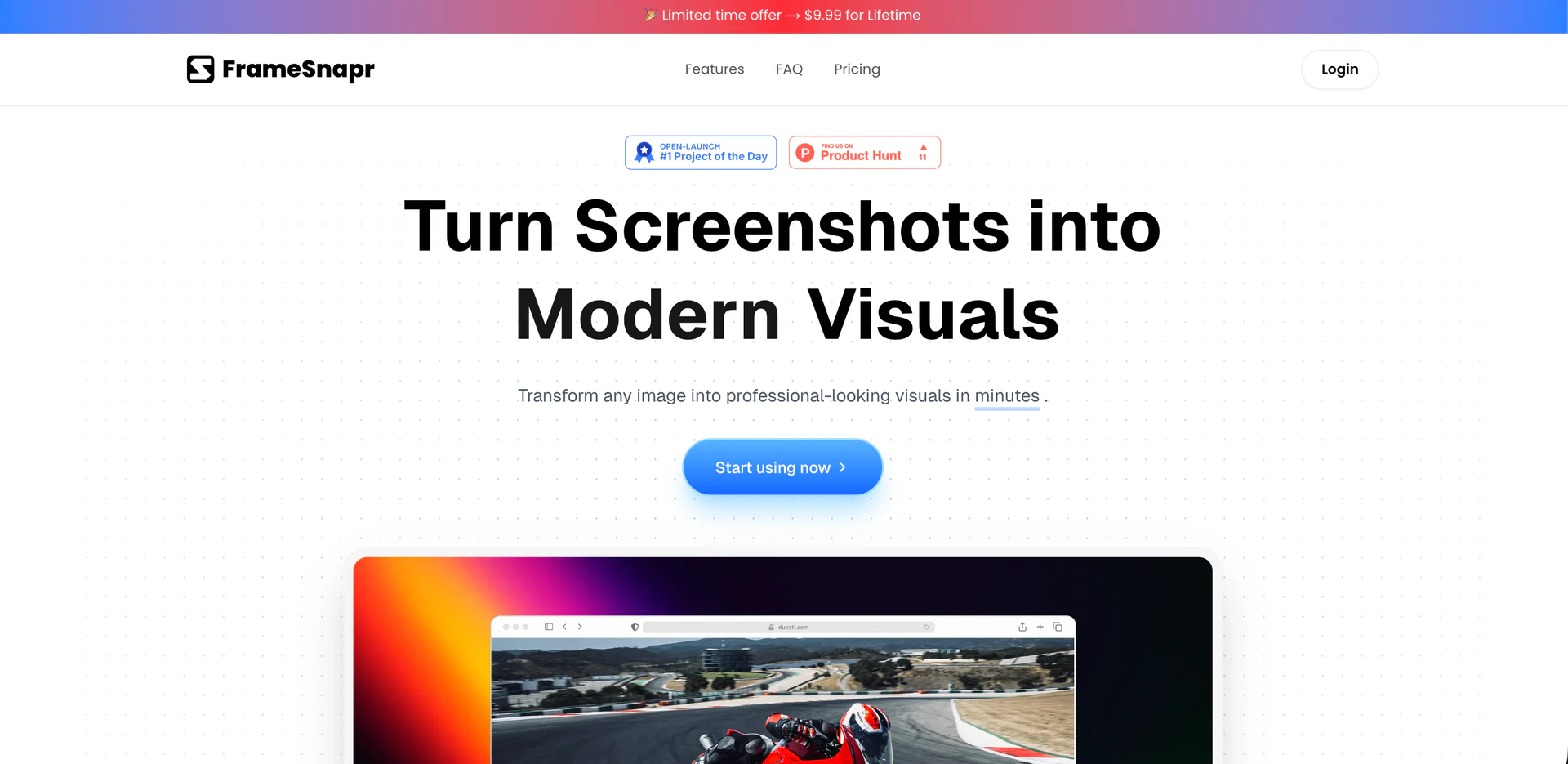
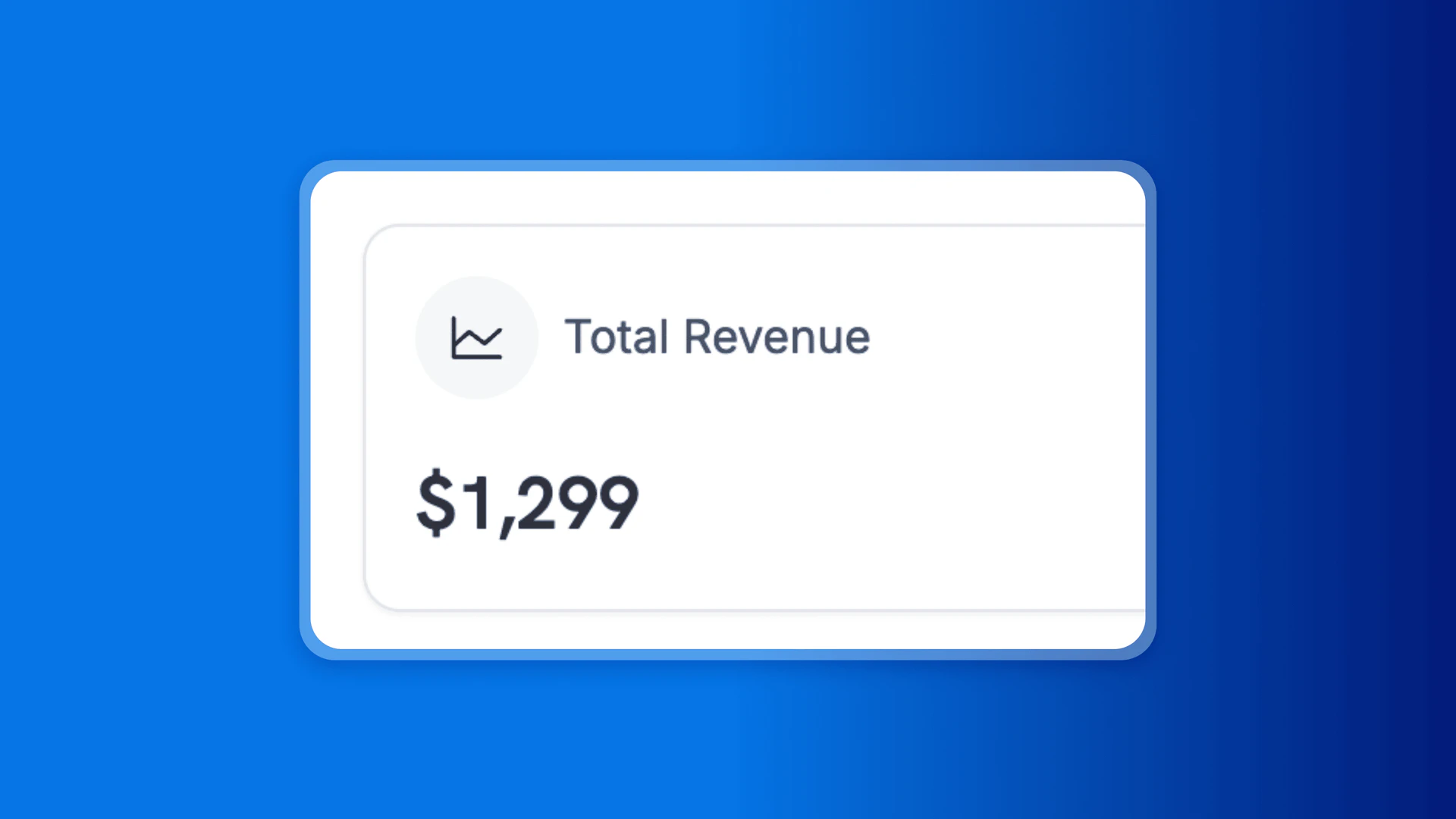
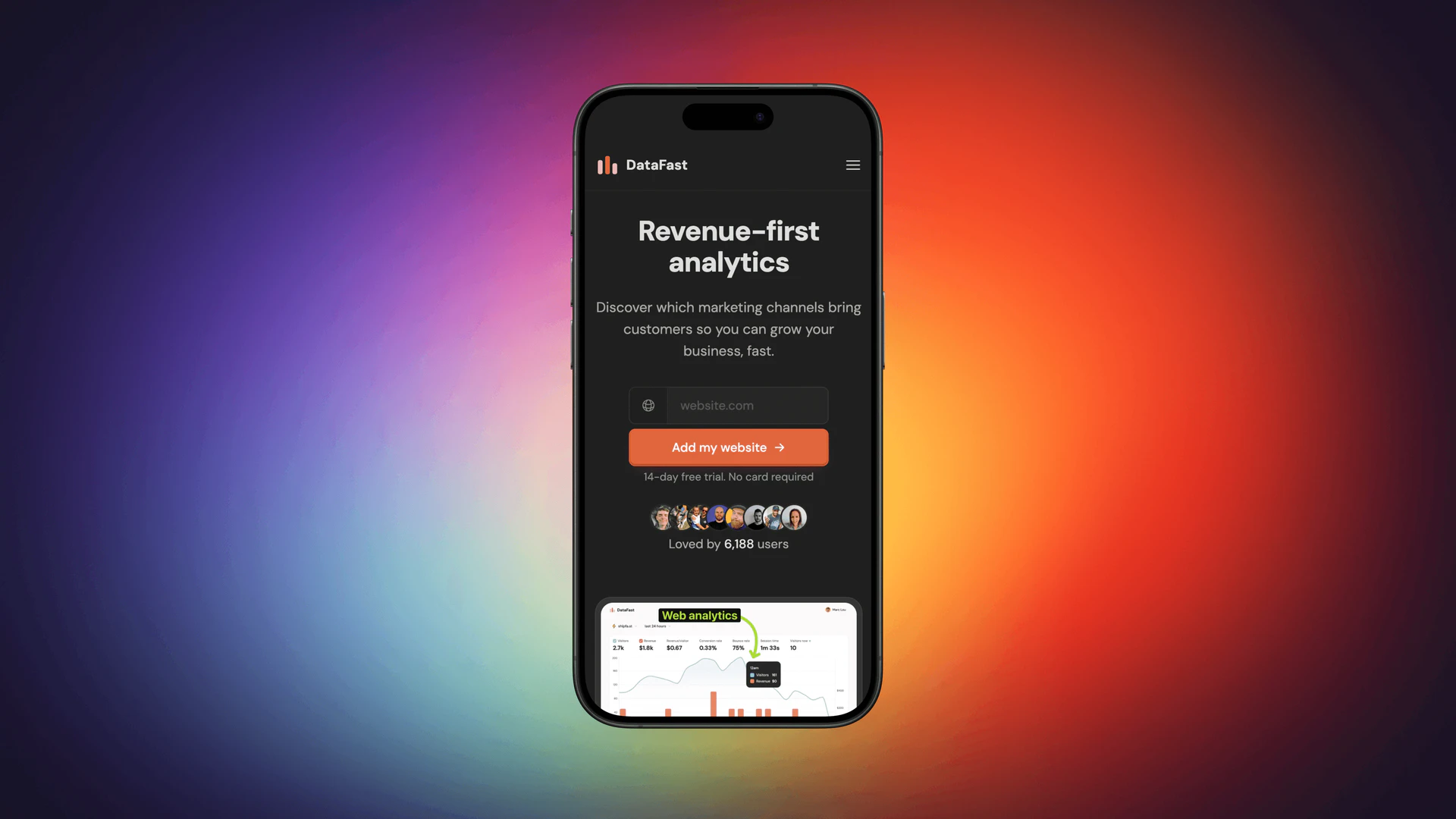
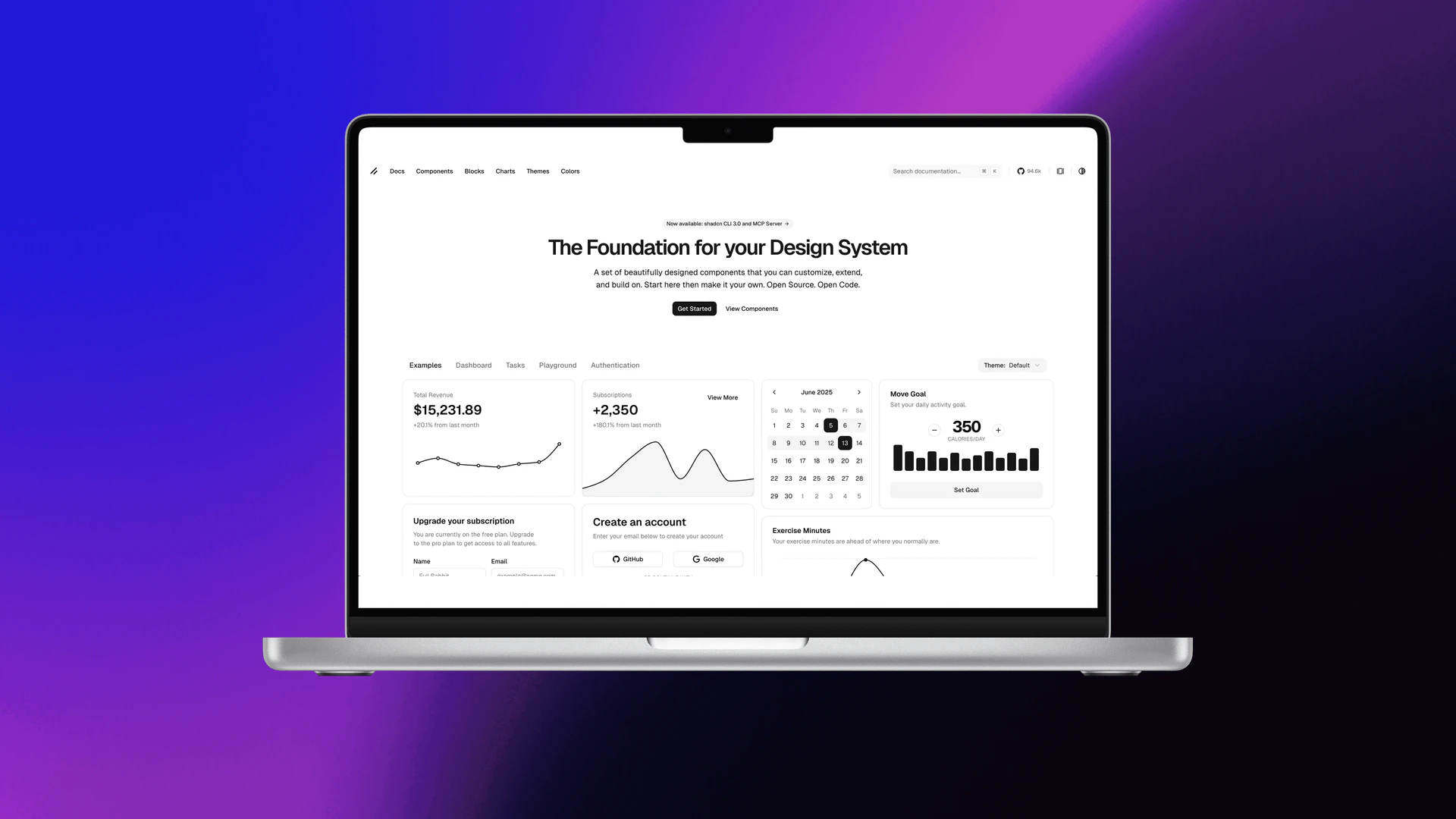
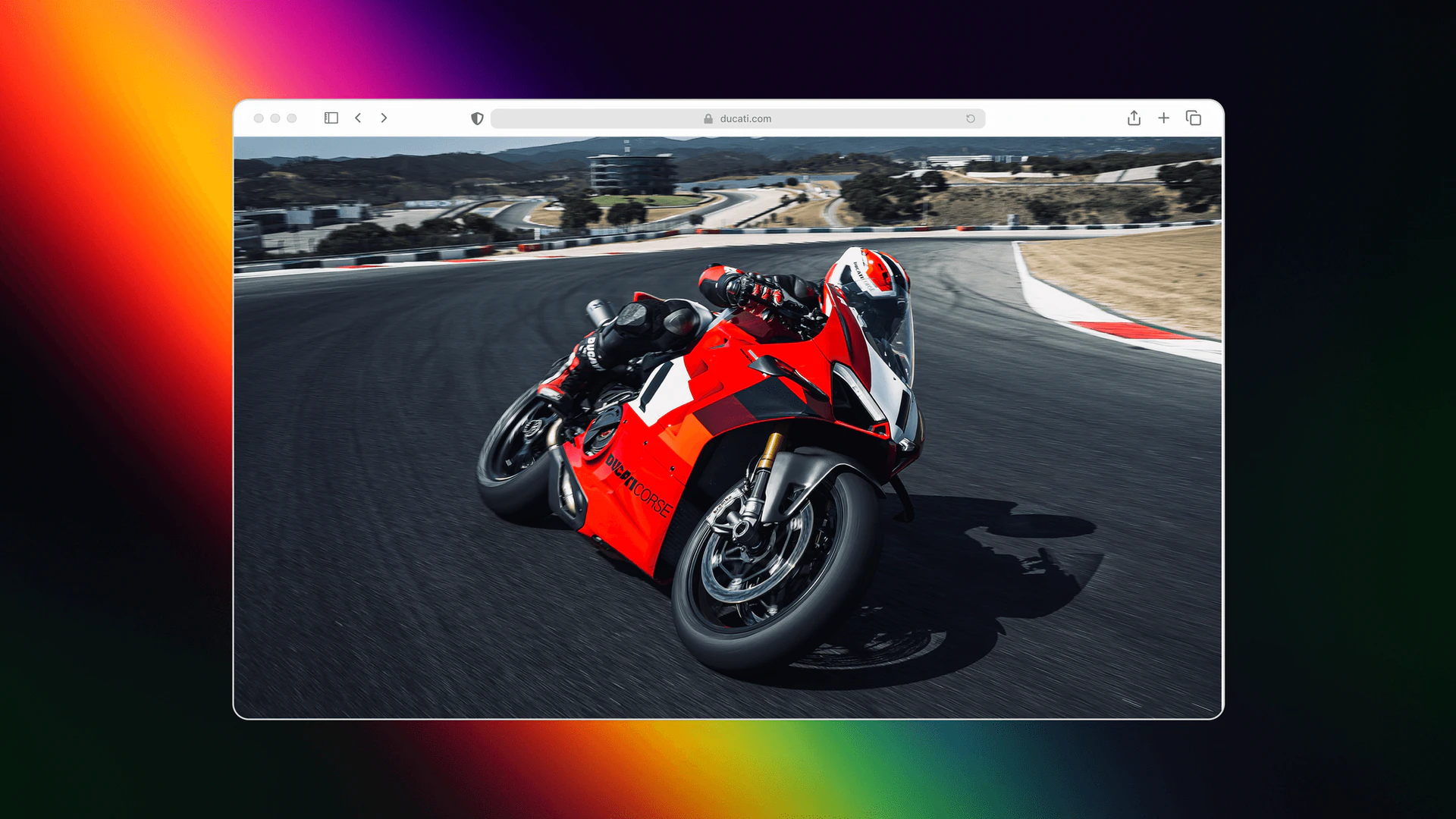
Getprod, also known as FrameSnapr, is an innovative tool designed to create stunning mockups effortlessly. With FrameSnapr, users can easily add macOS, Safari, iPhone, and MacBook frames to their screenshots, transforming ordinary images into professional-looking visuals. This tool is ideal for enhancing social media posts, presentations, and portfolios, making it a valuable asset for designers, marketers, and content creators looking to showcase their work effectively.
How to use Getprod?
- Sign in to your Getprod account at the official website.
- Upload the screenshot or image you want to enhance.
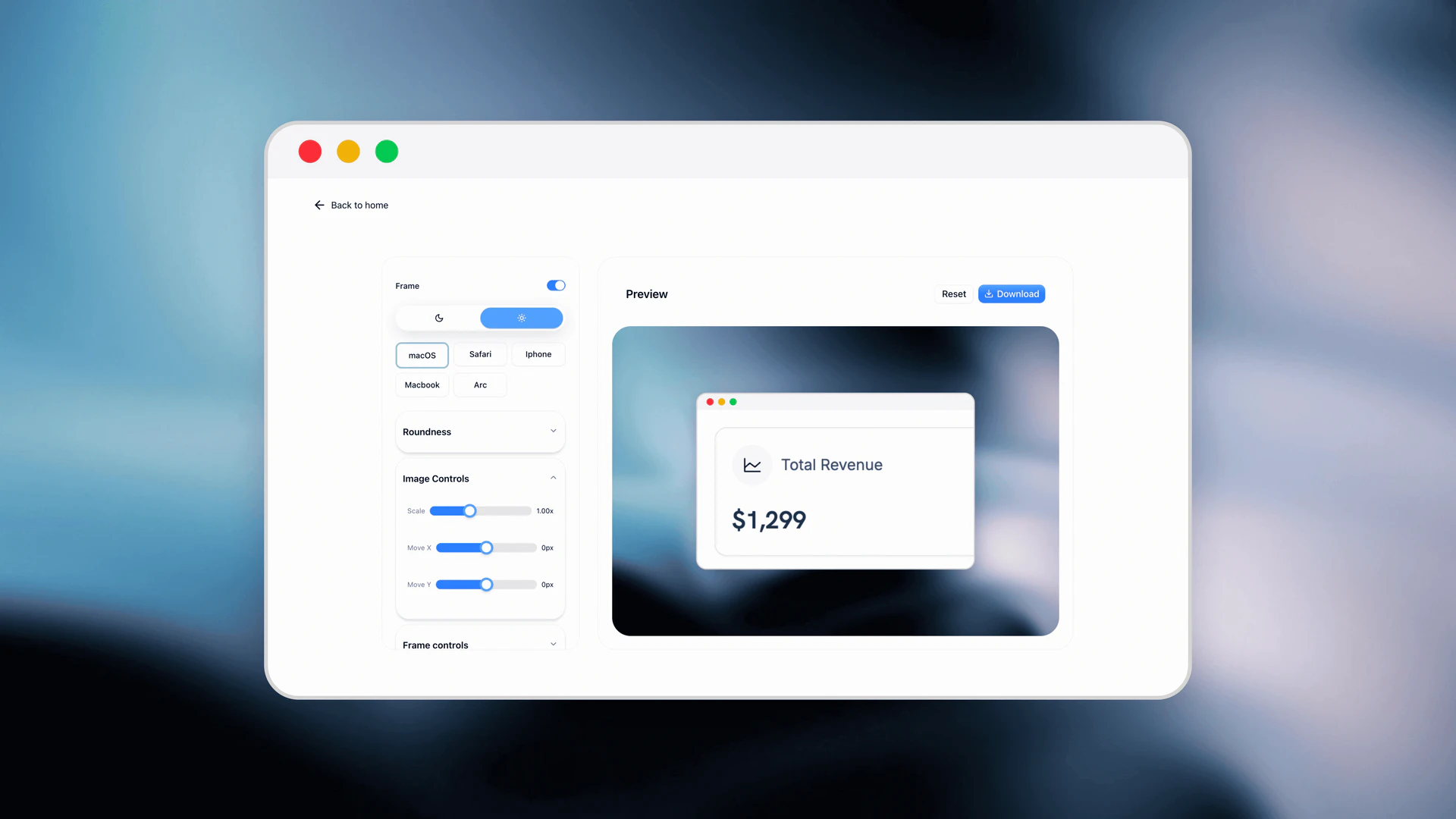
- Choose from a variety of device frames, including macOS, Safari, iPhone, and MacBook.
- Adjust layout and style settings such as positioning, scaling, and corner radii to create your desired visual effect.
- Select a background from presets or upload your own to match your branding.
- Apply gradients if needed, using either presets or custom options.
- Once satisfied, export your final image in high quality, optimized for social media or other platforms.
What are the main features of Getprod?
- Multi-Device Frames: Easily switch between various frames including macOS, Safari, iPhone, and MacBook.
- Dark & Light Frames: Toggle between light and dark themes to match your design needs.
- Layout & Style Controls: Fine-tune positioning, scaling, and corner radii for perfectly balanced visuals.
- Background Options: Select from curated presets or upload custom backgrounds to maintain brand consistency.
- Gradients: Utilize beautiful gradient presets or create custom gradients with directional control.
- High-Quality Export: Export images in high quality, tailored for social media platforms like Twitter, LinkedIn, Instagram, and YouTube.
Who is Getprod for?
Getprod is designed for a diverse range of users including graphic designers, marketers, social media managers, and content creators. It is particularly beneficial for anyone looking to enhance their visual presentations, whether for social media posts, professional portfolios, or marketing materials. The tool's ease of use and versatile features make it suitable for both beginners and experienced designers seeking to create high-quality mockups quickly.
What are the use cases of Getprod?
- Creating visually appealing social media posts that stand out on platforms like Instagram and Twitter.
- Enhancing presentations by incorporating professional-looking mockups that showcase app designs or website layouts.
- Building impressive portfolios for designers and developers to display their work effectively.
Product Images

Getprod Pros and Cons
Pros
- Multi-Device Frame Options: Easily switch between various device frames including macOS, iPhone, and MacBook, allowing for versatile presentation of your work.
- High-Quality Exports: Export images in high quality, optimized for social media platforms like Twitter, Instagram, and LinkedIn, ensuring professional presentation.
- Customizable Visuals: Adjust positioning, scaling, and apply custom gradients or backgrounds to create unique and on-brand visuals.
Cons
No cons data detected for this tool
Getprod Pricing
Pro
Everything you need to create stunning visuals macOS, Arc, iPhone, Safari & MacBook frames Custom gradients & backgrounds Full editing controls High-quality, watermark-free exports Social media–ready sizes Future updates included
For the latest pricing, please visit this link: https://framesnapr.getprod.xyz/#pricing
Prices are subject to change. Please visit the official website for the most up-to-date pricing information.
Getprod Compare
| Tool Name | Introduction | Pricing | Type | Rating | Launch Date | Learn more |
|---|---|---|---|---|---|---|
2Mn+ readymade ChatGPT prompt ideas built by prompt engineers, using insights from eCommerce experts - that really work! | Free | February 6, 2023 | Get deal | |||
🧠 AI-powered image resizer for social media | Free | June 8, 2021 | Get deal | |||
AiSofiya offers AI-powered tools, chatbots, and automation to help websites and businesses work smarter, faster, and 24/7. | Free | January 10, 2023 | Get deal |



Info current as of post date. Offers and availability may vary by location and are subject to change.
Getprod Q&A
With lifetime access, you get all the features of FrameSnapr, including the ability to create stunning visuals using macOS, Arc, iPhone, Safari, and MacBook frames, custom gradients and backgrounds, full editing controls, high-quality watermark-free exports, and future updates.
For more FAQs, please visit this link: https://framesnapr.getprod.xyz/#faq
Getprod Alternatives

Adobe Firefly is an AI-driven tool for creating unique images, videos, and audio.
- Image Generation & Editing
- AI Image Generator
- AI Photo Editor
- AI Realistic Image Generator

Picsart is a versatile platform for creating stunning visual content using AI tools.
- Image Generation & Editing
- AI Image Generator
- AI Photo Editor
- Gallery Creation Tool

Pixelbin.io is free online photo editor. Use PixelBin to edit, crop, enhance, or add background to your images. A mobile app is also available for editing.
- Image Generation & Editing
- AI Smart Crop
- AI Image Enhancer
- AI Photo Editor