

Gpt-reader





What is GPT Reader?
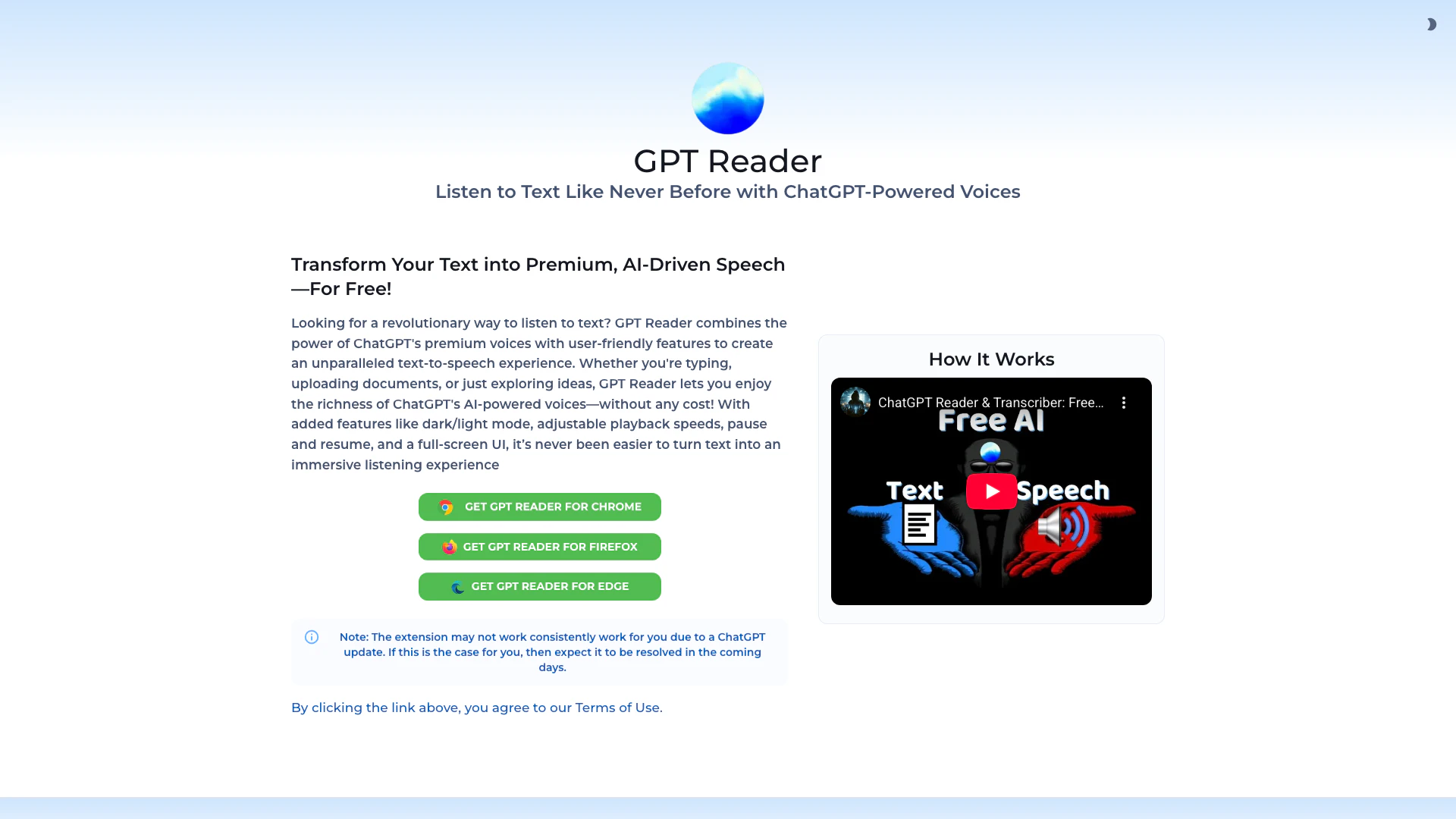
GPT Reader is an innovative text-to-speech (TTS) tool powered by ChatGPT AI technology. It allows users to transform PDFs, articles, and documents into high-quality audio, enabling them to listen to text content effortlessly. With its user-friendly interface and premium AI-driven voices, GPT Reader offers a seamless listening experience for those who prefer auditory learning or need assistance with reading. The tool is available for free, making it accessible to a wide audience.
How to use GPT Reader?
- Visit the GPT Reader website or download the browser extension for Chrome, Firefox, or Edge.
- Once installed, open the extension and upload the document or paste the text you want to convert to speech.
- Choose your preferred voice and adjust settings such as playback speed and volume.
- Click on the play button to start listening to the text being read aloud. You can pause or resume playback as needed.
What are the main features of GPT Reader?
- High-quality AI-driven voices powered by ChatGPT for a natural listening experience.
- User-friendly interface with easy document upload and text input options.
- Adjustable playback speeds to suit individual listening preferences.
- Dark/light mode for comfortable reading and listening in different environments.
- Pause and resume functionality for flexible listening.
Who is GPT Reader for?
GPT Reader is designed for a diverse range of users including students, professionals, and anyone who prefers auditory content consumption. It is particularly beneficial for individuals with reading difficulties, those who are visually impaired, or anyone looking to multitask while engaging with written content. Additionally, educators and content creators can utilize GPT Reader to enhance learning experiences and accessibility.
What are the use cases of GPT Reader?
- Students can use GPT Reader to listen to their study materials, enhancing comprehension and retention of information.
- Professionals can convert lengthy reports or articles into audio format, allowing them to consume content while commuting or during other activities.
- Individuals with visual impairments can utilize the tool to access written content in a more accessible format, improving their ability to engage with information.
Product Images



Gpt-reader Pros and Cons
Pros
- High-Quality AI Voices: GPT Reader utilizes premium ChatGPT-powered voices to provide a natural and engaging text-to-speech experience.
- User-Friendly Features: The tool offers adjustable playback speeds, dark/light mode, and a full-screen UI, enhancing user experience.
- Free Access: Users can enjoy the full features of GPT Reader without any cost, making it accessible for everyone.
Cons
No cons data detected for this tool
Analytics of Gpt-reader
Gpt-reader Compare
| Tool Name | Introduction | Pricing | Type | Rating | Launch Date | Learn more |
|---|---|---|---|---|---|---|
Tutor AI - Your personal AI tutor to learn anything | Free | September 23, 2007 | Get deal | |||
Rewind | Free | February 2, 2018 | Get deal | |||
Generate AI lesson plans, PowerPoints, and more with Copilot! Use Copilot to breeze through your unit planning and material creation! | Free | November 13, 2022 | Get deal |



Info current as of post date. Offers and availability may vary by location and are subject to change.
Gpt-reader Alternatives

NaturalReader: Free Text to Speech for Online, Mobile App, Commercial license and Education with AI voices.
- Speech Synthesis & Voice Conversion
- Ai Text To Speech

Giti Multilingual ChatGPT
- Writing & Editing
- AI Text Generator
- Ai Text To Speech
- AI Translation Tools

Automatic, AI-generated interview notes | Metaview
- Speech Synthesis & Voice Conversion
- Ai Text To Speech
- AI Content Checker
- AI Interview Assistant