

Handocr
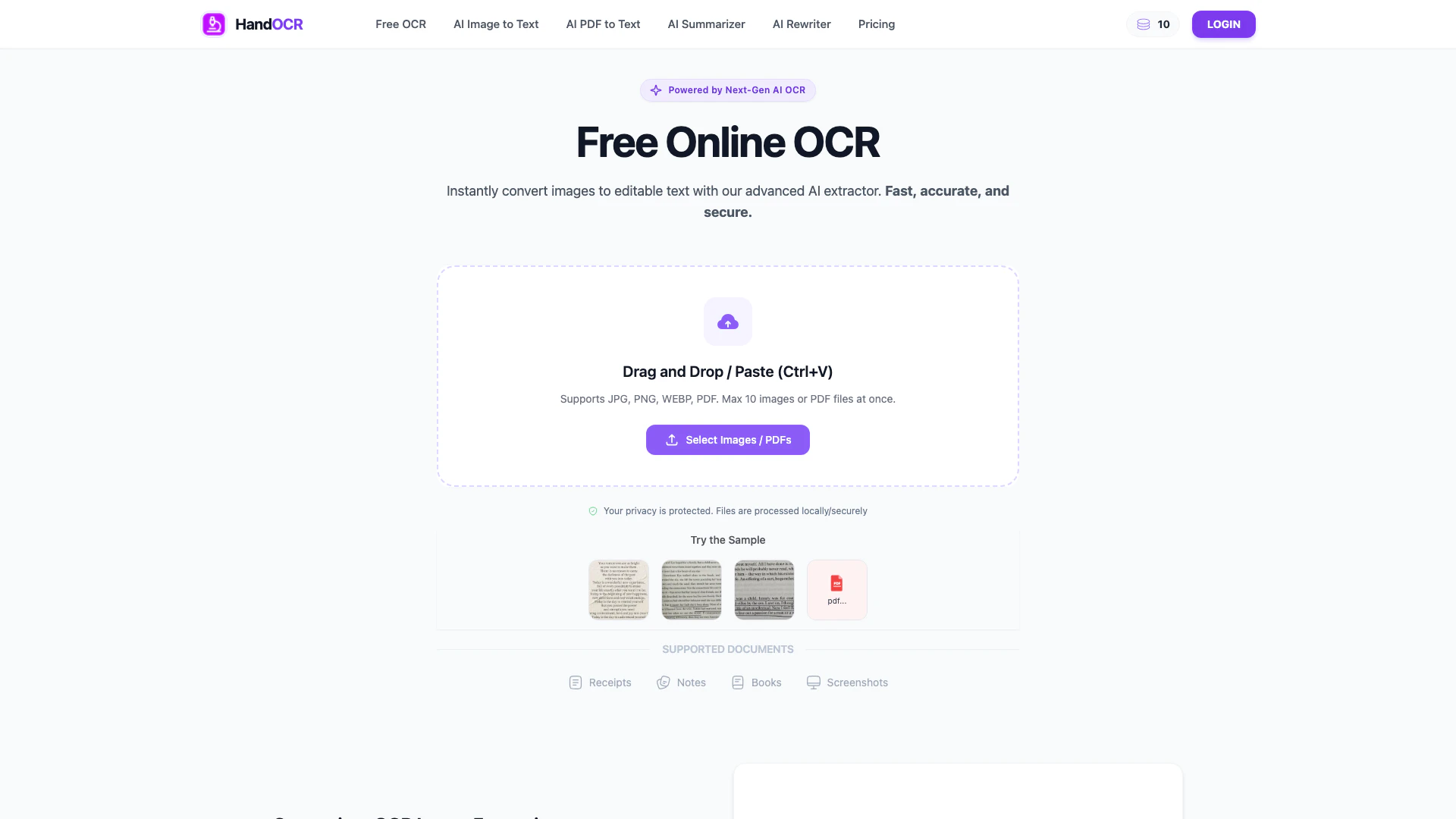





What is Handocr?
Handocr is an AI-powered picture to text converter designed to extract text from images and convert formats like JPG and PNG into editable documents using Optical Character Recognition (OCR). This innovative tool simplifies the process of digitizing physical documents, screenshots, and invoices, allowing users to efficiently convert images into text without the need for manual typing.
How to use Handocr?
To use Handocr for converting images to text, follow these simple steps:
- Upload Your Image: Click 'Upload' or drag and drop your image file into the designated area. Handocr supports various formats to ensure a smooth start to the conversion process.
- Start OCR Conversion: After uploading, click the convert button. Handocr's advanced AI scans the document, accurately recognizing characters and extracting data.
- Copy or Download: Once the conversion is complete, preview the result. You can either copy the extracted text directly to your clipboard or download it as a text file for your convenience.
What are the main features of Handocr?
Handocr offers a variety of powerful features that enhance the user experience:
- Fast & Efficient Processing: Handle multiple images simultaneously with estimated completion times, allowing for effective task management.
- Multi-Language Support: Automatically detects and recognizes text in various languages, simplifying the extraction process without manual input.
- AI-Powered Accuracy: Utilizes advanced AI technology for precise text recognition, accommodating diverse font styles and complex layouts.
- Complete Security Guarantee: Ensures user privacy by not logging or sharing files, with automatic deletion of uploaded images from the server.
Who is Handocr for?
Handocr is ideal for a wide range of users, including students, professionals, and anyone who frequently works with images containing text. Students can benefit from quickly digitizing notes and study materials, while professionals can streamline their workflows by converting invoices, contracts, and other documents into editable formats. This tool is particularly useful for those who value efficiency and accuracy in text extraction, regardless of their technical expertise.
What are the use cases of Handocr?
Handocr can be applied in various real-world scenarios, including:
- Digitizing Academic Notes: Students can convert handwritten or printed notes into editable text for easier study and organization.
- Processing Business Invoices: Professionals can quickly extract data from invoices, reducing the time spent on manual entry and improving accuracy.
- Converting Screenshots: Users can transform screenshots containing important information into editable text, facilitating easier sharing and editing.
Handocr Pros and Cons
Pros
- Efficient Text Extraction: Handocr allows users to quickly extract text from JPG and PNG images, significantly reducing the time spent on manual typing.
- High Accuracy: The tool utilizes advanced AI algorithms to ensure accurate and consistent text extraction, minimizing errors in the output.
- Multi-Language Support: Handocr automatically detects and recognizes text in multiple languages, making it versatile for users with diverse language needs.
Cons
No cons data detected for this tool
Handocr Compare
| Tool Name | Introduction | Pricing | Type | Rating | Launch Date | Learn more |
|---|---|---|---|---|---|---|
2Mn+ readymade ChatGPT prompt ideas built by prompt engineers, using insights from eCommerce experts - that really work! | Free | February 6, 2023 | Get deal | |||
Shulex Copilot ChatGPT E-commerce Tool & Sidebar - Shulex VOC | Free | December 15, 2017 | Get deal | |||
Edit your selfies to get the results you want with powerful and easy-to-use tools. Give your selfies the VIP treatment. Touch up, reshape & apply digital makeup. | Free | December 1, 2012 | Get deal |



Info current as of post date. Offers and availability may vary by location and are subject to change.
Handocr Alternatives

Box AI enhances enterprise productivity with intelligent content management and automation.
- Operations & Management
- AI Workflow Automation
- AI Productivity Tools
- AI Information Management Tools
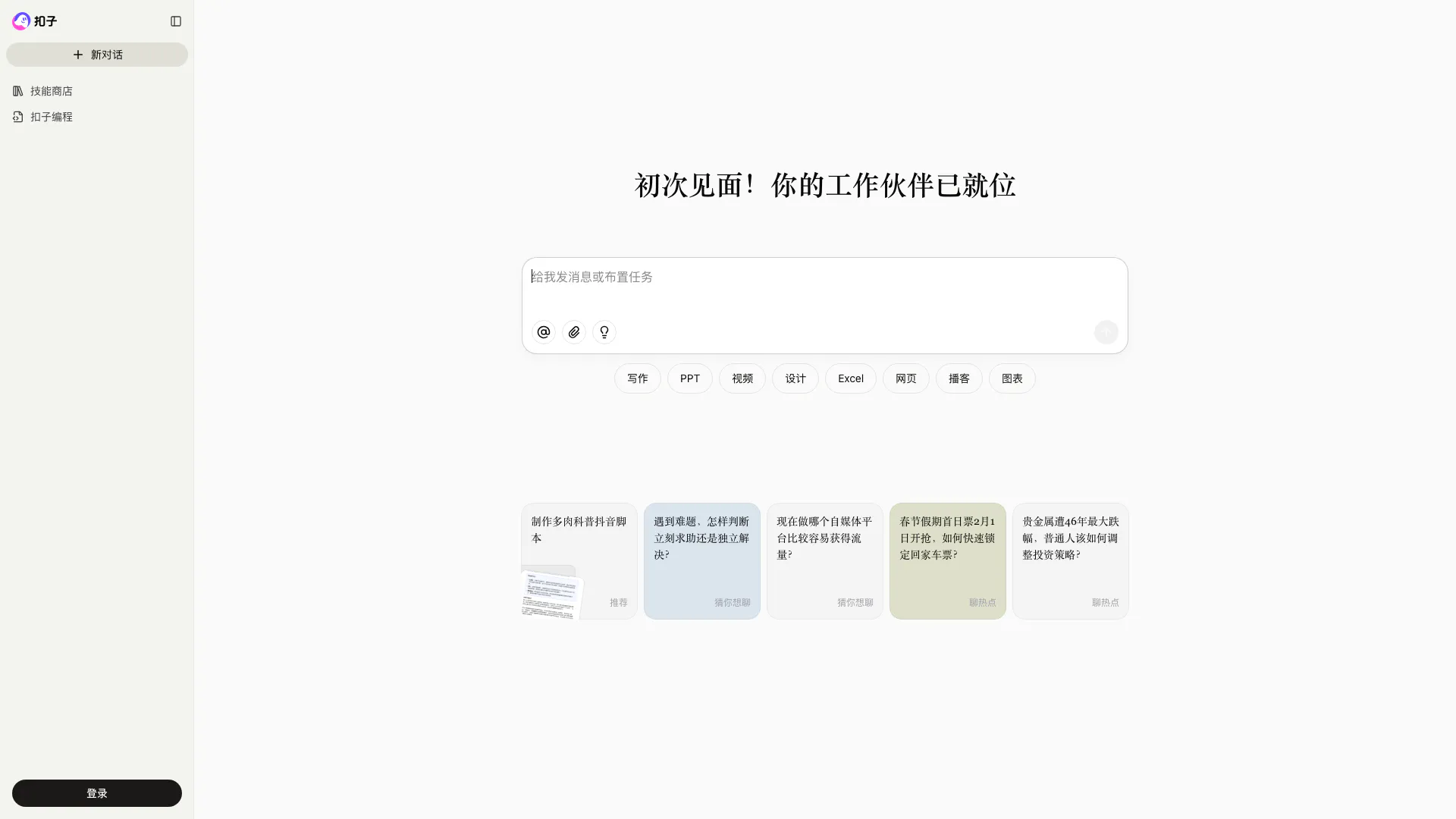
Coze is a powerful AI office assistant that enhances productivity through various automated tasks.
- Productivity & Office
- AI Productivity Tools
- AI Spreadsheet Tools
- AI File Management Tools
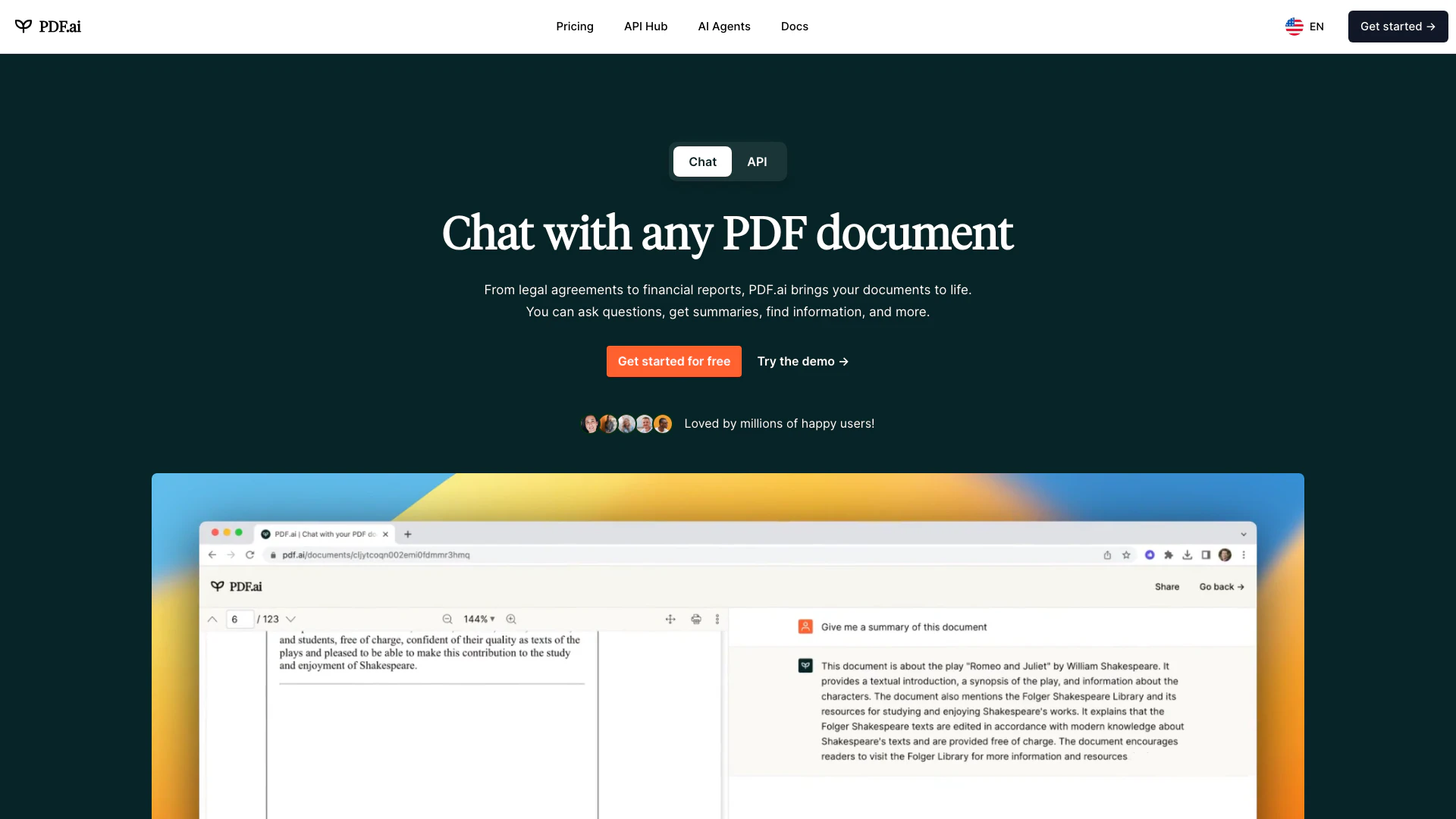
We built the ultimate ChatPDF app that allows you to chat with any PDF: ask questions, get summaries, find anything you need!
- Image Analysis
- AI Document Scanner
- Ai Developer Tools
- Ai Document Extraction