

Hellosign




What is Dropbox Sign?
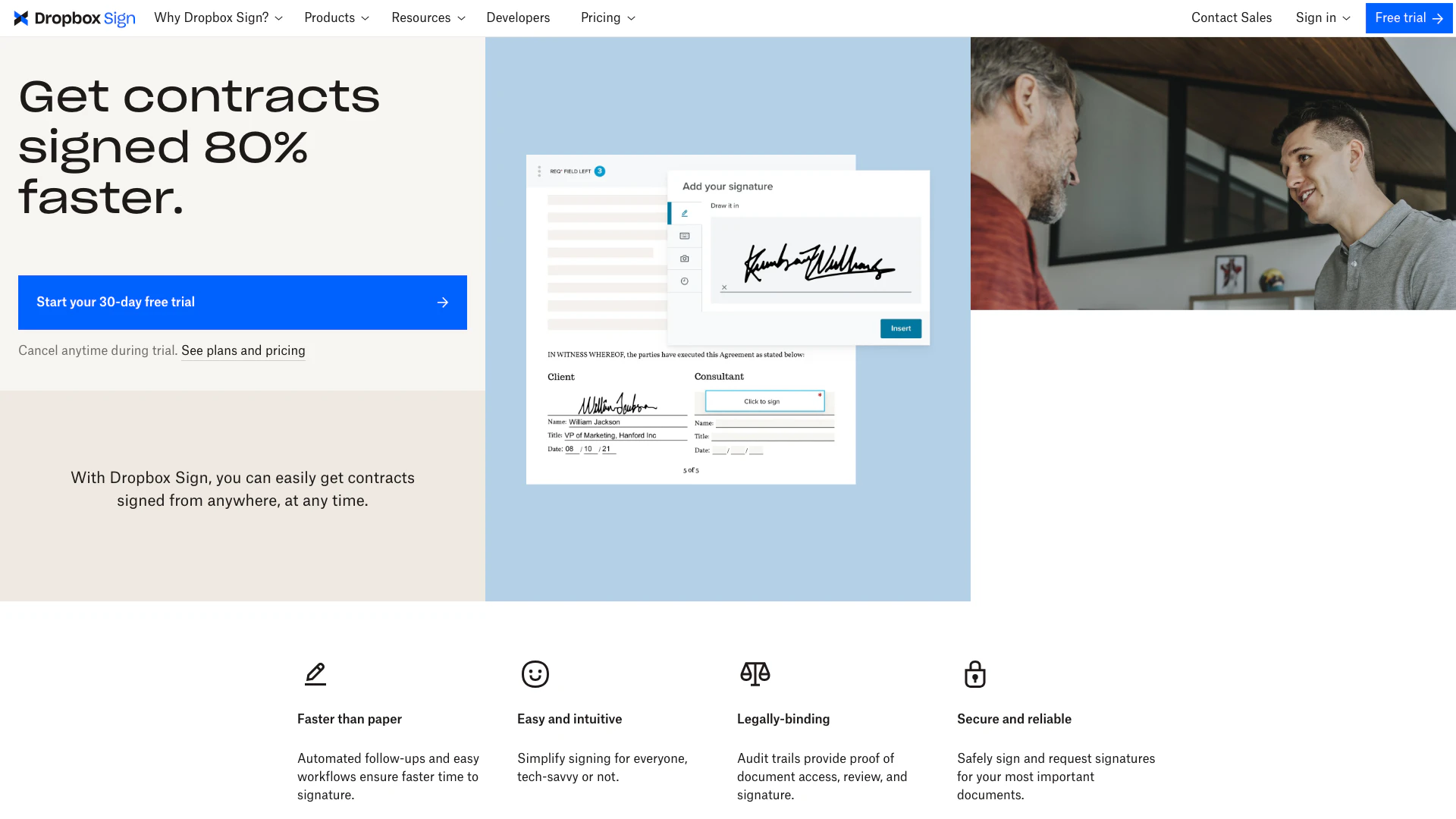
Dropbox Sign, formerly known as HelloSign, is an innovative electronic signature solution that enables users to send, receive, and manage legally binding signatures effortlessly. Designed to streamline the signing process, Dropbox Sign provides a user-friendly interface and powerful features that enhance productivity and ensure compliance with legal standards. Whether you're a business looking to expedite contract signing or an individual needing to sign documents remotely, Dropbox Sign offers a seamless experience for all your electronic signature needs.
How to use Dropbox Sign?
- Create an Account: Visit the Dropbox Sign website and sign up for a free trial account.
- Upload Your Document: After logging in, upload the document that requires signatures. This can be a PDF, Word document, or any other supported file format.
- Add Signers: Specify the email addresses of the individuals who need to sign the document. You can also set the signing order if necessary.
- Customize Your Document: Add fields for signatures, dates, and other necessary information. You can also create and use templates for frequently used documents.
- Send for Signing: Once everything is set up, send the document for signatures. The recipients will receive an email with a link to sign the document electronically.
- Track the Progress: Monitor the status of the document through your Dropbox Sign dashboard, where you can see who has signed and who still needs to sign.
What are the main features of Dropbox Sign?
- Legally Binding Signatures: Dropbox Sign ensures that all signatures are legally binding and compliant with international regulations.
- Document Management: Efficiently manage all your documents in one place, allowing for easy access and organization.
- Template Creation: Create and save templates for frequently used documents to save time on future signing processes.
- Customizable Workflows: Automate workflows with features like automated reminders and follow-ups to enhance efficiency.
- Mobile Signing: Sign documents from anywhere using mobile devices, making it convenient for users on the go.
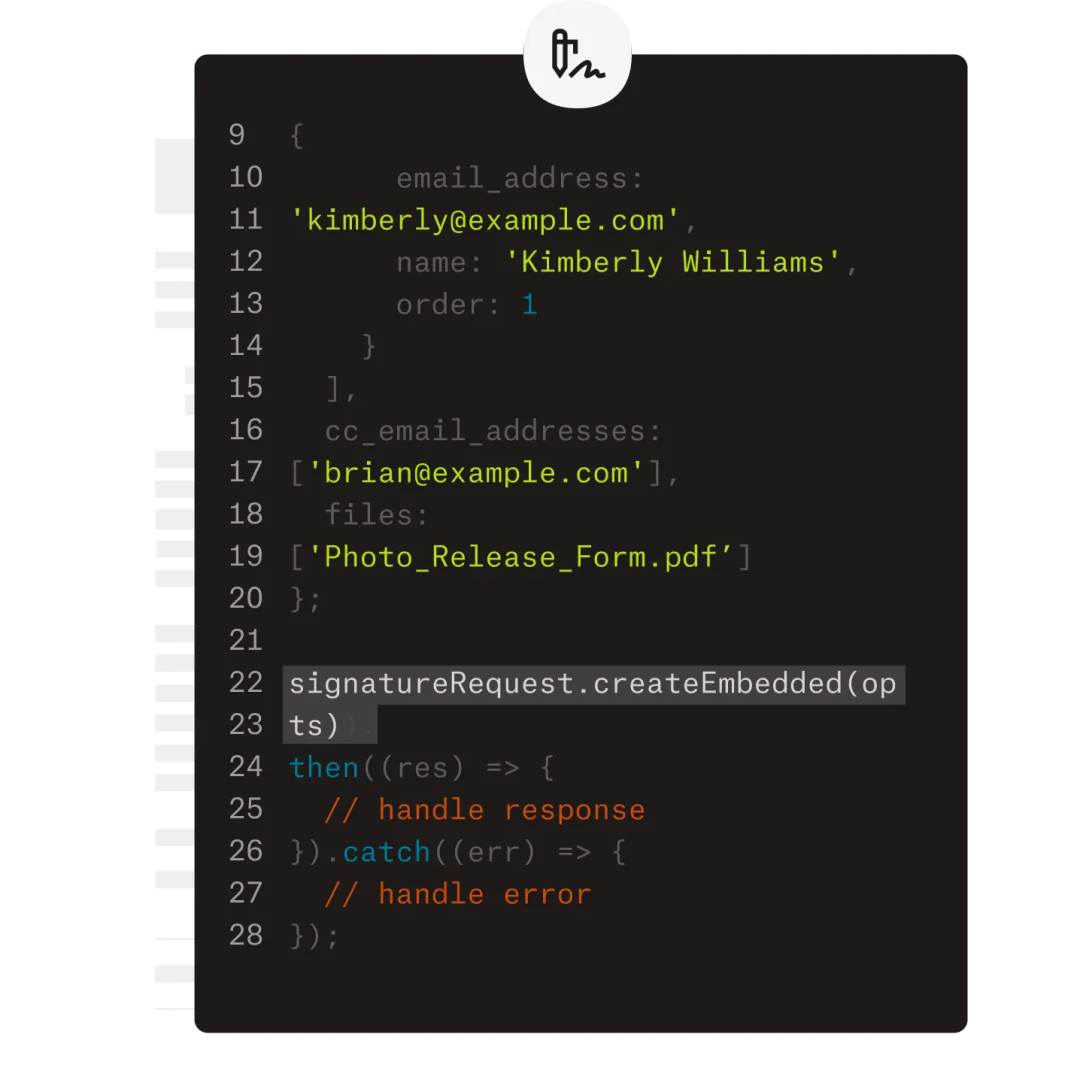
- Integration Capabilities: Integrate Dropbox Sign with popular tools like Salesforce, Google Drive, and Slack to streamline your workflow.
Who is Dropbox Sign for?
Dropbox Sign is designed for a diverse range of users, including businesses of all sizes, freelancers, and individuals who require an efficient way to handle document signing. Its features cater particularly well to sales teams, human resources departments, legal professionals, and real estate agents who often deal with contracts and agreements. The tool is ideal for anyone looking to streamline their signing processes, reduce turnaround times, and maintain compliance with legal requirements.
What are the use cases of Dropbox Sign?
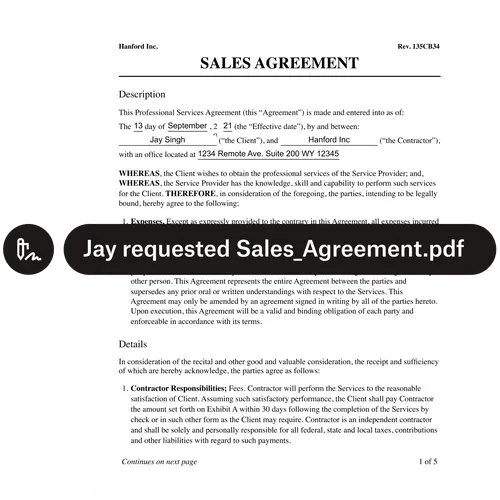
- Sales Agreements: Quickly send and sign sales contracts to close deals faster, enhancing the overall sales process.
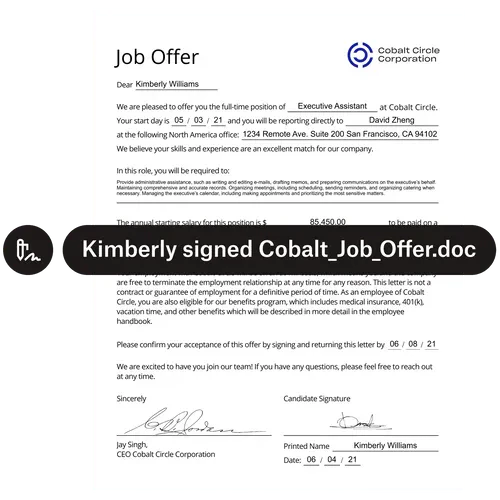
- Human Resources Onboarding: Streamline the onboarding process by sending offer letters and employment contracts for signature, reducing the time taken to hire new employees.
- Real Estate Transactions: Facilitate the signing of lease agreements and property contracts efficiently, allowing for quicker transactions in real estate.
Product Images
Hellosign Pros and Cons
Pros
- Faster Signing Process: Automated follow-ups and easy workflows ensure faster time to signature.
- User-Friendly Interface: Simplify signing for everyone, tech-savvy or not.
- Legally Binding: Audit trails provide proof of document access, review, and signature.
- Secure Document Handling: Safely sign and request signatures for your most important documents.
- Integration with Salesforce: Salesforce integration and mobile signing help boost sales team performance by up to 45%.
Cons
No cons data detected for this tool
Analytics of Hellosign
Hellosign Website Traffic Analysis
Visits Over Time
Traffic Sources
Oct 2025 - Dec 2025 Worldwide Desktop Only
- Direct: 58.19%
- Search: 33.43%
- Referrals: 6.53%
- Social: 1.26%
- Paid Referrals: 0.48%
- Mail: 0.11%
Hellosign Compare
| Tool Name | Introduction | Pricing | Type | Rating | Launch Date | Learn more |
|---|---|---|---|---|---|---|
 | Flipped.ai | AI Recruiter | Hire Top Talent Faster and Save $ | Free | 💼Work | July 23, 2021 | Get deal | |
 | PowerBrain AI Chat provides instant, accurate answers to your queries using advanced AI technology. | Free | 💼Work🎨Creativity | January 16, 2023 | Get deal | |
 | LandFast streamlines your job search with AI-driven resume and interview tools. | Free Trial | 💼Work🎨Creativity | June 16, 2024 | Get deal |
Info current as of post date. Offers and availability may vary by location and are subject to change.
Hellosign Q&A
Dropbox Sign offers faster signing than paper, is easy and intuitive for everyone, provides legally-binding signatures, and ensures secure and reliable signing for important documents.
Hellosign Alternatives

Discover Gemini, Google's versatile AI assistant for writing and planning.
- Productivity & Office
- AI Productivity Tools
- AI Business Planning Tools
- AI Prompt Management Tools
Connect with professionals worldwide on LinkedIn.
- Social Media Tools
- AI LinkedIn Headshot Generator
- AI LinkedIn Photo Generator
- AI LinkedIn Conversation Starter Generator