

Hoverqr


What is HoverQR?
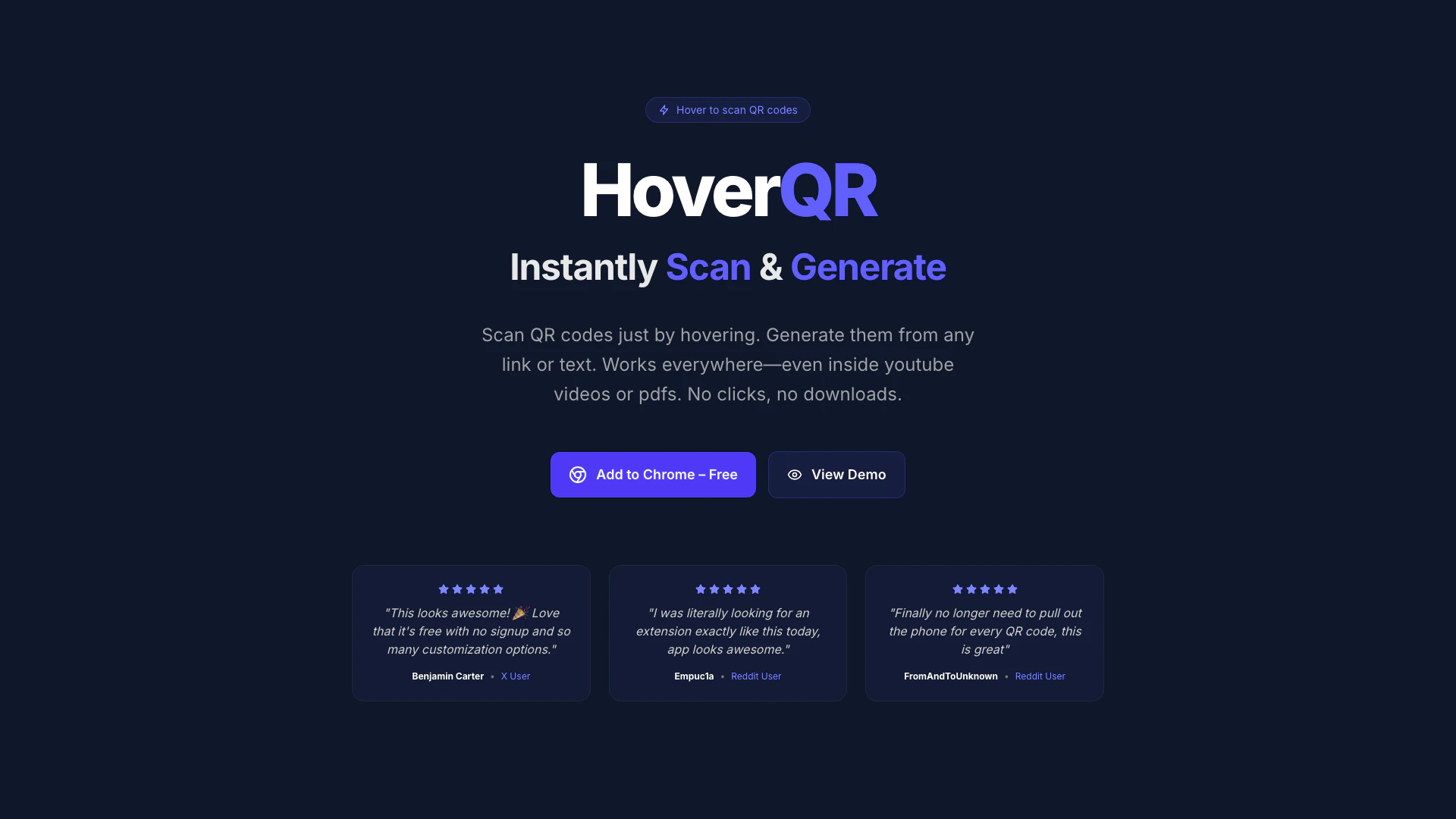
HoverQR is an innovative Chrome extension that allows users to instantly scan and generate QR codes by simply hovering over links and images on any webpage. This tool eliminates the need for clicks or downloads, providing a seamless experience for both scanning and creating QR codes. Whether you're browsing YouTube videos or PDF documents, HoverQR works effortlessly to enhance your productivity and interaction with QR codes.
How to use HoverQR?
- Install the HoverQR Chrome extension from the Chrome Web Store.
- Once installed, navigate to any webpage containing QR codes, links, or text.
- Simply hover your mouse over the QR code to scan it instantly, or hover over a link or text to generate a QR code without any clicks.
What are the main features of HoverQR?
- Hover to Scan: Instantly scan any QR code just by hovering over it, no clicks needed.
- Hover to Generate: Create QR codes on the fly by hovering over links or images.
- QR Inspector: Analyze the contents and safety of any QR code seamlessly.
- Save History: Keep track of all your scanned and generated QR codes effortlessly.
- Generate & Customize QR: Personalize QR codes with custom colors, logos, and styles.
- Snip & Scan: Capture a snippet of your screen to scan hidden or tricky QR codes.
- Select to Generate: Highlight any text on a page to instantly create a QR code from it.
- Download QRs: Export your QR codes in high quality for both print and digital use.
Who is HoverQR for?
HoverQR is designed for anyone who frequently interacts with QR codes, including casual users, marketers, educators, and businesses. It is particularly beneficial for those who wish to streamline their workflow by eliminating the need to pull out their phone or use additional apps for QR code scanning and generation. This tool is ideal for users who engage with digital content, such as online videos, presentations, or printed materials that include QR codes.
What are the use cases of HoverQR?
- Event Management: Quickly scan QR codes for event check-ins or ticket validation without needing a phone.
- Marketing Campaigns: Generate customized QR codes for promotional materials directly from links or images on webpages.
- Educational Tools: Teachers can create QR codes for resources or assignments by simply highlighting text on their screens.
Hoverqr Pros and Cons
Pros
- Instant QR Code Scanning: Scan QR codes instantly by hovering over them without any clicks, providing a seamless user experience.
- Easy QR Code Generation: Generate QR codes on the fly by simply hovering over links and images, making it quick and convenient.
- Customization Options: Personalize your QR codes with custom colors, logos, and styles, enhancing branding and aesthetics.
- No Data Collection: HoverQR operates entirely in your browser without collecting or sending any user data, ensuring privacy.
Cons
No cons data detected for this tool
Hoverqr Pricing
Free
Essential QR features to get started.
Lifetime Premium
Unlock all features with a one-time purchase.
For the latest pricing, please visit this link: https://hoverqr.in/#pricing
Prices are subject to change. Please visit the official website for the most up-to-date pricing information.
Hoverqr Reviews
This looks awesome! 🎉 Love that it's free with no signup and so many customization options.
I was literally looking for an extension exactly like this today, app looks awesome.
Finally no longer need to pull out the phone for every QR code, this is great.
For more reviews, visit this link: https://hoverqr.in/#testimonials
Hoverqr Compare
| Tool Name | Introduction | Pricing | Type | Rating | Launch Date | Learn more |
|---|---|---|---|---|---|---|
Rewind | Free | February 2, 2018 | Get deal | |||
Generate AI lesson plans, PowerPoints, and more with Copilot! Use Copilot to breeze through your unit planning and material creation! | Free | November 13, 2022 | Get deal | |||
Paraphrasing Tool (Ad-Free and No Sign-up Required) - QuillBot AI | Free | December 31, 1984 | Get deal |


Info current as of post date. Offers and availability may vary by location and are subject to change.
Hoverqr Q&A
HoverQR is a Chrome extension that lets you scan QR codes and generate QR codes instantly on any webpage by simply hovering your mouse.
For more FAQs, please visit this link: https://hoverqr.in/#faq
Hoverqr Alternatives
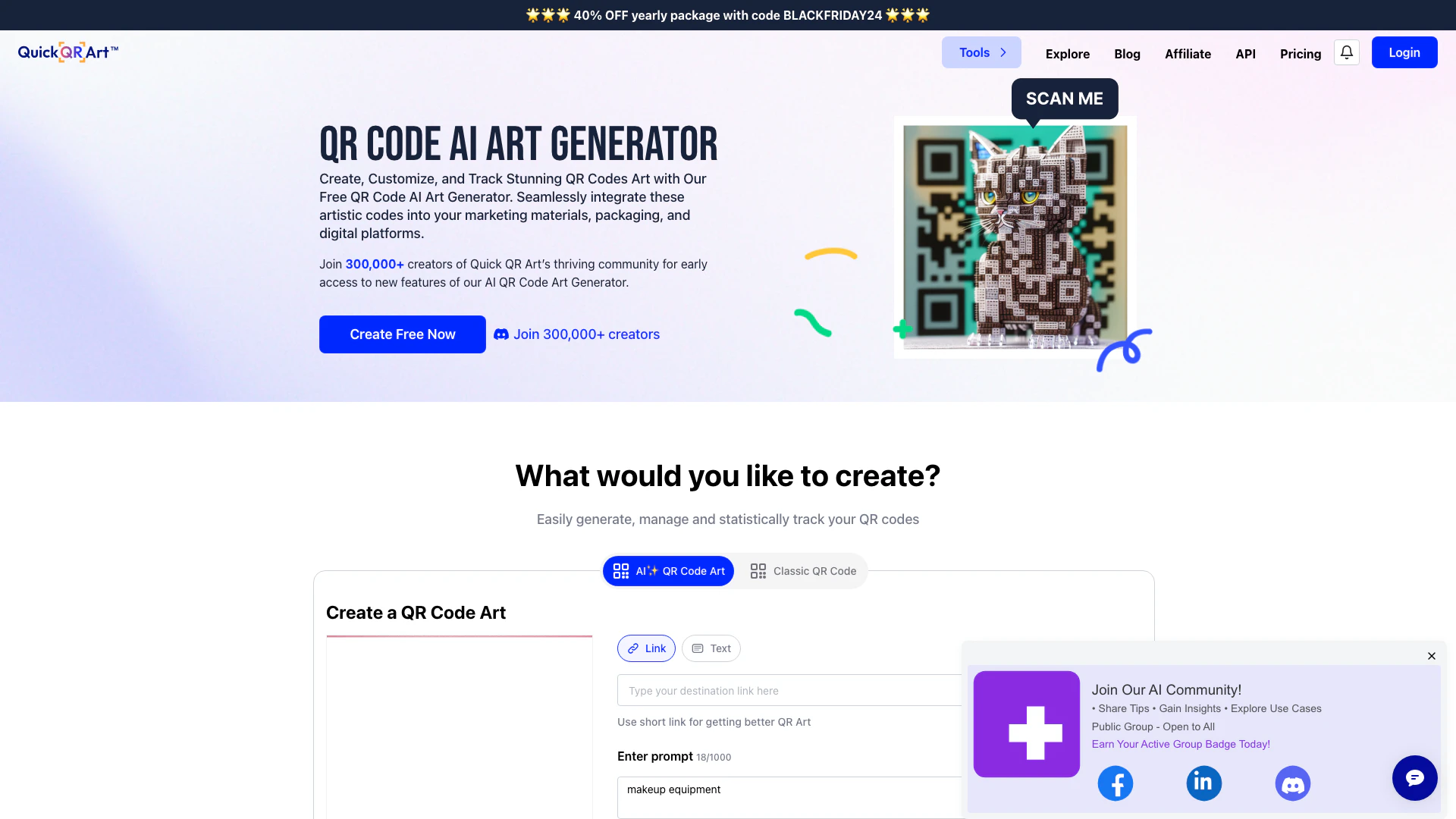
Quickqr allows you to create and customize artistic QR codes effortlessly.
- Other
- AI QR Code Generation Tools
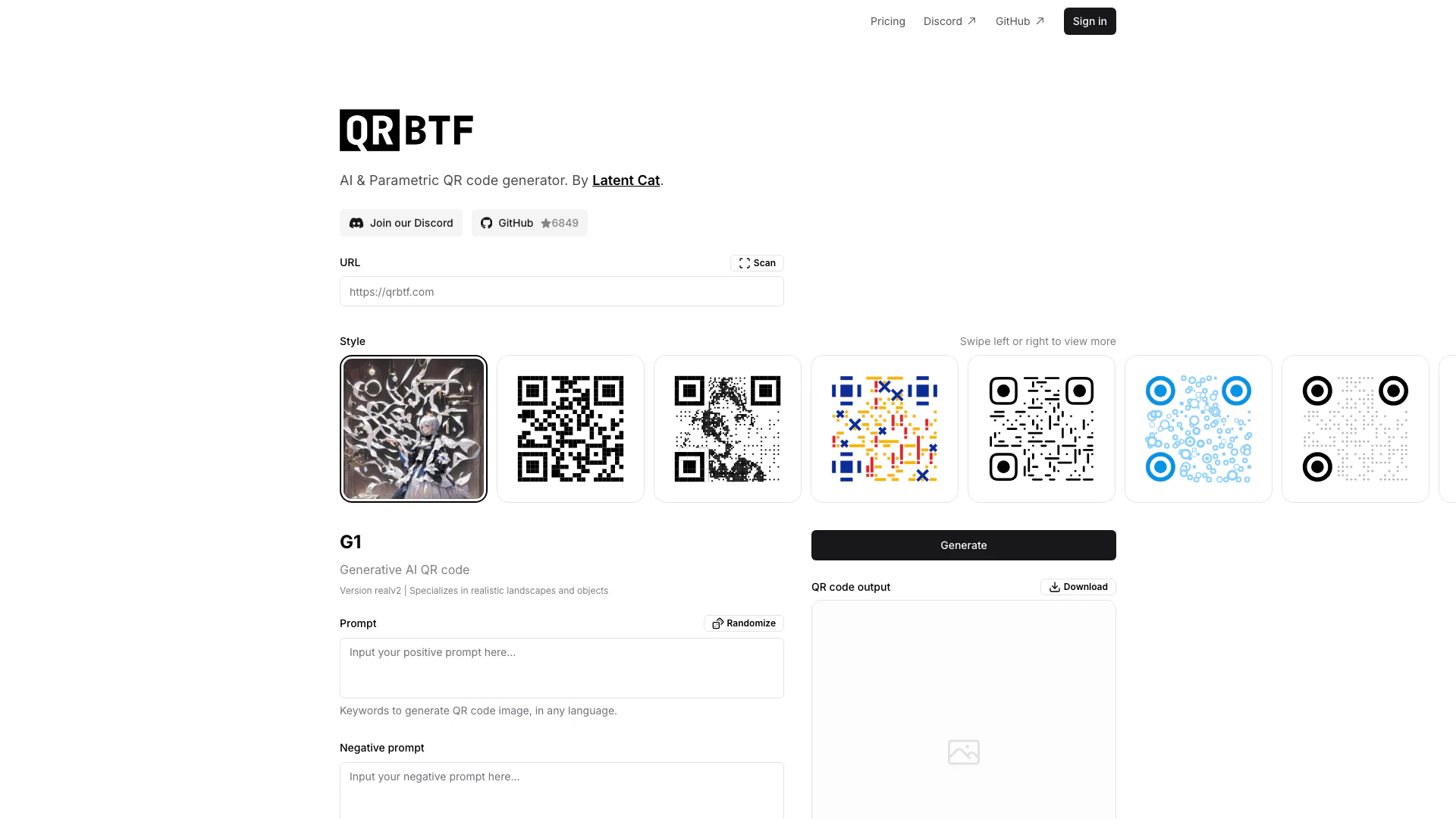
Create unique AI-generated QR codes effortlessly.
- Other
- AI QR Code Generation Tools

Learn English effectively with YouTube videos.
- Other
- Other AI Tools
- Link Aggregation Tools
- Link Aggregation and Sharing Tools