

Howtoconvert





What is How to Convert?
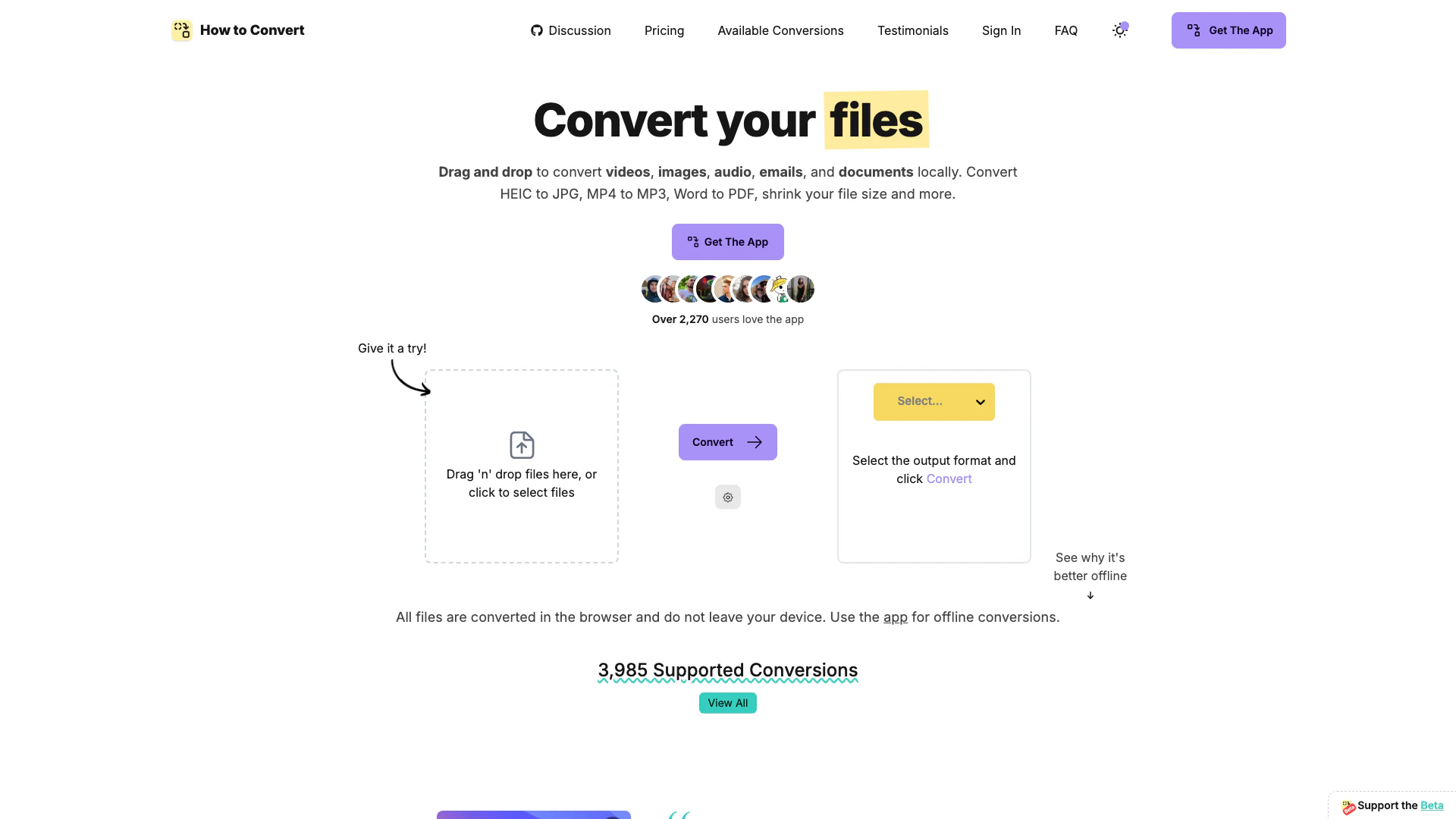
How to Convert is a powerful file conversion tool designed to handle a wide range of file types, allowing users to convert documents, videos, images, audio files, and emails locally on their devices without uploading any files to the cloud. With support for 3985 different conversions, this versatile application runs on Mac, Windows, and Linux, ensuring user privacy and data security by processing all conversions directly on the user's machine.
How to use How to Convert?
- Download and install the How to Convert application on your device (available for Mac, Windows, and Linux).
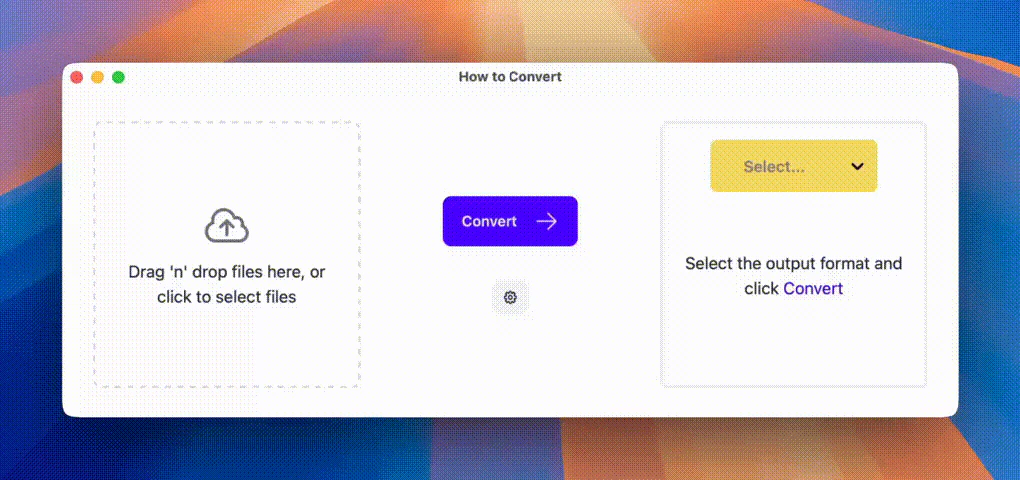
- Open the app and drag and drop the files you want to convert into the designated area.
- Select the desired output format from the options available.
- Click the 'Convert' button to start the conversion process.
- Once the conversion is complete, retrieve your files from the output location.
What are the main features of How to Convert?
- Local Conversions: All conversions are done locally, ensuring privacy and security as no files are uploaded to the cloud.
- Wide Format Support: Supports 3985 different types of conversions across documents, videos, images, audio, and emails.
- Batch Processing: Convert multiple files simultaneously, saving time and effort.
- User-Friendly Interface: Drag and drop functionality makes it easy for users to select files for conversion.
- Advanced Options: Users can customize settings such as quality, compression, and output format for more control over their files.
Who is How to Convert for?
How to Convert is ideal for anyone who frequently works with various file formats and needs a reliable tool for file conversions without compromising on privacy. This includes professionals like digital archivists, graphic designers, video editors, and everyday users who want a simple, effective solution for converting files on their personal devices.
What are the use cases of How to Convert?
- Converting HEIC to JPG: Useful for users who want to view or share images taken with Apple devices in a more compatible format.
- Batch Converting Documents: Ideal for professionals needing to convert multiple documents into PDF format for easier sharing and printing.
- Audio Extraction: Extracting audio from video files, such as converting MP4 to MP3, for use in podcasts or music playlists.
Product Images
Howtoconvert Pros and Cons
Pros
- Local File Conversion: How to Convert allows users to convert files locally without uploading them to the cloud, ensuring privacy and security.
- Wide Format Support: The tool supports 3985 different conversions across documents, videos, images, audio, and emails, making it versatile for various needs.
- Batch Conversion Capability: Users can convert multiple files at once, saving time and improving efficiency when handling large collections.
Cons
No cons data detected for this tool
Howtoconvert Pricing
How to Convert App
Get the official app for offline conversions and support. Supports 3985 image, video, audio, email and document conversions. Runs on Mac, Windows or Linux. Batch conversions: convert multiple files at a time. Convert unlimited files. Access all future updates. Use on 5 devices. Get support with your specific file requirements. Support independent development.
For the latest pricing, please visit this link: https://howtoconvert.co/#pricing
Prices are subject to change. Please visit the official website for the most up-to-date pricing information.
Analytics of Howtoconvert
Howtoconvert Website Traffic Analysis
Visits Over Time
Traffic Sources
Dec 2025 - Feb 2026 Worldwide Desktop Only
- Direct: 39.42%
- Search: 29.11%
- Referrals: 17.61%
- Social: 11.36%
- Paid Referrals: 1.86%
- Mail: 0.22%
Top Keywords
| Keyword | Volume | CPC | Estimated Value |
|---|---|---|---|
| locally convert any file to any file format | 0 | $0.00 | $90.00 |
| mkv to mp3 | 27.91K | $0.26 | $70.00 |
| how to convert | 1.75K | $0.50 | $200.00 |
| mka to mp3 | 970 | $0.00 | $90.00 |
| how to convert files locally | 200 | $0.00 | $130.00 |
Howtoconvert Reviews
Great app! Finally something local to convert from anything into anything else, instead of every time going to google 'convert x into y online'.
It's a young app but works great so far. Hopefully support will continue for years to come, but so far the development is impressive.
This tool is really useful and I really appreciate the fact that everything is done on your computer especially when you want to convert large files.
For more reviews, visit this link: https://howtoconvert.co/#testimonials
Howtoconvert Compare
| Tool Name | Introduction | Pricing | Type | Rating | Launch Date | Learn more |
|---|---|---|---|---|---|---|
 | Image Editor AI: Edit or make images using AI | ImageEditor.AI | Free | 🎨Creativity | January 21, 2023 | Get deal | |
 | Automate scraping and bypass bot detection effortlessly with Browserless. | Free | 💼Work🎨Creativity | September 5, 2017 | Get deal | |
 | Thumbzoneai enhances user testing through AI-driven insights. | Free | 💼Work🎨Creativity | July 7, 2024 | Get deal |
Info current as of post date. Offers and availability may vary by location and are subject to change.
Howtoconvert Q&A
If you purchase, you get access to the official prebuilt app to convert as many files as you need completely offline. You also get support with your file requirements.
For more FAQs, please visit this link: https://howtoconvert.co/#faq
Howtoconvert Alternatives
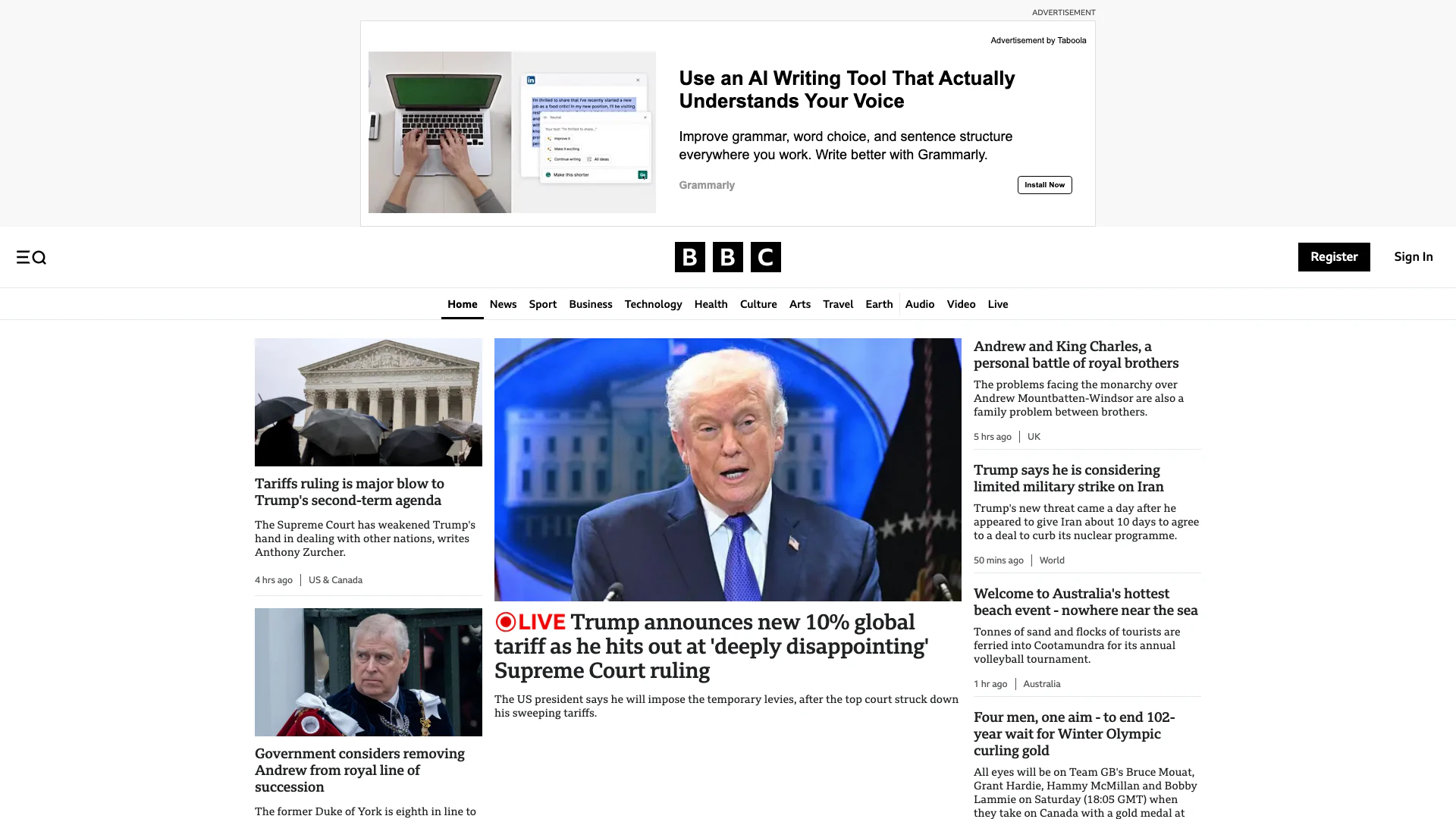
Stay updated with reliable news from around the world.
- Other
- News Summarization Tools
- Streaming Content Discovery Tools
- Community Engagement Tools
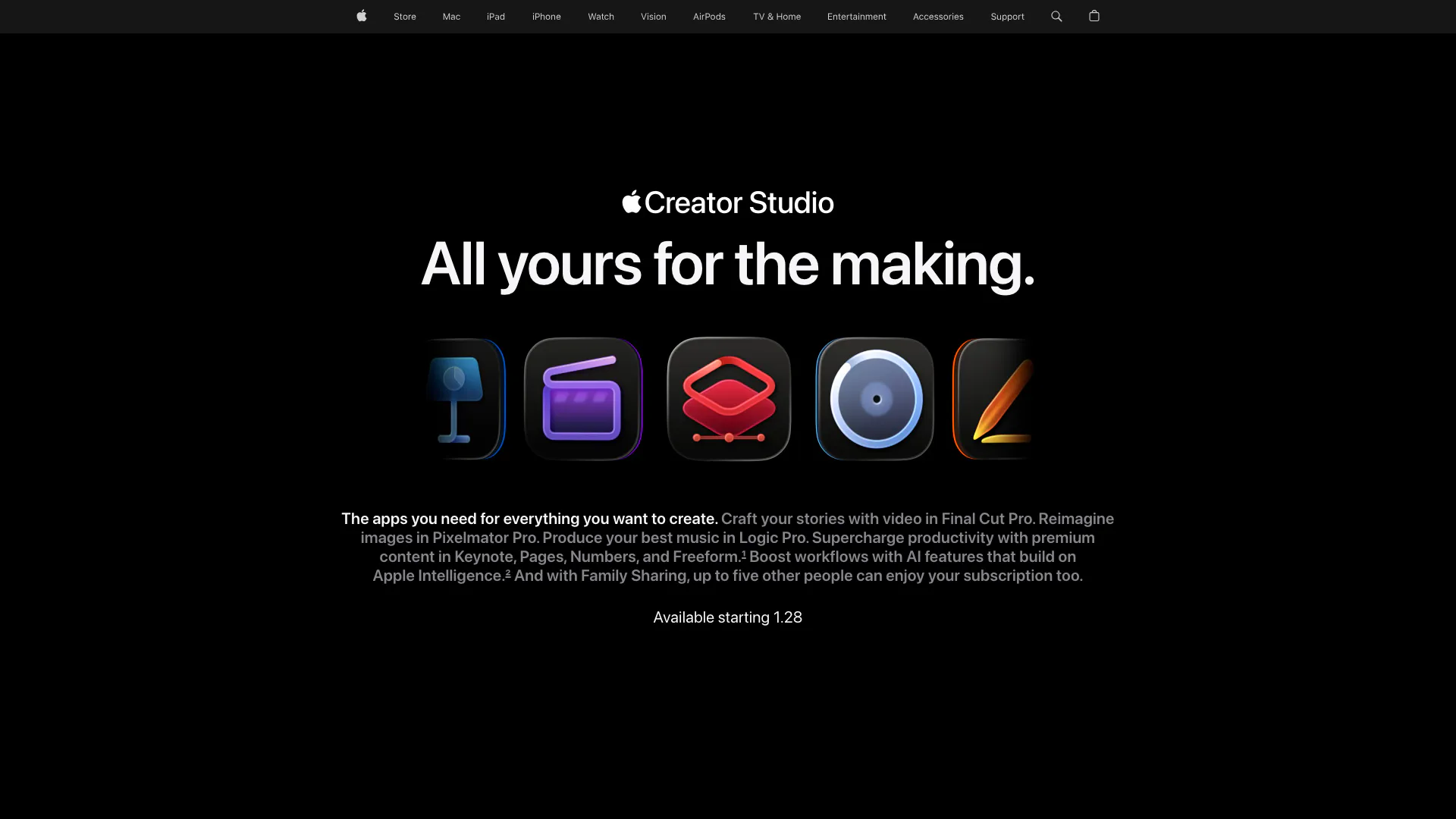
Apple Creator Studio offers a suite of creative tools for video, music, and design.
- Other
- Fruit AI Tools
- Food and Nutrition AI Tools

DeepSeek focuses on pioneering general AI technologies and models.
- Other
- Large Language Models (LLMs)
- AI Development Tools
- Ai Model Fine Tuning Tools