

Koe


What is Koe?
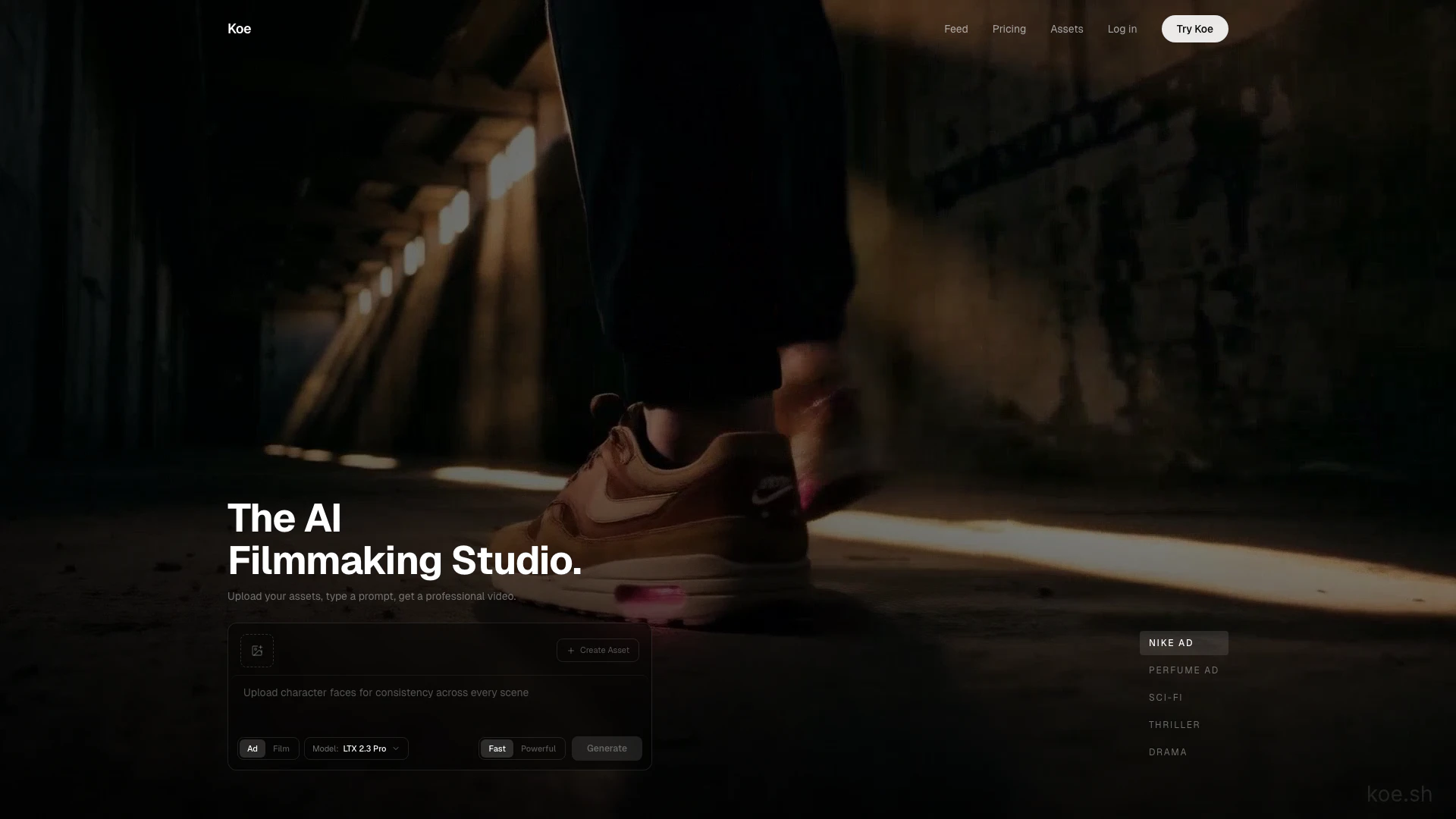
Koe is an innovative AI filmmaking studio that allows users to create professional-quality videos by simply uploading assets and typing prompts. This powerful tool leverages advanced artificial intelligence to generate cinematic advertisements and creative video content in a matter of minutes. Koe stands out for its ability to maintain character consistency and offers a variety of director styles, making it suitable for diverse video production needs.
How to use Koe?
- Visit the Koe website and log in or create an account.
- Upload your assets, such as product photos, character images, and location visuals.
- Type a prompt describing your desired video scene or advertisement.
- Choose from various director styles and premium models based on your project requirements.
- Utilize the storyboard mode to preview, edit, and approve each scene before generating the final video.
What are the main features of Koe?
- Upload and analyze assets for character consistency and product representation.
- Choose from 16 director styles to match the desired tone and style of your video.
- Utilize storyboard mode for scene-by-scene previews and edits.
- Select from premium AI video models tailored for speed and quality.
- Generate videos in 4K resolution with cinematic quality.
Who is Koe for?
Koe is designed for marketers, content creators, filmmakers, and businesses looking to produce high-quality video content quickly and efficiently. It is particularly beneficial for those who require professional-grade advertising materials without the need for extensive filming or editing expertise. The tool caters to a wide range of users, from small business owners promoting their products to creative professionals seeking to enhance their portfolios.
What are the use cases of Koe?
- Creating cinematic advertisements for products, such as fashion items or perfumes, in a visually appealing format.
- Developing engaging video content for social media marketing campaigns.
- Producing short films or creative storytelling videos based on user-generated prompts.
Koe Pros and Cons
Pros
- Fast Video Generation: Koe allows users to generate professional videos in just 2 minutes by uploading assets and typing a prompt, significantly speeding up the video production process.
- Character Consistency: The tool maintains character consistency across scenes by analyzing uploaded reference images, ensuring a cohesive look throughout the video.
- Multiple Director Styles: Koe offers 16 different director styles, providing users with a variety of cinematic approaches to choose from for their videos.
Cons
No cons data detected for this tool
Koe Compare
| Tool Name | Introduction | Pricing | Type | Rating | Launch Date | Learn more |
|---|---|---|---|---|---|---|
Dream Interpreter AI | AI Dream Interpretations & Free Dream Dictionary | Free | -- | January 8, 2023 | Get deal | ||
Writesonic: AI Agents for SEO, Content & Generative Engine Optimization (GEO) | Free | -- | January 13, 2021 | Get deal | ||
Descript: Edit Videos & Podcasts Like a Doc | AI Video Editor | Free | -- | December 31, 1984 | Get deal |


Info current as of post date. Offers and availability may vary by location and are subject to change.
Koe Alternatives

Create stunning AI-generated videos and images with ease.
- Video & Animation
- AI Video Generator
- AI Video and Image Creator
- AI Creative Video and Image Generation

Kling AI empowers creators to generate stunning images and videos using advanced generative AI techniques.
- Image Generation & Editing
- AI Image Generator
- AI Video Generator
- AI Image and Video Synthesis

Kling AiClaimed
Create stunning videos and images effortlessly with Kling AI's advanced generative AI platform.
- Video & Animation
- AI Video Generator
- AI Video and Image Creator
- AI Creative Video and Image Generation