

Komandi





What is Komandi?
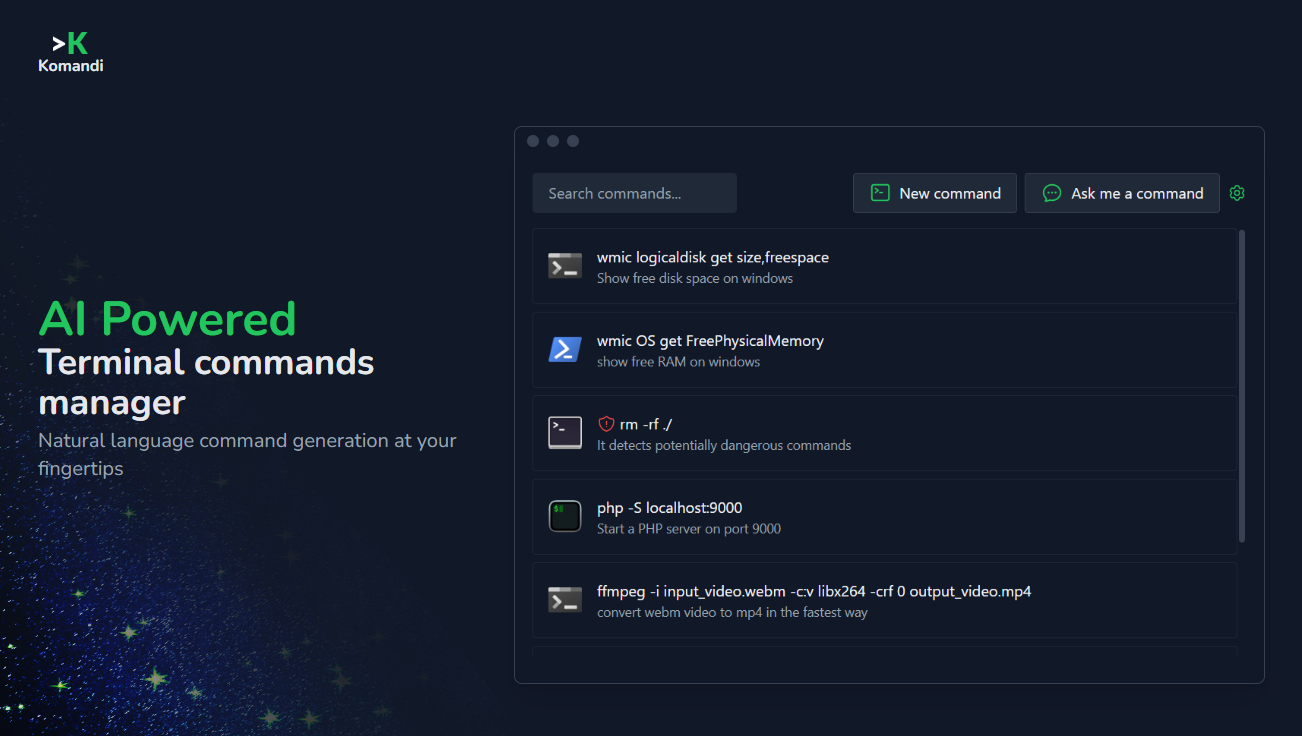
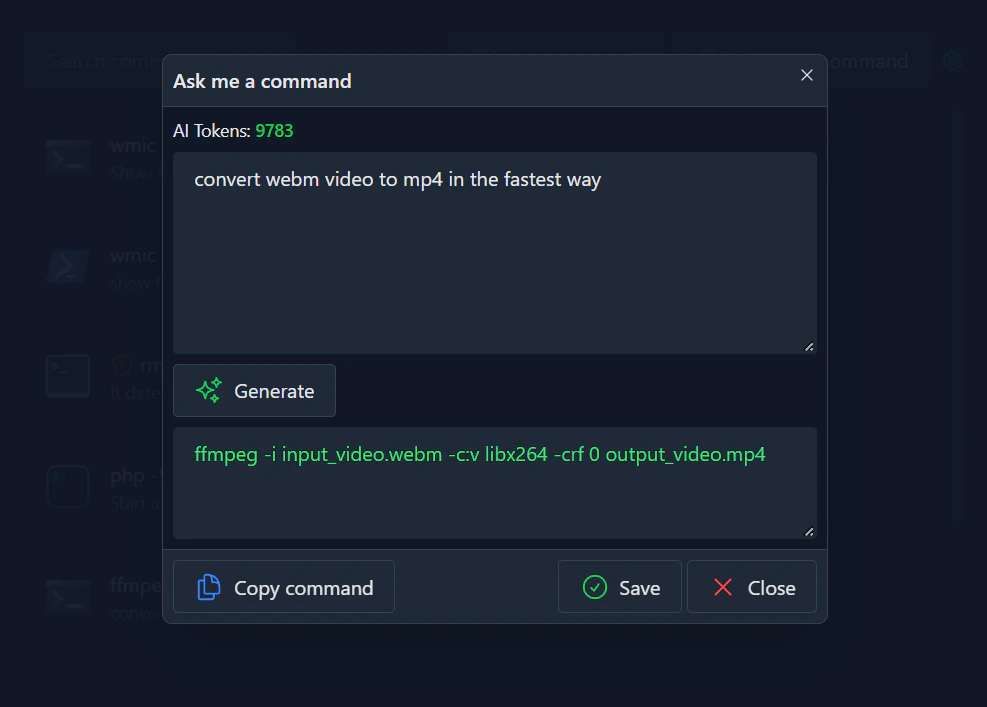
Komandi is an AI-powered command line interface (CLI) and terminal commands manager that simplifies the management of your CLI snippets. Designed to streamline the process of finding and executing commands, Komandi allows users to generate terminal commands from natural language prompts, making it accessible even for those who may not be familiar with command syntax. With features like command detection for potential dangers, the ability to favorite and execute commands, and compatibility across multiple operating systems including macOS, Windows, and Linux, Komandi aims to enhance productivity and reduce the complexity of command line operations.
How to use Komandi?
- Download and install Komandi from the official website.
- Launch the application and create a new command snippet by typing a natural language prompt.
- Use the AI command generation feature to create a terminal command.
- Save your favorite commands for quick access.
- Execute commands directly from the interface or copy them for use in your terminal.
What are the main features of Komandi?
- AI-generated terminal commands from natural language prompts.
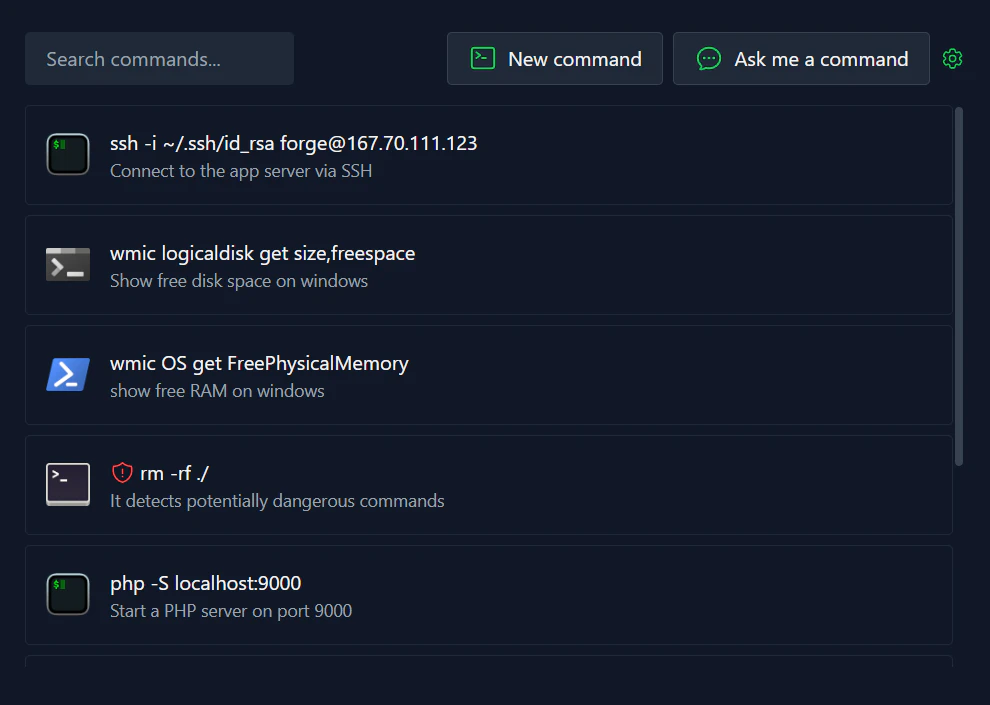
- Ability to insert, favorite, copy, and execute commands.
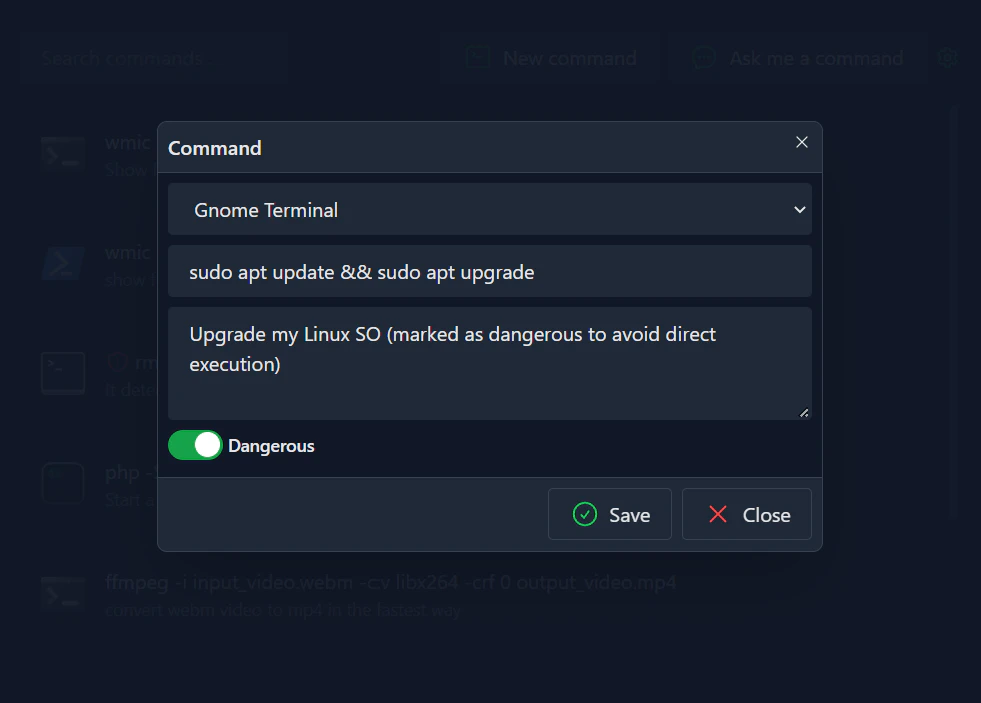
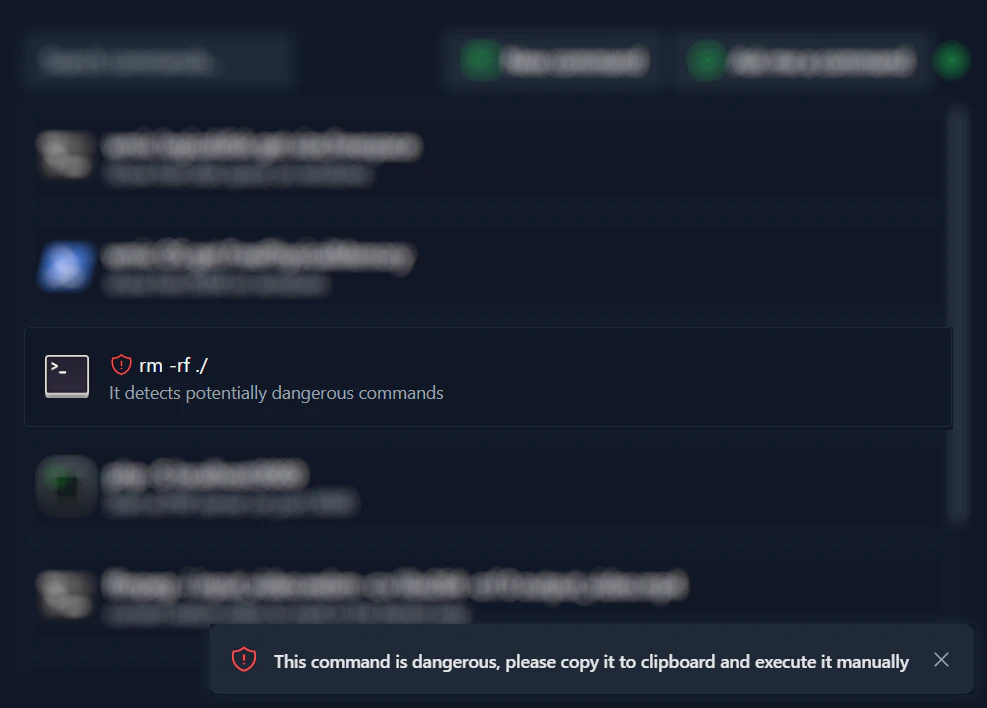
- Detection of potentially dangerous commands to prevent accidental execution.
- Cross-platform compatibility: works on macOS, Windows, and Linux.
- Search functionality for quick command retrieval and execution.
- Execute commands in various terminal environments such as PowerShell and Gnome Terminal.
- Import/Export commands feature (coming soon).
Who is Komandi for?
Komandi is primarily designed for developers, system administrators, and tech enthusiasts who frequently use command line interfaces. It caters to users who seek to streamline their workflow by managing and executing commands efficiently. Whether you are a beginner looking to understand terminal commands or an experienced user wanting to simplify command management, Komandi provides the tools necessary to enhance your command line experience.
What are the use cases of Komandi?
- Quickly generate and execute terminal commands using natural language prompts, improving productivity for developers.
- Manage and organize frequently used commands to streamline repetitive tasks.
- Safeguard against executing potentially harmful commands by utilizing Komandi's detection features.
Product Images
Komandi Pros and Cons
Pros
- AI Command Generation: The tool allows users to generate terminal commands based on natural language prompts using AI.
- Multi-Platform Support: Komandi is available for macOS, Windows, and Linux, providing flexibility for users across different operating systems.
- User-Friendly Command Management: Users can easily insert, favorite, copy, and execute their commands, enhancing usability.
- Affordable Lifetime License: The lifetime license is priced at $19, which includes 10,000 AI tokens for command generation, making it a cost-effective solution.
- Refund Policy: Komandi offers a 7-day money-back guarantee, providing users with a safety net for their purchase.
Cons
- Limited Trial Version: The trial version of the app is limited to 7 days and does not include AI command generation features.
- Non-Refundable Tokens: AI tokens used for command generation are non-refundable, which can be a drawback if incorrect commands are generated.
Komandi Pricing
Lifetime License
Buy lifetime for only $19. Includes 10,000 AI tokens for commands generation, lifetime updates, unlimited command insertion/execution, and 1 device activation.
For the latest pricing, please visit this link: https://komandi.app/licenses/purchase
Prices are subject to change. Please visit the official website for the most up-to-date pricing information.
Analytics of Komandi
Komandi Website Traffic Analysis
Visits Over Time
Top Keywords
| Keyword | Volume | CPC | Estimated Value |
|---|---|---|---|
| komandi | 0 | $0.00 | $10.00 |
| ai terminal | 1.85K | $17.75 | $10.00 |
| command ai | 1.45K | $2.71 | $0.00 |
| linux terminal with ai | 230 | $0.00 | $0.00 |
| commands for ai | 180 | $0.00 | $0.00 |
Komandi Compare
| Tool Name | Introduction | Pricing | Type | Rating | Launch Date | Learn more |
|---|---|---|---|---|---|---|
 | RMIQ simplifies ad campaign management across retail media networks using AI. | Free | 💼Work | December 22, 2023 | Get deal | |
 | Create stunning timelapse videos with ease using AI. | Free | 💼Work🎨Creativity | August 13, 2023 | Get deal | |
 | Optimize your brand's visibility across AI search platforms. | Free | 💼Work🎨Creativity | January 20, 2026 | Get deal |
Info current as of post date. Offers and availability may vary by location and are subject to change.
Komandi Q&A
Komandi is a tool for developers and system administrators. It allows you to insert, favorite, copy and execute your commands. You can use it to manage your most used CLI commands, detect potentially dangerous commands, and quickly generate commands from natural language prompts.
For more FAQs, please visit this link: https://komandi.app/#faq
Komandi Alternatives

AI Detector - Trusted AI Checker for ChatGPT, GPT4 & Gemini
- AI Content Detection
- AI Detection Bypass
- Ai Apis
- Ai Developer Tools

Humanize AI Content | Bypass AI Detection | Get 100% Human Score
- Writing & Editing
- AI Text Generator
- AI Writing Assistants
- AI Detection Bypass

Warp: The Agentic Development Environment
- Developer Tools
- Ai Code Generator
- Ai Agent
- AI Tools Directory