

Lavender





What is Lavender?
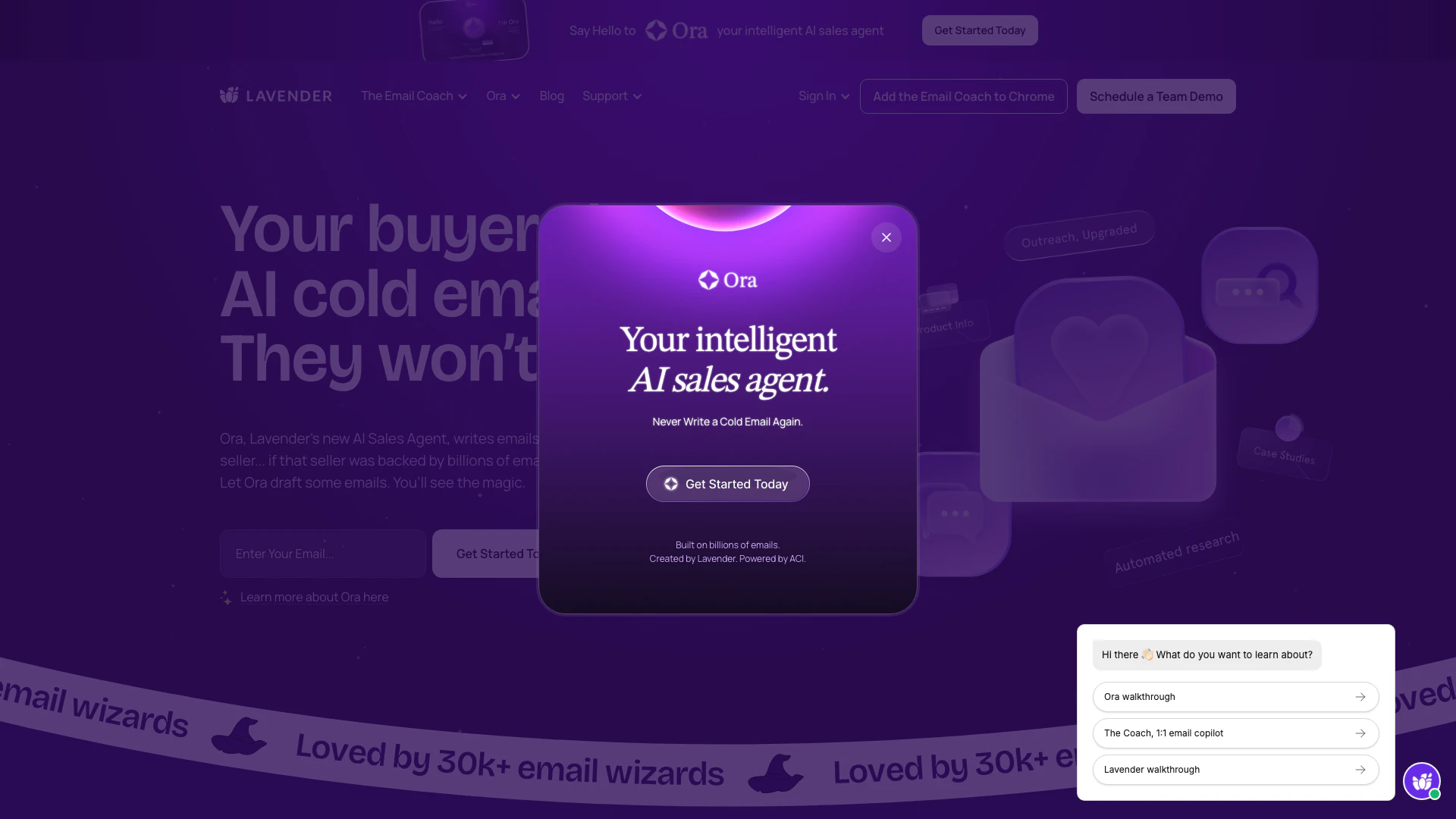
Lavender is an innovative AI-powered tool designed to assist sales professionals in crafting better emails more efficiently. It leverages advanced artificial intelligence to analyze billions of emails, helping users write personalized, engaging messages that lead to higher response rates. By utilizing its intelligent features, Lavender aims to transform the email writing process, making it quicker and more effective for sellers around the world.
How to use Lavender?
- Sign up for an account on the Lavender website and install the Email Coach extension.
- Once installed, open your email platform and start composing an email.
- Use Lavender's features, such as the Email Coach, to receive real-time feedback and scoring on your email drafts, ensuring they meet high standards for engagement.
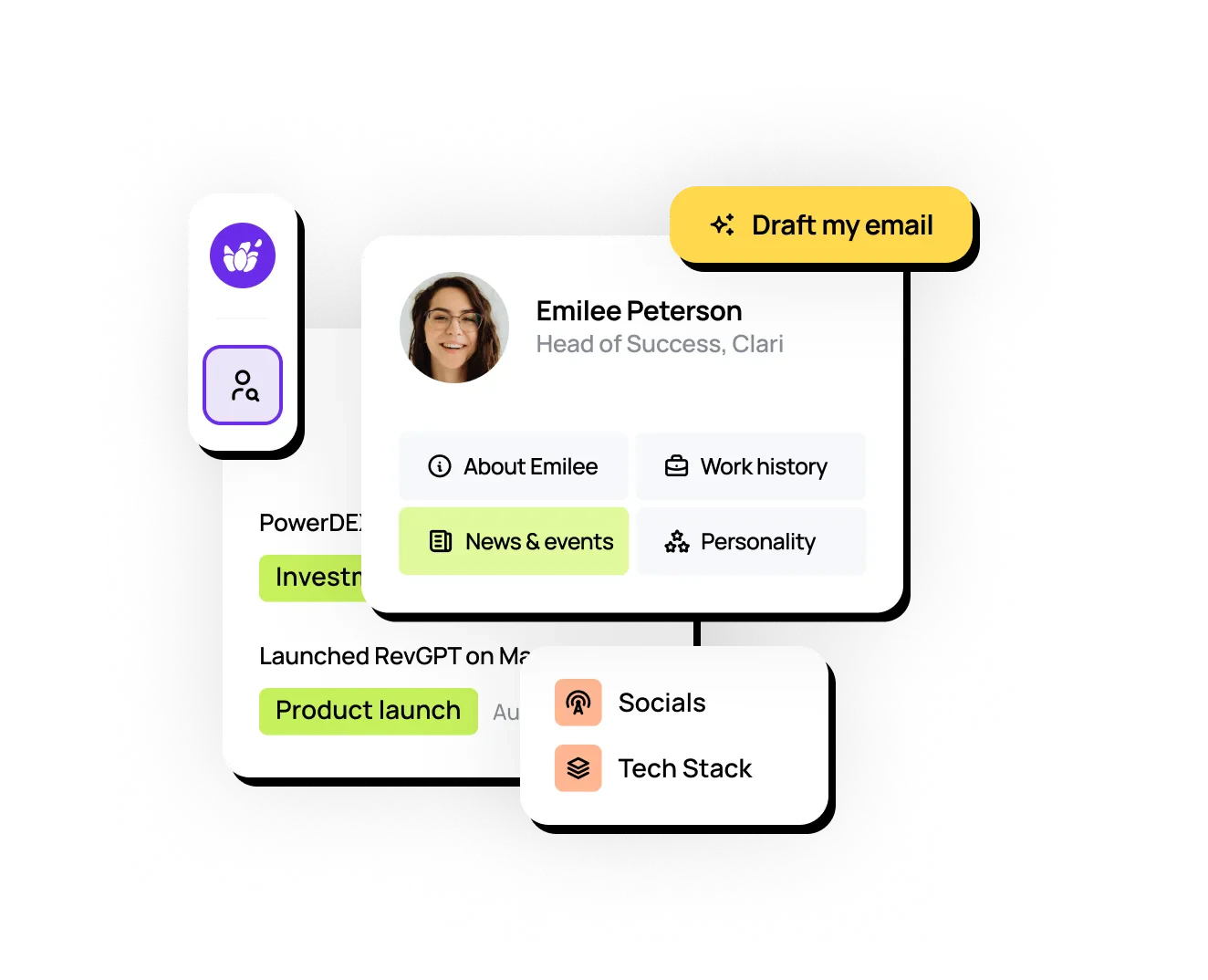
- Utilize the Personalization Assistant to incorporate relevant prospect data and insights into your emails.
- After making necessary adjustments based on the feedback, send your optimized email.
What are the main features of Lavender?
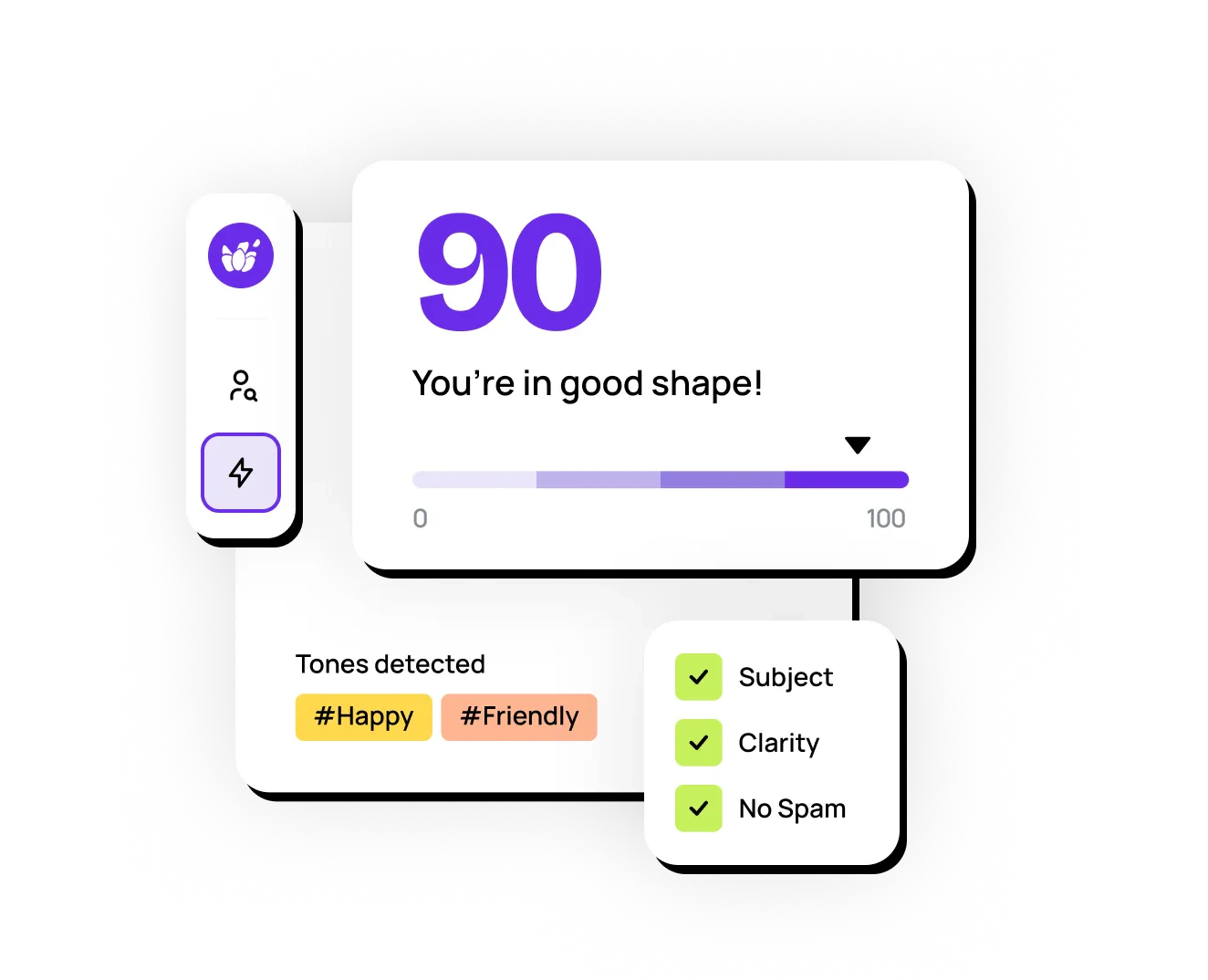
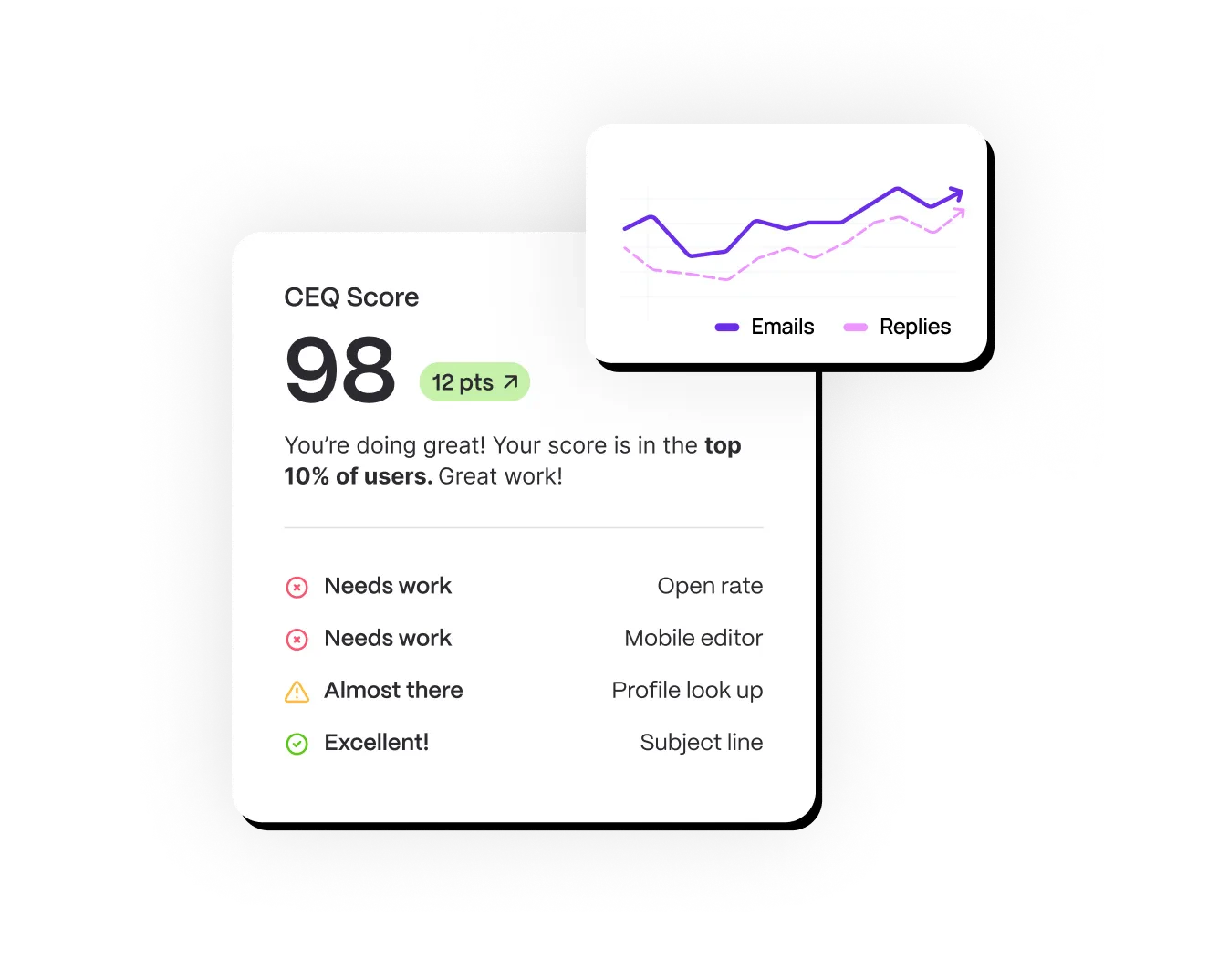
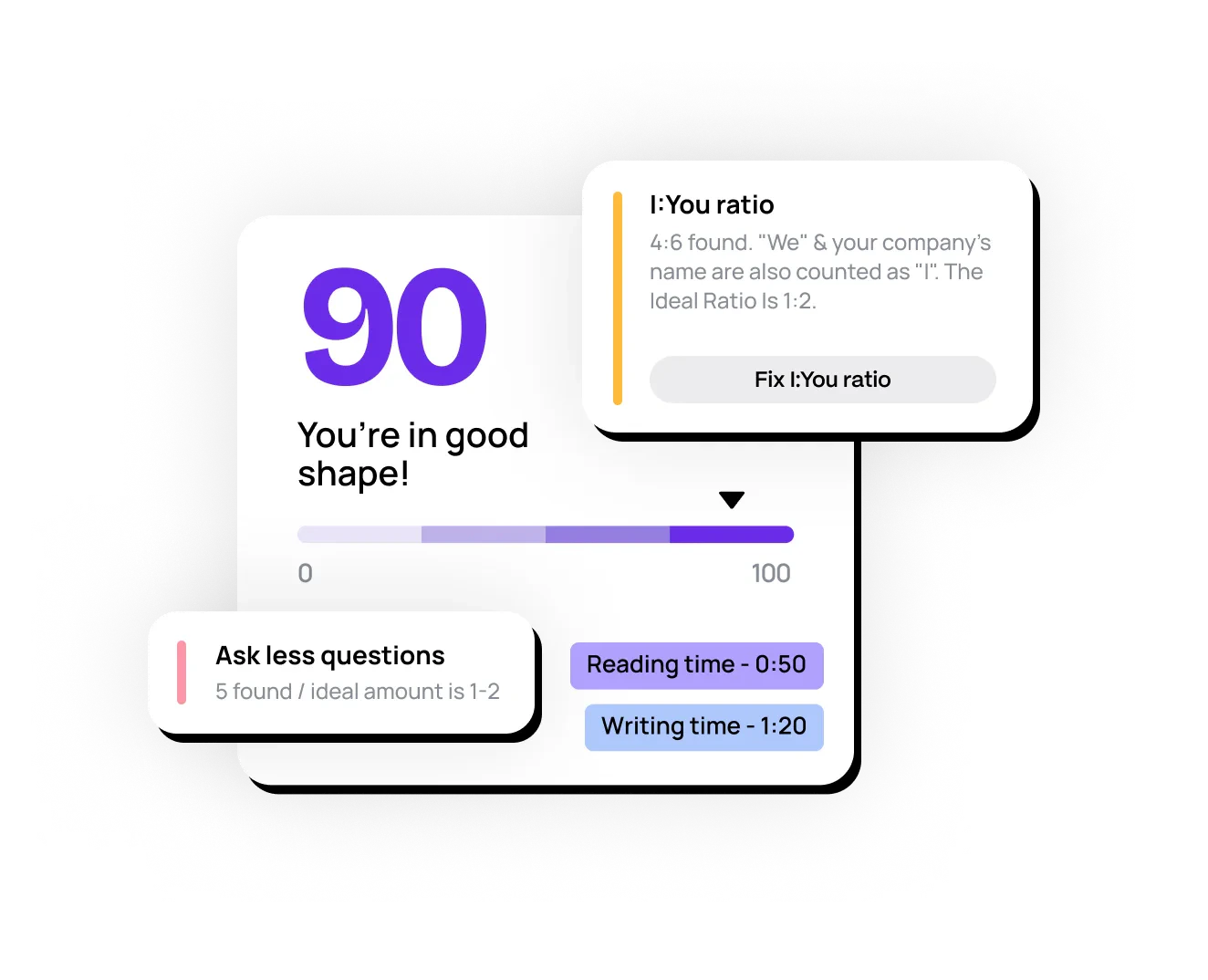
- Email Scoring: Provides a score for your emails based on engagement metrics, helping you identify areas for improvement.
- Personalization Assistant: Offers suggestions for personalizing your emails using prospect data, enhancing connection with recipients.
- Real-time Coaching: Delivers immediate feedback and coaching tips based on billions of email data points, ensuring best practices are followed.
- Coaching Dashboard: Enables sales managers to track team performance and identify coaching opportunities based on email effectiveness.
Who is Lavender for?
Lavender is primarily designed for sales professionals, including Sales Development Representatives (SDRs), Account Executives, and Sales Managers who are looking to enhance their email outreach strategies. It is also suitable for marketing teams and business leaders seeking to improve communication with clients and prospects. By utilizing Lavender, these users can streamline their email writing processes, boost reply rates, and ultimately drive more sales.
What are the use cases of Lavender?
- Cold Email Outreach: Sales professionals can use Lavender to craft compelling cold emails that resonate with potential clients, leading to higher engagement rates.
- Follow-Up Emails: Enhance follow-up communications with prospects by using personalized insights to increase the chances of a response.
- Team Training: Sales teams can leverage Lavender's coaching features to train new team members on effective email practices and improve overall team performance.
Product Images
Lavender Pros and Cons
Pros
- Effective Email Scoring: Lavender scores emails and templates, providing instant improvements and personalization suggestions, helping users write effective emails and boost reply rates.
- Integration with Multiple Platforms: Lavender integrates with various platforms like Gmail, Outlook, HubSpot, and others, allowing users to utilize its features in their preferred email environment.
- Free Trial and Affordable Pricing: Lavender offers a free trial for 7 days and has a free forever plan with basic features, making it accessible for individuals and teams.
- Real-time Coaching: The platform provides real-time coaching based on inbox behavior and data, ensuring that users are always following best practices.
Cons
- Limited Features in Free Plan: The free forever plan only allows the analysis and personalization of 5 emails per month, which may not suffice for users with higher email volumes.
- Potential IT Review Required: For security-conscious organizations, an IT review may be necessary to authenticate Lavender with email providers, which could delay setup.
Analytics of Lavender
Lavender Website Traffic Analysis
Visits Over Time
Traffic Sources
Oct 2025 - Dec 2025 Worldwide Desktop Only
- Direct: 46.73%
- Search: 40.86%
- Referrals: 8.13%
- Social: 2.72%
- Paid Referrals: 1.18%
- Mail: 0.19%
Top Keywords
| Keyword | Volume | CPC | Estimated Value |
|---|---|---|---|
| lavender | 144.62K | $0.54 | $700.00 |
| lavender ai | 2.52K | $6.16 | $1330.00 |
| lavender email | 630 | $20.89 | $510.00 |
| lavendar ai | 580 | $12.99 | $400.00 |
| lavendar email | 220 | $0.00 | $190.00 |
Lavender Compare
| Tool Name | Introduction | Pricing | Type | Rating | Launch Date | Learn more |
|---|---|---|---|---|---|---|
 | Typoro streamlines LinkedIn content creation with AI automation. | Free | 💼Work🎨Creativity | December 18, 2024 | Get deal | |
 | Enhance your e-commerce with immersive 3D and AR visualizations. | Free | 💼Work🎨Creativity | March 22, 2018 | Get deal | |
 | Create powerful PWAs effortlessly with Progressier. | Free | 💼Work🎨Creativity | June 6, 2020 | Get deal |
Info current as of post date. Offers and availability may vary by location and are subject to change.
Lavender Q&A
Lavender helps SDRs & AEs write effective emails, boost reply rates, and generate more pipeline by scoring emails and templates, then providing instant improvements and personalization suggestions.
Lavender Alternatives
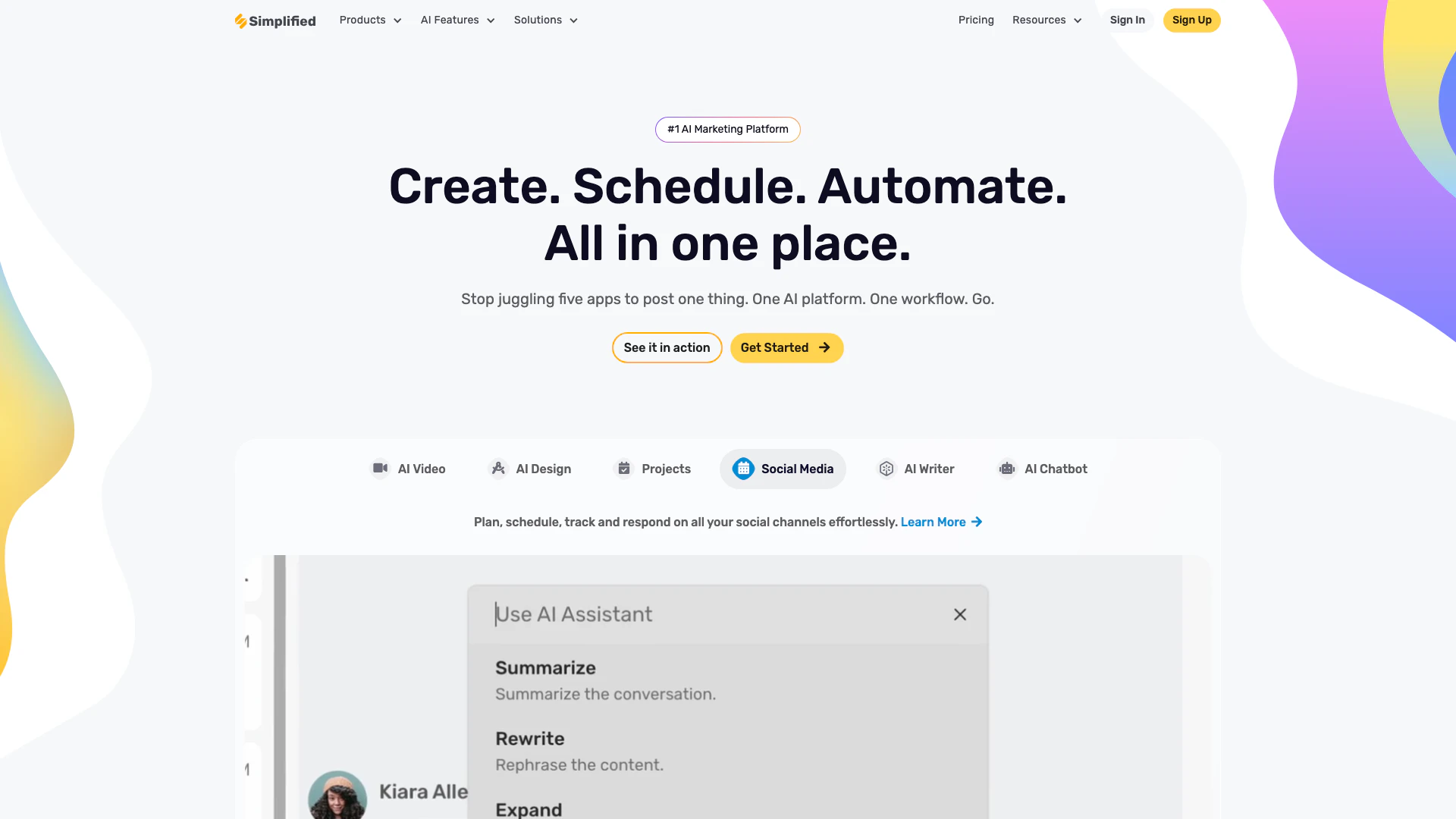
Simplified is an all-in-one AI marketing tool for teams to write, design, collaborate, and publish—all without switching tools.
- Art & Design
- AI Design Generator
See relevant content for hacker-ai.online
- Art & Design
- AI Design Generator
- AI Graphic Design Tools
- AI UX/UI Design
- Art & Design
- AI Design Generator
- AI Graphic Design Tools