

Leap Tabs





What is Leap Tabs?
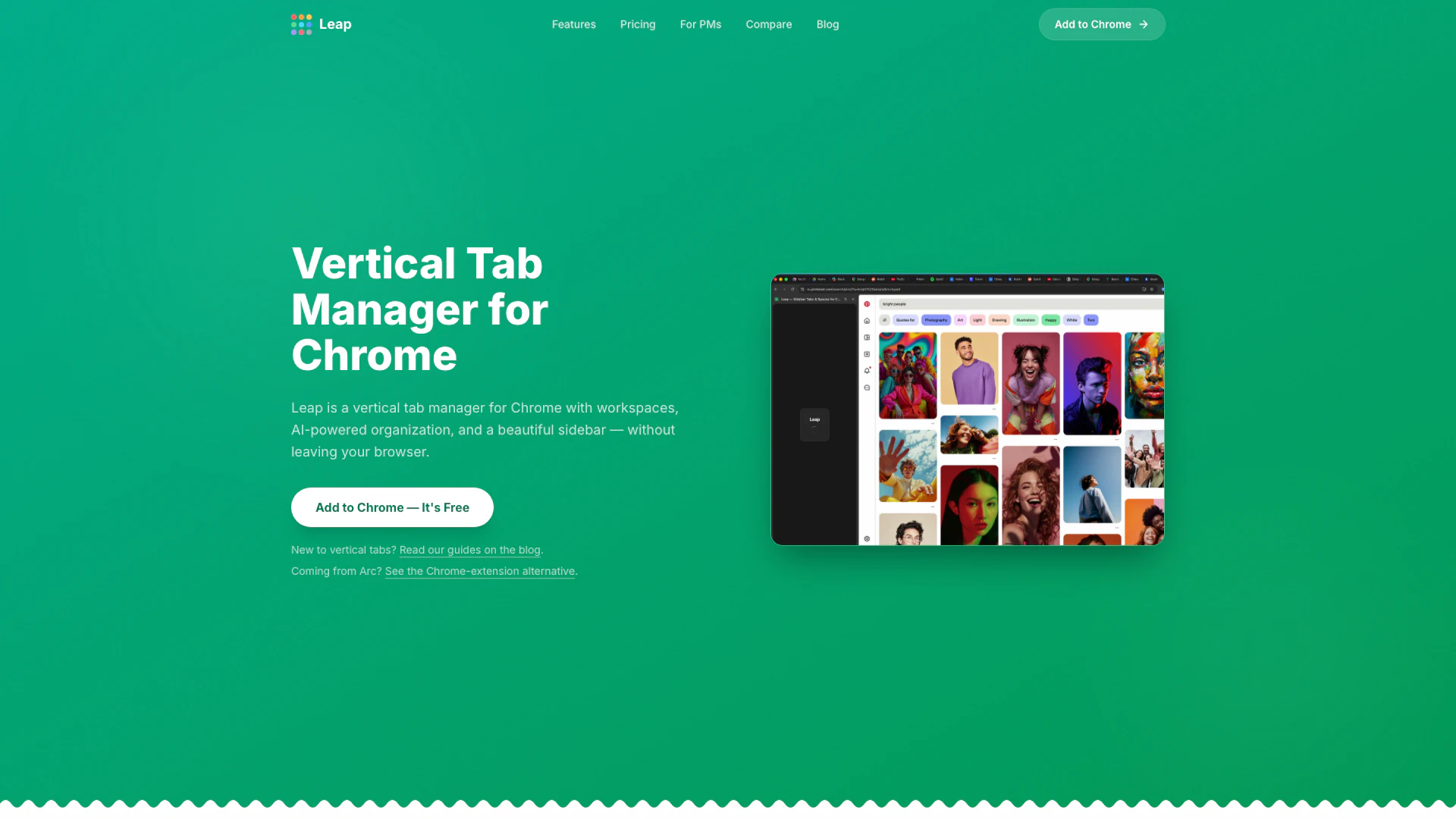
Leap Tabs is an innovative vertical tab manager designed specifically for Google Chrome, offering a unique sidebar experience that enhances productivity and organization. With features like workspaces, AI-powered tab organization, drag-and-drop folder management, and seamless cloud synchronization, Leap Tabs allows users to manage their tabs effectively without needing to switch browsers. It mimics the sidebar functionality popularized by the Arc Browser, making it an ideal choice for users seeking a streamlined browsing experience.
How to use Leap Tabs?
- Install Leap Tabs from the Chrome Web Store by clicking the 'Add to Chrome' button.
- Open Leap Tabs to access the vertical sidebar, where you can create different workspaces for various contexts like work, personal browsing, or side projects.
- Use the AI organization feature by clicking a button to automatically group your open tabs into folders and spaces.
- Drag and drop tabs between workspaces or reorder them as needed for better organization.
- Customize the appearance of your sidebar with themes and colors to suit your preferences.
What are the main features of Leap Tabs?
- Vertical tab sidebar for enhanced visibility and management.
- Workspaces to separate different browsing contexts.
- AI-powered organization to automatically group tabs into folders.
- Drag-and-drop functionality for easy tab and folder management.
- Cloud sync to access your tabs from anywhere.
- Customizable themes including light and dark modes.
- Keyboard shortcuts for quick navigation and control.
Who is Leap Tabs for?
Leap Tabs is designed for anyone who uses Google Chrome and seeks to improve their tab management and browsing efficiency. It is particularly beneficial for professionals like product managers, developers, and designers who juggle multiple projects and require a clear separation of workspaces. Additionally, users transitioning from the Arc Browser or similar platforms will find Leap Tabs a familiar and effective solution for managing their browsing experience.
What are the use cases of Leap Tabs?
- Managing multiple projects by creating distinct workspaces for work, personal, and side projects, allowing for easy context switching.
- Utilizing AI to automatically organize dozens of open tabs into relevant folders, saving time and reducing clutter.
- Customizing the browsing experience with themes and colors, catering to different moods or times of the day.
Leap Tabs Pros and Cons
Pros
- AI-Powered Organization: Leap Tabs utilizes AI to automatically organize open tabs into folders and spaces, enhancing productivity by reducing clutter.
- Customizable Themes: Users can choose from various themes and accent colors for different workspaces, allowing for a personalized browsing experience.
- Vertical Tab Management: Leap Tabs provides a vertical sidebar for tabs, making it easier to view and manage multiple tabs compared to traditional horizontal layouts.
Cons
No cons data detected for this tool
Leap Tabs Pricing
Free
Free forever, no credit card needed.
Pro
€3.99/month or €29.99/year. Save 37%.
For the latest pricing, please visit this link: https://leap-tabs.com/#pricing
Prices are subject to change. Please visit the official website for the most up-to-date pricing information.
Leap Tabs Compare
| Tool Name | Introduction | Pricing | Type | Rating | Launch Date | Learn more |
|---|---|---|---|---|---|---|
Rewind | Free | February 2, 2018 | Get deal | |||
AiSofiya offers AI-powered tools, chatbots, and automation to help websites and businesses work smarter, faster, and 24/7. | Free | January 10, 2023 | Get deal | |||
Free Calendar Sharing | Free Blocks | Free | September 2, 2022 | Get deal |



Info current as of post date. Offers and availability may vary by location and are subject to change.
Leap Tabs Alternatives

Boost Productivity in HubSpot with Breeze Copilot | HubSpot
- Operations & Management
- AI CRM Tools
- Ai Productivity Tools

OpusClip turns long videos into high-quality viral clips for you to share on TikTok, YouTube Shorts, and Reels to increase social media reach.
- Writing & Editing
- AI Content Repurposing
- AI Text Generator
- AI Social Media Tools
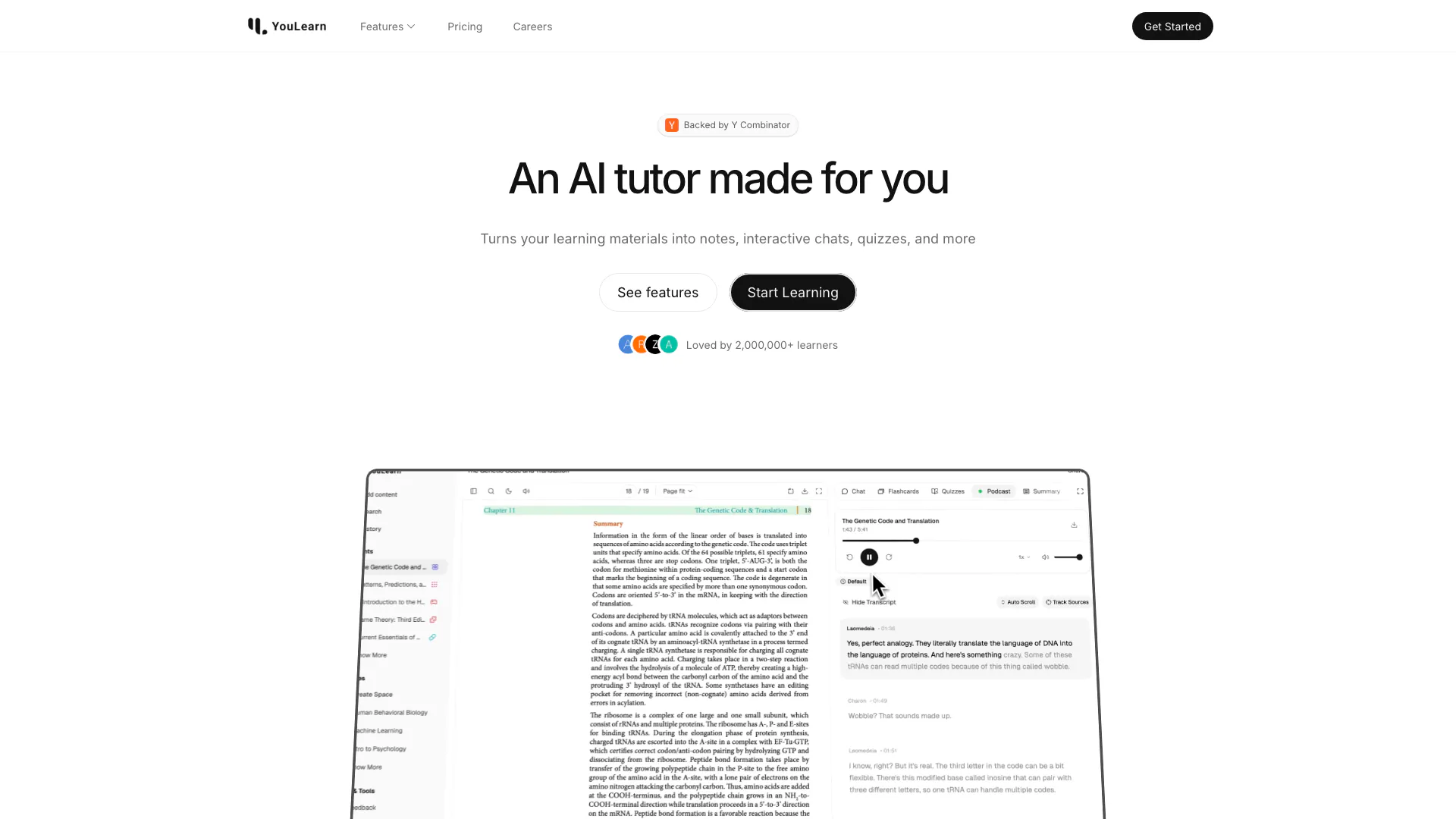
An AI tutor made for you. Learn from an AI tutor that understands your pdfs, youtube videos, and recorded lectures.
- Education
- AI Language Learning
- Ai Productivity Tools