
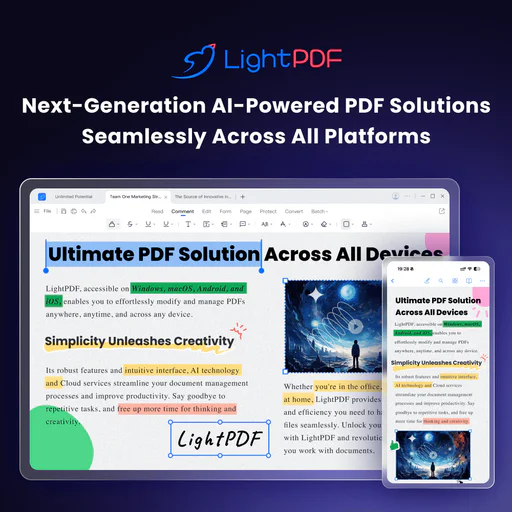
Lightpdf
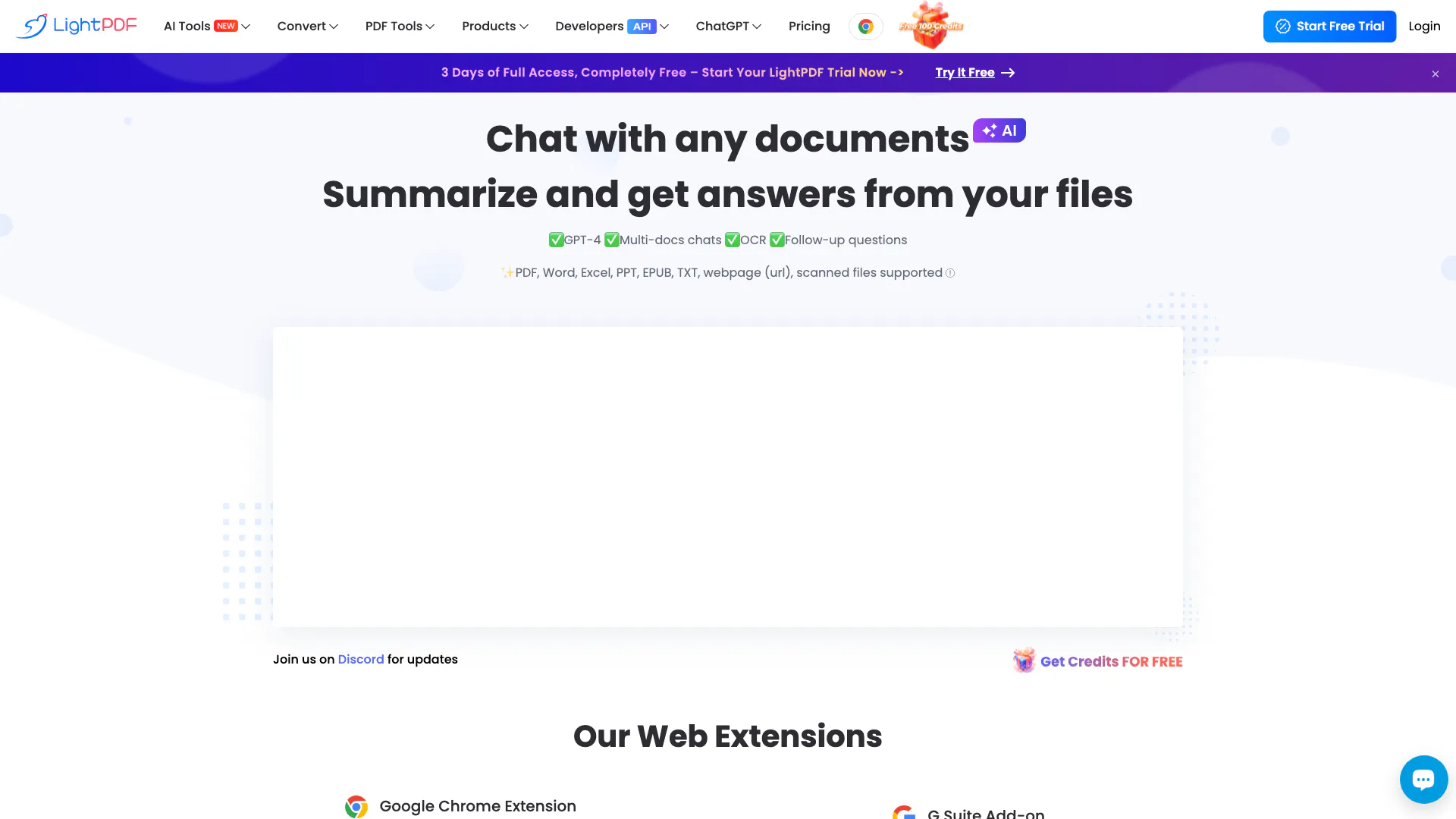





What is Lightpdf?
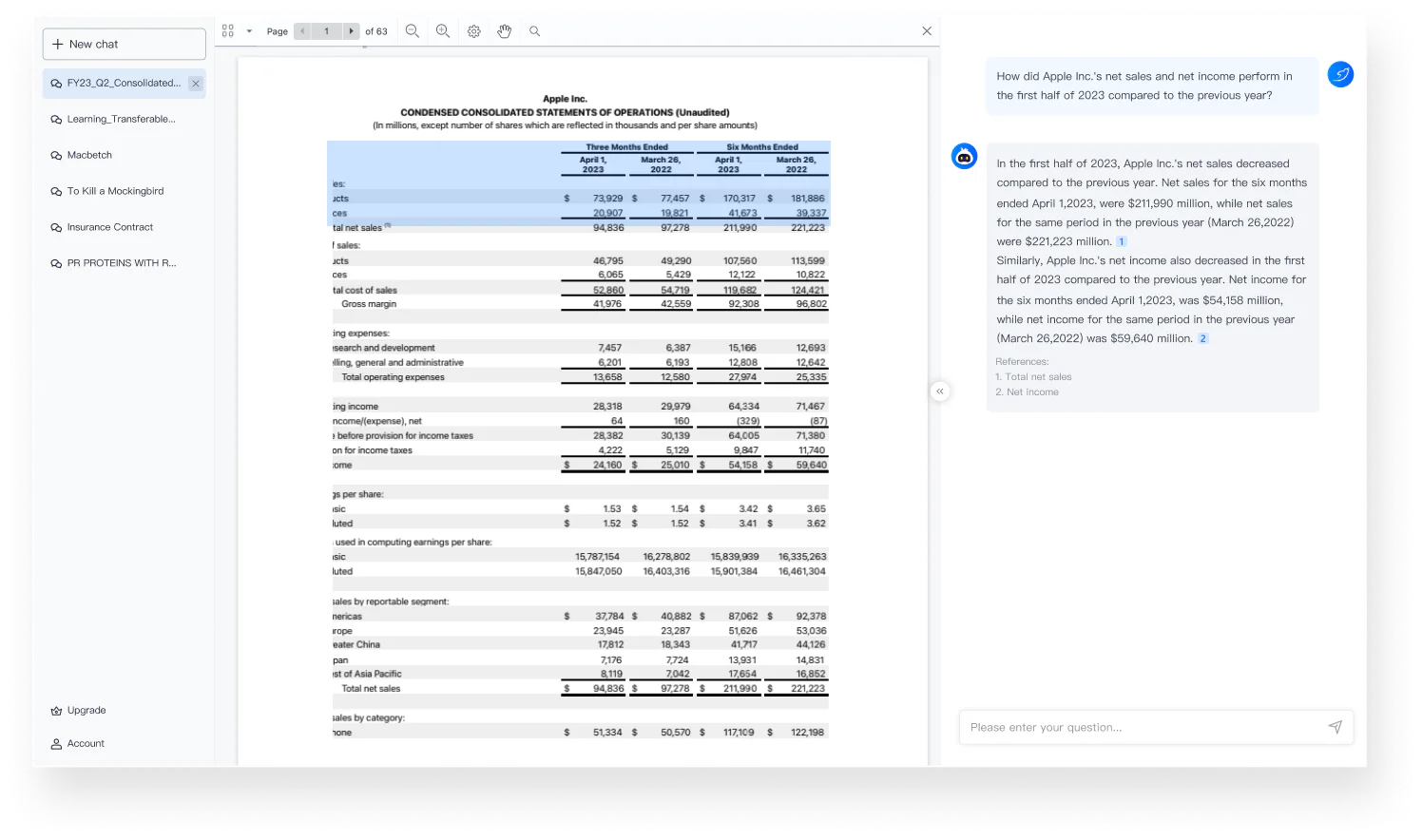
Lightpdf is an AI-powered ChatPDF application designed to enhance your interaction with PDF documents and other file types. It allows users to ask questions, summarize content, and extract key insights from various documents, including PDFs, Word files, Excel sheets, and more. The tool is free to use and does not require sign-in, making it accessible for anyone looking to streamline their document analysis and research tasks.
How to use Lightpdf?
- Visit the Lightpdf website and navigate to the ChatPDF section.
- Upload your document by selecting the file from your device or entering a URL.
- Once the document is uploaded, enter a clear and specific question related to the content of the document.
- Review the AI-generated response, which may include summaries, insights, or specific answers based on your query.
What are the main features of Lightpdf?
- AI-powered document chat for real-time interaction with files.
- Supports multiple document types including PDF, Word, Excel, PPT, EPUB, and scanned files.
- Provides accurate answers with cited sources for reference.
- Allows for multi-document chat, enabling users to analyze and extract insights from several files simultaneously.
- Offers features for summarization, table generation, and structured outlines.
Who is Lightpdf for?
Lightpdf is ideal for students, researchers, business professionals, and anyone who frequently works with documents and requires quick access to information. It caters to those who need to analyze reports, contracts, academic papers, and more, providing a user-friendly interface for efficient document interaction and insight extraction.
What are the use cases of Lightpdf?
- Academic research: Quickly summarize and extract key insights from academic papers and articles.
- Business analysis: Analyze financial reports and business proposals to gain valuable insights.
- Learning assistance: Organize and structure information from educational materials for better understanding.
Product Images

Lightpdf Pros and Cons
Pros
- AI-Powered Document Interaction: Lightpdf allows users to interact with documents using AI, enabling them to ask questions and receive instant answers, making document analysis efficient.
- Multi-File Support: Users can upload and chat with multiple documents simultaneously, enhancing productivity in research and analysis.
- Wide File Format Compatibility: Supports various file formats including PDF, Word, Excel, and more, allowing users to work with different types of documents seamlessly.
Cons
No cons data detected for this tool
Lightpdf Pricing
Free
Web app only. You can upload a file within 100 pages for free.
Premium
All platforms included. Start 3-Day Free Trial. 70% OFF.
For the latest pricing, please visit this link: https://lightpdf.com/pricing
Prices are subject to change. Please visit the official website for the most up-to-date pricing information.
Analytics of Lightpdf
Lightpdf Website Traffic Analysis
Visits Over Time
Traffic Sources
Oct 2025 - Dec 2025 Worldwide Desktop Only
- Search: 66.46%
- Direct: 28.53%
- Referrals: 3.59%
- Social: 0.95%
- Paid Referrals: 0.43%
- Mail: 0.05%
Top Regions
| Region | Percentage |
|---|---|
🇮🇳 India | 25.39% |
🇹🇼 Taiwan | 5.04% |
🇺🇸 United States | 4.51% |
🇧🇷 Brazil | 3.14% |
🇪🇸 Spain | 3.10% |
- India: 25.39%
- Taiwan: 5.04%
- United States: 4.51%
- Brazil: 3.14%
- Spain: 3.10%
Top Keywords
| Keyword | Volume | CPC | Estimated Value |
|---|---|---|---|
| light pdf | 75.09K | $0.18 | $57170.00 |
| lightpdf | 70.78K | $0.19 | $53260.00 |
| remove watermark from pdf | 31.22K | $0.23 | $8980.00 |
| pdf watermark remover | 16.17K | $0.11 | $5620.00 |
| lite pdf | 4.52K | $0.12 | $3660.00 |
Lightpdf Compare
| Tool Name | Introduction | Pricing | Type | Rating | Launch Date | Learn more |
|---|---|---|---|---|---|---|
Generate AI lesson plans, PowerPoints, and more with Copilot! Use Copilot to breeze through your unit planning and material creation! | Free | November 13, 2022 | Get deal | |||
Rewind | Free | February 2, 2018 | Get deal | |||
Paraphrasing Tool (Ad-Free and No Sign-up Required) - QuillBot AI | Free | December 31, 1984 | Get deal |


Info current as of post date. Offers and availability may vary by location and are subject to change.
Lightpdf Q&A
Upload a file and then enter a clear and specific question you want to know from the document, after that you can get the answer. The better prompt you provide, the better result you will get.
For more FAQs, please visit this link: https://lightpdf.com/faqs/lightpdf-editor-faq
Lightpdf Alternatives

Discover Gemini, Google's versatile AI assistant for writing and planning.
- Productivity & Office
- AI Productivity Tools
- AI Business Planning Tools
- AI Prompt Management Tools

Notion AI enhances productivity by integrating AI tools directly into your workspace.
- Productivity & Office
- AI Productivity Tools
- AI Information Management Tools
- Content Management Tools

Notion is an AI-powered workspace that automates tasks and enhances team collaboration.
- Productivity & Office
- AI Productivity Tools
- AI Information Management Tools
- AI Task Management Tools