

Logotham



What is Logotham?
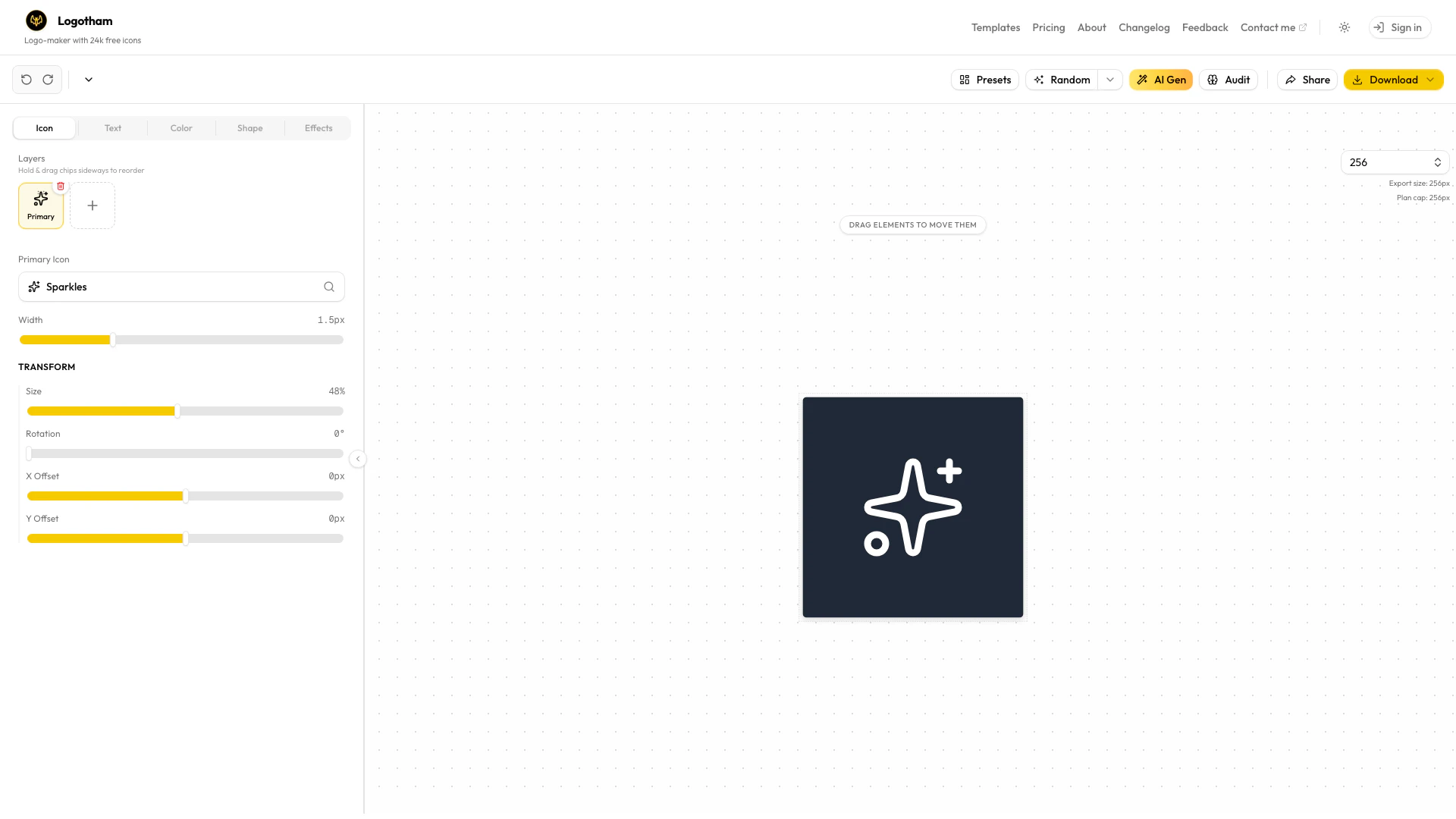
Logotham is a user-friendly logo maker that allows users to create custom logos effortlessly using over 24,000 icons. This innovative tool is designed for founders, indie makers, and designers who need to produce logos quickly and efficiently. With its simple editor and integrated AI for inspiration, Logotham streamlines the logo design process, enabling users to export their logos in various formats such as PNG and SVG, as well as create brand kits and mockups in seconds. The platform supports a wide range of icon libraries including Lucide, Flaticon, Feather, Iconoir, Boxicons, Heroicons, Tabler, Hugeicons, Lineicons, and Font Awesome, making it a versatile choice for anyone looking to craft a professional logo.
How to use Logotham?
- Visit the Logotham website at https://logotham.app/
- Sign in or create an account to access the logo maker.
- Use the simple editor to browse through over 24,000 icons and select your preferred designs.
- Customize your logo by adjusting colors, shapes, and text as needed.
- Utilize the AI feature for inspiration if you need design ideas.
- Once satisfied with your logo, export it in your desired format (PNG, SVG) or create brand kits and mockups.
What are the main features of Logotham?
- Access to over 24,000 free icons for logo creation.
- User-friendly logo editor for easy customization.
- AI assistance for design inspiration.
- Quick export options for PNG, SVG, and brand kits.
- Support for multiple icon libraries including Lucide, Flaticon, and Font Awesome.
Who is Logotham for?
Logotham is ideal for founders, indie makers, and designers who need to create logos quickly and efficiently. It caters to users looking for a straightforward solution to design professional logos without extensive graphic design skills. Whether you're launching a startup, working on personal projects, or providing design services, Logotham offers the tools necessary to produce high-quality logos in a timely manner.
What are the use cases of Logotham?
- Creating logos for new startups or businesses.
- Designing personal brand logos for freelancers and creatives.
- Producing mockups and brand kits for client presentations.
- Quickly generating logos for events, products, or campaigns.
Logotham Pros and Cons
Pros
- Extensive Icon Library: Logotham offers access to over 24,000 free icons, providing users with a vast selection to choose from for logo creation.
- User-Friendly Editor: The simple editor allows users to craft logos easily, making it accessible for founders, indie makers, and designers.
- Quick Export Options: Users can export logos in various formats like PNG, SVG, and brand kits in seconds, enhancing workflow efficiency.
Cons
No cons data detected for this tool
Logotham Pricing
Free
Try Logotham free—unlimited editing, 1 AI generation to see the magic.
Starter
Perfect for your next project. One logo, done right.
Pro License
For freelancers and serial builders. Every project, forever.
For the latest pricing, please visit this link: https://www.logotham.app/pricing
Prices are subject to change. Please visit the official website for the most up-to-date pricing information.
Logotham Compare
| Tool Name | Introduction | Pricing | Type | Rating | Launch Date | Learn more |
|---|---|---|---|---|---|---|
 | 🧠 AI-powered image resizer for social media | Free | 💼Work🎨Creativity | June 8, 2021 | Get deal | |
 | AutoDraw | Free | 🎨Creativity | January 2, 1998 | Get deal | |
 | Whisper as a Service (GUI and API with queuing for OpenAI Whisper) - schibsted/WAAS | Free | 💼Work🎨Creativity | October 8, 2007 | Get deal |
Info current as of post date. Offers and availability may vary by location and are subject to change.
Logotham Alternatives

Framer: Create a professional website, free. No code website builder loved by designers.
- Art & Design
- AI Graphic Design Tools
- Ai Website Builder
- No Code Low Code

PixVerse | Create Amazing AI Videos from Text & Photos with AI Video Generator
- Art & Design
- AI Design Generator
- AI Video Generator
- AI Image to Video

Adobe empowers users to create and optimize digital content.
- Art & Design
- AI Graphic Design Tools
- AI UX/UI Design
- AI Creative Suite