

Mokkit



What is Mokkit?
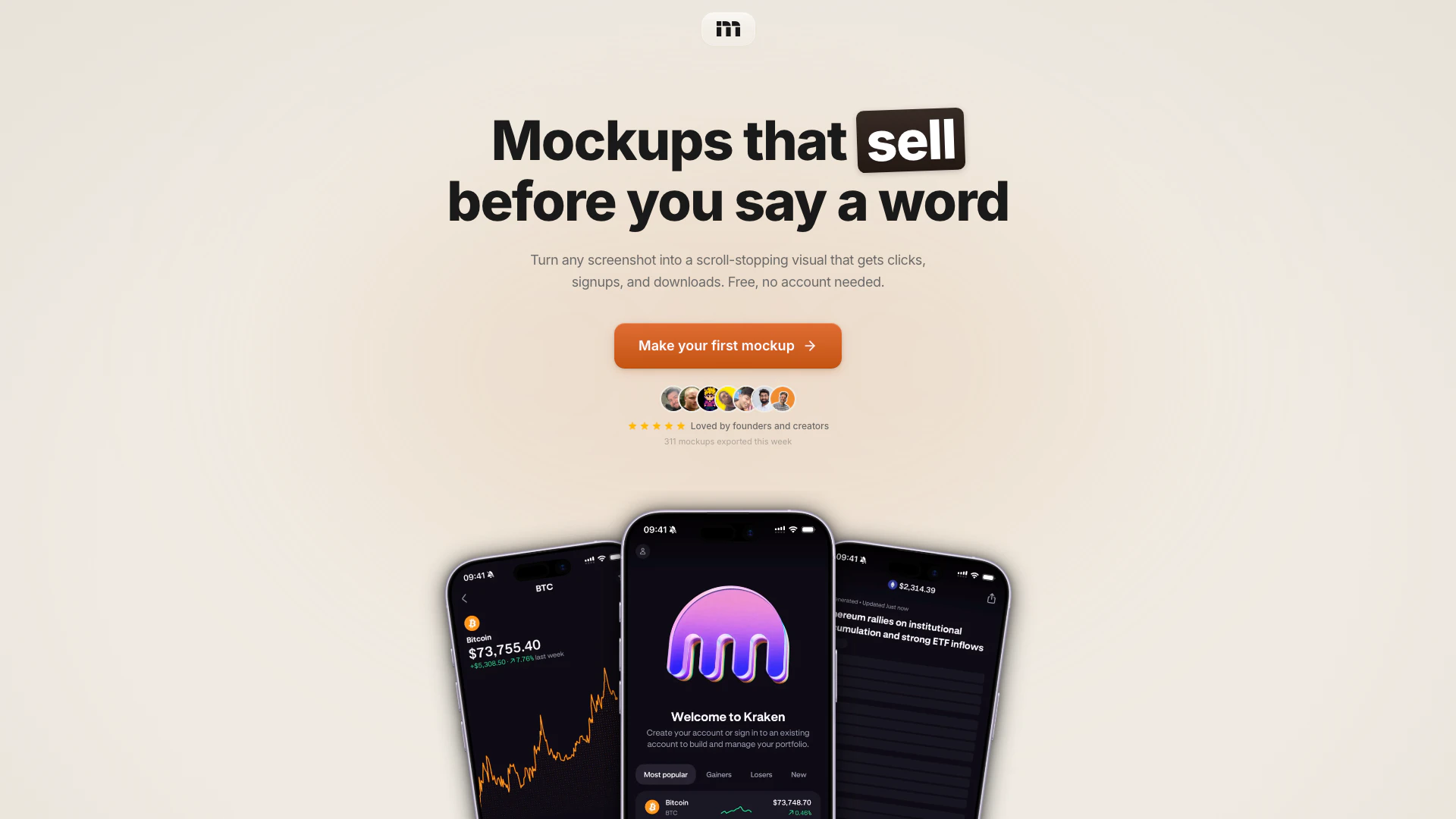
Mokkit is an innovative online tool designed for creating animated, transparent device mockups that effectively convert. It allows users to transform any screenshot into a visually appealing mockup ready for use in just seconds, without requiring any design skills. Mokkit's user-friendly interface enables anyone, from founders to creators, to produce high-quality visuals that enhance engagement and drive clicks, signups, and downloads.
How to use Mokkit?
- Drop your screenshot: Drag an image or paste a URL into Mokkit. The tool captures it at any viewport size with pixel-perfect[3] precision.
- Pick a frame and tune: Select your desired device frame, background, and angle. Adjust settings such as shadows, blur, and grain to achieve the perfect look.
- Animate: Add keyframes[2] for zoom, rotation, and tilt effects. Preview the animation in real-time to ensure it meets your expectations.
- Export: Choose your export format (PNG, JPEG, WebP, or MP4) and resolution (up to 6K), including transparent backgrounds[1].
What are the main features of Mokkit?
Mokkit offers a range of powerful features, including: - Transparent video: Create videos with transparent backgrounds[4] to embed anywhere. - Laptop mockups: Present web products in realistic browser frames on MacBook screens. - Animated compositions: Incorporate subtle animations to enhance multi-device layouts[5]. - Backgrounds & scenes: Utilize tilt and zoom effects with curated backgrounds to create diverse variations from a single screenshot.
Who is Mokkit for?
Mokkit is ideal for entrepreneurs, app developers, digital marketers, and content creators who want to showcase their products visually. Whether you are launching a new app, promoting a website, or creating marketing materials, Mokkit caters to anyone looking to create engaging mockups quickly and efficiently. Its ease of use makes it suitable for individuals without any design background.
What are the use cases of Mokkit?
- Marketing campaigns: Use Mokkit to create eye-catching visuals for social media ads and promotional content.
- Product launches: Generate stunning mockups to present your app or website during launch events or on landing pages.
- Pitch presentations: Enhance investor pitches or client presentations with professional-looking mockups that highlight your product's features.
Product Images




Mokkit Pros and Cons
Pros
- Easy to Use Mockup Creation: Mokkit allows users to create animated, transparent device mockups quickly and without any design skills required, making it accessible for everyone.
- High-Quality Exports: The tool supports exports up to 6K resolution in various formats like PNG, JPEG, WebP, and MP4, ensuring high-quality visuals.
- No Account Needed: Users can start creating mockups immediately without needing to create an account, which simplifies the onboarding process.
Cons
No cons data detected for this tool
Mokkit Pricing
Free
No account needed.
Pro
Best value.
Pro Max
Best value.
For the latest pricing, please visit this link: https://mokkit.co/app
Prices are subject to change. Please visit the official website for the most up-to-date pricing information.
Mokkit Reviews
Mokkit is pretty amazing
100% gonna use my screenshots in the future, genuinely the nicest looking app I've seen for it
This looks so good
For more reviews, visit this link: https://mokkit.co/#reviews
Mokkit Compare


Info current as of post date. Offers and availability may vary by location and are subject to change.
Mokkit Alternatives
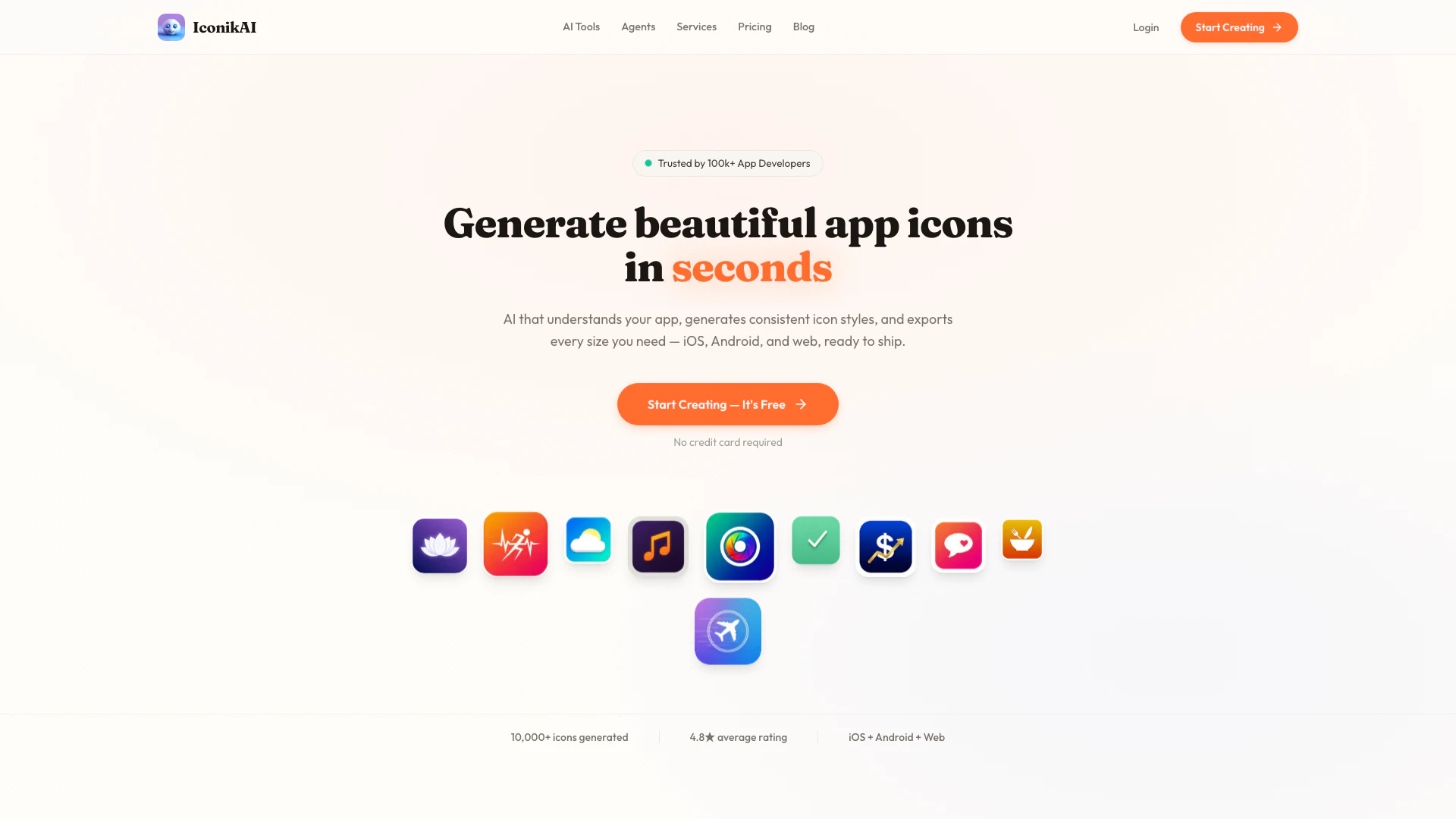
Generate stunning app icons with AI for free and build your MVP in just 10 days.
- Image Generation & Editing
- AI Image Generator
- AI Device Mockup Generator
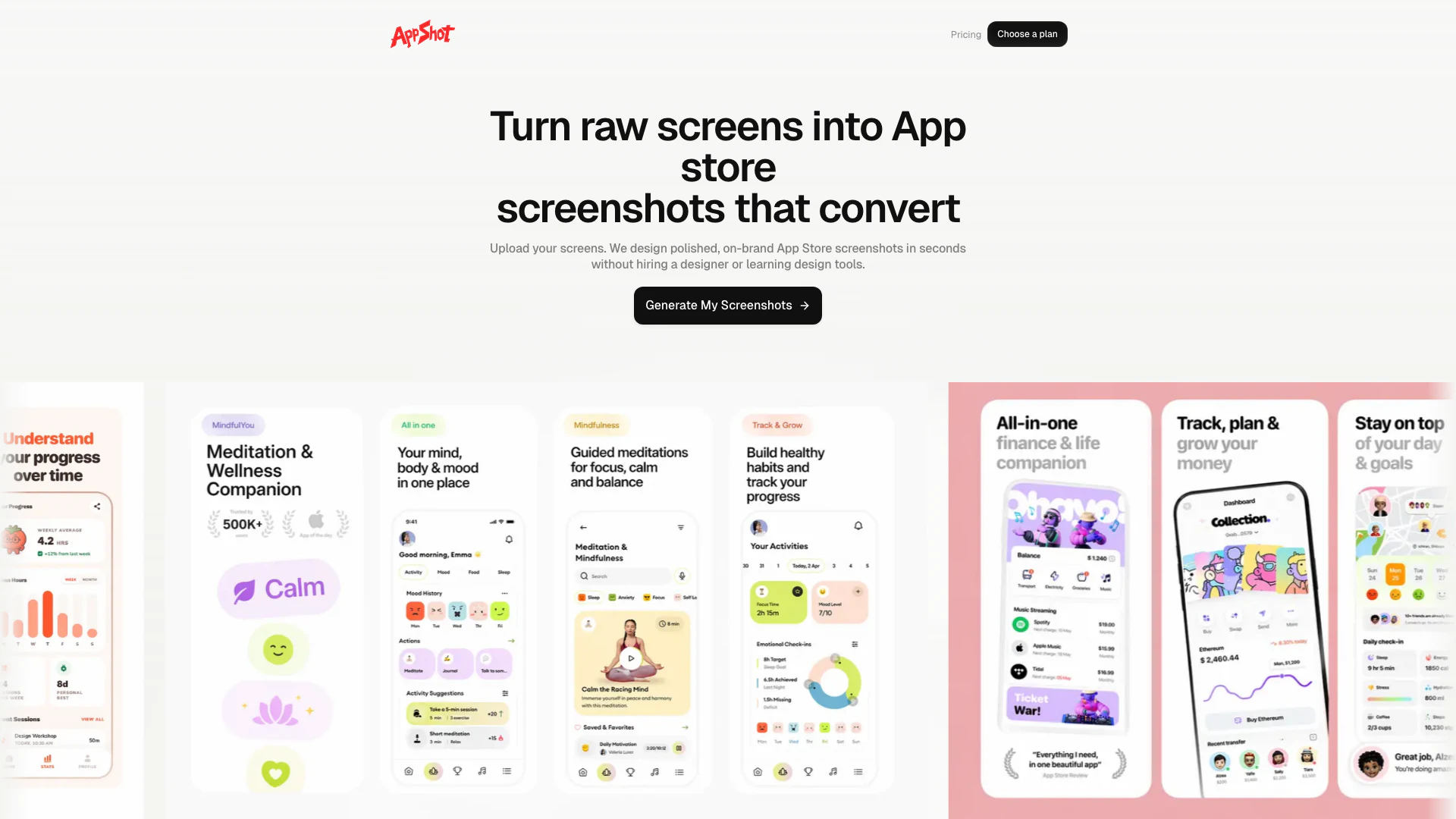
Generate polished, on-brand App Store screenshots from raw app screens in minutes with Appshots.
- Image Generation & Editing
- AI Photo Editor
- AI Product Photo Generator
- AI Device Mockup Generator
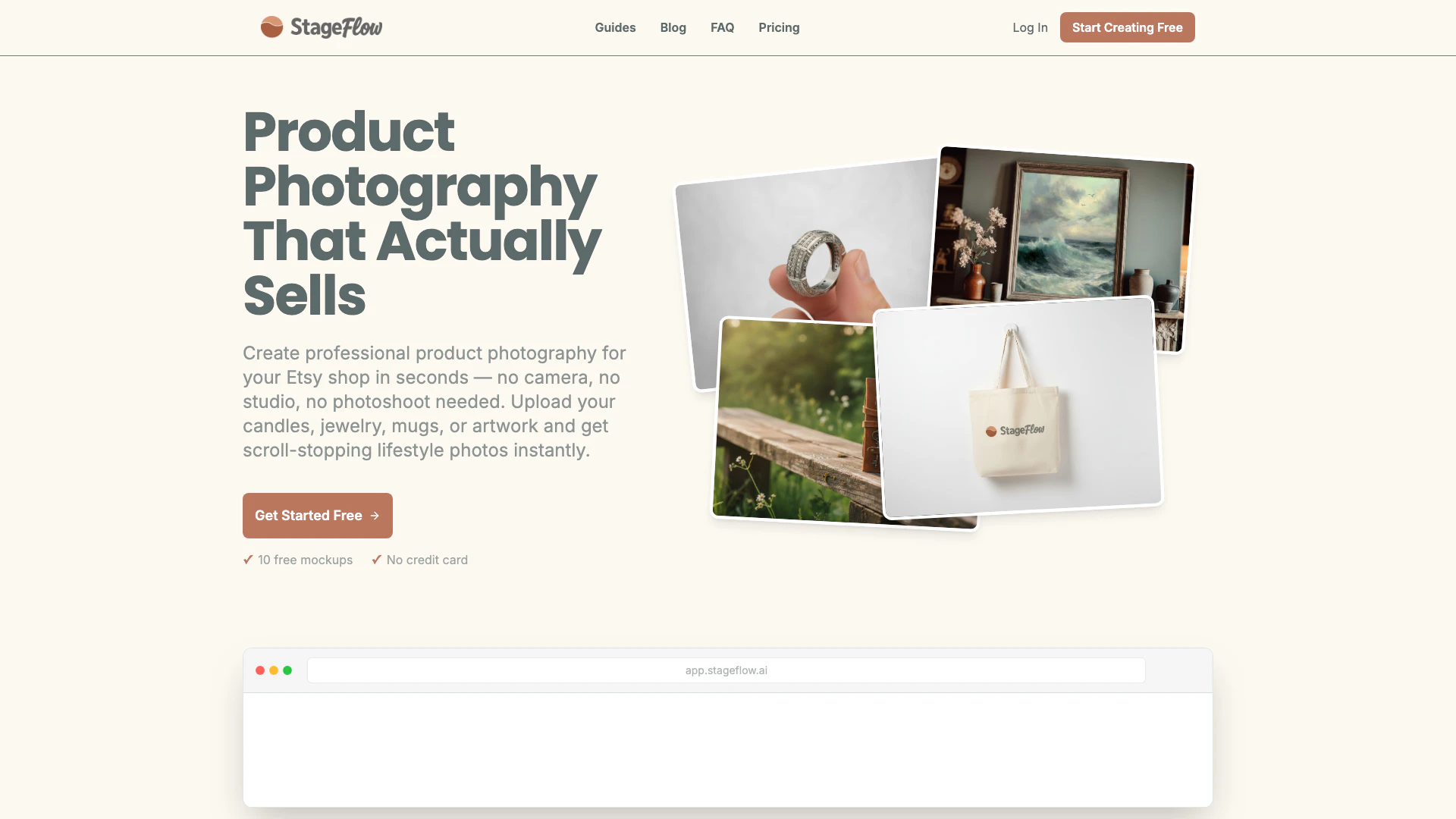
Create stunning Etsy product photos in seconds with Stageflowai's AI mockup generator, no camera or photoshoot required.
- Image Generation & Editing
- AI Image Generator
- AI Product Photo Generator
- AI Device Mockup Generator