
Motion


What is Motion?
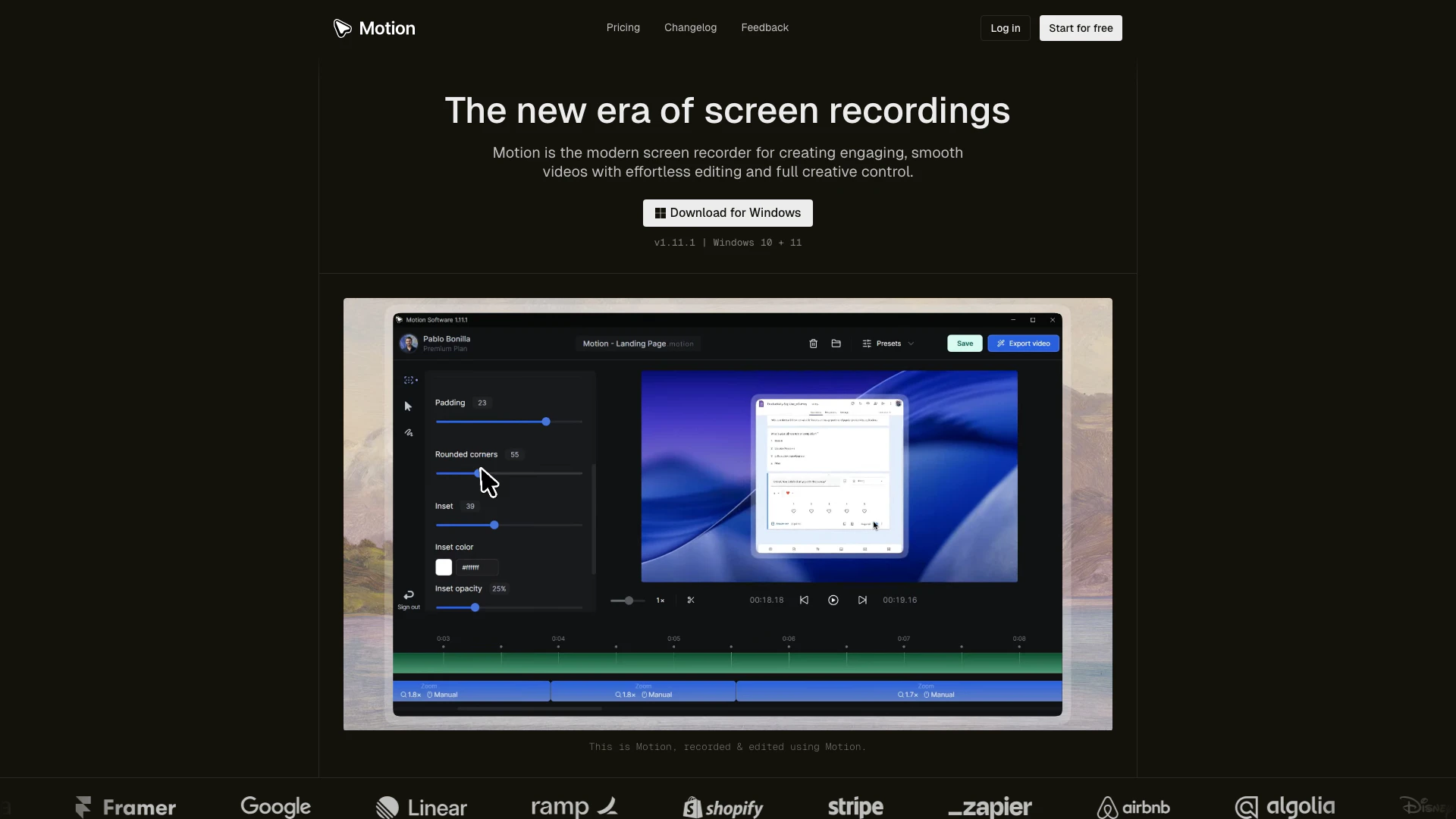
Motion is a modern screen recording and video editing tool designed for Windows users. It allows you to create beautiful, engaging videos by processing your recordings and handling animations automatically. With Motion, users have full creative control over their video content, making it ideal for creating tutorials, demos, and social media clips. The tool is built to simplify the video creation process while enhancing the overall quality of the output.
How to use Motion?
- Download and install Motion on your Windows 10 or 11 PC from the official website.
- Launch the application and choose your recording settings, including screen, webcam, microphone, and system audio.
- Start recording your video and once done, configure the animation settings as per your preference.
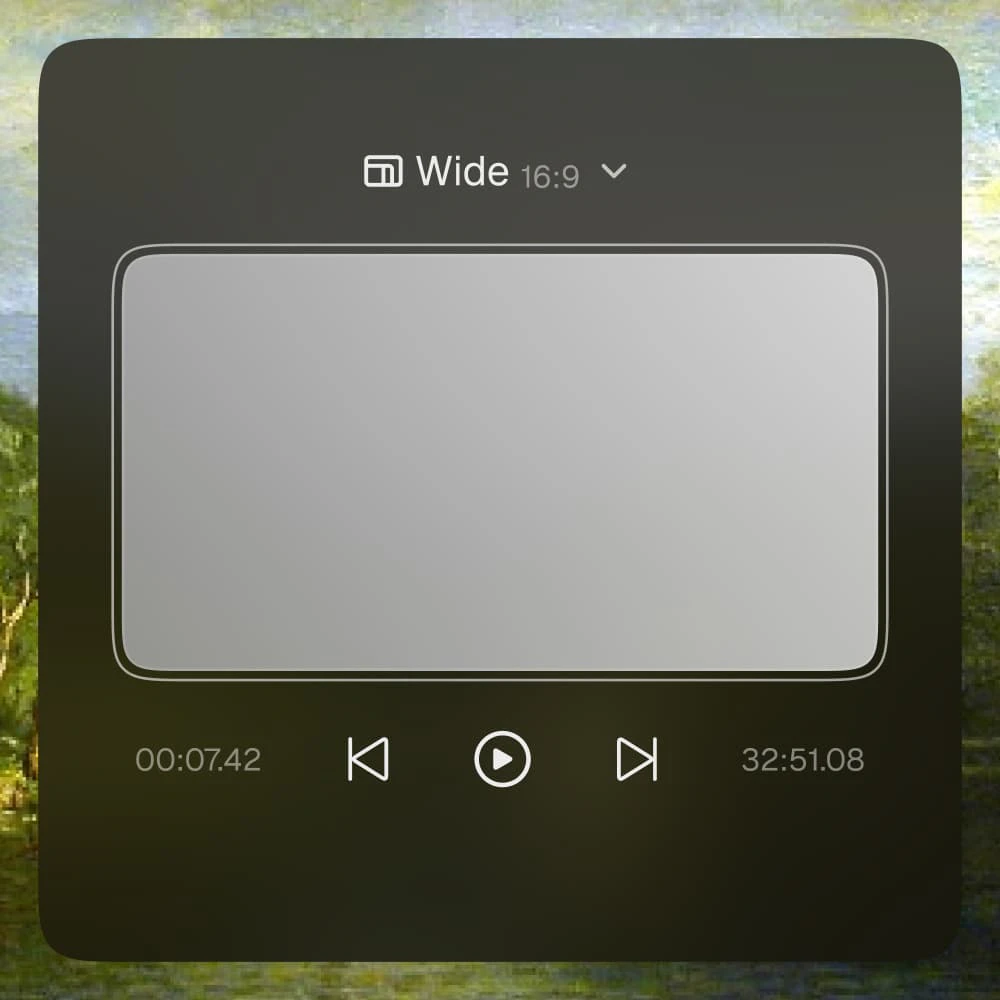
- Use the built-in editor to trim, split, and add effects to your video.
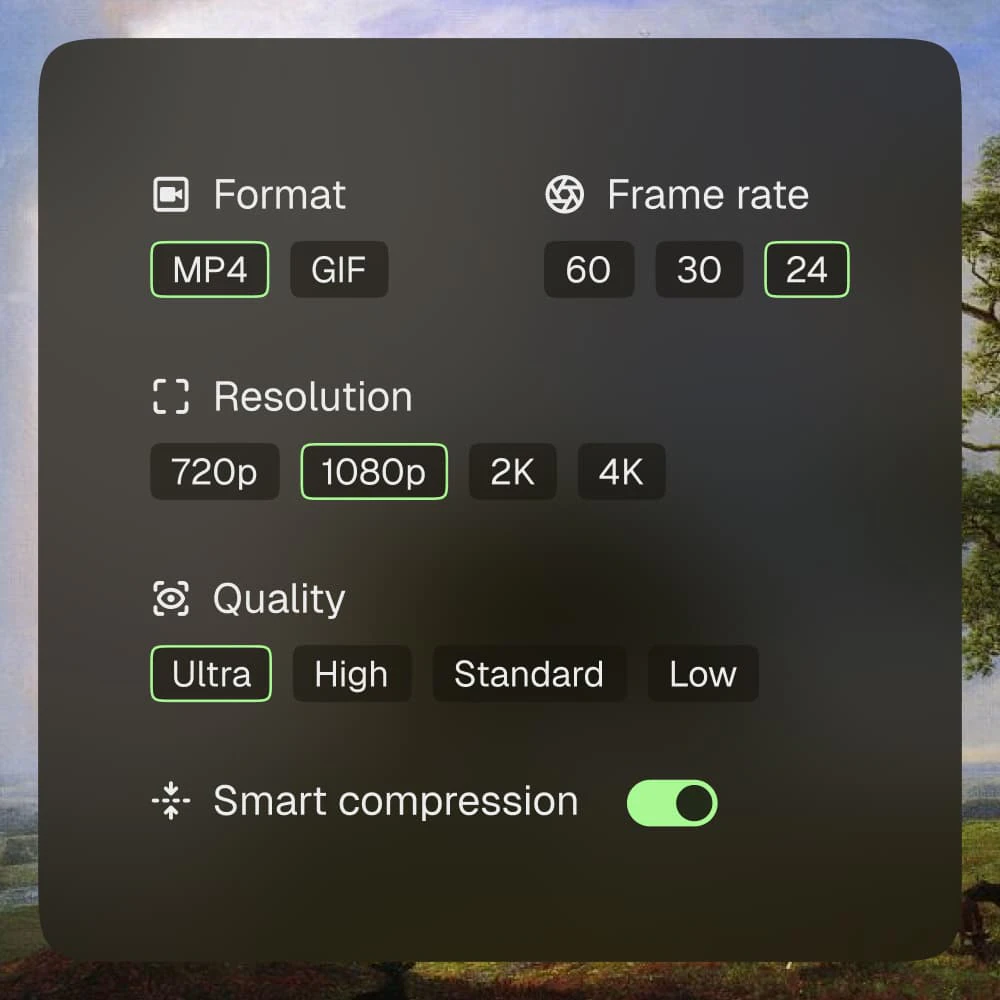
- Export your finished video in your desired format, ready for sharing.
What are the main features of Motion?
- Automatic animation handling for seamless video creation.
- Custom-built editor designed for speed and precision.
- Ability to record screen, webcam, microphone, and system audio.
- Support for various export formats with customizable settings.
- Cloud storage for syncing and protecting videos.
- Shareable links for easy online sharing.
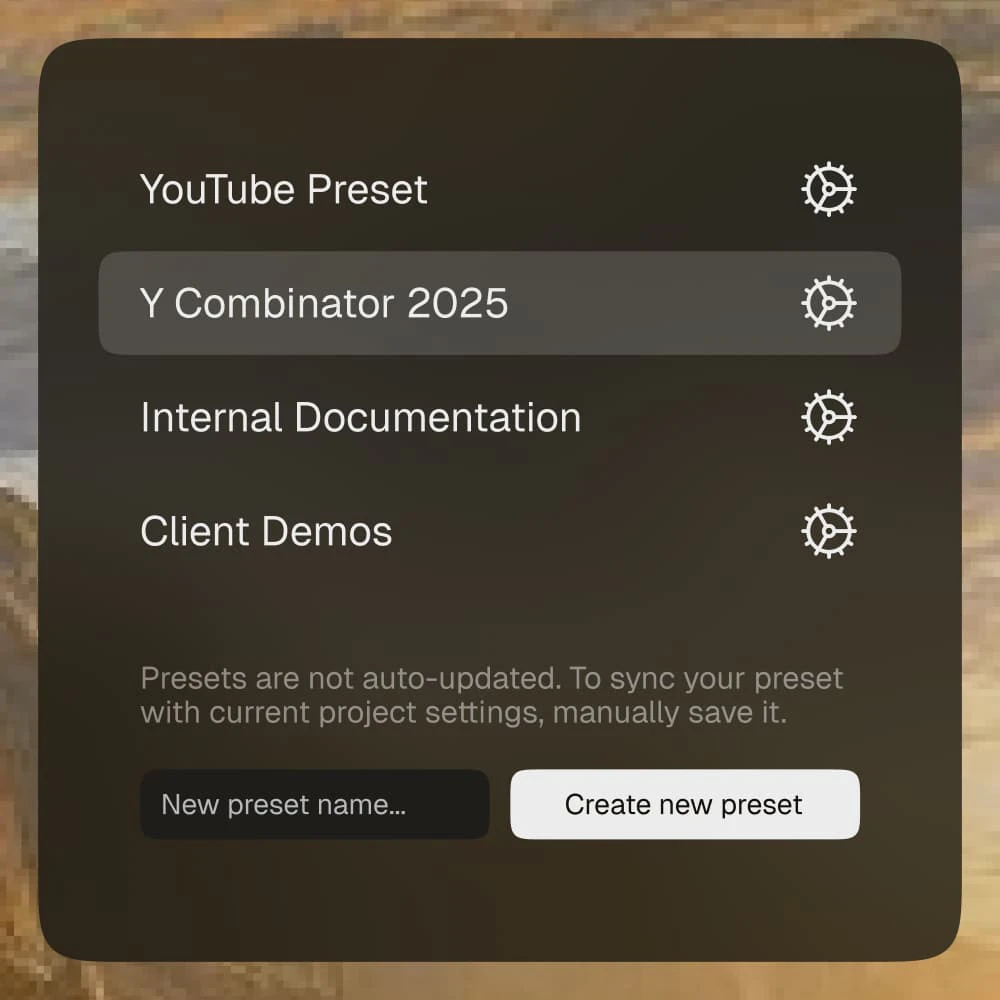
- Option to save and reuse video templates for future projects.
Who is Motion for?
Motion is designed for a wide range of users including content creators, educators, marketers, and businesses. Whether you're creating tutorials, product demos, marketing videos, or social media content, Motion provides the tools necessary to produce high-quality videos. It's suitable for both beginners looking to explore video creation and professionals seeking advanced editing features.
What are the use cases of Motion?
- Creating engaging tutorials for software or educational content.
- Producing high-impact product demos to showcase features and functionalities.
- Developing marketing videos for social media platforms to enhance brand visibility.
Product Images
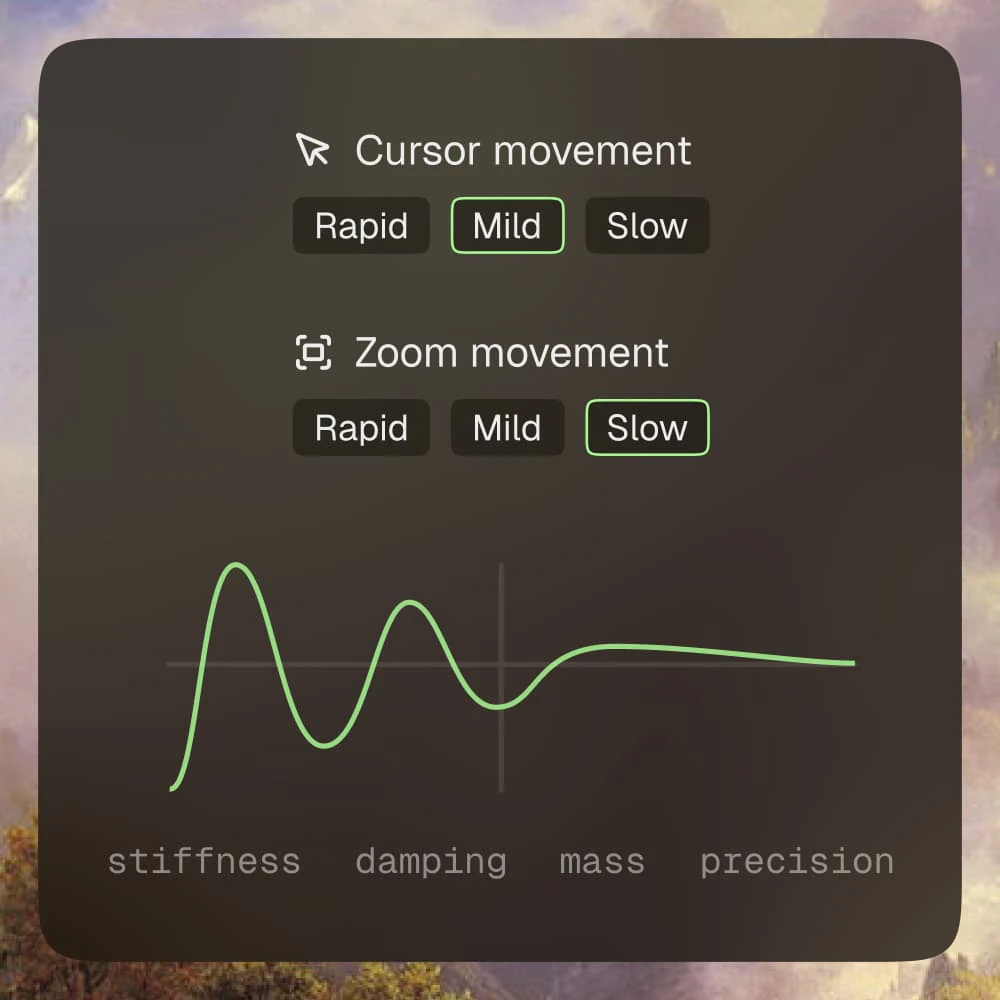
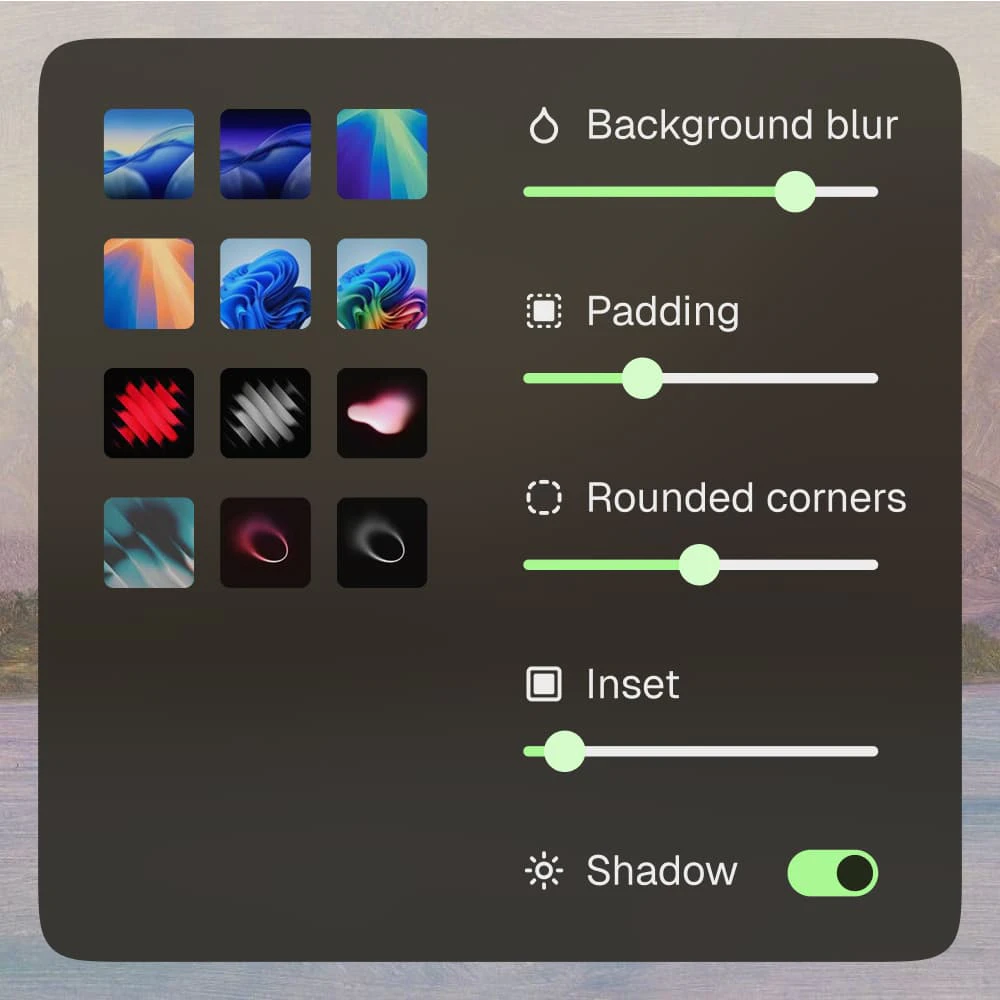
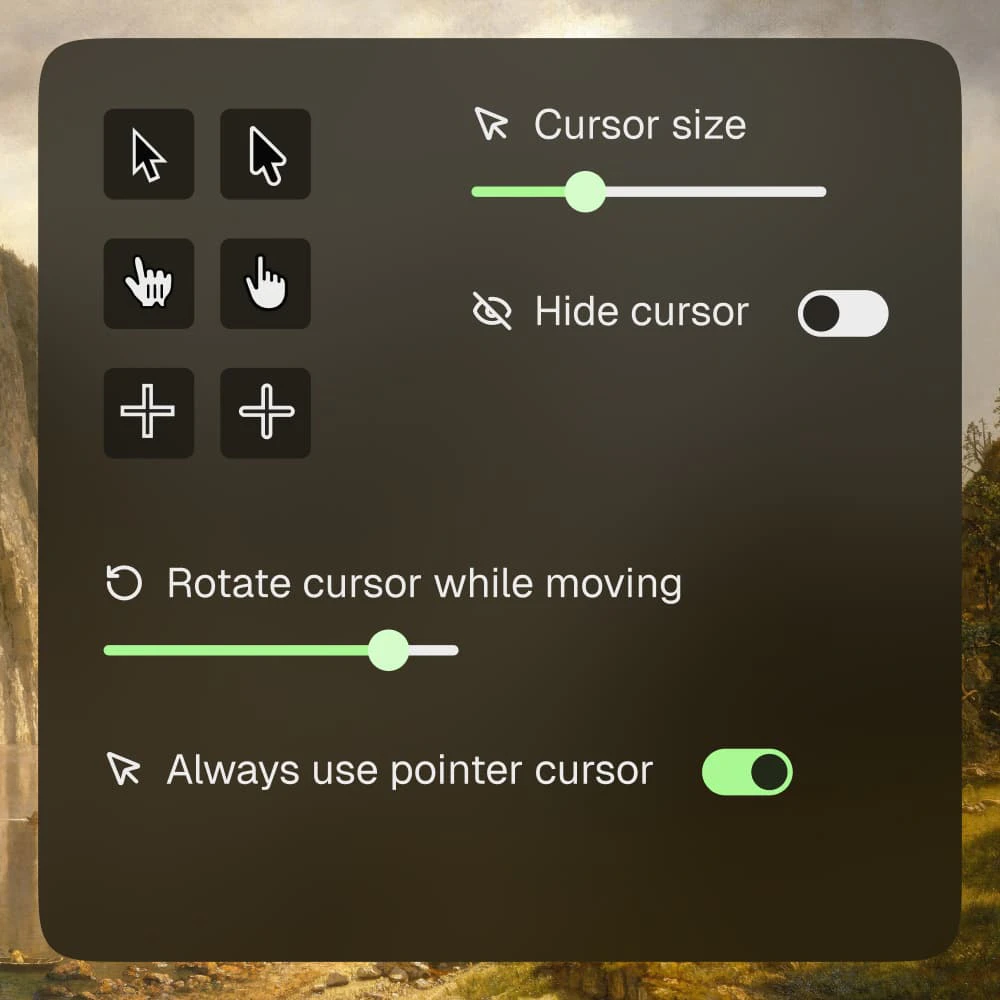
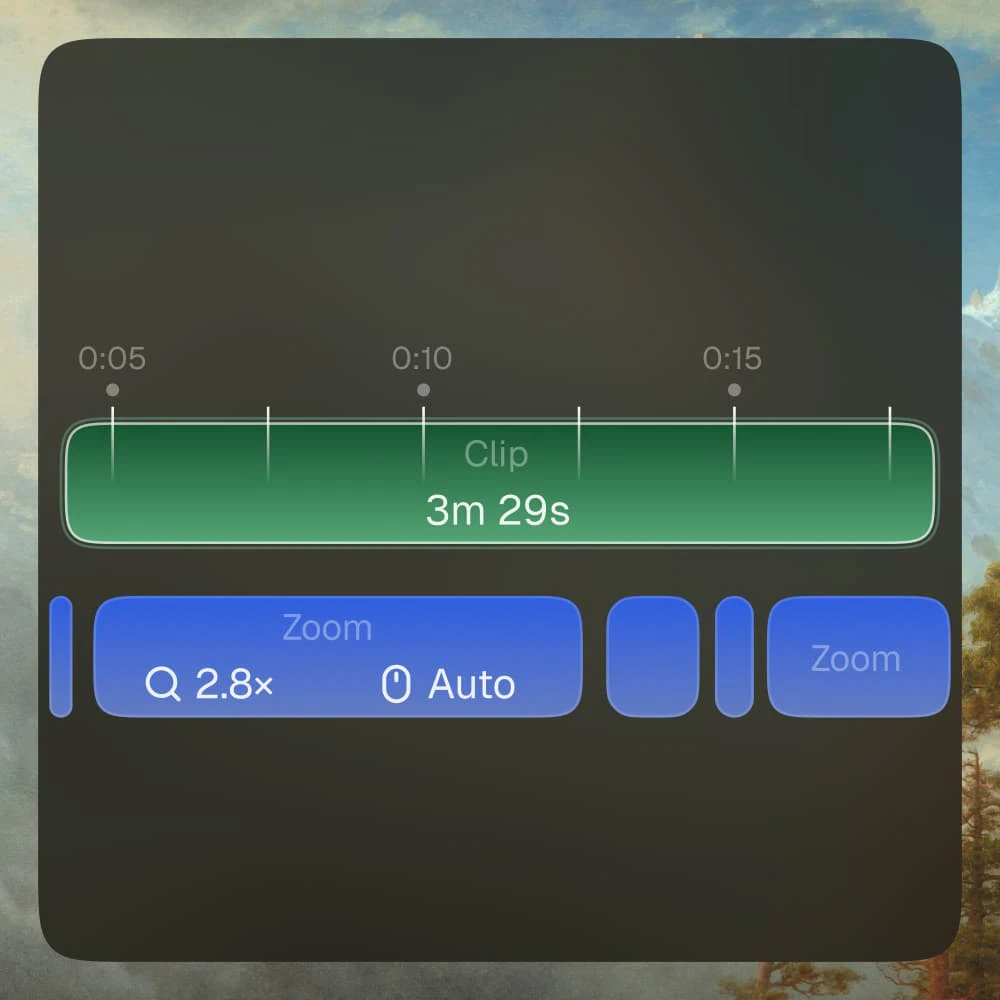
Motion Pros and Cons
Pros
- Effortless Video Creation: Motion simplifies the video creation process by automatically handling animations, allowing users to focus on content rather than technical details.
- Customizable Editing Features: The tool offers a powerful custom-built editor that allows users to configure animations and video settings according to their preferences.
- Supports Multiple Formats: Motion supports MP4 exports with customizable frame rates and resolutions, making it versatile for different video needs.
Cons
No cons data detected for this tool
Motion Pricing
Free
Perfect for getting started with Motion and exploring all essentials at no cost. Limited Motion features, Unlimited Motion updates, Lightning-fast video exports, Basic email support, Includes watermark.
Premium
Best value. Start producing content that feels and looks professional, and ready to impress anyone. All Motion features, Unlimited Motion updates, Lightning-fast video exports, Priority email support.
For the latest pricing, please visit this link: https://www.motion.software/pricing
Prices are subject to change. Please visit the official website for the most up-to-date pricing information.
Analytics of Motion
Motion Website Traffic Analysis
Visits Over Time
Traffic Sources
Nov 2025 - Jan 2026 Worldwide Desktop Only
- Direct: 55.12%
- Search: 20.29%
- Social: 17.49%
- Referrals: 5.74%
- Paid Referrals: 0.86%
- Mail: 0.09%
Top Keywords
| Keyword | Volume | CPC | Estimated Value |
|---|---|---|---|
| motion login | 1.24K | $0.15 | $0.00 |
| motion software | 540 | $1.61 | $220.00 |
| motion screenrecorder | 280 | $0.00 | $100.00 |
| motion screen record | 210 | $0.00 | $170.00 |
| motion screen recorder | 100 | $0.00 | $100.00 |
Motion Compare
| Tool Name | Introduction | Pricing | Type | Rating | Launch Date | Learn more |
|---|---|---|---|---|---|---|
 | Paperguide: The AI Research Assistant | Free | 💼Work | June 20, 2024 | Get deal | |
 | GraphixCalc simplifies sign estimating and pricing. | Free | 💼Work🎨Creativity | December 11, 2005 | Get deal | |
 | Enhance your coding skills through engaging projects. | Free | 💼Work🎨Creativity | November 30, 2022 | Get deal |
Info current as of post date. Offers and availability may vary by location and are subject to change.
Motion Q&A
Motion is a modern screen recorder and video editor for Windows that creates beautiful, smooth videos with effortless editing and full creative control. It processes your recordings and handles all the animations automatically.
Motion Alternatives

Create stunning AI-generated videos and images with ease.
- Video & Animation
- AI Video Generator
- AI Video and Image Creator
- AI Creative Video and Image Generation

Kling AI empowers creators to generate stunning images and videos using advanced generative AI techniques.
- Image Generation & Editing
- AI Image Generator
- AI Video Generator
- AI Image and Video Synthesis

PixVerse transforms your ideas into stunning AI-generated videos.
- Video & Animation
- AI Video Generator
- AI Text to Video
- AI Video Creation Suite