

Myfeedin





What is MyFeedIn?
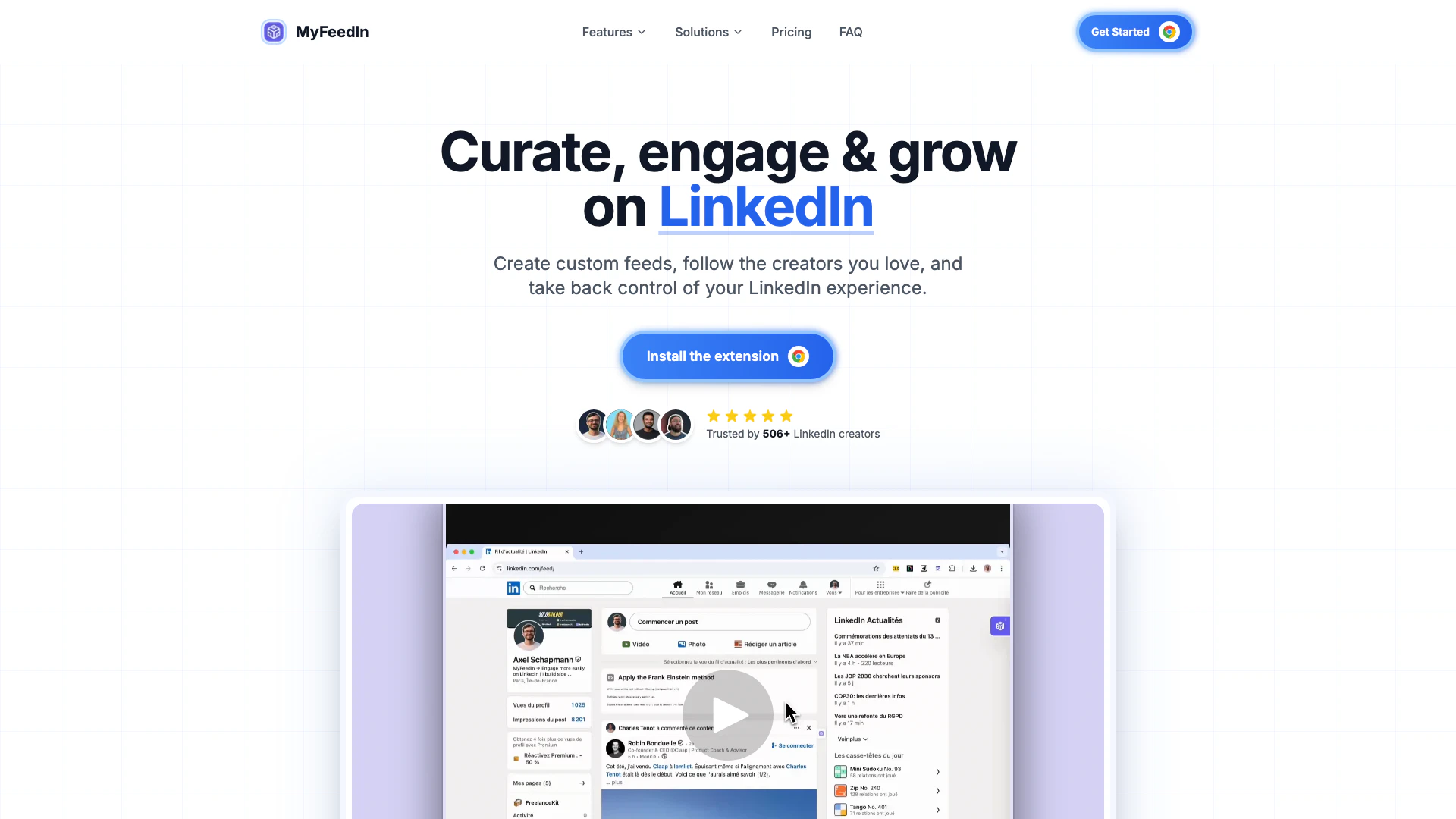
MyFeedIn is an innovative tool designed to enhance user engagement on LinkedIn by allowing individuals to create custom feeds[1] tailored to their interests. This Chrome extension helps users filter and organize their LinkedIn content, ensuring they see posts from the creators they follow while minimizing irrelevant distractions. By using MyFeedIn, professionals can regain control over their LinkedIn experience, transforming it into a more focused and productive platform.
How to use MyFeedIn?
- Install the MyFeedIn Chrome extension from the website.
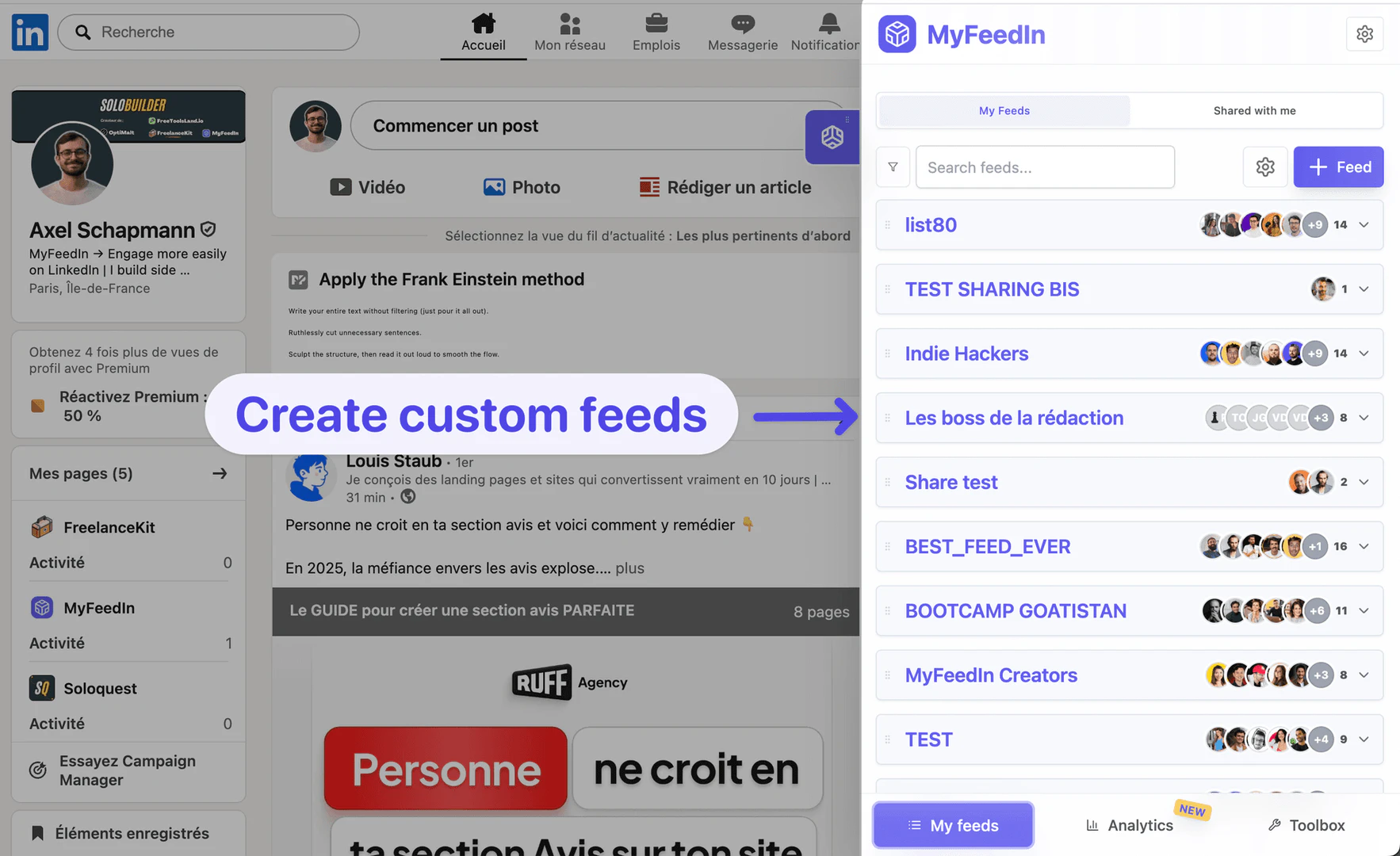
- Create your first custom feed by selecting the topics, industries, or creators you want to follow.
- Organize your feeds to filter out irrelevant content and focus on posts that matter to you.
- Use the focus mode[4] feature to engage with creators without distractions.
- Monitor your engagement and growth through the analytics dashboard.
What are the main features of MyFeedIn?
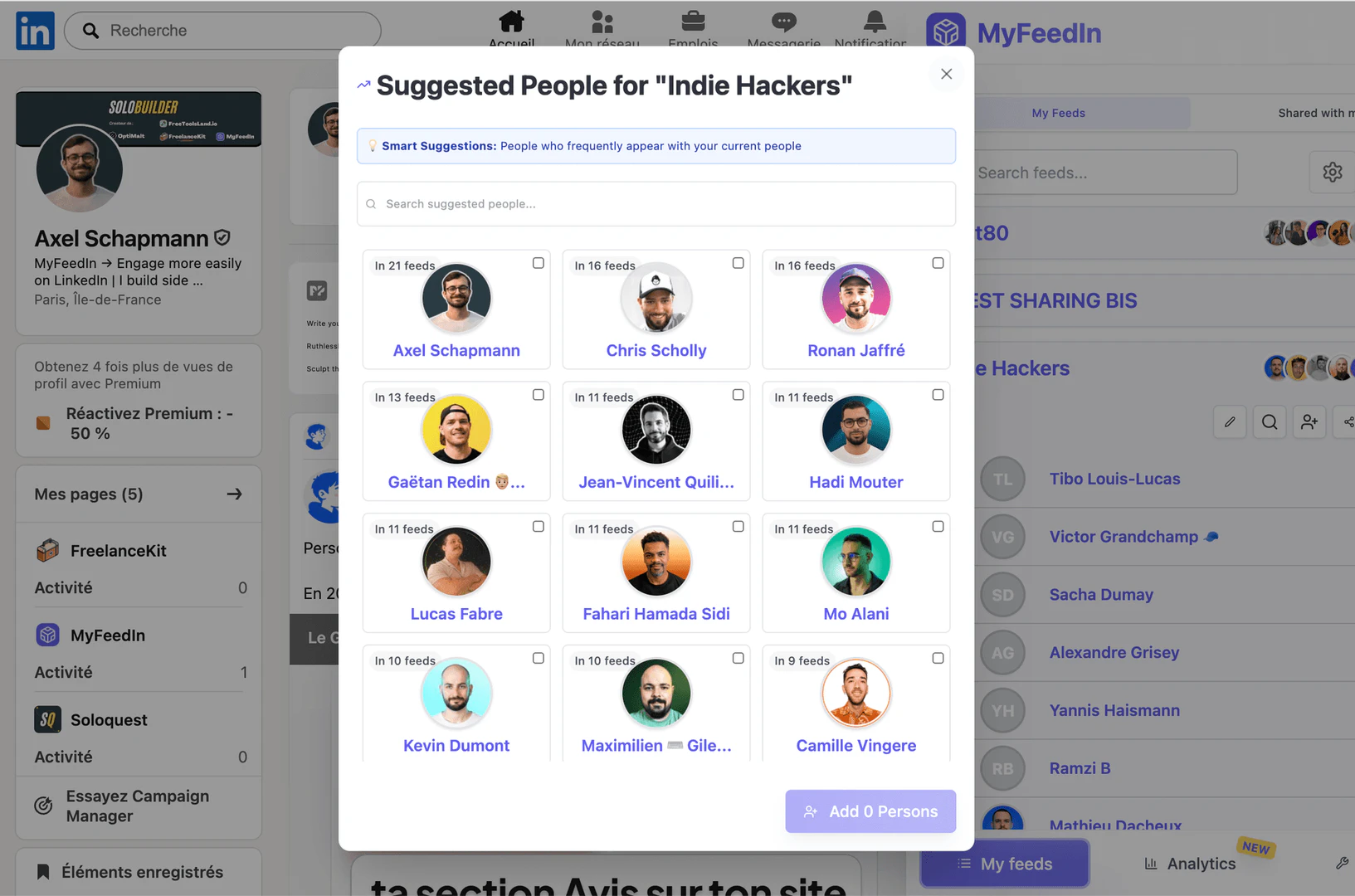
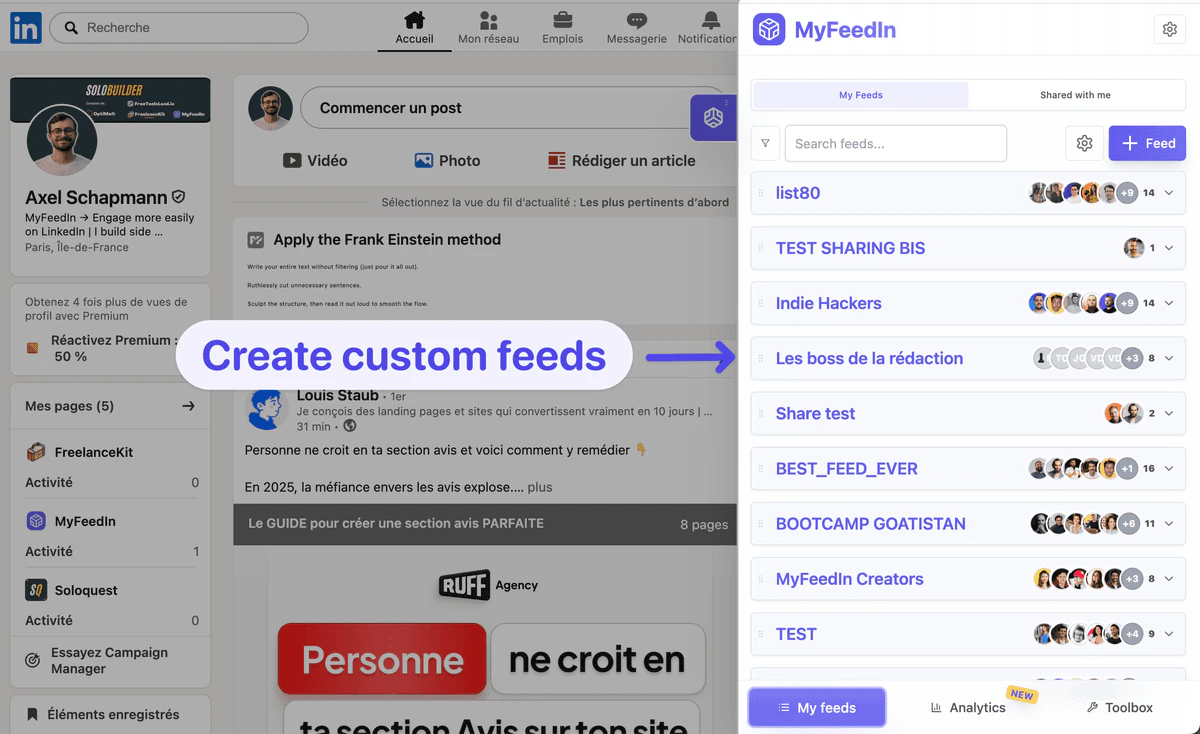
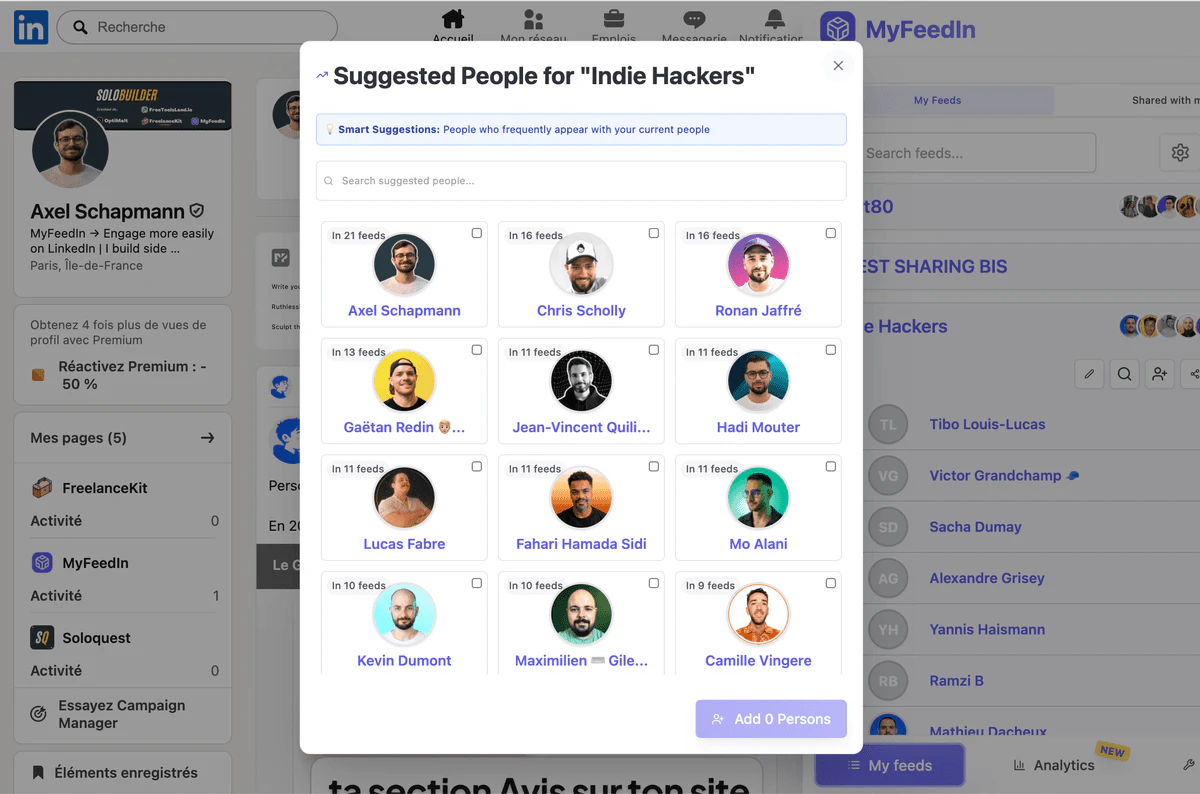
- Custom Feeds: Create personalized feeds to organize LinkedIn content by topics, industries, or specific creators.
- Engagement Tools[2]: Engage meaningfully with your favorite thought leaders using focus mode to eliminate distractions.
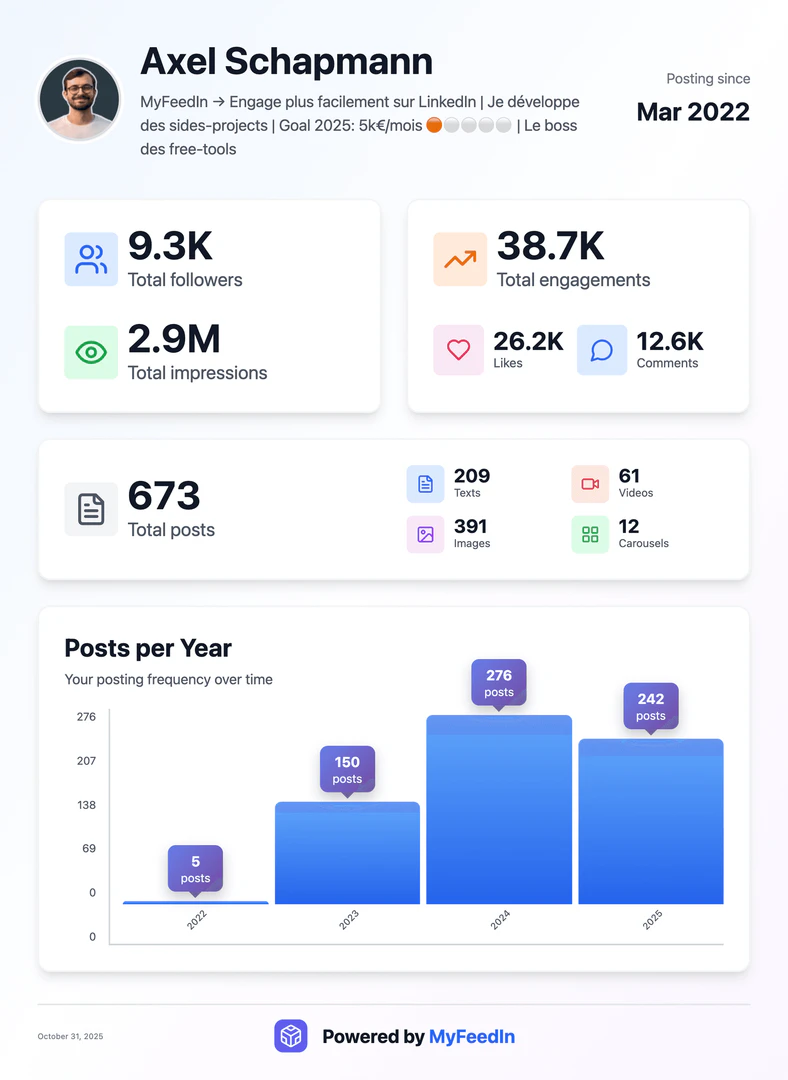
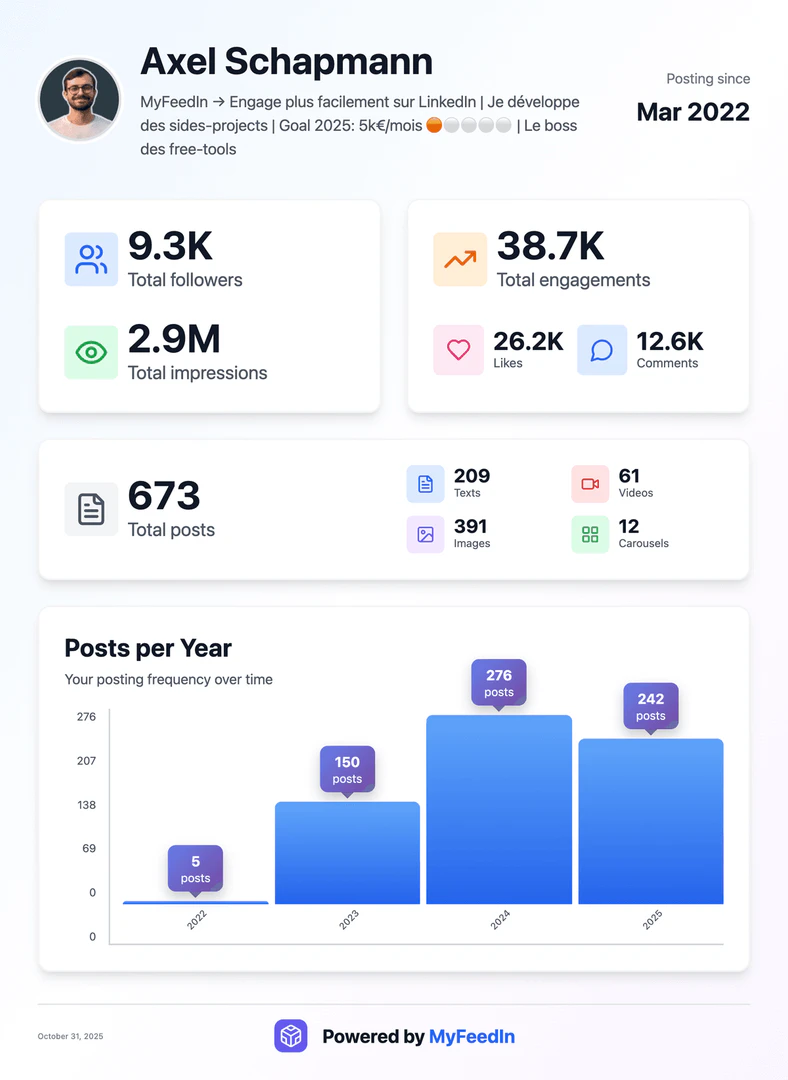
- Analytics Tracking[3]: Monitor your engagement and growth with detailed insights into your LinkedIn interactions.
Who is MyFeedIn for?
MyFeedIn is designed for LinkedIn professionals, content creators, and anyone looking to enhance their LinkedIn experience. It is particularly beneficial for individuals who want to curate their feeds to follow specific topics or creators, improve their networking capabilities, and save time by avoiding irrelevant content. Whether you're a job seeker, a marketer, or a thought leader, MyFeedIn helps you engage effectively on the platform.
What are the use cases of MyFeedIn?
- Professional Networking: Use MyFeedIn to connect with industry leaders and engage with their content, fostering valuable relationships.
- Content Curation[5]: Organize your LinkedIn feed to focus on specific interests or industries, ensuring you only see relevant posts.
- Time Management: Save hours each week by filtering out distractions and focusing on meaningful interactions that contribute to your professional growth.
Product Images
Myfeedin Pros and Cons
Pros
- Custom Feed Creation: MyFeedIn allows users to create personalized feeds, filtering content by topics, industries, or interests, enhancing the relevance of their LinkedIn experience.
- Enhanced Engagement: The tool enables users to follow their favorite creators and engage meaningfully, reducing distractions and improving networking opportunities.
- Analytics Tracking: MyFeedIn provides analytics to monitor engagement and growth, helping users understand what content resonates with their audience.
Cons
No cons data detected for this tool
Myfeedin Pricing
Monthly
Unlimited engagement lists, add unlimited people to lists, focus mode for better engagement.
Yearly
Unlimited engagement lists, add unlimited people to lists, focus mode for better engagement.
Lifetime
Unlimited engagement lists, add unlimited people to lists, focus mode for better engagement.
For the latest pricing, please visit this link: https://myfeedin.co/#pricing
Prices are subject to change. Please visit the official website for the most up-to-date pricing information.
Myfeedin Reviews
MyFeedIn has made LinkedIn orders of magnitude more enjoyable. It's also allowed me to engage with the content that really matters, and spark worthwhile conversations. Business-wise, it's a no-brainer.
MyFeedIn helps me having a better LinkedIn feed and avoid useless distraction. It makes it easier to engage with the right people and saves me a lot of time!
Excellent extension that keeps improving over time with more and more helpful features!
For more reviews, visit this link: https://myfeedin.co/#reviews
Myfeedin Compare
| Tool Name | Introduction | Pricing | Type | Rating | Launch Date | Learn more |
|---|---|---|---|---|---|---|
Tutor AI - Your personal AI tutor to learn anything | Free | September 23, 2007 | Get deal | |||
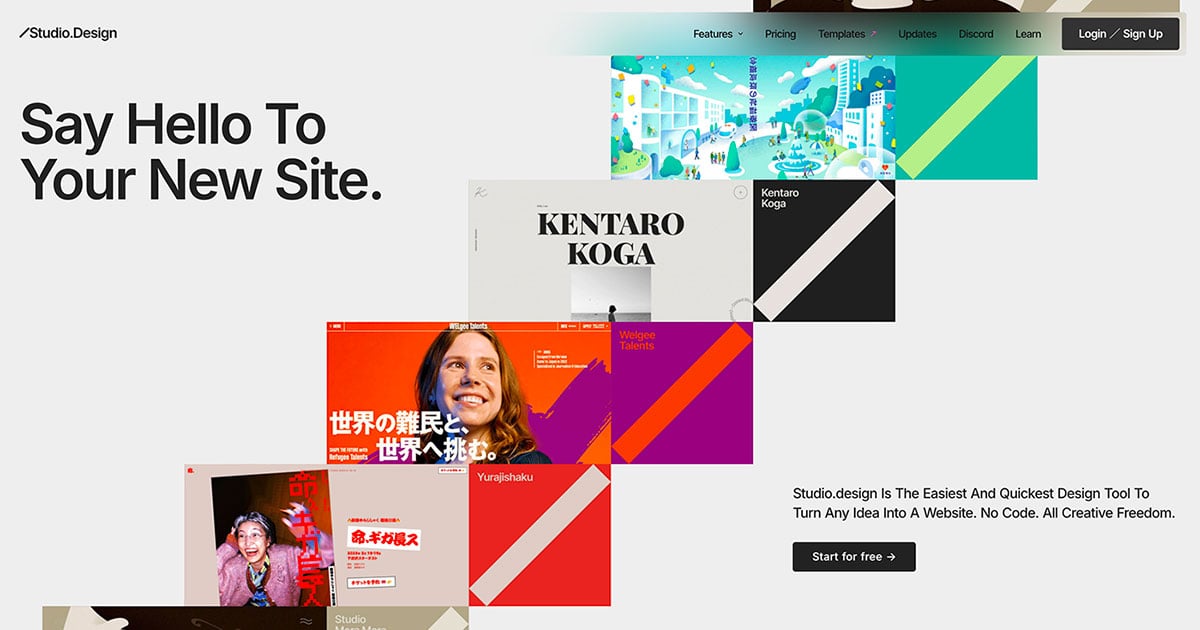
The easiest and quickest way to build your beautiful portfolio website, landing page or anything. No code. All creative freedom. | Free | July 6, 2017 | Get deal | |||
Never miss a new customer | Jackrabbit Ops | Free | June 17, 2022 | Get deal |


Info current as of post date. Offers and availability may vary by location and are subject to change.
Myfeedin Q&A
You can create your first custom feed for free. To create more, however, you'll need a subscription.
For more FAQs, please visit this link: https://myfeedin.co/#faq
Myfeedin Alternatives
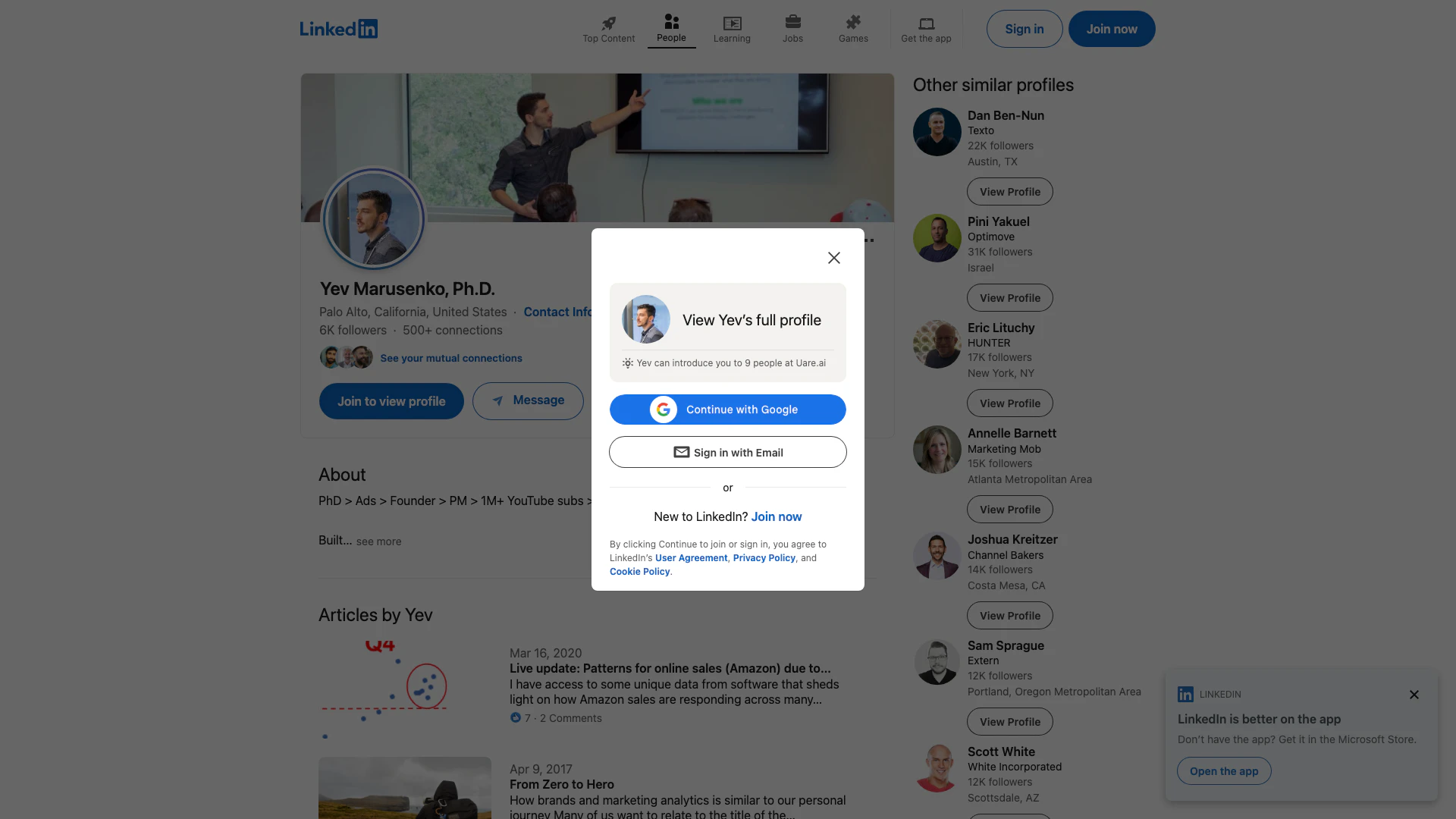
Connect with professionals worldwide on LinkedIn.
- Social Media Tools
- AI LinkedIn Headshot Generator
- AI LinkedIn Photo Generator
- AI LinkedIn Conversation Starter Generator
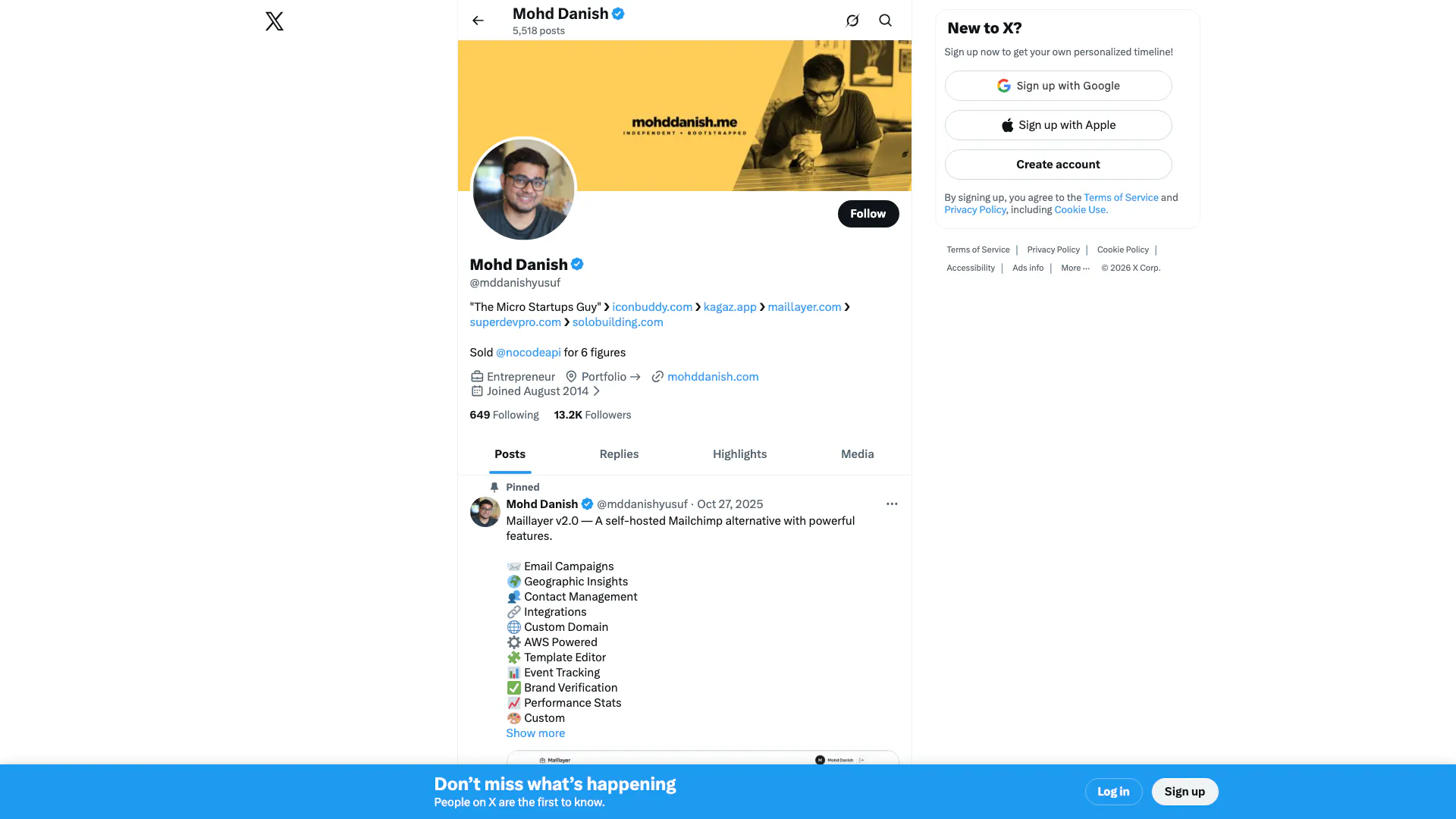
Connect and share ideas on Twitter.
- Social Media Tools
- AI Social Media Tools
- AI Tweet Generator
- AI X/Twitter Tools
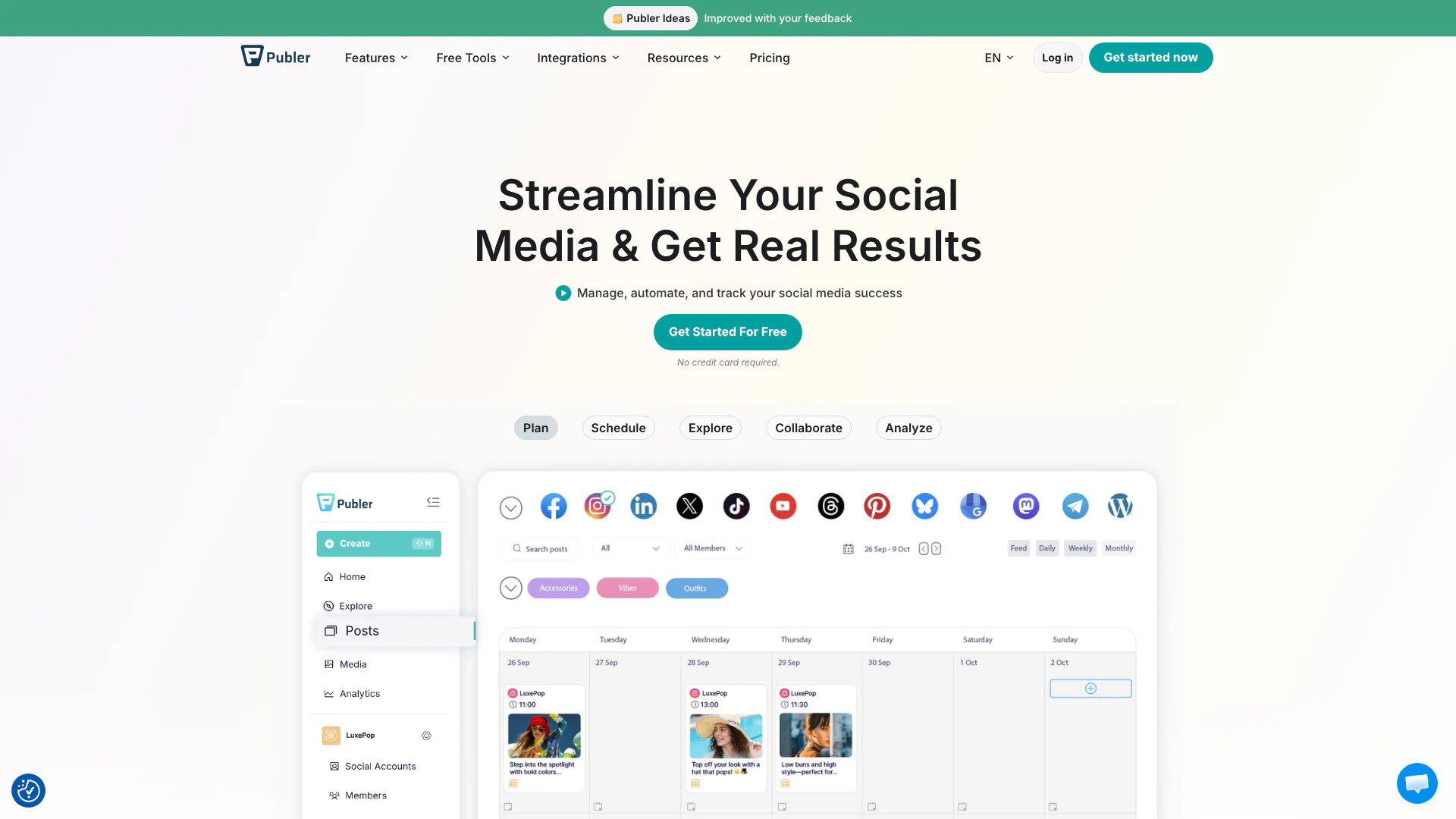
Boost your social media strategy with Publer’s suite of tools. Manage multiple accounts, schedule posts, collaborate with your team, and analyze performance—all in one place.
- Social Media Tools
- AI Social Media Tools