

Notemap
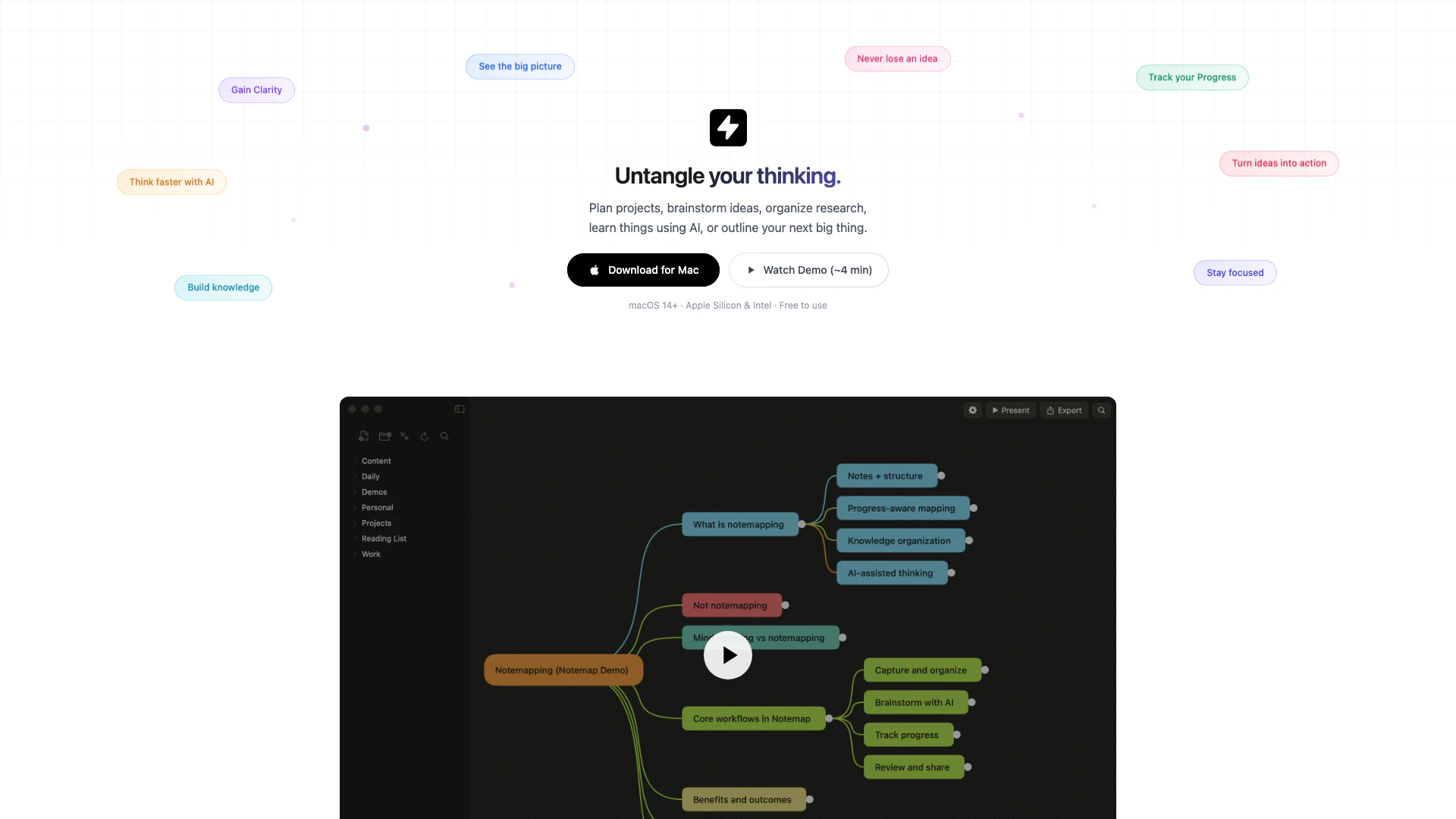




What is Notemap?
Notemap is a native mind mapping application designed specifically for macOS users. It serves as a powerful tool to help individuals untangle their thoughts, organize ideas, and visualize complex concepts in a clear and structured manner. With its intuitive interface built using Swift, Notemap provides a fast and responsive user experience, allowing users to focus on their creative processes without the distraction of cloud dependencies or subscription fees. The core value of Notemap lies in its ability to enhance clarity, creativity, and retention, making it an ideal solution for anyone looking to improve their brainstorming, planning, and learning efforts.
How to use Notemap?
- Download and install Notemap from the official website (https://notemap.com/download).
- Launch the application and create a new mind map by selecting 'New Map' from the main menu.
- Start adding nodes by clicking on the canvas and entering your ideas. You can create sub-nodes to expand on your thoughts.
- Use the rich note features to add details, images, and attachments to each node.
- Utilize the AI integration to suggest next steps or expand on branches as needed.
- Organize your ideas using cross-links, task lists, and different node styles to enhance clarity.
- Save your mind map locally or sync it with iCloud or Dropbox for backup.
What are the main features of Notemap?
- Local-first storage: Your data is stored on your machine, ensuring privacy and security.
- Rich Notes: Supports Markdown for detailed note-taking.
- Task Lists: Create checklists within nodes to track tasks.
- Attachments: Easily attach images, PDFs, and other files to your nodes.
- Cross-Links: Connect any nodes for better organization.
- Daily Notes: Capture thoughts and ideas daily.
- Search Functionality: Quickly find any information within your mind maps.
- Keyboard-First Control: Full keyboard navigation for efficiency.
- Export Options: Export your mind maps in various formats including PNG, Markdown, and HTML.
- Customizable Themes and Layouts: Choose from 17 themes and 4 layouts to fit your thinking style.
Who is Notemap for?
Notemap is designed for a diverse range of users who seek to enhance their cognitive organization and creativity. This includes founders who need to clarify business models, project managers looking to own roadmaps, developers designing systems, designers mapping user flows, marketers planning campaigns, writers outlining stories, researchers synthesizing papers, and students connecting concepts. Essentially, anyone who needs to untangle their thoughts and visualize ideas will find Notemap to be a valuable tool in their workflow.
What are the use cases of Notemap?
- Project Planning: Use Notemap to outline project tasks, timelines, and responsibilities, ensuring a clear overview of the project scope.
- Brainstorming Sessions: Capture spontaneous ideas during brainstorming meetings, allowing for easy expansion and organization later.
- Learning and Research: Synthesize information from research papers or lectures by connecting concepts and ideas visually, enhancing retention and understanding.
- Creative Writing: Outline stories or articles by mapping characters, plots, and themes, which can help in structuring the narrative effectively.
- Competitor Analysis: Organize insights and information about competitors, attaching relevant documents and links for easy reference.
Product Images
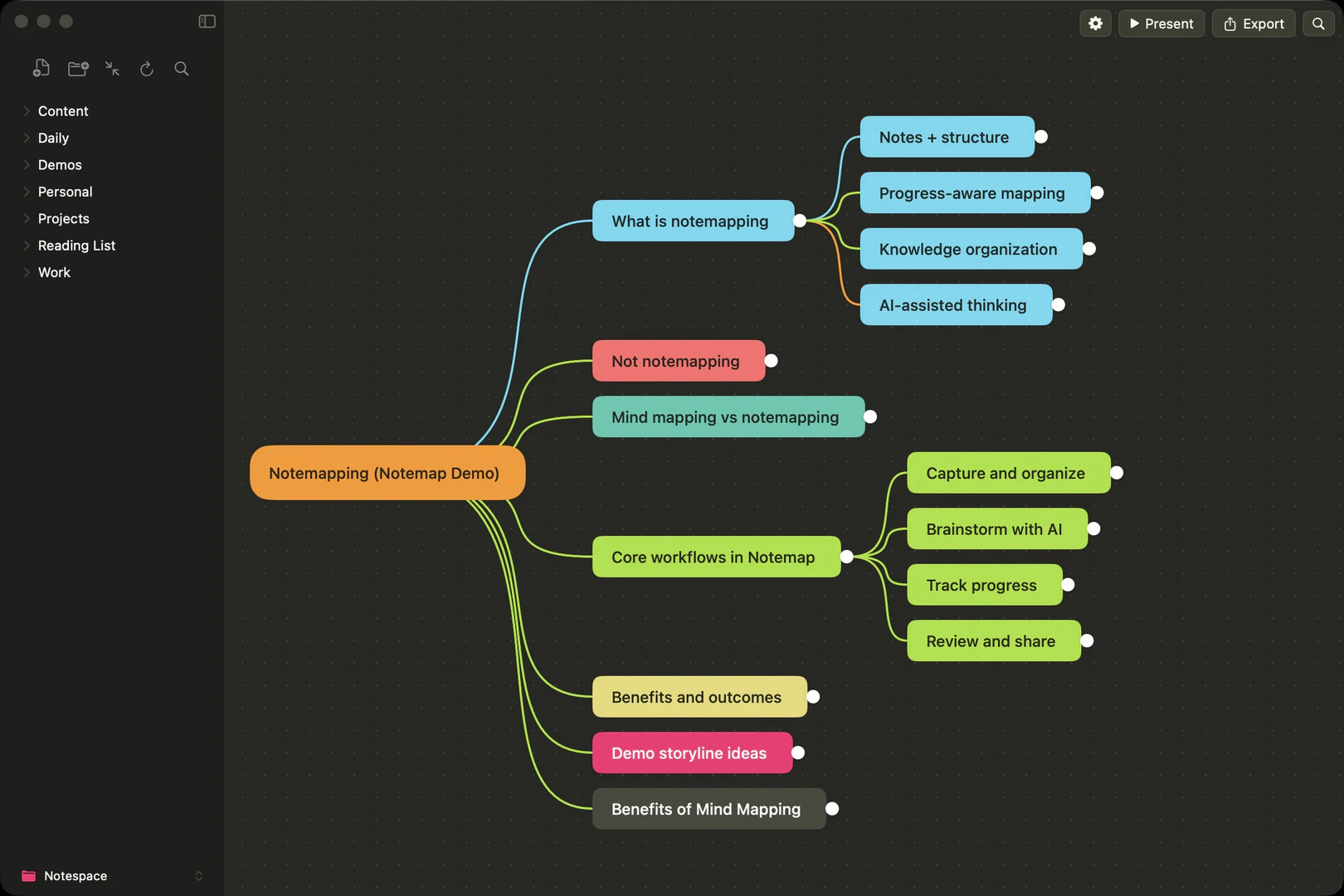
Notemap Pros and Cons
Pros
- Native macOS Performance: Notemap is built with Swift, ensuring fast performance and smooth animations specifically for macOS, enhancing user experience.
- Local Data Storage: Your data is stored locally on your machine by default, eliminating privacy concerns and avoiding cloud lock-in.
- One-Time Purchase Model: Notemap offers a one-time purchase for Pro features, avoiding recurring subscription fees and providing lifetime access.
- AI Integration: The app integrates with major AI providers, allowing users to expand their thinking and generate new ideas effectively.
Cons
No cons data detected for this tool
Notemap Pricing
Team
Custom pricing for 5 or more Pro licenses for your team or organization.
Pro
One-time purchase for a lifetime license.
For the latest pricing, please visit this link: https://notemap.com/buy
Prices are subject to change. Please visit the official website for the most up-to-date pricing information.
Notemap Reviews
I roll my eyes at nine out of 10 self-promoted apps in this sub, but this looks terrific. Already purchased.
I've been using MindNode Classic for more than a decade. When I first opened Notemap, my immediate reactions were: 1 Wow 2 It's beautiful 3 It's fast. From a UI/UX perspective, it feels very polished.
Put in a Gemini key with my pro license and a prompt to help my kid break down a math concept. [beep]. Why don't they have this in schools?
For more reviews, visit this link: https://notemap.com/#reviews
Notemap Compare
| Tool Name | Introduction | Pricing | Type | Rating | Launch Date | Learn more |
|---|---|---|---|---|---|---|
 | ThelioAi | Train GPT-4o on your Files via WhatsApp – Fast & Easy! | Free | 💼Work | April 20, 2023 | Get deal | |
 | Discover top-tier crypto analytics and insights. Track wallets, whales, trends, and token dashboards. Unlock smart money flow and AI-powered trading signals | Free | 💼Work | December 15, 2021 | Get deal | |
 | Askleaf provides the latest updates on technology and vehicles. | Free | 💼Work | December 15, 2025 | Get deal |
Info current as of post date. Offers and availability may vary by location and are subject to change.
Notemap Q&A
Yes, Notemap is built with Swift specifically for macOS. It runs natively on both Apple Silicon and Intel Macs, delivering fast performance and smooth animations.
For more FAQs, please visit this link: https://notemap.com/docs/getting-started/introduction
Notemap Alternatives

Notion is an AI-powered workspace that automates tasks and enhances team collaboration.
- Productivity & Office
- AI Productivity Tools
- AI Information Management Tools
- AI Task Management Tools
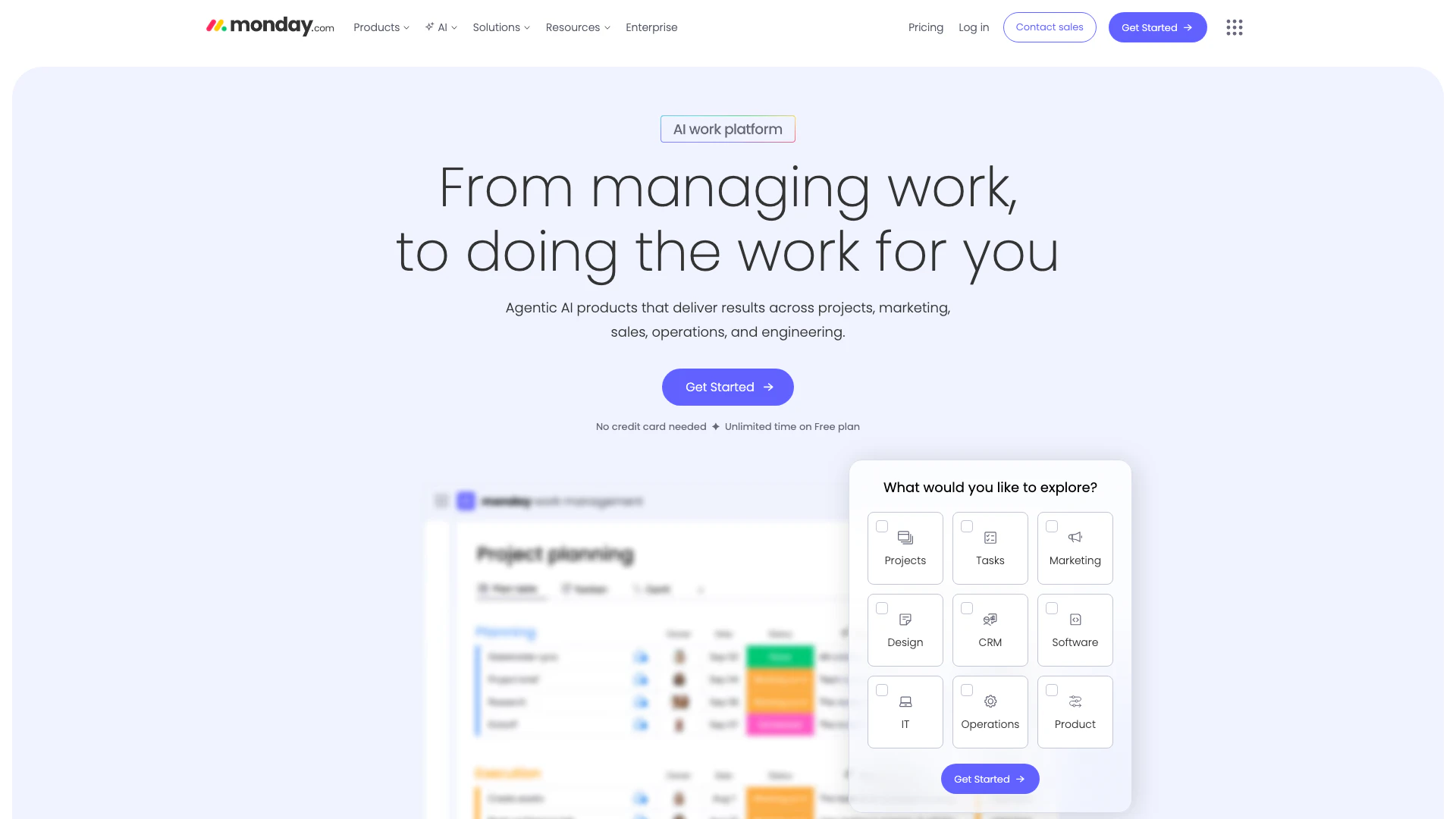
Monday is an AI-powered work platform that enhances team productivity.
- Productivity & Office
- AI Productivity Tools
- AI Task Management Tools
- AI Collaboration Tools for Preparation
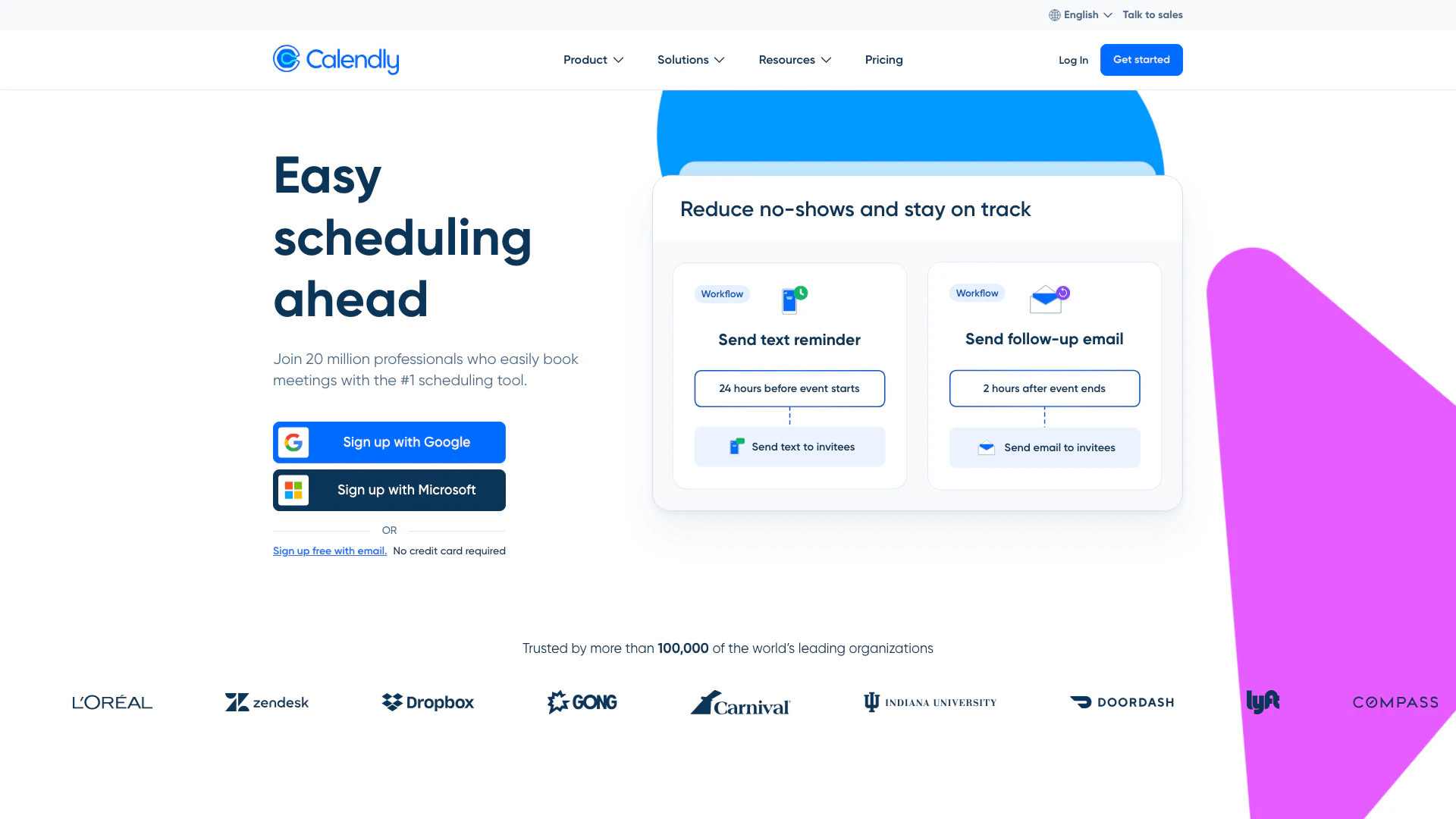
Calendly simplifies scheduling for teams and individuals.
- Productivity & Office
- Secure Productivity Tools
- AI Task Management Tools
- AI Collaboration Tools for Preparation