

Numerous






What is Numerous?
Numerous is an innovative tool that integrates the power of AI into Google Sheets and Excel, enabling users to leverage ChatGPT's capabilities seamlessly. This tool is designed to simplify complex tasks such as data organization, content creation, and digital marketing campaigns, making it a cost-effective and powerful solution for individuals and teams. With its user-friendly interface, Numerous allows anyone to harness AI without needing technical expertise or API keys.
How to use Numerous?
- Install the Numerous add-on from the official website.
- Open Google Sheets or Excel and navigate to the add-ons section.
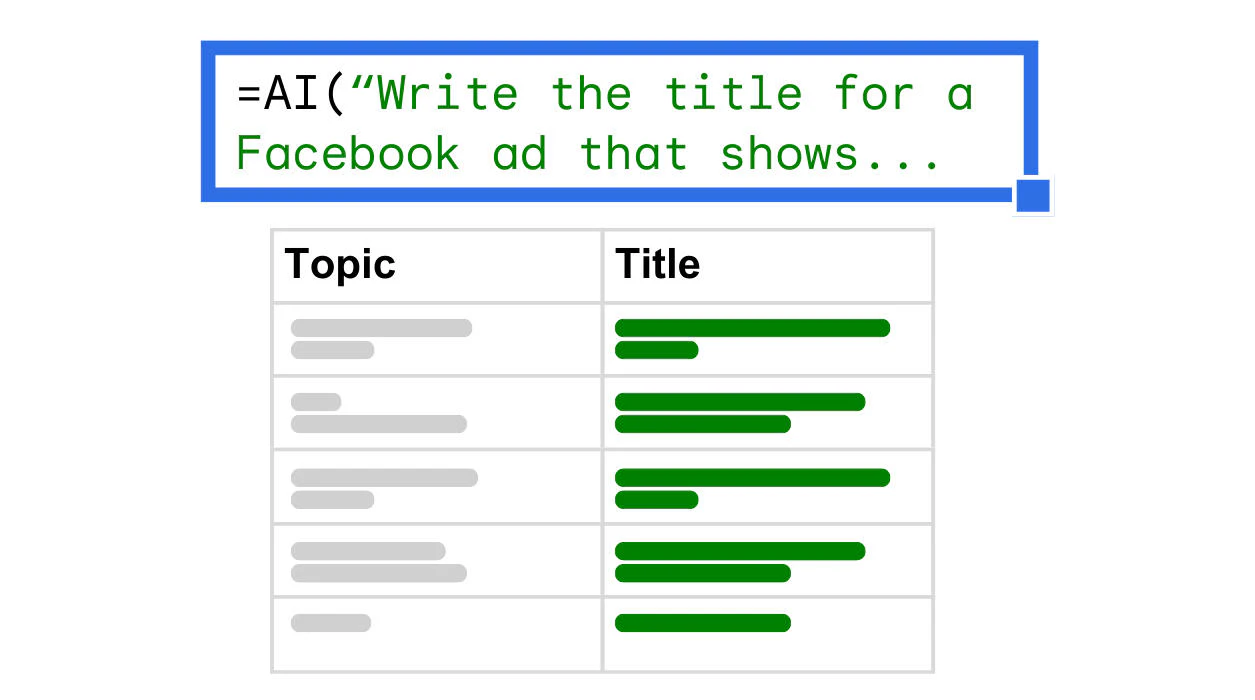
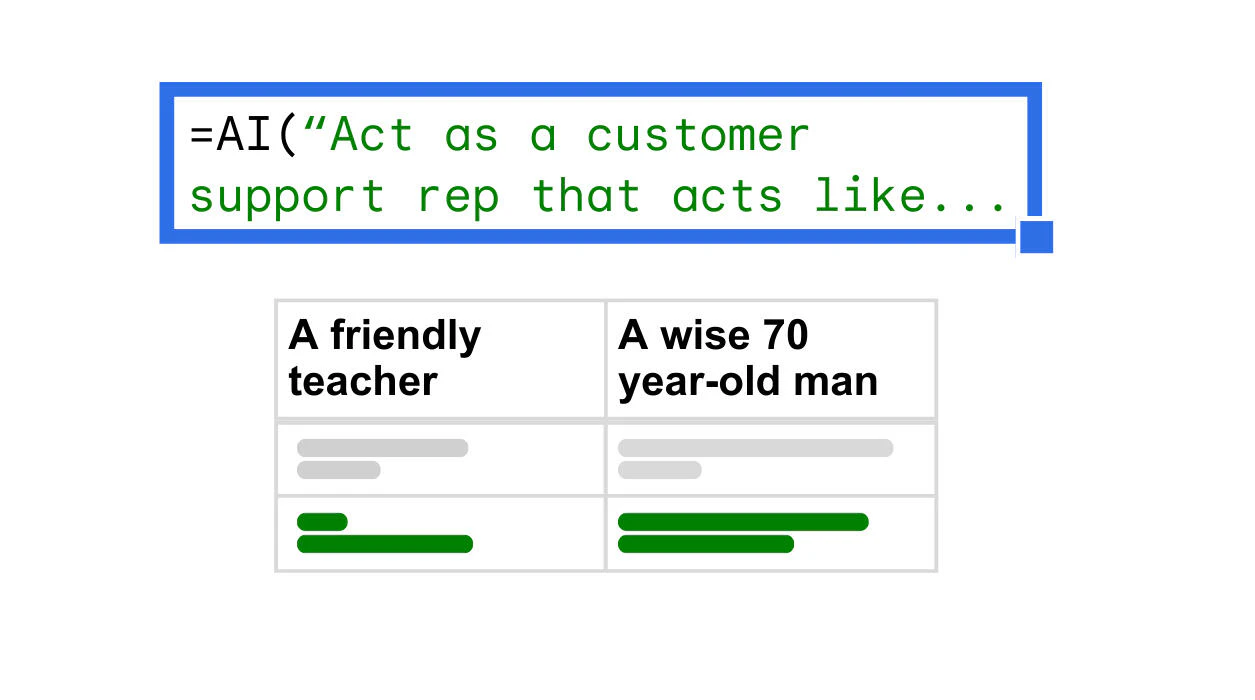
- Use the simple =AI function in any cell to start utilizing AI features for your tasks.
What are the main features of Numerous?
- No API keys required: Simply set up the add-on and start using it.
- User-friendly interface: Use the =AI function in any cell to access AI capabilities.
- Priority support options: Choose between email options or priority support.
- Team collaboration: Designed for teams to work together on AI initiatives.
- Cost-efficient: Minimizes duplicate queries for effective use of resources.
Who is Numerous for?
Numerous is ideal for a wide range of users including content creators, digital marketers, students, researchers, and product engineers. Content creators can generate ideas and social media posts, while digital marketers can streamline their ad campaigns. Students and researchers can utilize it to organize and analyze data, and product engineers can experiment with AI prompts and collaborate on projects. Essentially, anyone looking to enhance productivity with AI in spreadsheets will find Numerous beneficial.
What are the use cases of Numerous?
- Digital Marketing Campaigns: Generate keywords, ad copy, and SEO content efficiently.
- Data Management: Summarize, categorize, and cleanse large datasets from surveys or social media.
- AI Prototyping: Test and collaborate on AI features using structured spreadsheets to prototype various prompts.
Product Images

Numerous Pros and Cons
Pros
- Easy to Use: Users can easily utilize the add-on in any cell with the simple =AI function.
- Cost-effective Solution: Numerous.ai avoids duplicate queries, making it the most cost-effective way to use AI in spreadsheets.
- Built for Teams: The tool supports collaboration on AI initiatives across the entire organization, allowing multiple users to benefit from a single plan.
- Comprehensive Support Options: Users have the choice of email support or priority support, enhancing user experience.
- Fast Performance: Numerous.ai leverages partnerships with AI providers to deliver top-tier performance.
Cons
No cons data detected for this tool
Numerous Pricing
Personal
For individuals 1 million characters of ChatGPT inputs and outputs Use in both Google Sheets and Excel Limited to a single user
Pro
For professionals 5 million characters of ChatGPT inputs and outputs Use in both Google Sheets and Excel Share with up to 3 people on your team Email support
Enterprise
For teams 5 users $40 / mo 1 million characters of ChatGPT inputs and outputs, per person Use in both Google Sheets and Excel Priority email support Video call onboarding if requested
For the latest pricing, please visit this link: https://numerous.ai/#home
Prices are subject to change. Please visit the official website for the most up-to-date pricing information.
Analytics of Numerous
Numerous Website Traffic Analysis
Visits Over Time
Traffic Sources
Oct 2025 - Dec 2025 Worldwide Desktop Only
- Search: 53.09%
- Direct: 34.62%
- Referrals: 7.51%
- Social: 3.91%
- Paid Referrals: 0.77%
- Mail: 0.10%
Top Keywords
| Keyword | Volume | CPC | Estimated Value |
|---|---|---|---|
| excel ai | 17.16K | $2.79 | $610.00 |
| numerous | 16.78K | $1.78 | $600.00 |
| numerous ai | 8.00K | $0.51 | $5140.00 |
| numerous.ai | 1.36K | $0.00 | $570.00 |
| ai excel tools | 320 | $0.00 | $300.00 |
Numerous Compare
| Tool Name | Introduction | Pricing | Type | Rating | Launch Date | Learn more |
|---|---|---|---|---|---|---|
 | Production-ready React email templates for SaaS. | Paid | 💼Work | October 30, 2024 | Learn more | |
 | Swiftwriterai simplifies article rewriting with AI. | Free | 💼Work🎨Creativity | June 16, 2024 | Get deal | |
 | Prompt Llama helps you generate and test high-quality text-to-image prompts. | Free | 🎨Creativity | April 30, 2024 | Get deal |
Info current as of post date. Offers and availability may vary by location and are subject to change.
Numerous Q&A
No, you do not need API keys; simply set up the add-on and begin.
Numerous Alternatives

Generate stunning images and videos effortlessly with Dreamina's AI.
- Image Generation & Editing
- AI Avatar Generator
- AI Image Generator
- AI Romantic Image & Video Generator

Adobe Firefly is an AI-driven tool for creating unique images, videos, and audio.
- Image Generation & Editing
- AI Image Generator
- AI Photo Editor
- AI Realistic Image Generator

Kling AI empowers creators to generate stunning images and videos using advanced generative AI techniques.
- Image Generation & Editing
- AI Image Generator
- AI Video Generator
- AI Image and Video Synthesis