

Onyxcad





What is Onyxcad?
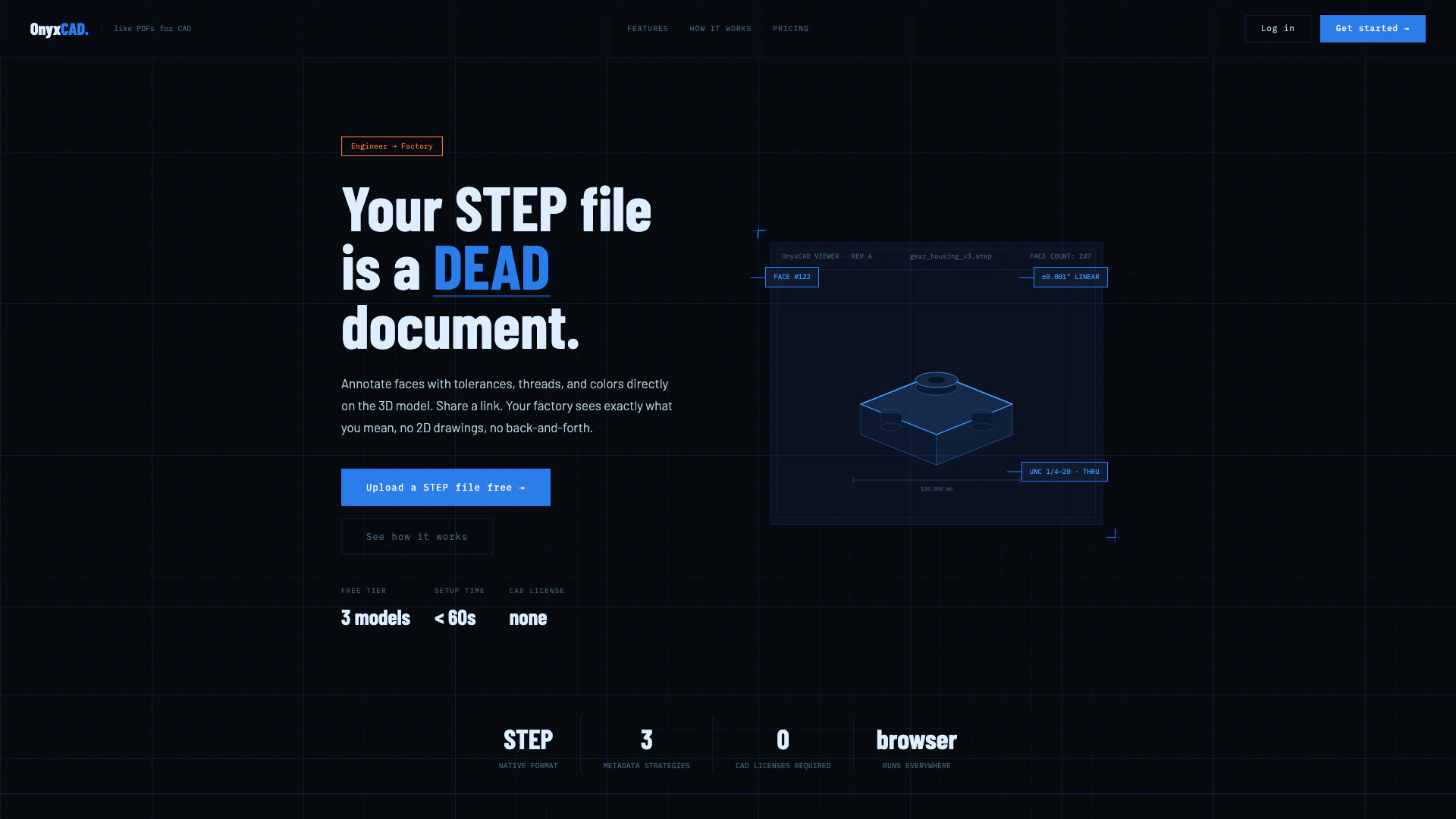
Onyxcad is an innovative tool designed for annotating STEP files directly on 3D models. It allows users to add tolerances, thread specifications, and colors without the need for 2D drawings or a CAD license. Onyxcad streamlines the communication between engineers and factories by providing a simple link-sharing feature that ensures all annotations are visible and accessible, thereby eliminating ambiguities and reducing the chances of errors during the manufacturing process.
How to use Onyxcad?
- Upload your STEP file: Drag and drop your STEP file into the Onyxcad interface. The tool processes the geometry in seconds, making hundreds of faces ready for annotation.
- Click faces and assign specs: In the 3D viewer, click on any surface to set tolerances, thread types, and colors. Utilize the heat map feature to visualize tolerance distribution across the model.
- Export or share a link: Choose to export the annotated STEP file with embedded metadata or copy a shareable link. Anyone with the link can view the annotated model in a browser without needing an account.
What are the main features of Onyxcad?
- Face-level annotations: Assign tolerances, thread specifications, colors, and notes directly to any surface on the 3D model.
- Metadata survives export: Annotations are embedded into the STEP file structure, making them accessible in various CAD software.
- Easy sharing: Generate a single link for your factory or clients to view the annotated model without needing an account or installation.
- Tolerance heat map: Visualize tolerance distribution across the entire part for better quality control.
- No CAD license required: Users can view and review the annotated models without needing any CAD software.
Who is Onyxcad for?
Onyxcad is primarily designed for engineers and manufacturers who require a seamless way to communicate specifications for 3D models. It is particularly beneficial for hardware engineers who frequently send parts to factories, as well as companies managing multiple suppliers and parts. The tool caters to professionals looking for an efficient method to annotate and share 3D files without the complexity of traditional CAD systems.
What are the use cases of Onyxcad?
- Streamlining communication between engineers and factories by providing clear, annotated 3D models instead of ambiguous 2D drawings.
- Facilitating quick reviews and approvals of designs by allowing clients and stakeholders to view annotated models directly in their browsers.
- Enhancing quality control processes by using the tolerance heat map to visualize specifications and ensure that manufacturing meets the required standards.
Onyxcad Pros and Cons
Pros
- Face-Level Annotations: Allows users to click on any surface of the 3D model to assign tolerances, thread specifications, and colors directly, enhancing clarity and precision.
- No CAD License Required: Users can view and annotate STEP files without needing a CAD license, making it accessible for a wider audience including factories and clients.
- Metadata Preservation: Annotations are embedded directly into the STEP file, ensuring that specifications remain intact and accessible across different platforms and software.
Cons
No cons data detected for this tool
Onyxcad Pricing
Free
For engineers evaluating the workflow. Full functionality, limited scale. 3 active projects, all annotation types, STEP export with metadata, tolerance heat map, share links not included, persistent projects dashboard.
PRO
For hardware engineers sending parts to factories weekly. 10 active projects, all annotation types, STEP export with metadata, tolerance heat map + Hole Wizard, shareable read-only links, persistent projects dashboard.
GROWTH
For companies managing many parts across multiple suppliers. 50 active projects, all annotation types, STEP export with metadata, tolerance heat map + Hole Wizard, unlimited share links, priority processing.
For the latest pricing, please visit this link: https://onyxcad.com/#pricing
Prices are subject to change. Please visit the official website for the most up-to-date pricing information.
Onyxcad Compare
| Tool Name | Introduction | Pricing | Type | Rating | Launch Date | Learn more |
|---|---|---|---|---|---|---|
Explore AI Lawyer for easy, quick, and budget-friendly legal help. Empowering consumers and lawyers with AI-driven solutions for all your legal needs. | Free | February 11, 2023 | Get deal | |||
2Mn+ readymade ChatGPT prompt ideas built by prompt engineers, using insights from eCommerce experts - that really work! | Free | February 6, 2023 | Get deal | |||
AI-Based Cloud Cost Reduction Platform | Profisea Labs | Free | May 1, 2020 | Get deal |



Info current as of post date. Offers and availability may vary by location and are subject to change.
Onyxcad Alternatives

Community - Meshy
- Art & Design
- AI Design Generator
- AI Graphic Design Tools
- AI UX/UI Design
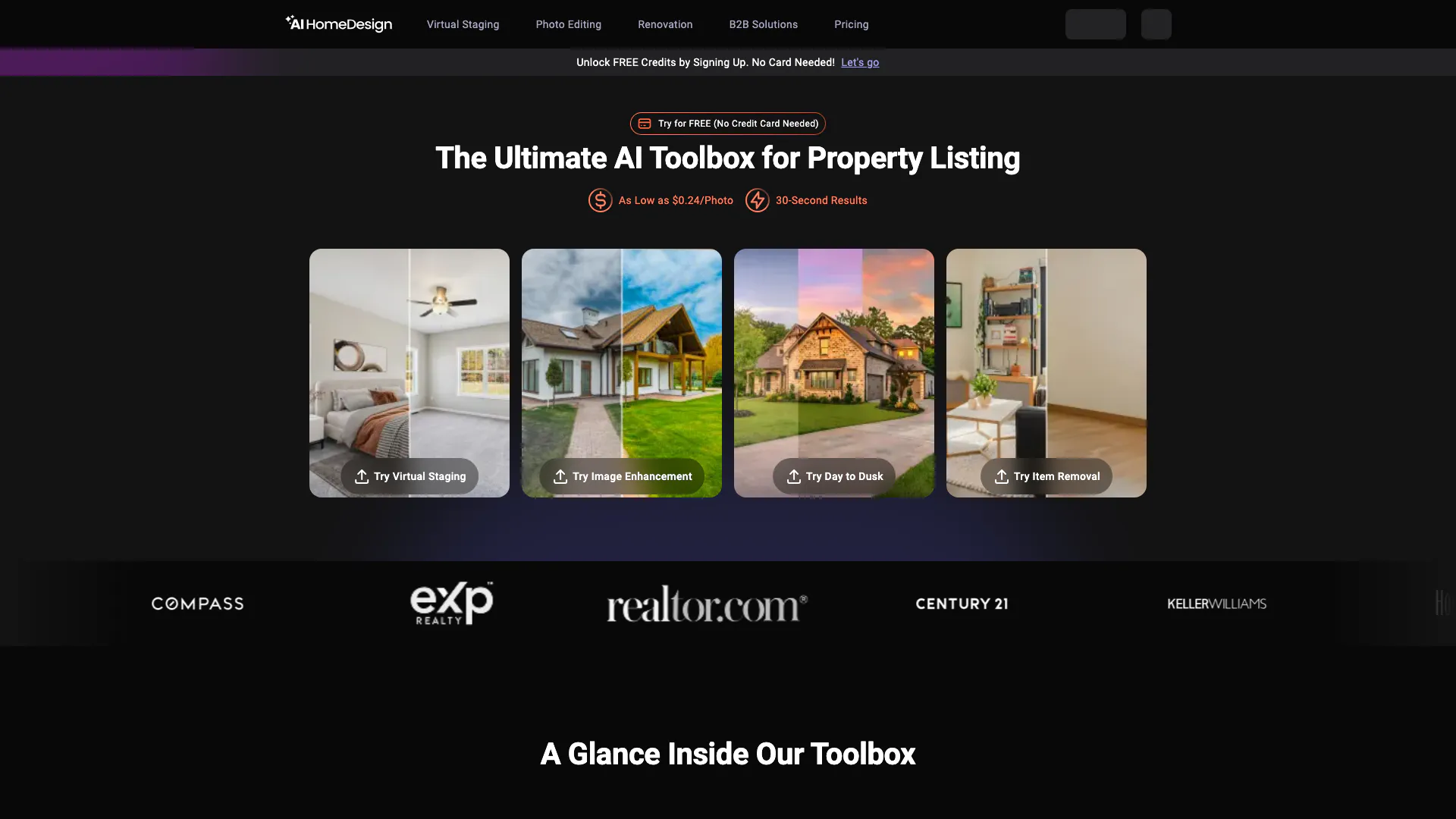
AI HomeDesign: AI Toolbox for Property Listing
- Art & Design
- AI Design Generator
- Ai Interior Design
- Ai Real Estate

Room AI – AI Interior Designer – Try for free
- Art & Design
- AI Design Generator
- Ai Interior Design