

Open Voice Os




What is Open Voice OS?
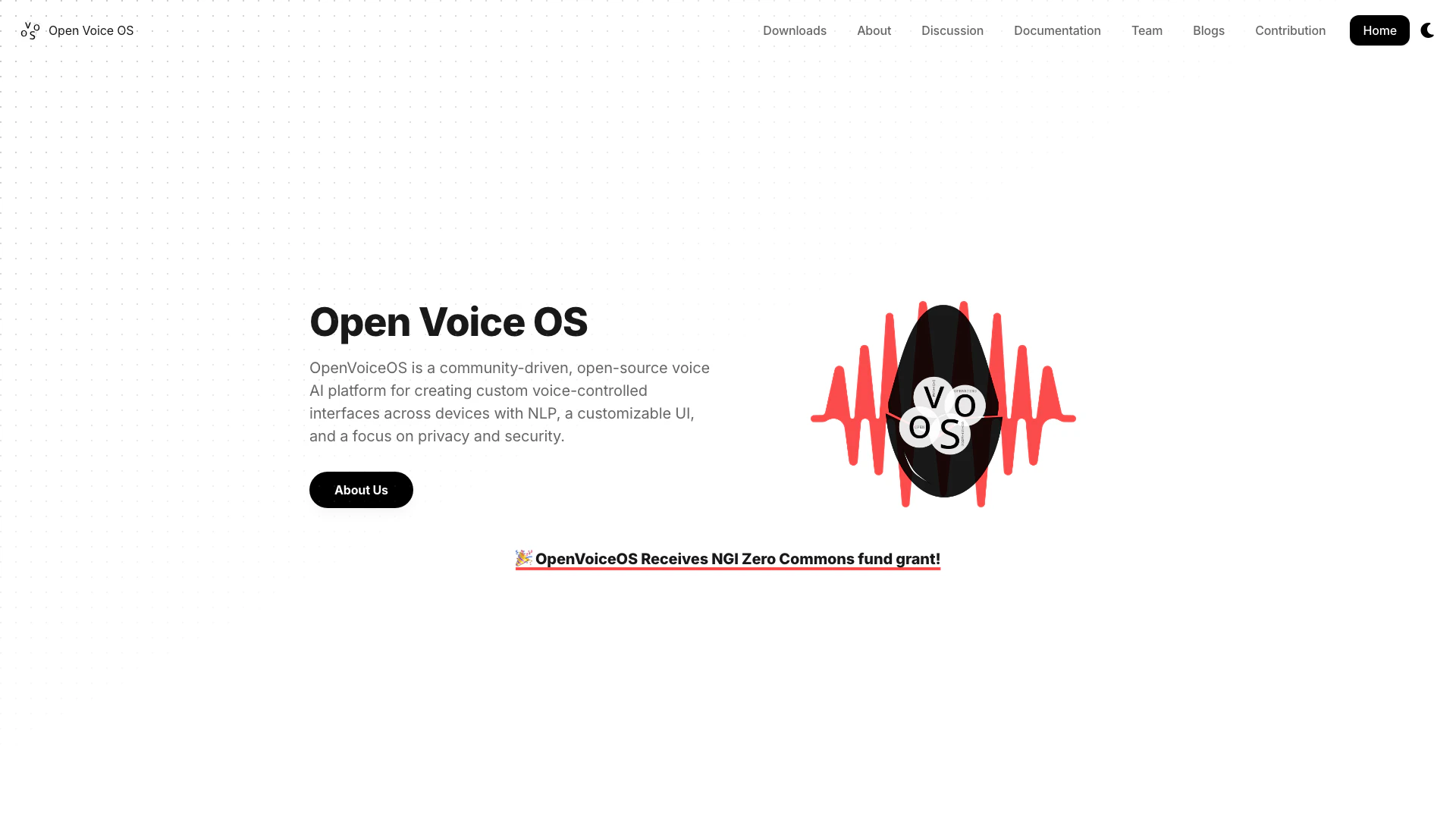
Open Voice OS is a community-driven, open-source voice AI platform designed to create custom voice-controlled interfaces across various devices. It emphasizes natural language processing (NLP), a customizable user interface, and a strong focus on privacy and security. Developed by a global community of developers from diverse Linux and free and open-source software (FOSS) backgrounds, Open Voice OS provides an open platform for creating innovative voice assistance technology. It supports a wide range of hardware, including Raspberry Pi and other embedded systems, making it accessible for DIY enthusiasts and developers alike.
How to use Open Voice OS?
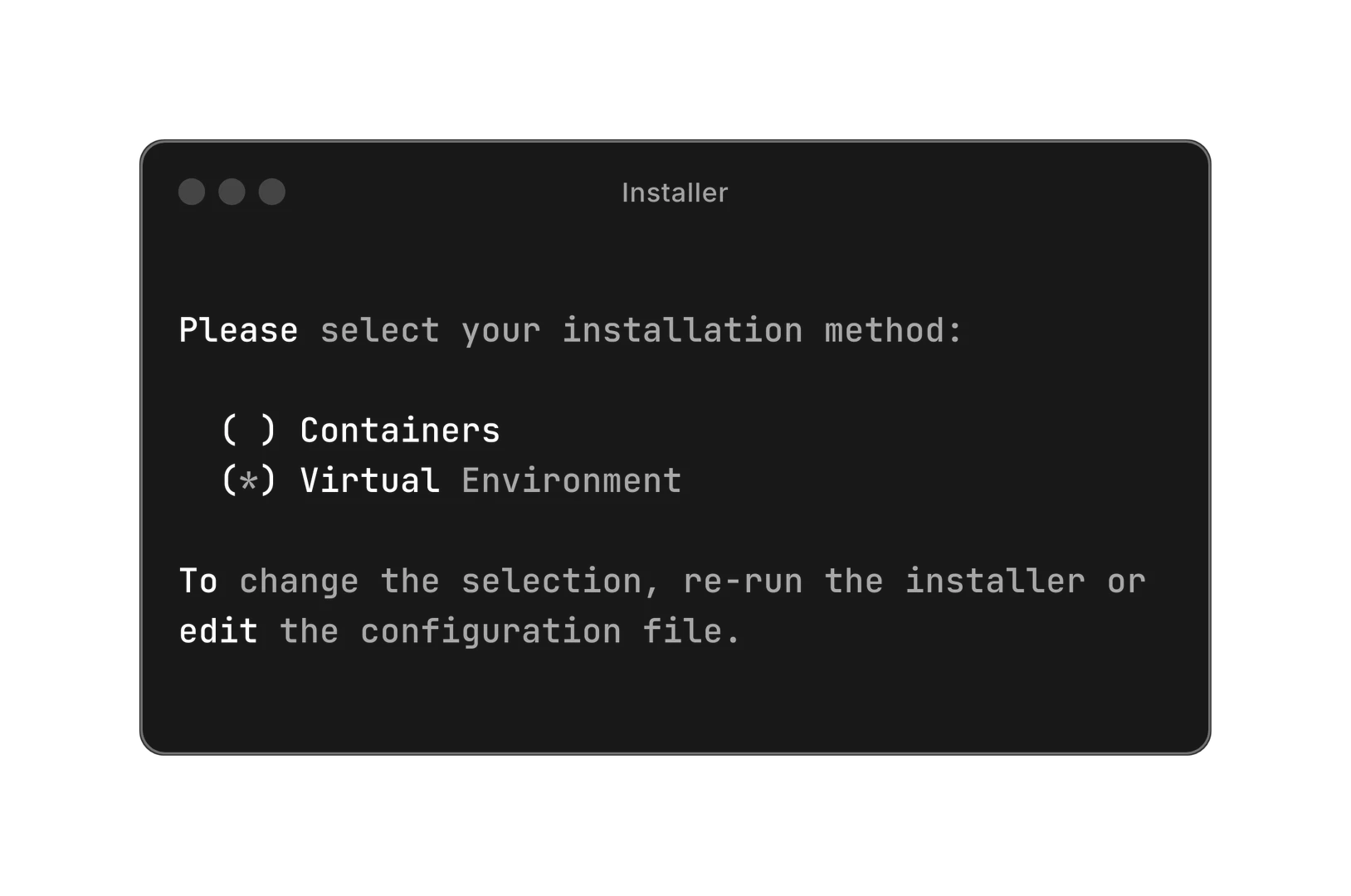
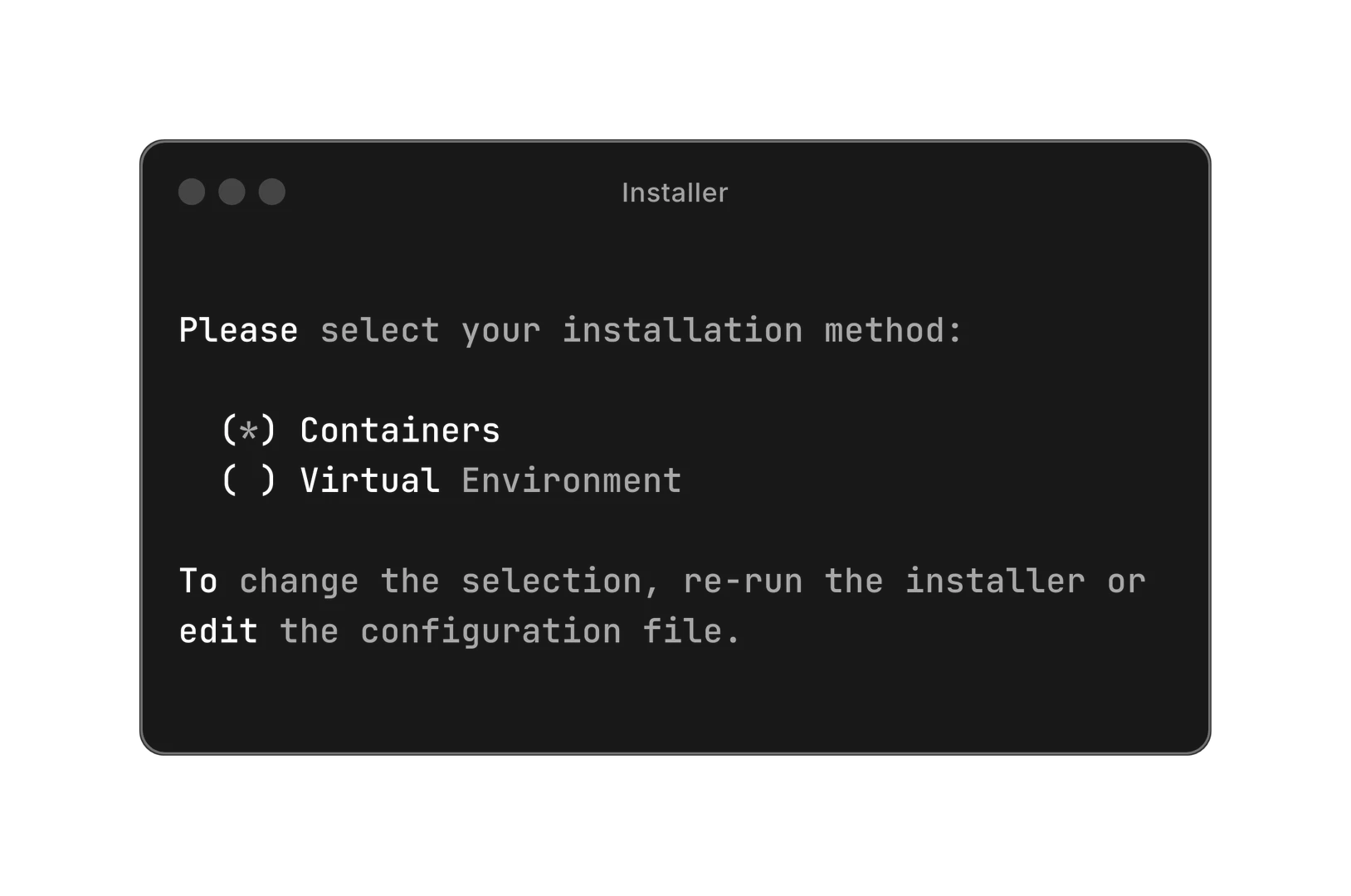
To get started with Open Voice OS, follow these steps: 1. Choose your installation method: You can install Open Voice OS using either Docker or Python. 2. For Docker installation, run the following command in your terminal: `sh -c "curl -s https://raw.githubusercontent.com/OpenVoiceOS/ovos-installer/main/installer.sh -o installer.sh && chmod +x installer.sh && sudo ./installer.sh && rm installer.sh"` 3. If you prefer Python, set up a Python virtual environment and follow the instructions provided in the documentation for installation.
What are the main features of Open Voice OS?
Open Voice OS offers a variety of powerful features, including: - Customizable Wake Words: Users can create personalized wake words for their voice assistant. - Smart Home Integration: Control various smart home devices seamlessly. - Media Playback: Play music, podcasts, and radio through voice commands. - Question and Answer Capability: Get instant answers to queries using voice commands. - Timers and Reminders: Set reminders and timers using simple voice instructions. - Skill Marketplace: Extend functionality by accessing community-developed skills or creating your own.
Who is Open Voice OS for?
Open Voice OS is designed for a wide range of users, including: - Developers: Those interested in creating or customizing voice-controlled applications can leverage the open-source nature of Open Voice OS. - DIY Enthusiasts: Individuals who enjoy building their own smart devices and voice assistants will find Open Voice OS an excellent platform for experimentation. - Businesses: Organizations looking to integrate voice technology into their products can utilize Open Voice OS for custom solutions. - Educators and Students: Those involved in teaching or learning about voice technology and AI can benefit from the resources and community support available.
What are the use cases of Open Voice OS?
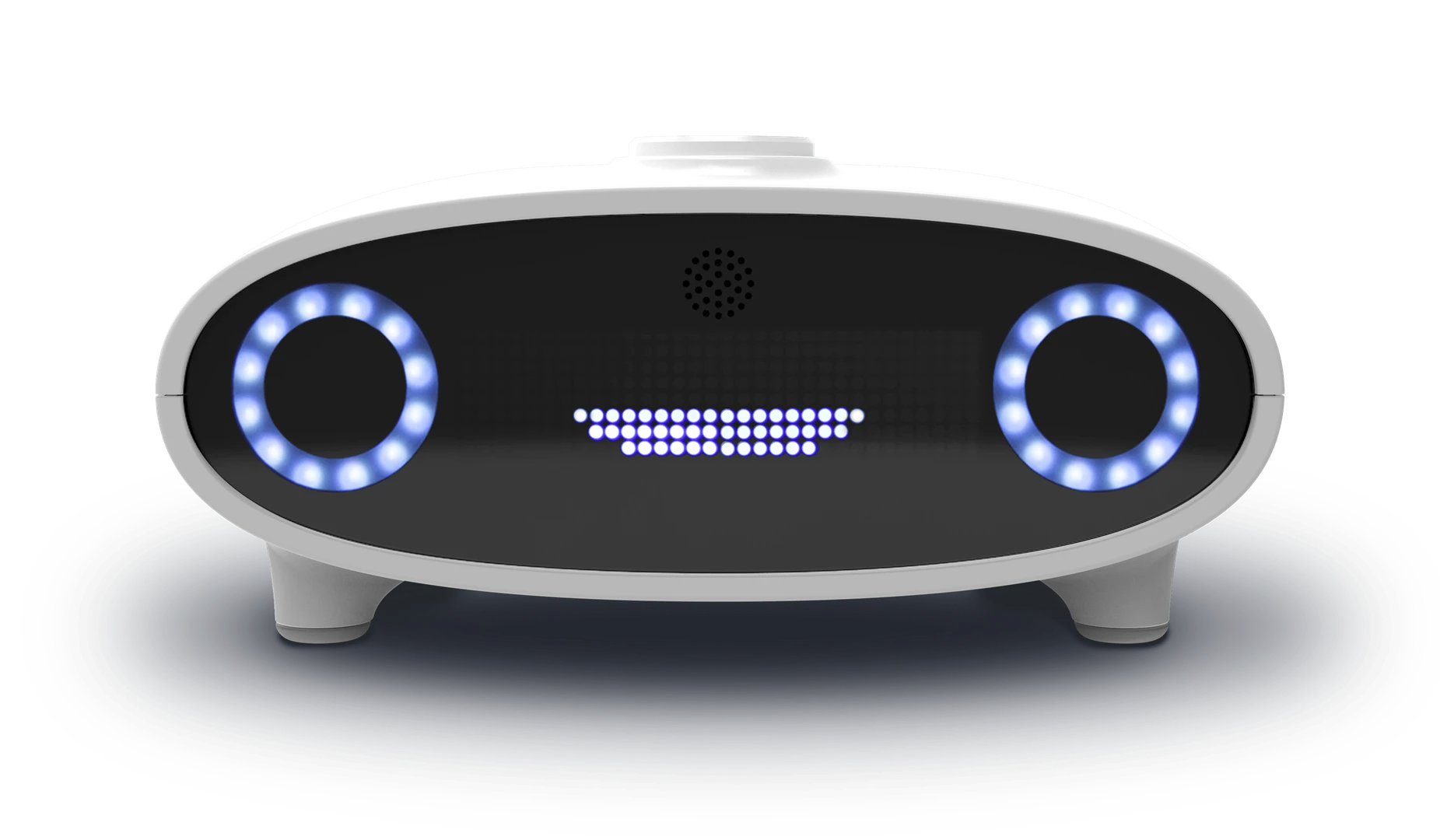
Open Voice OS can be applied in various scenarios, including: 1. Creating a Custom Smart Speaker: Build your own smart speaker with personalized features and capabilities. 2. Home Automation: Use voice commands to control lights, thermostats, and other smart home devices. 3. Educational Projects: Implement Open Voice OS in educational settings to teach students about AI and voice technology.
Product Images

Open Voice Os Pros and Cons
Pros
- Community-Driven Development: Open Voice OS is powered by a global community of developers, ensuring continuous improvement and innovation in voice AI technology.
- Multi-Platform Support: It can be installed on various hardware platforms, including Raspberry Pi and Linux desktops, making it versatile for different users.
- Customizable Voice Assistant: Users can create a personalized voice assistant with customizable wake words and extend functionality through community-developed skills.
Cons
No cons data detected for this tool
Analytics of Open Voice Os
Open Voice Os Website Traffic Analysis
Visits Over Time
Traffic Sources
Dec 2025 - Feb 2026 Worldwide Desktop Only
- Search: 47.37%
- Direct: 33.07%
- Referrals: 12.64%
- Social: 4.53%
- Paid Referrals: 1.83%
- Mail: 0.14%
Top Keywords
| Keyword | Volume | CPC | Estimated Value |
|---|---|---|---|
| voice os | 6.39K | $0.00 | $200.00 |
| openvoice | 3.92K | $2.75 | $110.00 |
| openvoiceos | 490 | $3.36 | $450.00 |
| open voice os | 410 | $0.00 | $260.00 |
| linux voice assistant systemd | 130 | $0.00 | $130.00 |
Open Voice Os Compare
| Tool Name | Introduction | Pricing | Type | Rating | Launch Date | Learn more |
|---|---|---|---|---|---|---|
 | Best OKR Software in 2024 by 10xWinners | Free | 💼Work | September 16, 2021 | Get deal | |
 | Transform your AI chat into a personalized workout timer. | Paid | 💼Work | January 8, 2026 | Learn more | |
 | Transform videos instantly with AI prompts. | Free | 💼Work🎨Creativity | August 5, 2025 | Get deal |
Info current as of post date. Offers and availability may vary by location and are subject to change.
Open Voice Os Q&A
Open Voice OS started as MycroftOS. Over time, more Mycroft community members joined the project, and it was renamed to OpenVoiceOS to avoid trademark issues. Initially, Open Voice OS focused on bundling Mycroft-core and creating companion software, but due to contributions not being accepted upstream, we now maintain an enhanced reference fork of Mycroft-core with extra functionality while keeping all companion software Mycroft-core (dev branch) compatible. You can think of Open Voice OS as the unsanctioned 'Mycroft Community Edition.'
Open Voice Os Alternatives
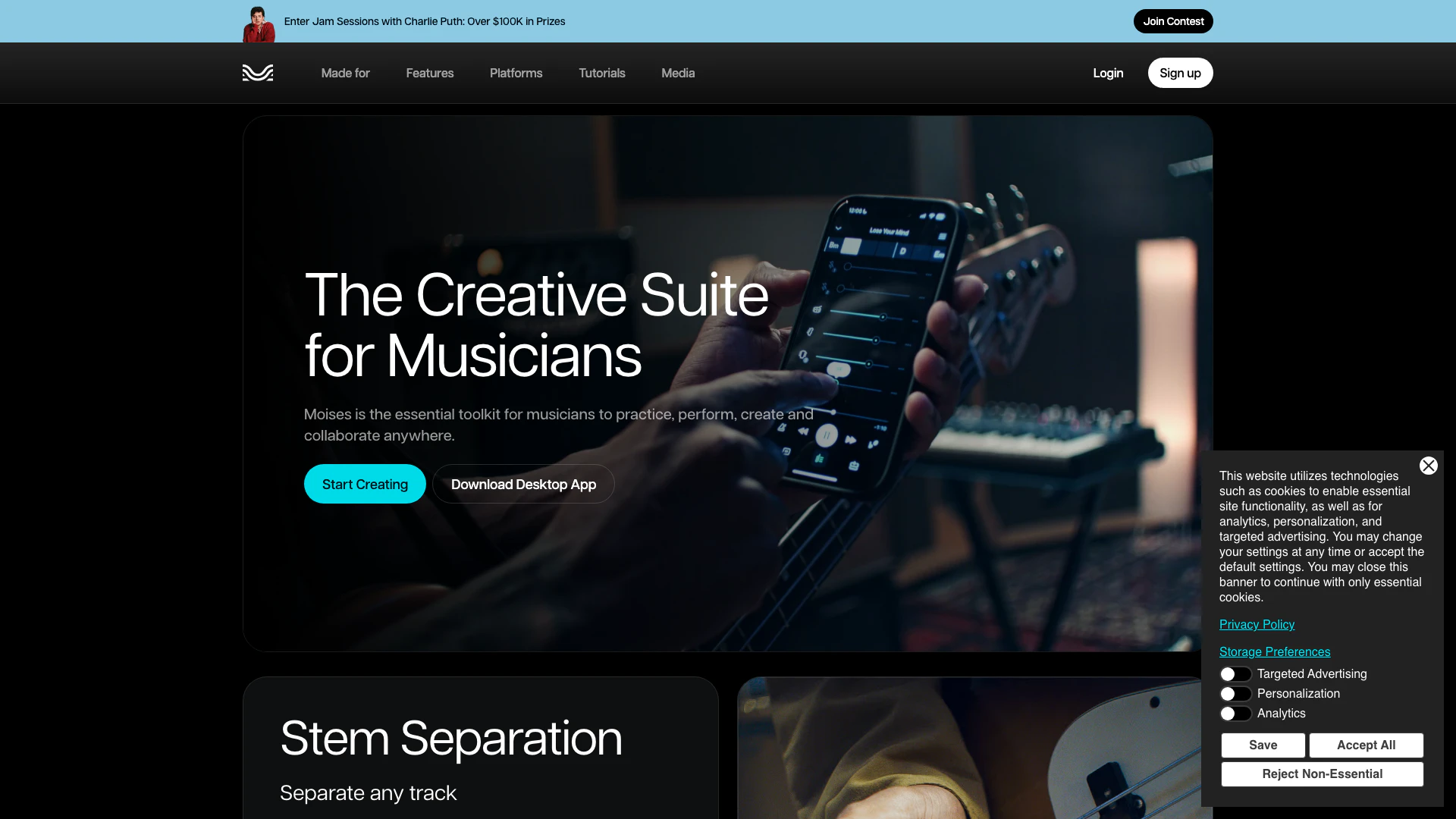
The best app for practicing music. Remove vocals, separate instruments, master your tracks, and remix songs with the power of AI. Try it today!
- Audio & Music
- AI Audio Editing
- AI Audio Enhancer
- AI Audio Mastering

NaturalReader: Free Text to Speech for Online, Mobile App, Commercial license and Education with AI voices.
- Speech Synthesis & Voice Conversion
- Ai Text To Speech

All-In-One AI Content Generator – Revolutionize Your Content Creation with AI-Driven Text, Image, Code, and Voice Solutions
- Writing & Editing
- AI Text Generator
- AI Image Generator
- AI Voice Generator
Open Voice Os Social Listening
This AI Is 100% Open Source! #...
These scientists made somethin...
ChatTTS 最强文本转语音!一键本地安装,100%成功!...
【更多资源】▶https://bittly.cc/lingd...
打造你的專屬 AI 助理!OpenClaw 安裝全攻略:自動...
進階教學看這片:https://youtu.be/5boIQ...
Unlock to view 27 social media results.