

Openpreview
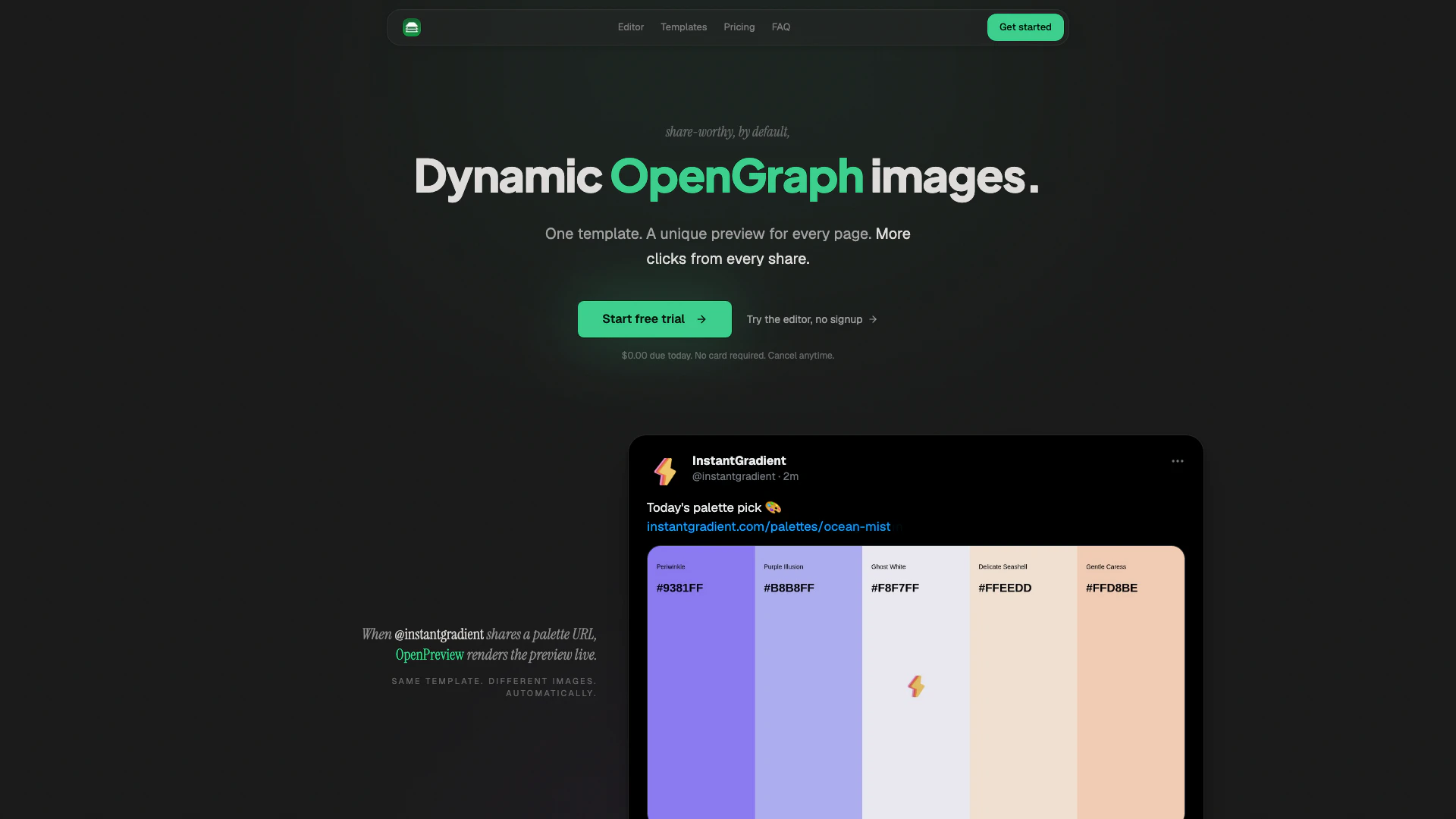





What is Openpreview?
Openpreview is an innovative tool designed to streamline the creation of Open Graph images for web pages. With a focus on efficiency, it allows users to design a single Open Graph image template that automatically generates unique previews for every page on their site. This tool is particularly beneficial for website owners and marketers looking to enhance their social media presence without the need for extensive graphic design skills. Openpreview offers a free editor and a 14-day trial for dynamic rendering, making it accessible for users to test its capabilities.
How to use Openpreview?
- Sign up for a free trial on the Openpreview website.
- Use the drag-and-drop editor to design your Open Graph image template by adding text, images, shapes, and colors.
- Integrate dynamic fields into your template using the `{{title}}` syntax, allowing each page to pull its metadata automatically.
- Choose a starter template from the gallery if desired, and customize it to fit your brand.
- Once satisfied with your design, hit 'Publish' to update the template. All pages on your site will refresh their previews instantly without needing to redeploy your site.
What are the main features of Openpreview?
- Drag-and-Drop Editor: Create designs easily with a user-friendly interface that provides real-time previews.
- Dynamic Content Integration: Use a single template to automatically populate titles, authors, images, and colors from each page's metadata.
- Starter Templates: Access a gallery of pre-designed templates to kickstart your creative process.
- Instant Updates: Modify your template and publish changes that instantly reflect across all pages without additional engineering work.
- Cost-Effective Rendering: Images are cached on Cloudflare's edge network, providing unlimited serves at no extra cost.
Who is Openpreview for?
Openpreview is ideal for webmasters, digital marketers, and content creators who wish to enhance their website's social media visibility. It is particularly suited for those who manage multiple pages and want to ensure each page has a unique and visually appealing Open Graph image without the need for extensive design resources. Additionally, small businesses and startups looking to improve their online presence will find Openpreview's easy-to-use features and cost-effective rendering beneficial.
What are the use cases of Openpreview?
- Social Media Sharing: Automatically generate unique Open Graph images for every blog post or article shared on platforms like Facebook, Twitter, and LinkedIn, enhancing click-through rates.
- Marketing Campaigns: Use Openpreview to create visually consistent branding across multiple promotional pages, ensuring that every shared link reflects the company's identity.
- Website Management: Streamline the process of updating Open Graph images across a website, allowing for quick adjustments to reflect new branding or campaign themes without redeploying.
Openpreview Pros and Cons
Pros
- Drag-and-Drop Design: Offers a user-friendly drag-and-drop interface that allows users to design Open Graph images easily, providing full creative control with real-time previews.
- Dynamic Content Generation: Utilizes a single template to automatically generate unique previews for each page, pulling metadata like titles and images, which saves time and effort.
- Instant Updates: Allows users to edit the template and publish changes instantly, updating all pages on the site without the need for redeployment.
Cons
No cons data detected for this tool
Openpreview Pricing
Starter
1,000 unique renders / month, 5 templates, Unlimited cached serves, 25 custom fonts (Inter, Geist, Playfair…), Priority support.
Pro
10,000 unique renders / month, Unlimited templates, Unlimited cached serves, 25 custom fonts (Inter, Geist, Playfair…), Priority support.
For the latest pricing, please visit this link: https://openpreview.io/
Prices are subject to change. Please visit the official website for the most up-to-date pricing information.
Openpreview Compare
| Tool Name | Introduction | Pricing | Type | Rating | Launch Date | Learn more |
|---|---|---|---|---|---|---|
Tutor AI - Your personal AI tutor to learn anything | Free | September 23, 2007 | Get deal | |||
Paraphrasing Tool (Ad-Free and No Sign-up Required) - QuillBot AI | Free | December 31, 1984 | Get deal | |||
Build, scale, and monitor AI Agents. | Free | September 13, 1996 | Get deal |


Info current as of post date. Offers and availability may vary by location and are subject to change.
Openpreview Q&A
A unique render refers to the automatic generation of a distinct Open Graph image for each page on your site, based on its metadata.
Openpreview Alternatives
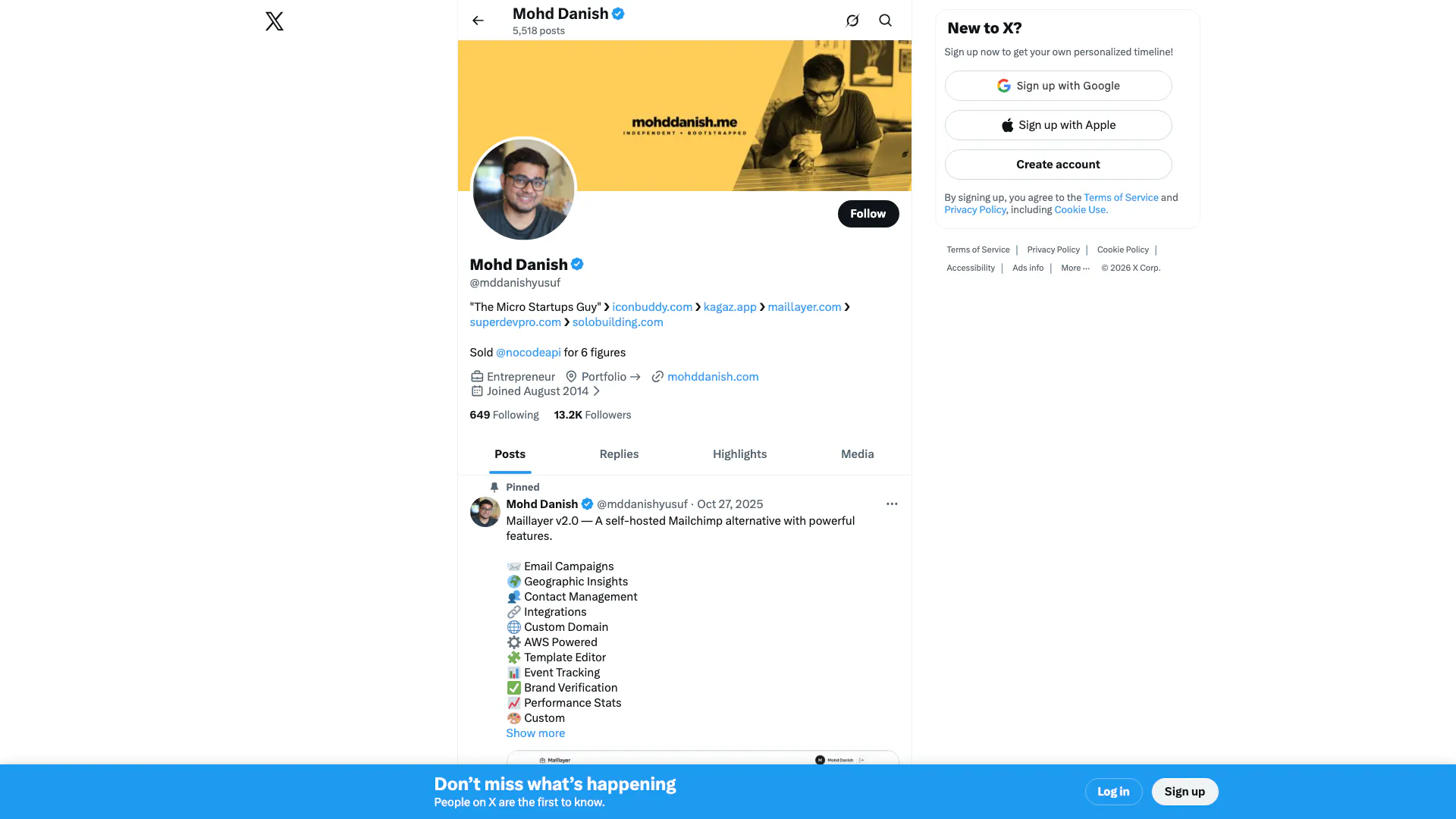
Connect and share ideas on Twitter.
- Social Media Tools
- AI Social Media Tools
- AI Tweet Generator
- AI X/Twitter Tools
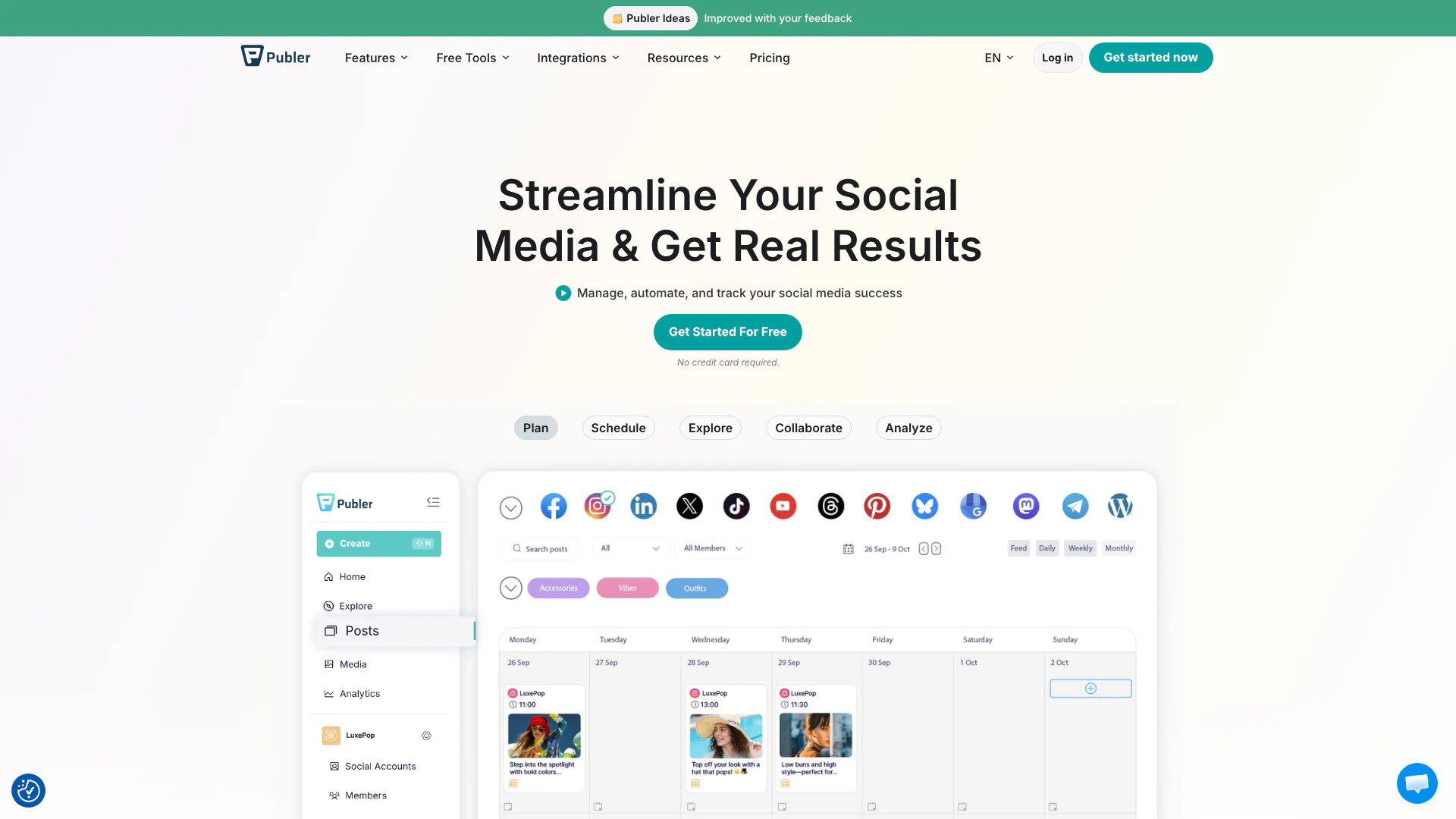
Boost your social media strategy with Publer’s suite of tools. Manage multiple accounts, schedule posts, collaborate with your team, and analyze performance—all in one place.
- Social Media Tools
- AI Social Media Tools

OpusClip turns long videos into high-quality viral clips for you to share on TikTok, YouTube Shorts, and Reels to increase social media reach.
- Writing & Editing
- AI Content Repurposing
- AI Text Generator
- AI Social Media Tools