

Paintitai
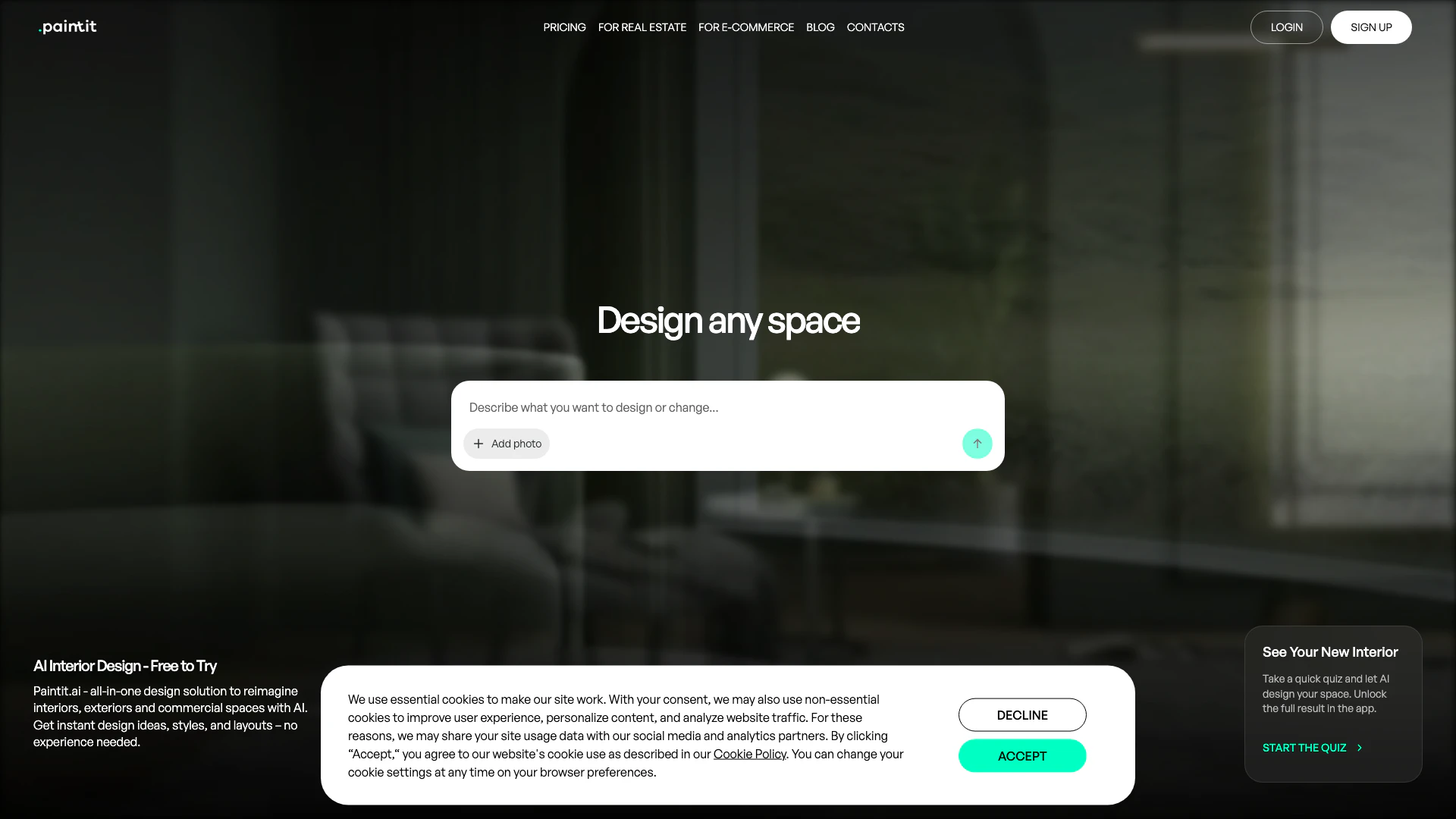





What is Paintitai?
Paintitai is an innovative AI-powered[1] interior design[2] tool that allows users to effortlessly redesign their spaces by simply uploading a room photo. It offers a user-friendly[5] platform where individuals can explore various styles, generate design ideas, and visualize their interiors in just minutes. With its advanced AI capabilities, Paintitai serves as an all-in-one design solution, enabling both professionals and homeowners to reimagine interiors, exteriors, and commercial spaces without the need for extensive design experience.
How to use Paintitai?
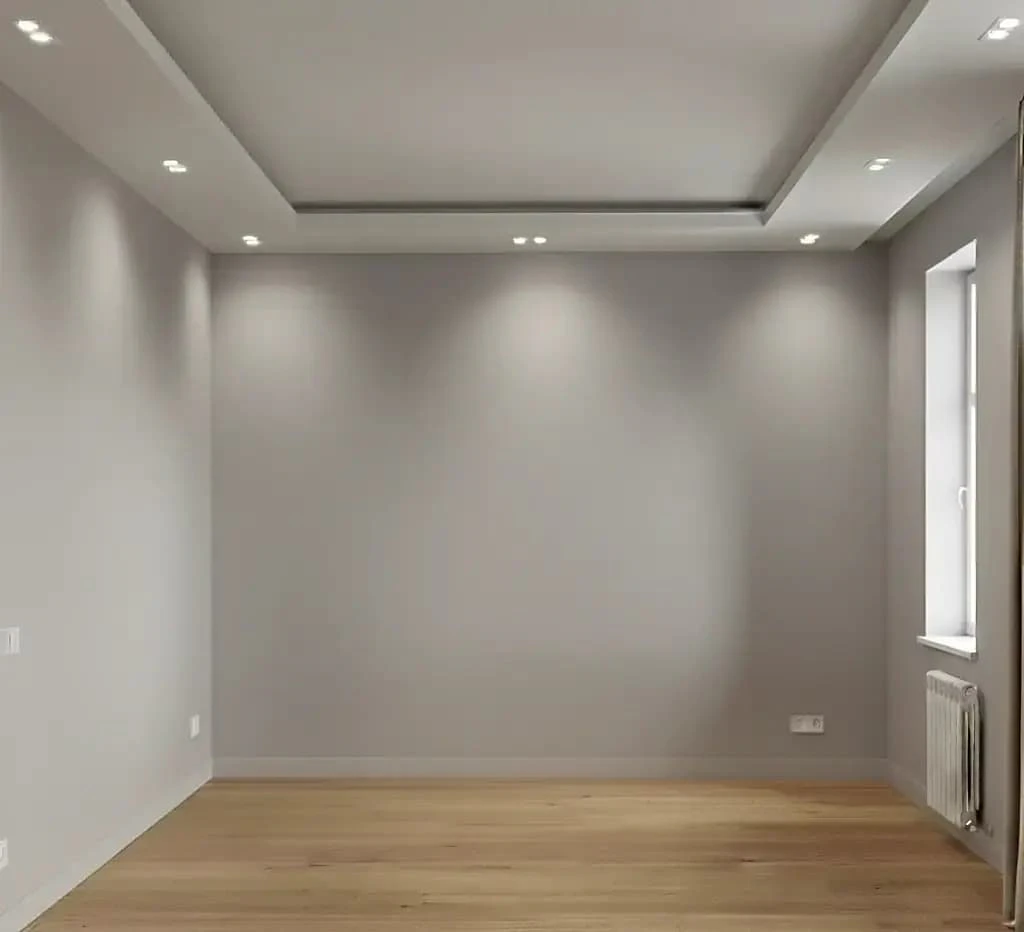
- Upload a Room Photo: Start by uploading a photo of the room you want to redesign or begin with a blank canvas.
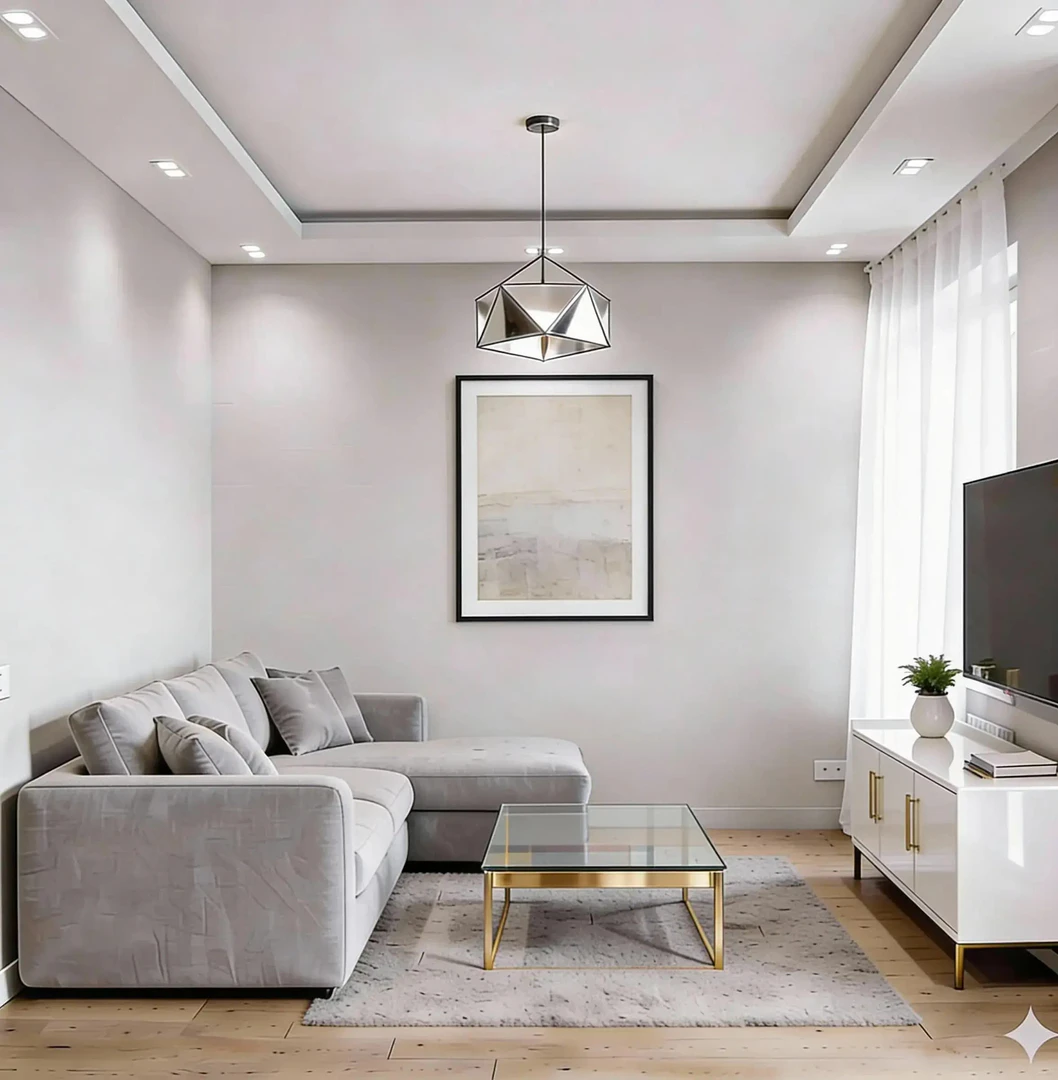
- Select a Style: Browse through various curated design styles and choose one that resonates with your vision. You can preview these styles applied to your project instantly.
- Adjust and Refine: Fine-tune the design by changing colors, materials, and furniture. The AI will update the design as you make adjustments, allowing for quick iterations.
- Save and Share: Once satisfied with your design, save your project and share it with friends, clients, or contractors for feedback.
What are the main features of Paintitai?
- AI-Powered Design Generation[3]: Quickly generate design ideas and layouts tailored to your uploaded images.
- Style Exploration[4]: Access a wide range of styles including modern, minimalist, and organic designs.
- Real Furniture Recommendations: Get suggestions for actual furniture items that fit your design, linking directly to purchase options.
- User-Friendly Interface: Intuitive design tools that require no prior design experience.
- Quick Iteration: Make adjustments on the fly, allowing for rapid refinement of your design.
Who is Paintitai for?
Paintitai is designed for a diverse audience, including professional interior designers, real estate agents, and homeowners. It caters to those looking to visualize their spaces quickly, whether for client presentations, staging homes for sale, or personal DIY projects. The tool is perfect for anyone who wants to test design ideas and make informed decisions without the complexities of traditional design software.
What are the use cases of Paintitai?
- Full Redesign: Transform an entire room's look by applying new styles and layouts, perfect for homeowners and designers looking for a fresh perspective.
- Repainting: Change wall colors and finishes to rejuvenate a space, ideal for those wanting to refresh their interiors.
- Furniture Arrangement: Visualize different furniture placements and styles to optimize space and functionality in residential or commercial settings.
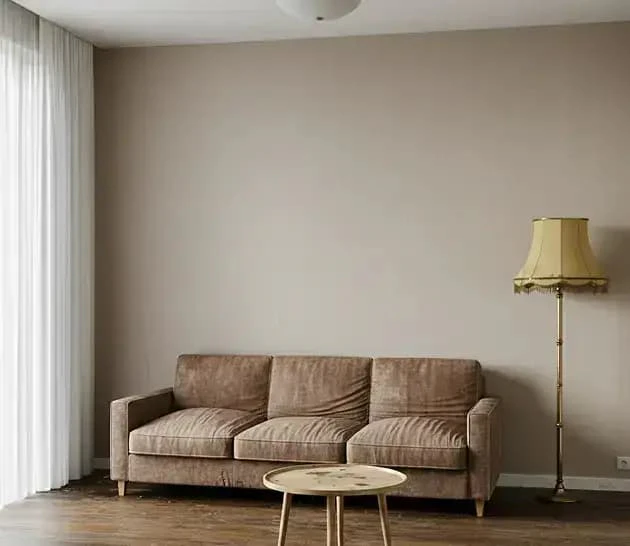
Product Images



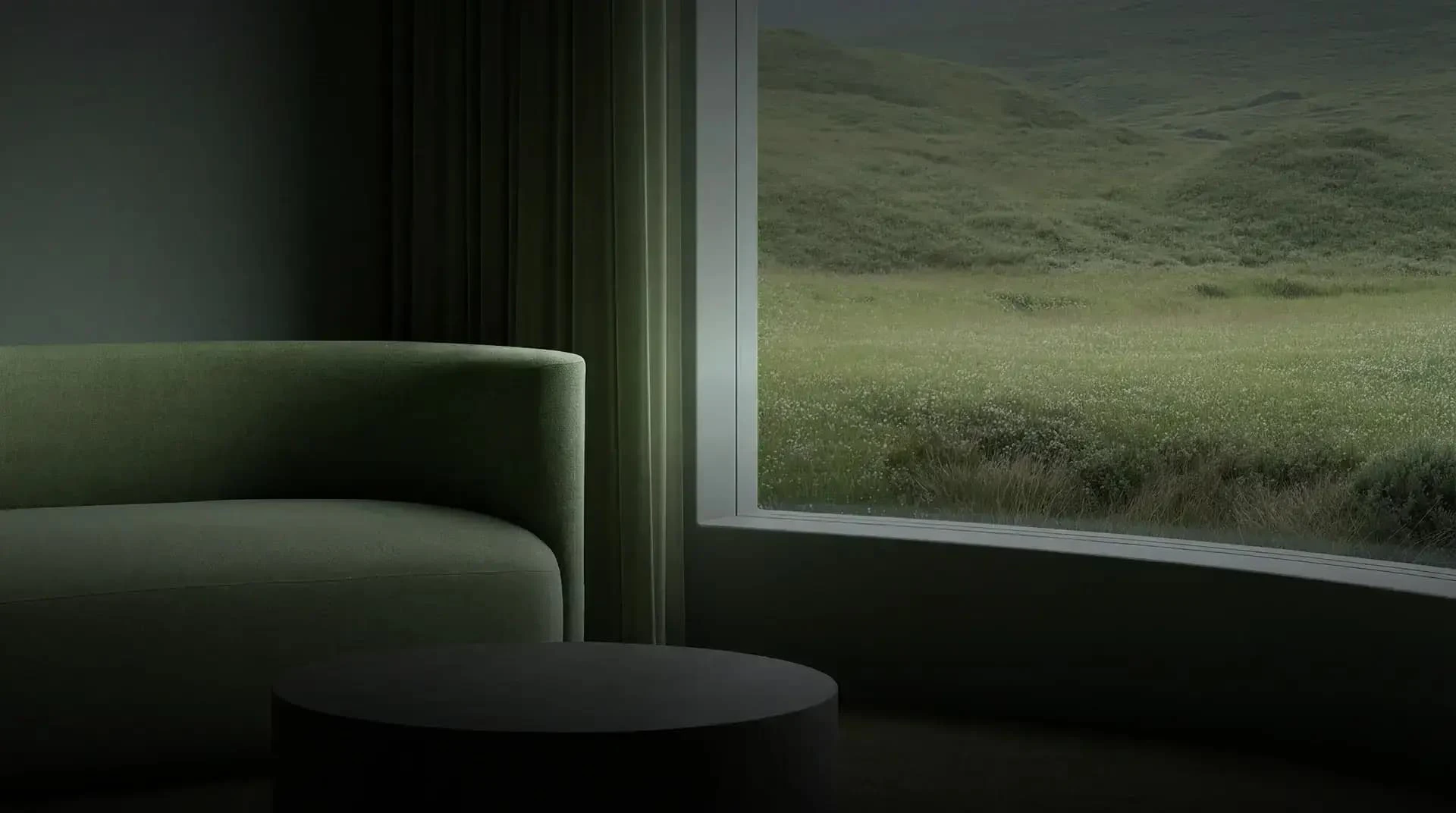
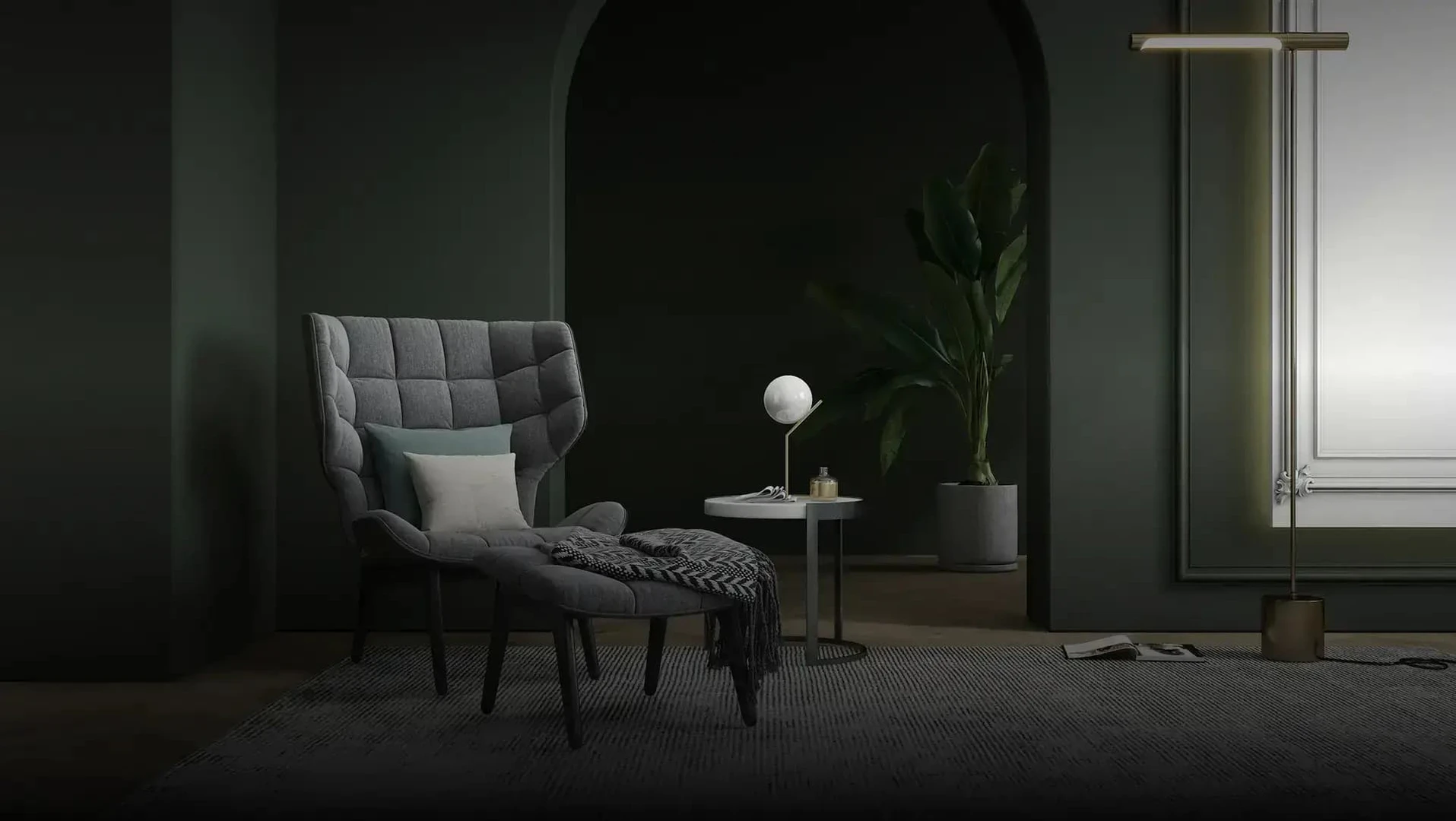


Paintitai Pros and Cons
Pros
- User-Friendly AI Design Tool: Paintitai offers an intuitive interface that allows users to easily upload photos and redesign interiors without needing prior design experience.
- Quick Design Generation: The tool generates design options rapidly, enabling users to visualize changes in minutes, which is ideal for both professionals and homeowners.
- Real Furniture Recommendations: Paintitai provides suggestions for real furniture that can be purchased, bridging the gap between design concepts and actual products.
Cons
No cons data detected for this tool
Paintitai Pricing
Free
Start with a free AI interior design tool, then upgrade for more credits, higher-resolution exports, private mode and commercial usage. Built for fast AI design — interior, exterior and commercial.
Weekly
Upgrade to Weekly plan with 300 credits, includes everything in Free, plus: 2K exports, Private mode, Watermark-free, Token top-ups.
Monthly
Upgrade to Monthly plan with 1500 credits, includes everything in Weekly, plus: 4K exports, Commercial usage license, Discounted token top-ups.
For the latest pricing, please visit this link: https://paintit.ai/#pricing
Prices are subject to change. Please visit the official website for the most up-to-date pricing information.
Paintitai Reviews
Paintit saved me hours on client revisions. I can show 3–4 solid options fast, and clients stop second-guessing every little detail.
As a realtor, staging is everything. I run listing photos through Paintit and get clean, modern looks that actually help the home show better.
I love how quick it is to test paint colors and furniture swaps. Sometimes one render is slightly off, but the next iteration usually nails it.
For more reviews, visit this link: https://paintit.ai/#reviews
Paintitai Compare
| Tool Name | Introduction | Pricing | Type | Rating | Launch Date | Learn more |
|---|---|---|---|---|---|---|
 | AI-Powered Resume Review & Mock Interview | Free | 💼Work | May 11, 2023 | Get deal | |
 | Corey Chiu is a passionate software developer and indie hacker from Shenzhen, China. | Free | 💼Work🎨Creativity | September 29, 2024 | Get deal | |
 | Create professional READMEs from GitHub repos instantly. | Free Trial | 💼Work🎨Creativity | March 5, 2026 | Get deal |
Info current as of post date. Offers and availability may vary by location and are subject to change.
Paintitai Q&A
Paintit stands out from run-of-the-mill image generators that merely apply a style filter. Paintit.ai is the best AI interior design tool for you, it knows how the structural integrity of your whole interior is. We are more than a graphic designer of furniture visualizations — we deliver tangible products you can purchase and editing tools that allow you to use them in depth, providing the ideal combination of creativity and practical renovation planning.
Paintitai Alternatives

Floor Plan & AI Home - camplan on the App Store
- Art & Design
- AI Design Generator
- AI Interior Design Generator
- AI Room Planner
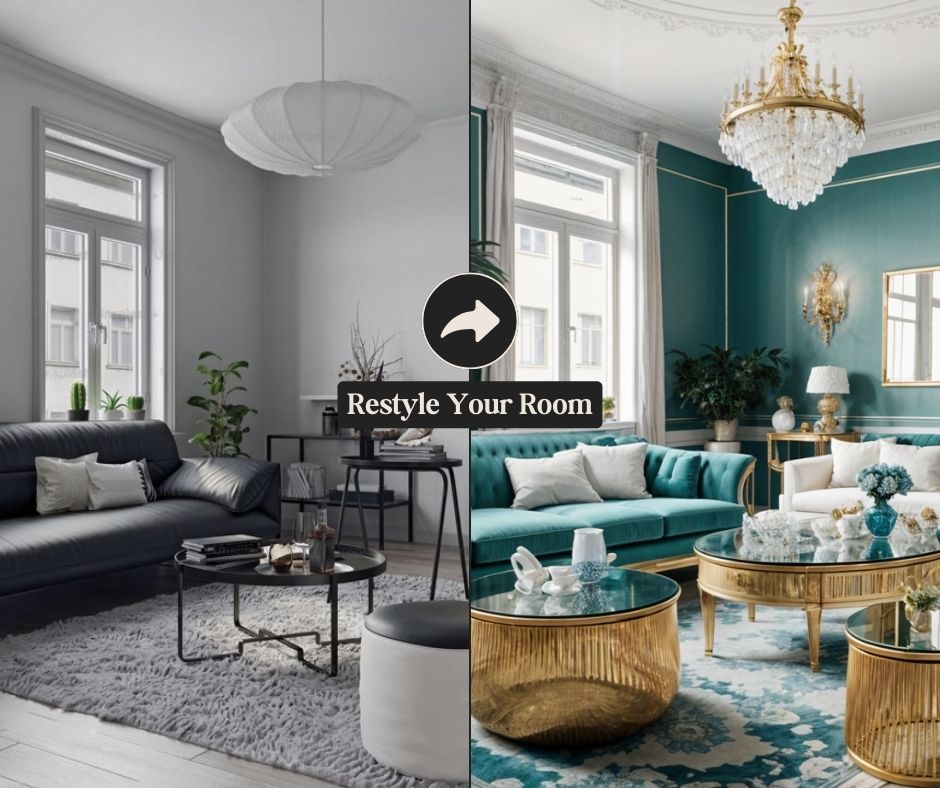
My AI Room Designer: Design Your Dream Space Online
- Art & Design
- AI Design Generator
- AI Room Planner
- Ai Interior Design

So you have a kick-off meeting or design sprint with a brand new client tomorrow? Let Springboard give you the information nuggets so you can kick-off like a boss.
- Art & Design
- AI Design Generator
- AI Graphic Design Tools
- AI UX/UI Design