

Peachcalendar
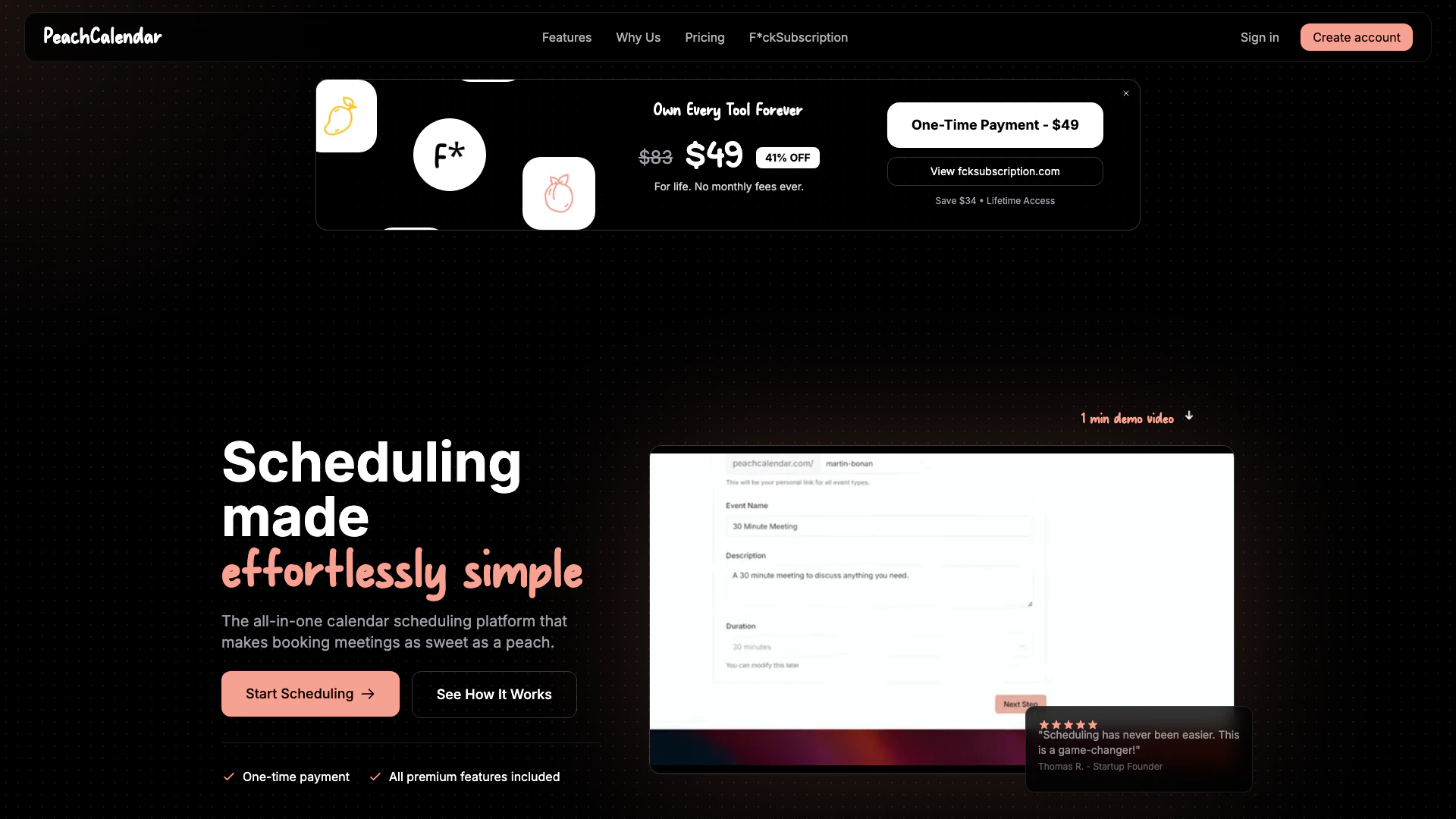





What is PeachCalendar?
PeachCalendar is a simple and elegant booking tool[1] designed to manage your appointments[2] and availability[3] effortlessly. It provides a user-friendly platform for scheduling meetings and events without the hassle of subscription fees. With a one-time payment model, users can access all premium features forever, making it an ideal choice for individuals and businesses looking to streamline their scheduling process. PeachCalendar focuses on providing an intuitive experience with powerful functionalities that cater to various scheduling needs.
How to use PeachCalendar?
- Visit the PeachCalendar website and create an account.
- Once logged in, customize your booking page by selecting colors, adding your logo, and setting welcome messages.
- Create unlimited event types by specifying durations, locations, and any booking questions.
- Sync your calendar (currently only Google Calendar) to manage your availability and avoid double bookings.
- Share your booking link with clients or colleagues, allowing them to schedule appointments based on your available time slots.
What are the main features of PeachCalendar?
- Unlimited Event Types: Create various event types with personalized settings for duration, location, and questions.
- Unlimited Scheduling: Schedule as many events as you need without any restrictions.
- Customizable Booking Pages: Tailor your booking pages to reflect your brand with custom colors and logos.
- Multiple Location Types: Offer different meeting options, including in-person, virtual, or phone calls.
- Calendar Integration: Sync with Google Calendar to manage your availability and prevent double bookings.
- Smart Notifications: Automated email notifications for all bookings to keep you and your clients informed.
Who is PeachCalendar for?
PeachCalendar is designed for professionals, small business owners, and teams who need a straightforward and effective scheduling solution. It's particularly beneficial for those who are tired of complex scheduling tools and subscription fees. Freelancers, consultants, and service providers can leverage PeachCalendar to manage their appointments seamlessly, while organizations looking for a cost-effective scheduling alternative will find it a valuable asset.
What are the use cases of PeachCalendar?
- Freelance Consultations: Freelancers can use PeachCalendar to allow clients to book consultations based on their availability.
- Team Meetings: Teams can coordinate meetings by sharing their availability, ensuring everyone can find a suitable time.
- Client Appointments: Service providers like therapists or coaches can manage their client appointments effortlessly through customizable booking options.
Product Images



Peachcalendar Pros and Cons
Pros
- One-Time Payment Model: PeachCalendar offers a one-time payment option, allowing users to access all premium features without ongoing subscription fees.
- Unlimited Scheduling Features: Users can create unlimited event types and schedule as many events as they want, providing flexibility and ease of use.
- Customizable Booking Pages: The tool allows users to customize their booking pages with personal branding, enhancing professionalism and user experience.
Cons
No cons data detected for this tool
Peachcalendar Pricing
Pro Plan
Everything you need to manage your calendar. One-time payment, lifetime updates, no BS.
For the latest pricing, please visit this link: https://www.peachcalendar.app/#pricing
Prices are subject to change. Please visit the official website for the most up-to-date pricing information.
Peachcalendar Reviews
Scheduling has never been easier. This is a game-changer!
For more reviews, visit this link: https://peachcalendar.app#reviews
Peachcalendar Compare
| Tool Name | Introduction | Pricing | Type | Rating | Launch Date | Learn more |
|---|---|---|---|---|---|---|
AiSofiya offers AI-powered tools, chatbots, and automation to help websites and businesses work smarter, faster, and 24/7. | Free | January 10, 2023 | Get deal | |||
Tutor AI - Your personal AI tutor to learn anything | Free | September 23, 2007 | Get deal | |||
Generate AI lesson plans, PowerPoints, and more with Copilot! Use Copilot to breeze through your unit planning and material creation! | Free | November 13, 2022 | Get deal |



Info current as of post date. Offers and availability may vary by location and are subject to change.
Peachcalendar Alternatives

Notion is an AI-powered workspace that automates tasks and enhances team collaboration.
- Productivity & Office
- AI Productivity Tools
- AI Information Management Tools
- AI Task Management Tools
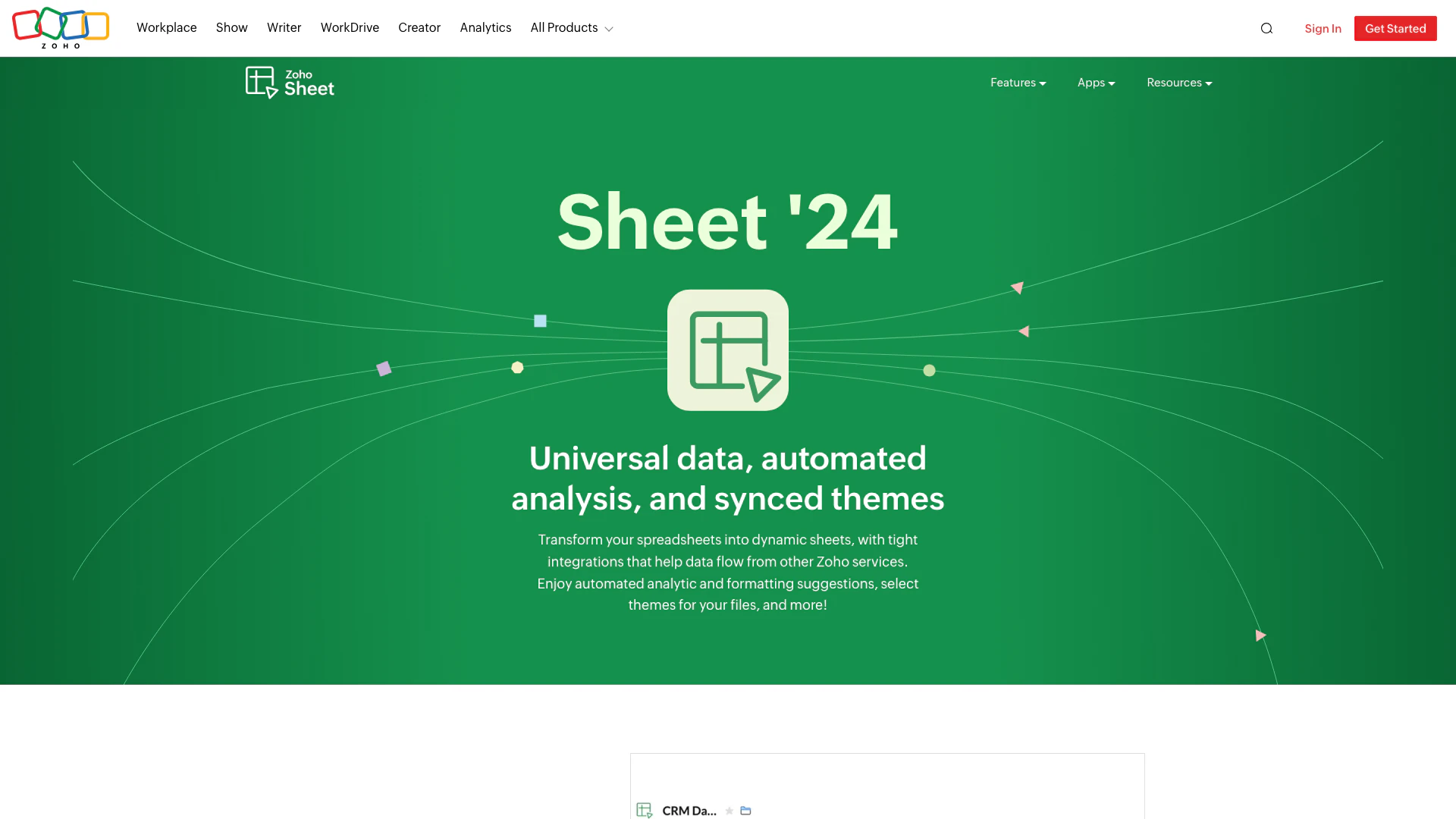
Transform your spreadsheets with Zoho Sheet's dynamic features.
- Productivity & Office
- AI Spreadsheet Tools
- AI Spreadsheet Automation Tools
- Productivity Maximization Tools
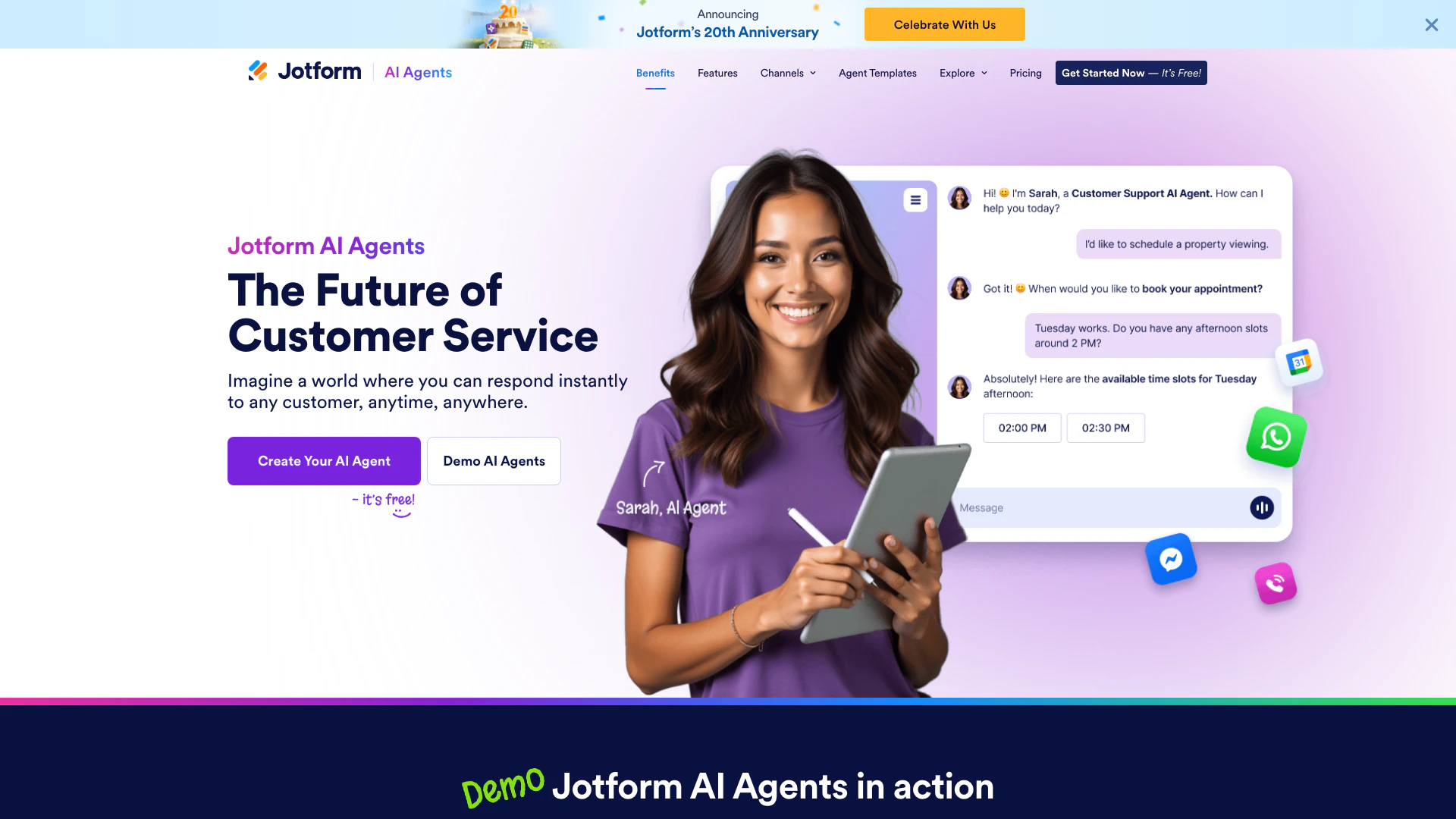
Automate customer service with Jotform AI Agents.
- Productivity & Office
- Productivity Maximization Tools
- Form Building Tools
- Content Management Tools