

Pixellabai




What is Pixellabai?
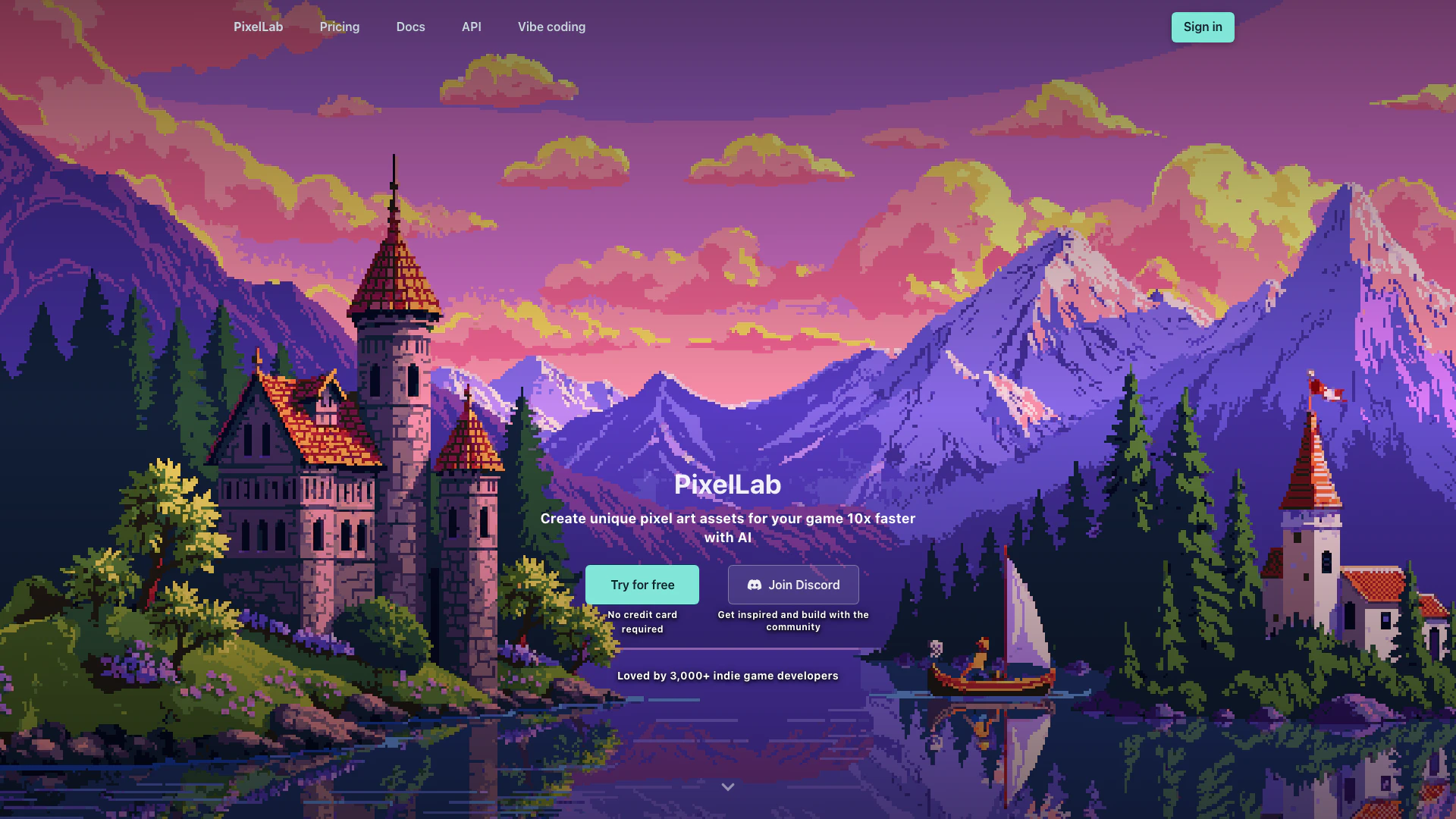
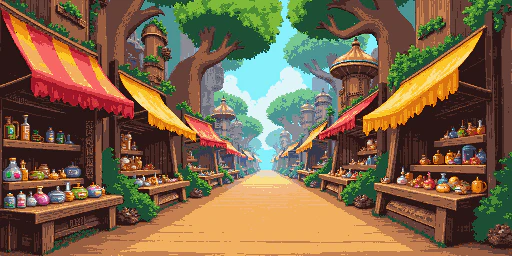
Pixellabai is an innovative AI-powered[1] tool designed for creating game-ready pixel art[2] assets significantly faster than traditional methods. It serves as a professional sprite animation[3] tool and game asset generator[4], enabling users to produce animated characters[5], sprite sheets, and pixel art environments with ease. Whether used directly in a web browser or as a plugin for Aseprite, Pixellabai is particularly tailored for indie game developers looking to enhance their creative workflow and streamline asset production.
How to use Pixellabai?
- Sign Up: Visit the Pixellabai website and create an account to access the tool for free, no credit card required.
- Choose Your Project: Select whether you want to create characters, environments, or UI elements.
- Generate Assets: Use the AI features to generate pixel art by inputting text prompts or uploading reference images. You can create animations, rotations, and more with just a few clicks.
- Edit and Customize: Utilize inpainting and editing tools to refine your assets, ensuring they fit your game's style and requirements.
- Export Your Work: Once satisfied with your creations, export them for use in your game development projects.
What are the main features of Pixellabai?
- One-click Animations: Quickly create character animations with minimal effort.
- Skeleton-based Animation: Utilize skeletons for more complex animations.
- Text Prompt Animations: Generate animations by describing actions in text.
- 4 & 8 Directional Views: Easily create sprite rotations for different perspectives.
- Scene Generation: Generate detailed pixel art scenes and environments from text descriptions.
- True Inpainting: Edit existing images while maintaining style consistency.
Who is Pixellabai for?
Pixellabai is designed primarily for indie game developers and artists who want to create pixel art assets efficiently. It caters to those looking to speed up their asset creation process without compromising on quality. Whether you are a solo developer or part of a small team, Pixellabai provides the tools needed to bring your game ideas to life, making it ideal for anyone involved in game development.
What are the use cases of Pixellabai?
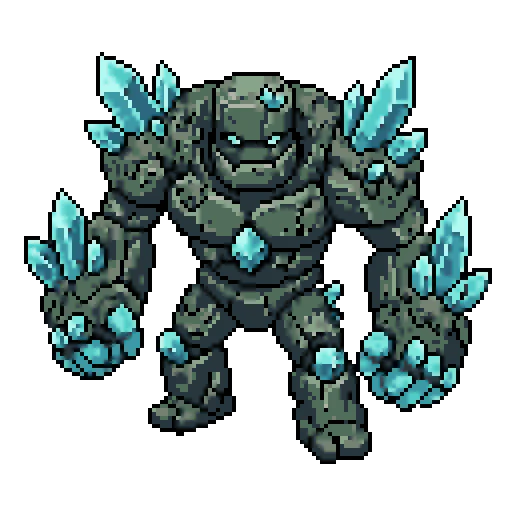
- Character Design: Create unique pixel art characters and animate them for use in games.
- Environmental Art: Generate detailed backgrounds and scenes that enhance gameplay and storytelling.
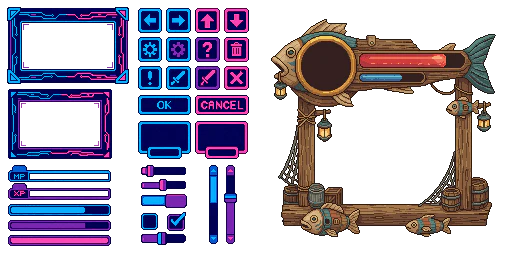
- UI Components: Design pixel art user interface elements like buttons, health bars, and menus to maintain a cohesive visual style.
Product Images

Pixellabai Pros and Cons
Pros
- AI-Powered Speed: Create pixel art assets 10 times faster with AI technology, streamlining the asset creation process for game developers.
- Versatile Animation Tools: Includes one-click animations and skeleton-based controls, allowing for easy creation of dynamic character animations.
- Cross-Platform Compatibility: Works in browser and as an Aseprite plugin, ensuring accessibility across different platforms including Windows, Mac, and Linux.
Cons
No cons data detected for this tool
Pixellabai Pricing
Free trial
40 fast generations. After that, 5 daily slower generations (store up to 20). Generate images, create sprites, items, and illustrations up to 200x200 pixels. Rotate artwork, change the camera angle or direction of your artwork. Edit artwork using inpainting to modify your characters and images. API Access to automate workflows and dynamic asset generation. AI Agent Toolkit to use with Claude Code, Cursor, and other AI assistants via MCP. License to use generated images commercially.
Tier 1: Pixel Apprentice
Image generation limit of 2,000 images per month. Generate images up to 320x320 pixels. Rotate artwork, change the camera angle or direction of your artwork. Edit artwork using inpainting to modify your characters and images. Animation tools to animate your characters using either text or skeletons. Map generation to create game worlds and environments. Support via Discord with an Apprentice Discord role. License to use generated images commercially.
Tier 2: Pixel Artisan
All benefits from Tier 1, plus generate faster with priority queue and up to 10 concurrent background jobs. Image generation limit of 5,000 images per month. Create images up to 400x400 pixels in size. Priority support with an Artisan Discord role. Early access to experimental tools and settings. License to use generated images commercially.
Tier 3: Pixel Architect
All benefits from Tier 1 and 2, plus generate even faster with highest priority and up to 20 concurrent background jobs. Image generation limit of 10,000 images per month. Collaborate with the team to share feedback and ideas with the development team. Vote on prioritization to help decide what features to work on next. Architect Discord role in our Discord community. License to use generated images commercially.
For the latest pricing, please visit this link: https://www.pixellab.ai/#checkout
Prices are subject to change. Please visit the official website for the most up-to-date pricing information.
Pixellabai Reviews
I love making rotations because they are easy and make me go "WOW" every time
I am freaking loving PixelLab
This is the only complete toolkit on the market for consistent, professional quality game assets.
For more reviews, visit this link: https://www.pixellab.ai/#what-our-users-say
Pixellabai Compare
| Tool Name | Introduction | Pricing | Type | Rating | Launch Date | Learn more |
|---|---|---|---|---|---|---|
 | Streamline your hiring process with AI-driven recruitment software. | Free | 💼Work🎨Creativity | May 10, 2000 | Get deal | |
 | Superhuman enhances productivity with AI tools for seamless workflow. | Free Trial | 💼Work🎨Creativity | November 23, 1999 | Get deal | |
 | Create stunning professional headshots effortlessly with FaceEdits AI. | Free | 💼Work🎨Creativity | November 20, 2025 | Get deal |
Info current as of post date. Offers and availability may vary by location and are subject to change.
Pixellabai Q&A
Yes, it works on Windows, Mac, and Linux.
For more FAQs, please visit this link: https://www.pixellab.ai/#
Pixellabai Alternatives
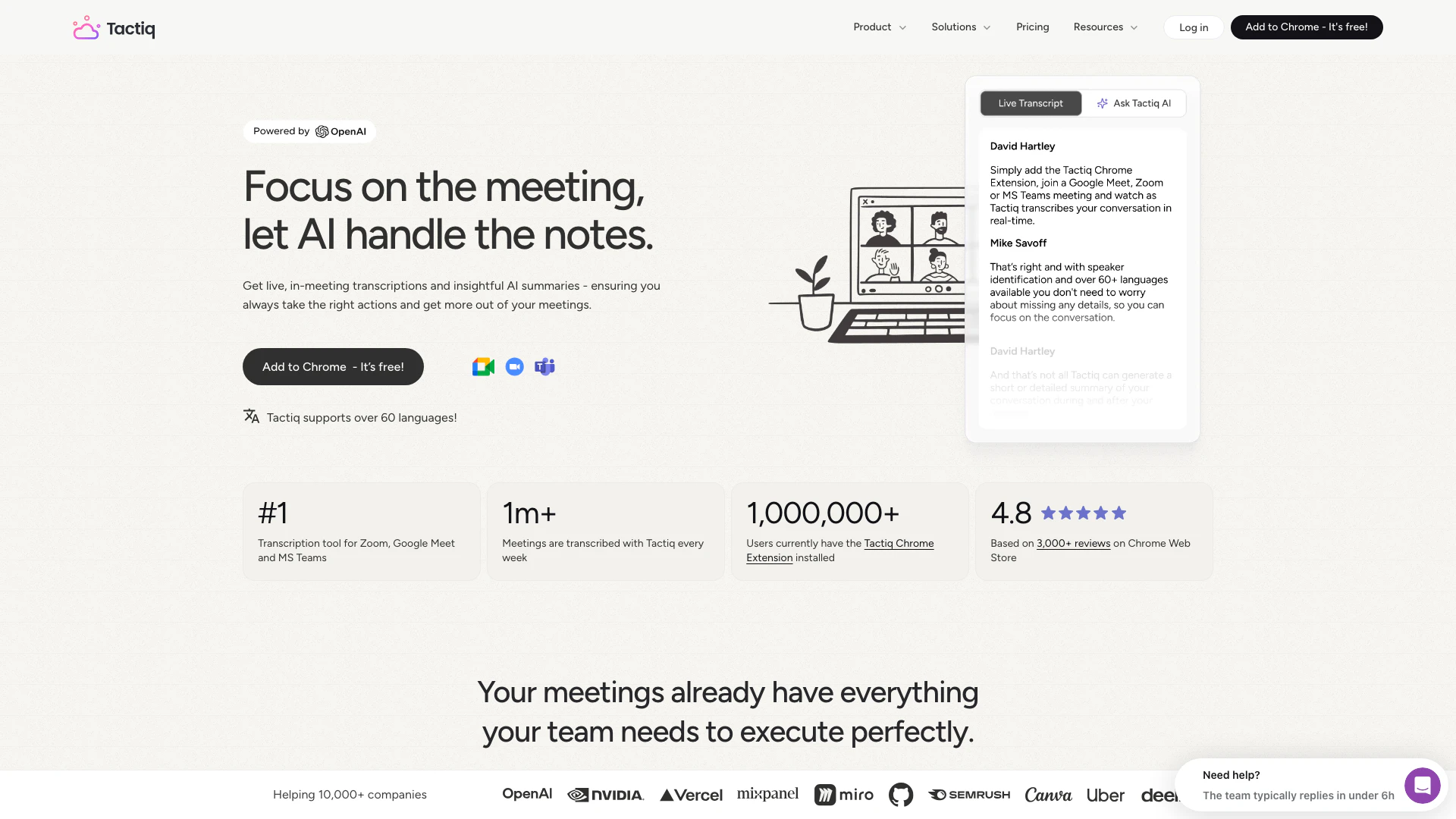
Get more from your meetings with Tactiq.io AI meeting assistant. From live transcription to AI summaries, action items and custom AI prompts just for you.
- Art & Design
- AI Design Generator
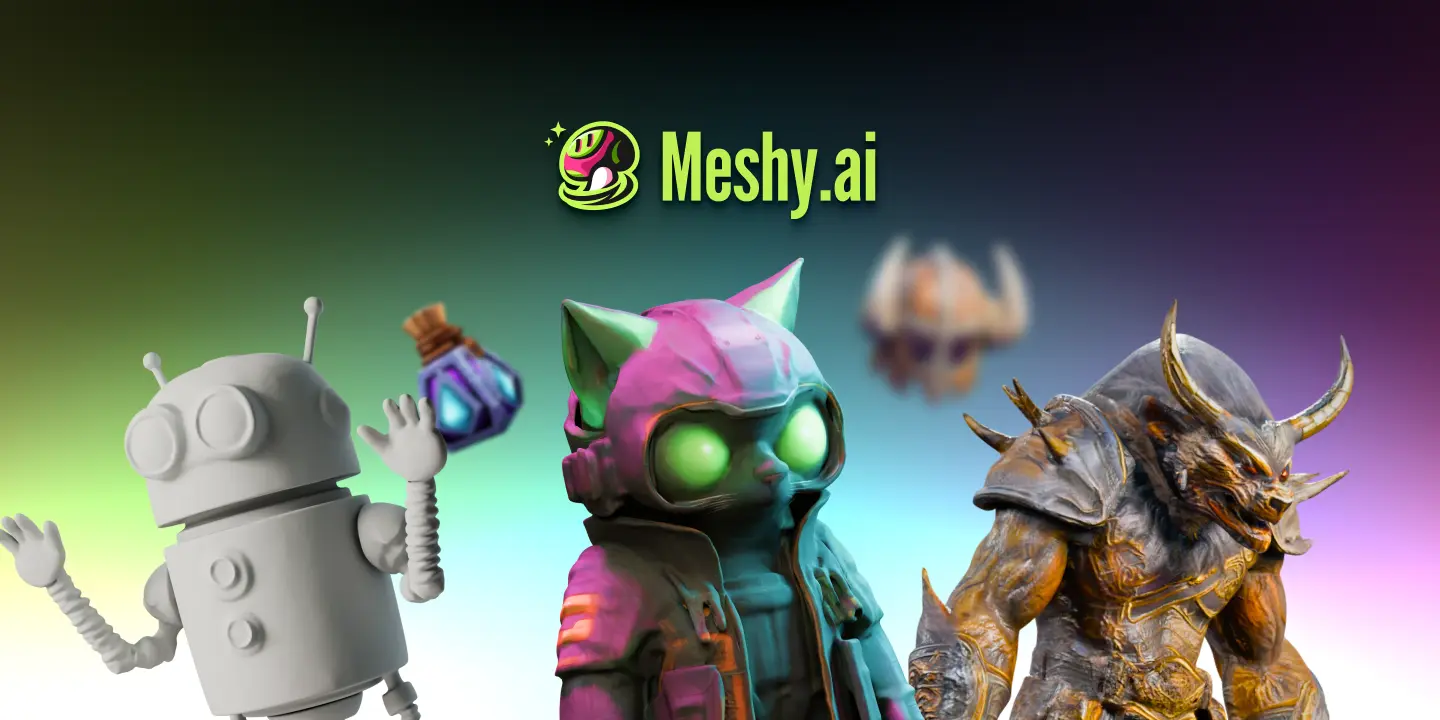
Community - Meshy
- Art & Design
- AI Design Generator
- AI Graphic Design Tools
- AI UX/UI Design
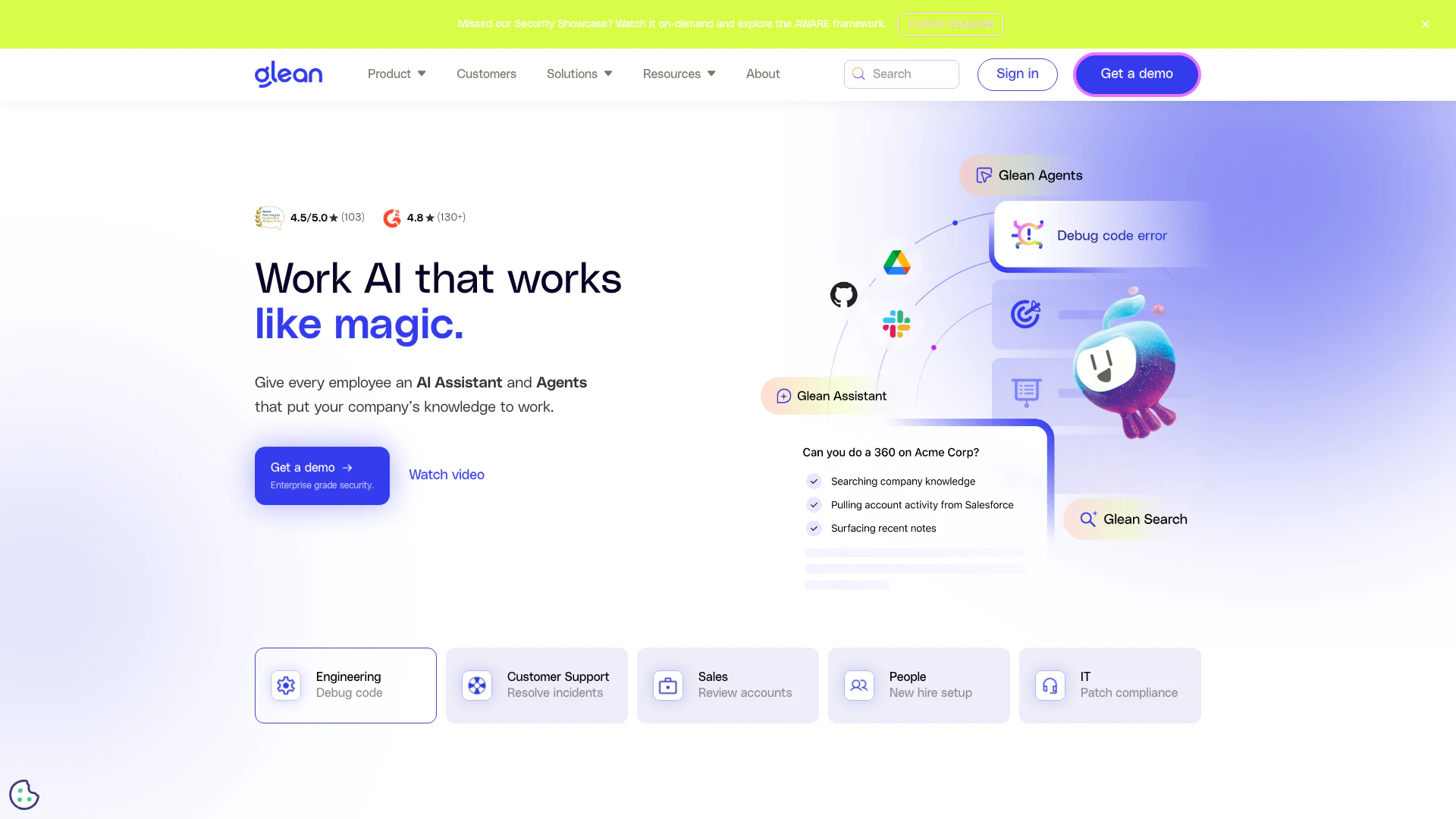
Glean is the Work AI platform connected to your enterprise's data. Find, create, and automate anything. Explore what Work AI can do for you!
- Art & Design
- AI Design Generator